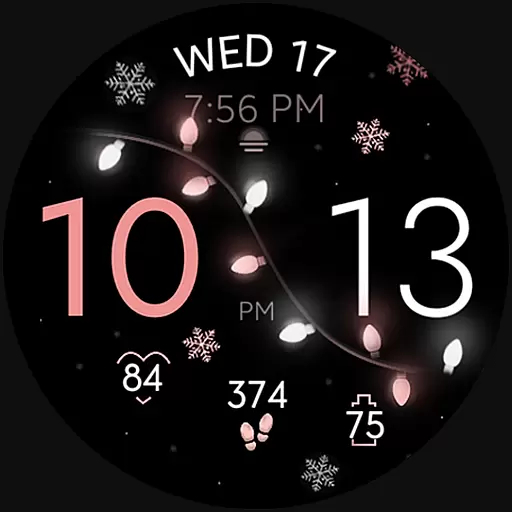
Rose gold watch face with festive lights & customizable features.
 4.60
4.60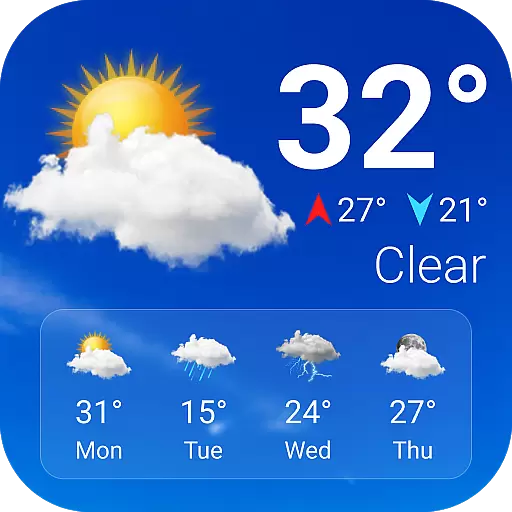
Current temperature, weather hourly, weather radar by the weather forecast app
4.40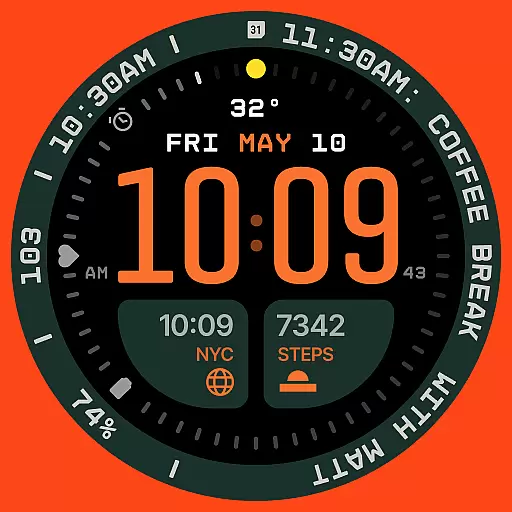
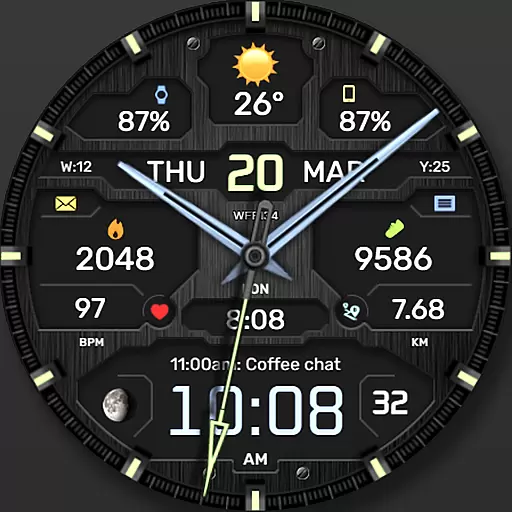
Structured watch face with seven complications and modular UI elements
3.90
Your second brain for organizing your life: to-do, calendar, reminder.
4.70
Professional weather radar and more
3.90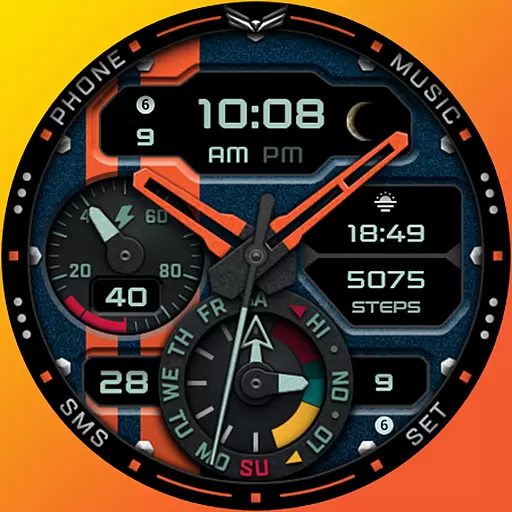
A modern hybrid informative watch face for Wear OS designed by BALLOZI
4.80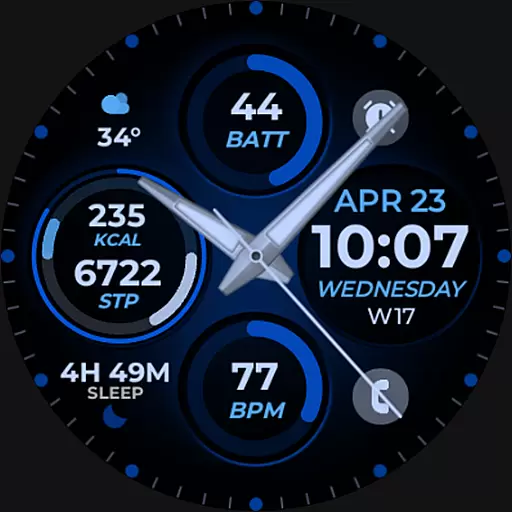
Hybrid Vibrant Health Watch Face for Wear OS
4.1
Fitbit is dedicated to helping people lead healthier, more active lives.
4.10
Control your Samsung Smart TVs, appliances, and SmartThings-compatible devices
4.60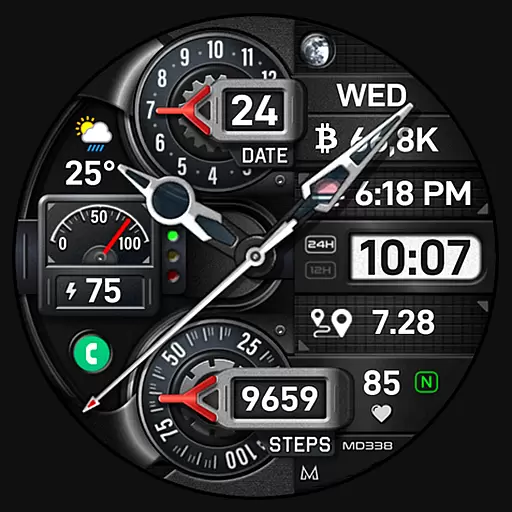
Highly customizable hybrid watch face for Wear OS, perfect for everyday use.
4.60
Kia Access makes getting your vehicle information easier than ever
4.60
Monitor health with the stress test and pulse checker in the heart rate app.
4.60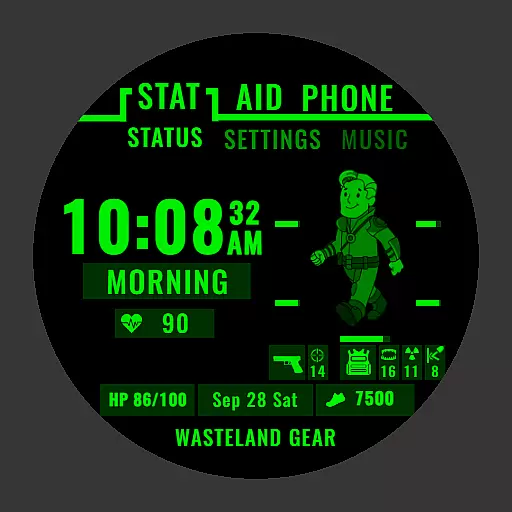
Ideal for surviving in the wasteland left after nuclear fallout
4.50
Fast and smart typing with Emojis, GIFs, and more
4.50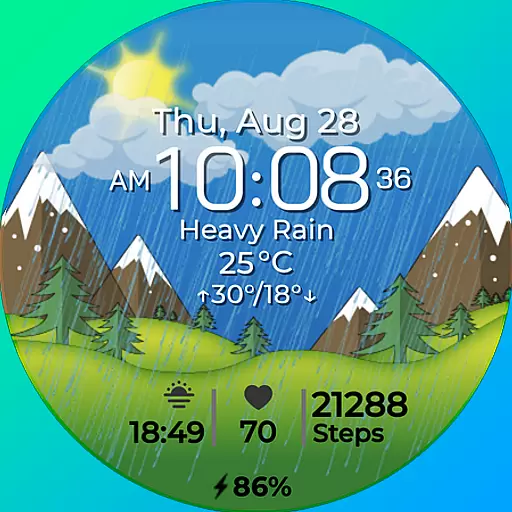
Watch face for Wear OS.
4.20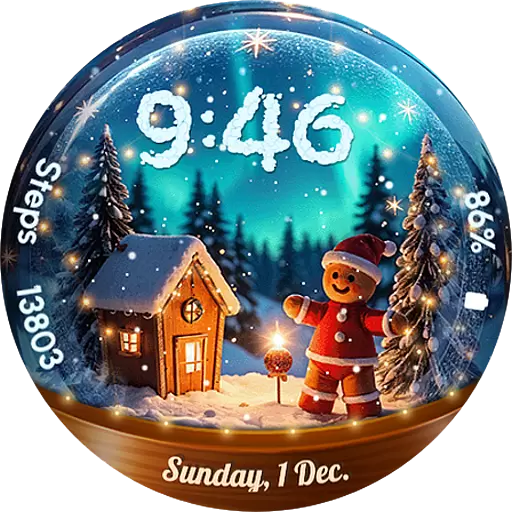
Wear Os Watch Face - Animated Snow Effect & Magic Spark - 6 Scenes
4.10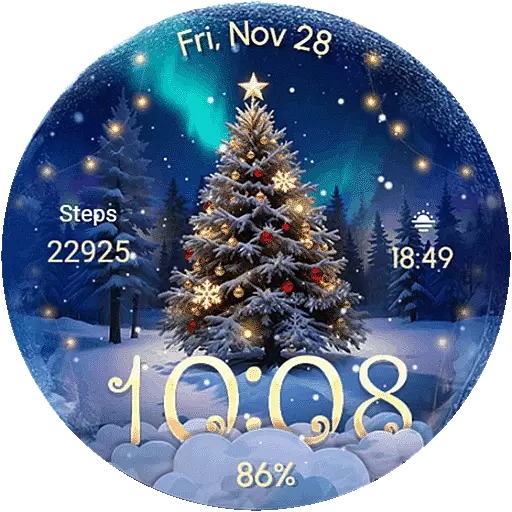
Wear Os Watch Face - Animated Snow Effect & Christmas Lights
4.0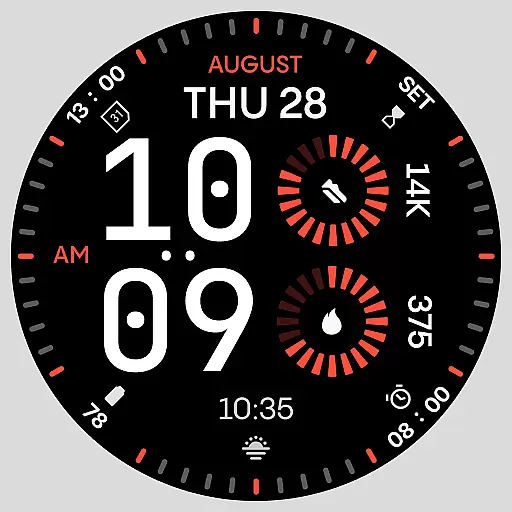
Stunning modern digital watch face with 7 complications and strong contrast
4.0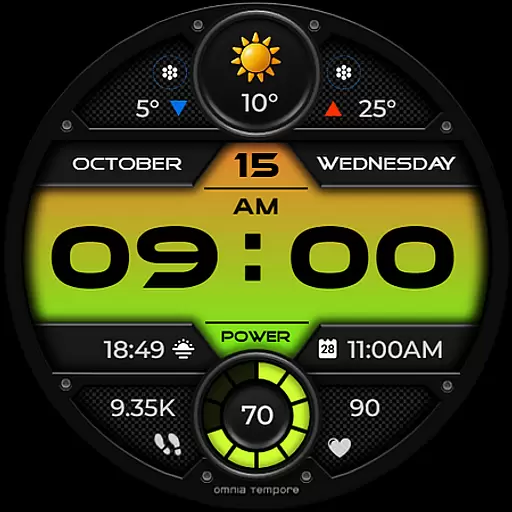
Stylish digital watch face for Wear OS devices with customizable features
4.3


