
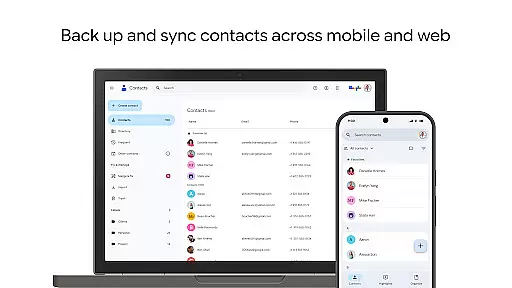
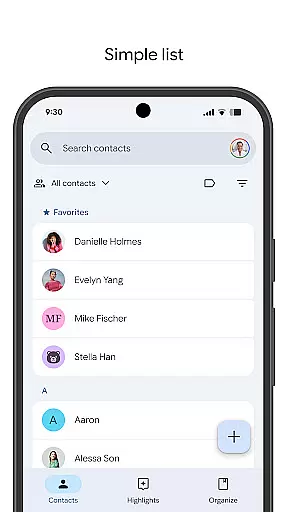
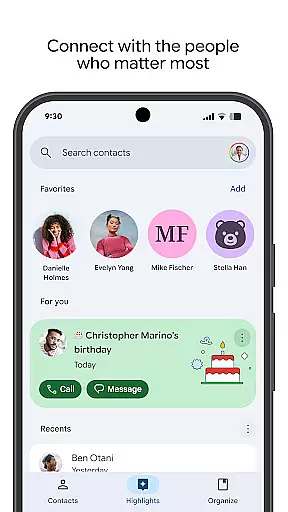
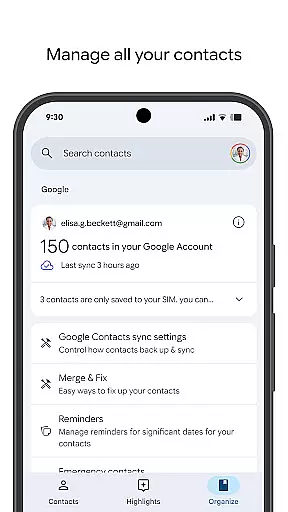
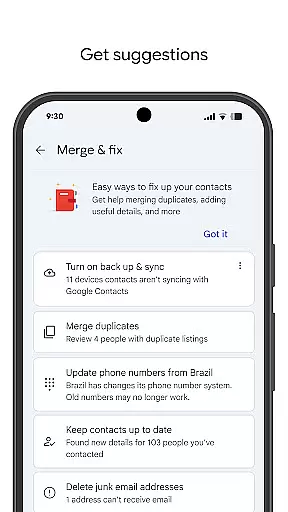
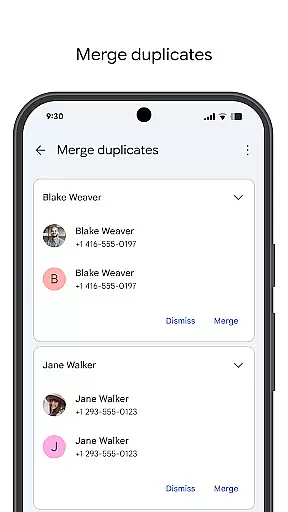
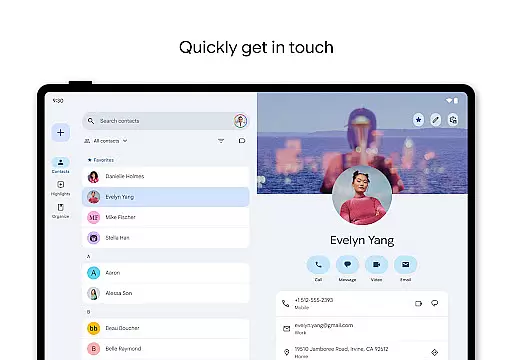
Contacts is a powerful Android Wear application that allows users to back up and sync their contacts across all devices. By linking to your Google Account, it ensures your contacts are safely stored and accessible from any signed-in device. The app also offers a Trash feature, enabling recovery of deleted contacts within 30 days.
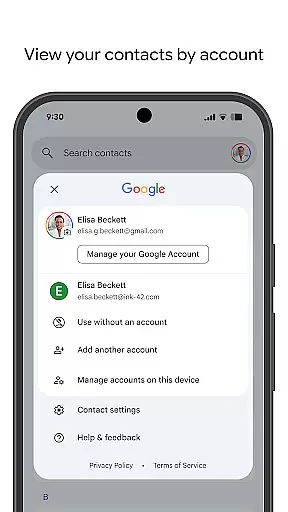
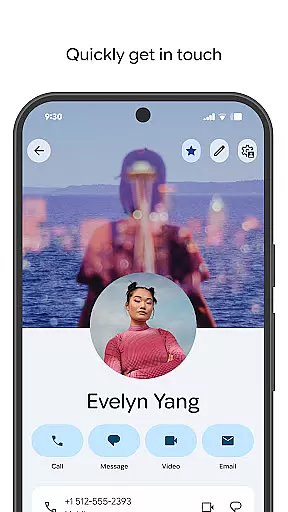
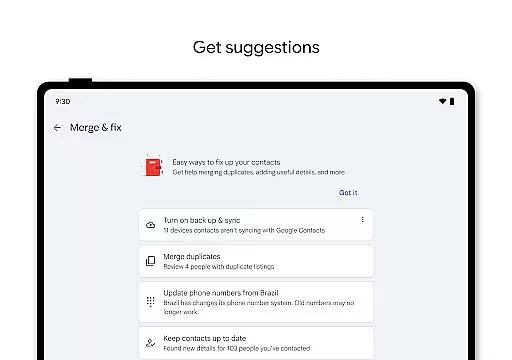
Beyond simple storage, Contacts helps you organize and update your contact list efficiently. You can view contacts by specific accounts, edit details like phone numbers and emails, and merge duplicate entries. Additionally, the app enhances personal connections by highlighting important dates such as birthdays and anniversaries, ensuring you never miss a special occasion.
One of the standout features of Contacts is its seamless integration with your Google Account, providing automatic backup and synchronization of your contact list. This ensures that whether you're on your phone, tablet, or even Wear OS, your contacts are always up-to-date and accessible.
The app also includes organizational tools that allow users to categorize contacts by account type, making it easier to manage work versus personal contacts. Editing features are intuitive, supporting updates to phone numbers, email addresses, and profile photos. Advanced functionalities include merging duplicates and recovering accidentally deleted contacts from the Trash folder within 30 days.
For those looking to maintain stronger personal connections, Contacts provides reminders for upcoming birthdays and anniversaries. It also offers quick access to recently added or viewed contacts, streamlining daily interactions. These features collectively enhance both the practicality and emotional value of maintaining an updated contact list.
For Android Wear users, the Contacts app offers seamless companion app integration that ensures your contact information is always up to date across all devices. This means whether you're on your phone or using a Wear OS smartwatch, your contacts are synchronized effortlessly.
The synchronization feature allows for real-time updates, ensuring that any changes made on one device are immediately reflected on another. This includes new contact additions, edits to existing contact details, or even deletions, providing a consistent experience no matter which device you choose to use.
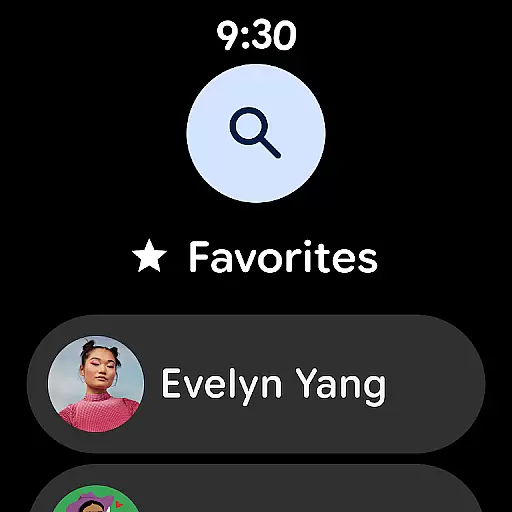
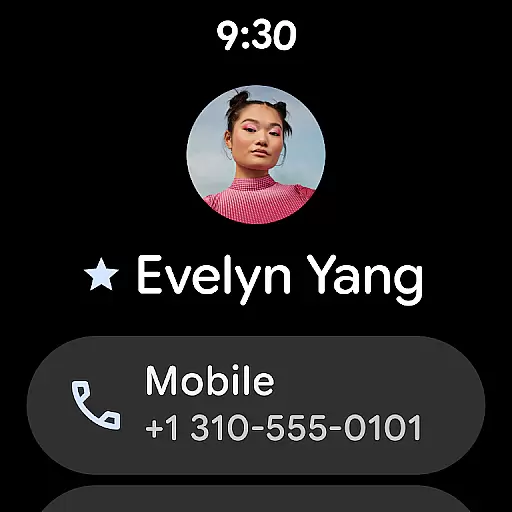
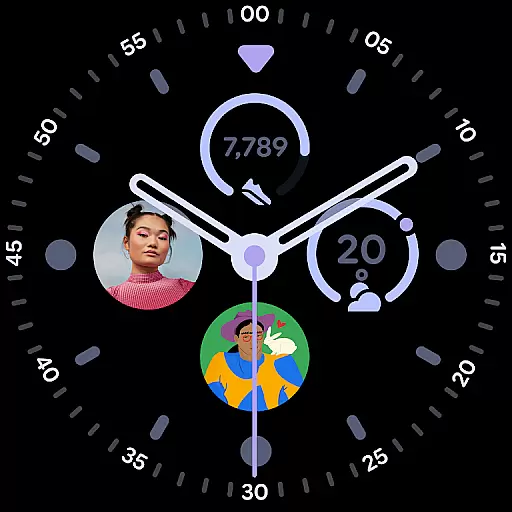
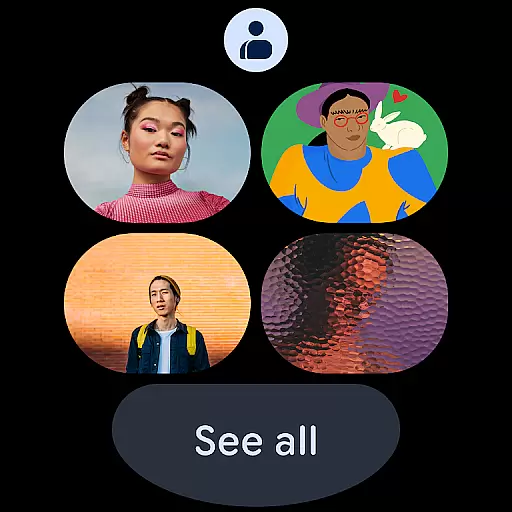
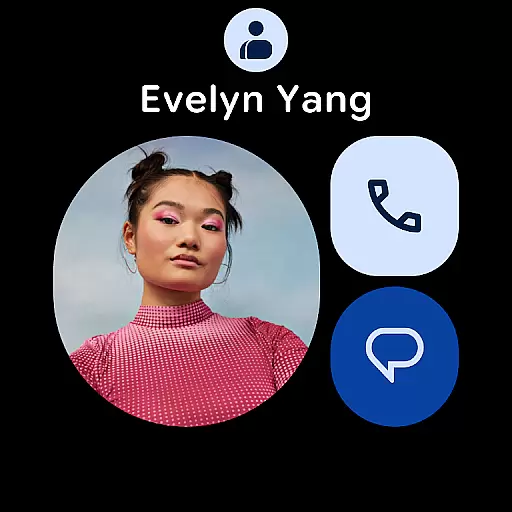
Furthermore, the app provides specialized Wear OS functionalities such as favorite contacts tiles and individual contact complications. These features allow quick access to important contacts directly from your watch face, streamlining the process of staying connected with key individuals in your network.
The Contacts app is fully optimized for Wear OS, ensuring broad device compatibility and a smooth user experience on all supported smartwatches. This optimization guarantees that users can enjoy the full functionality of the Contacts app without worrying about performance issues or missing features.
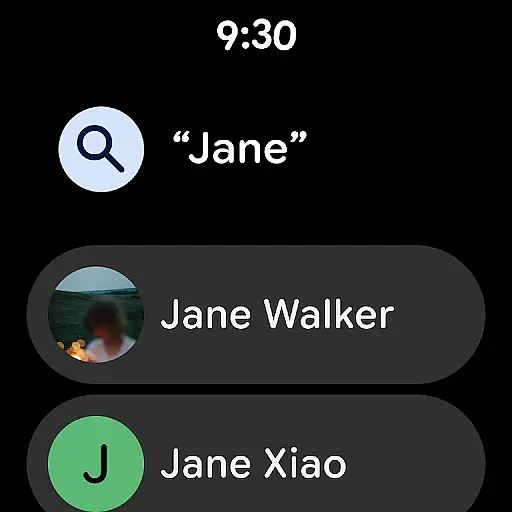
Device compatibility extends to various manufacturers and models, allowing users with different Wear OS devices to benefit from the app's capabilities. Whether it's through voice commands or touch interactions, managing your contacts has never been easier on a smartwatch.
In addition to basic contact management, the app also supports advanced features like viewing highlights such as upcoming birthdays and anniversaries directly on your wearable device. This ensures that you stay informed and never miss an important date, regardless of the device you're using.
User-friendly interface
Automatic backup functionality
Cross-device synchronization
Duplicate contact merging
Special date notifications
Limited offline functionality
Requires Google Account
Occasional sync delays
No advanced search filters
Basic design aesthetics

Precision analog watch face with 7 complications and style options
 4.2
4.2
Digital watch face. For Wear OS devices.
4.40
Hyperlocal rain alerts by MyRadar using patent-pending technology, radar & more
4.80
Period, ovulation & pregnancy tracker. Fertility insights & menstrual calendar.
4.90
Funny animated watch face for Thanksgiving
4.4
Professional weather radar and more
3.90
Animated video-game inspired “secret agent” simulation, right on your wrist!
4.20
From periods to pregnancy & perimenopause, Flo helps you track it all. Try now.
4.70
Toyota app currently supports 2010 or newer vehicles (2018 or newer for Hawaii).
4.50
Beautiful, colorful and practical watch face. For Wear OS devices.
5.00
Real-time weather radar with temperatures, warnings, hurricanes, and widgets
4.80
The most customizable minimal watch face. For Wear OS 5.0, API 34+ and later
4.70
Connect to your Bluelink equipped Hyundai vehicle from your smartphone.
4.50
Digital watch face with big numbers and many customization for Wear OS devices
4.40
Calming & relaxing sounds for sleeping and stress relief. Stay focused all day!
4.20
"PER27 Galaxy Digital" is a digital Wear OS watch face designed by PERSONA
4.10
Snowflake Rose Gold Watch Face - Digital, modern, & sleek with GYRO effect.
4.10
A digital watch face that celebrates Christmas.
4.00
Hybrid Vibrant Health Watch Face for Wear OS
4.2


User Reviews