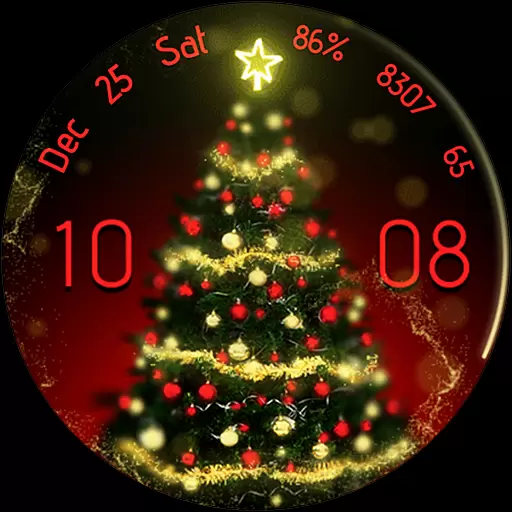
Embrace the holiday spirit with this magical animated watch face!
 4.40
4.40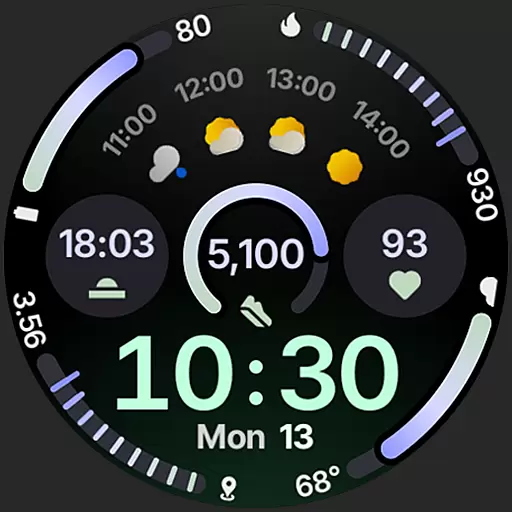
Sleek, highly customizable watch face inspired by Galaxy Watch Circle Dashboard.
4.1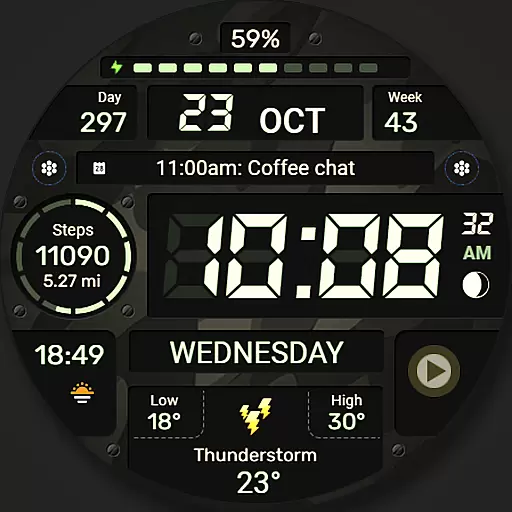
Digital watch face. For Wear OS devices.
4.40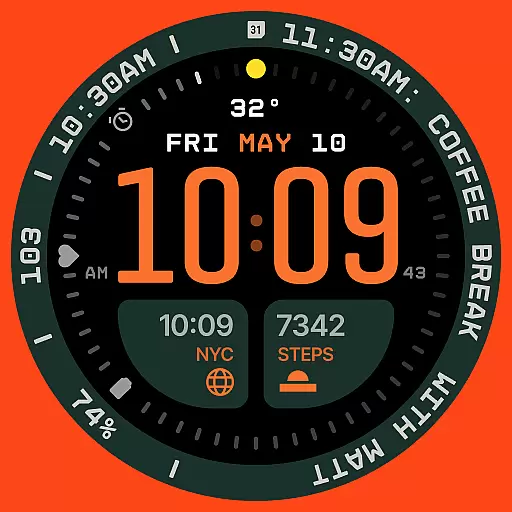
Structured watch face with seven complications and modular UI elements
3.90
Find EV charging stations
4.30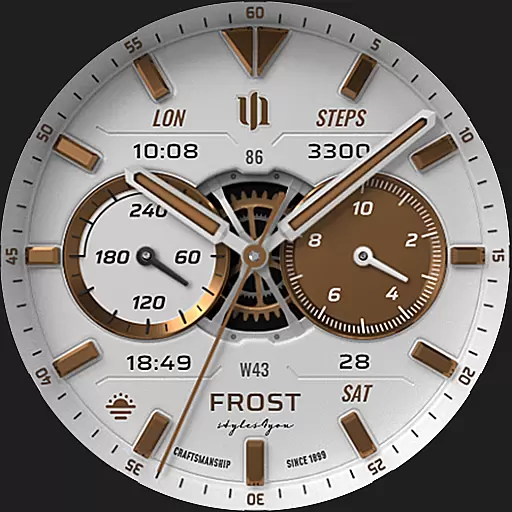
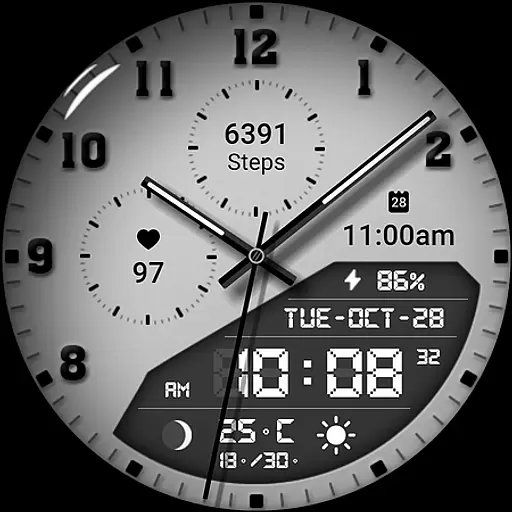
A white realistic classic analog watch face with many customization options.
4.40
Connect, create, and collaborate with Gmail, part of Google Workspace.
4.10
Start and succeed with PAP
4.10
Download full tracks, listen to music offline, make unlimited playlists.
4.80
Simple, helpful messaging by Google
4.60
Fast and smart typing with Emojis, GIFs, and more
4.50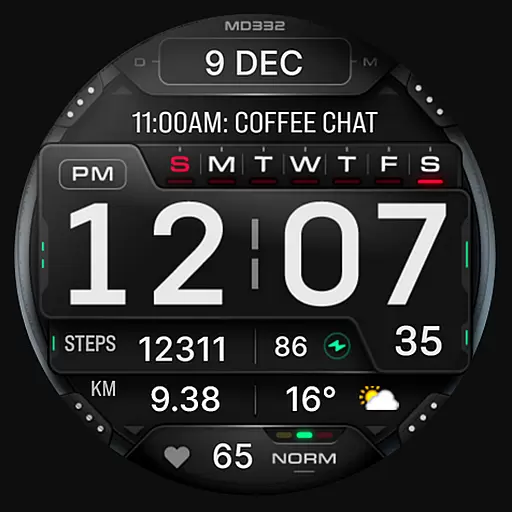
Digital watch face with big numbers and many customization for Wear OS devices
4.40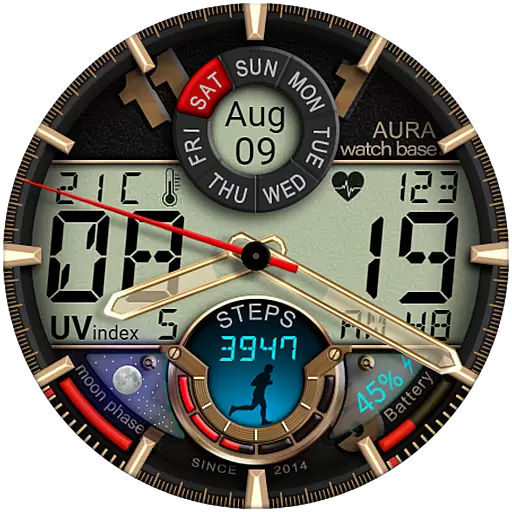
Bold, Modern Hybrid Watch Face for Wear OS. 10 Colors, Rich Info Display.
4.30
Locate your family members by GPS phone location tracker everywhere and anytime
4.30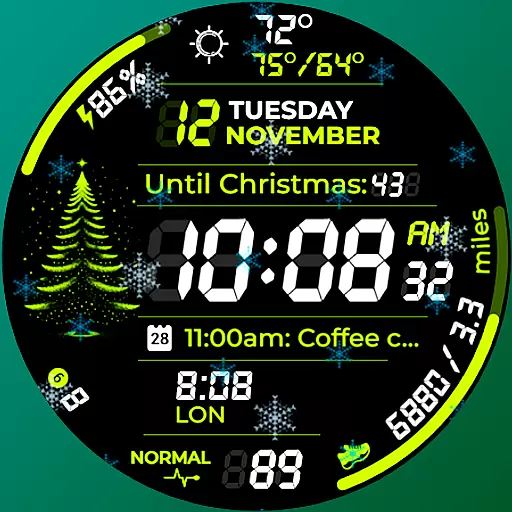
A customizable Christmas watch face for Wear OS with a countdown.
4.20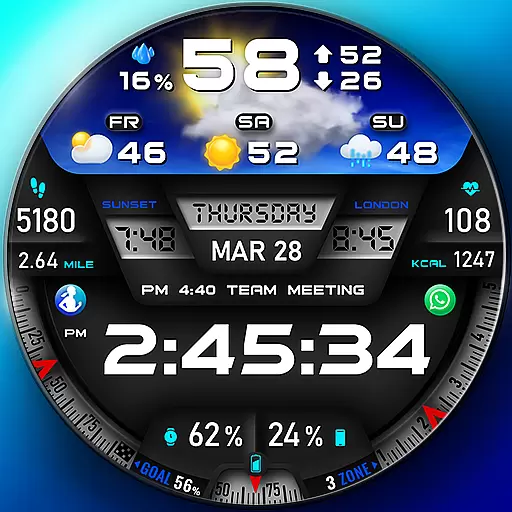
"PER27 Galaxy Digital" is a digital Wear OS watch face designed by PERSONA
4.10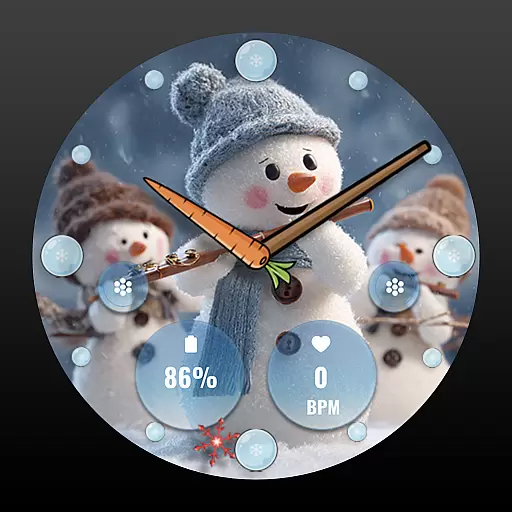
an Analog Watch Face for winter season with freeze winter background for Wear OS
4.0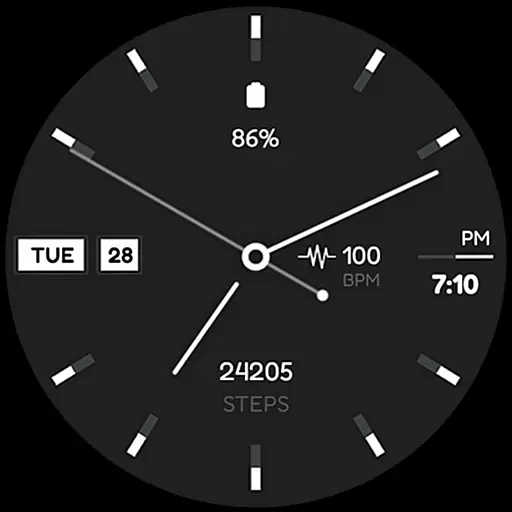
Simple Analog-Digital Watchface For Wear OS 3.0 and Up Smartwatches
4.2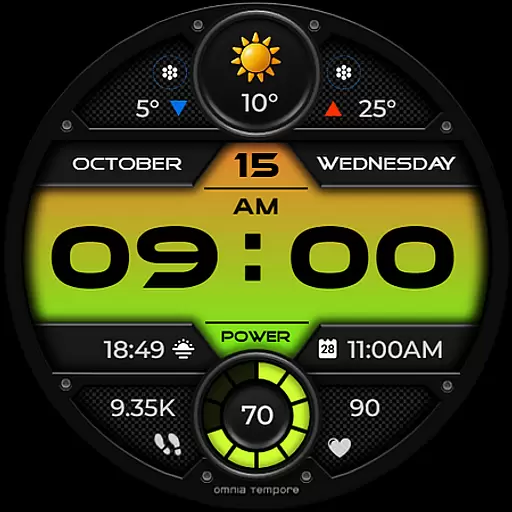
Stylish digital watch face for Wear OS devices with customizable features
4.5


