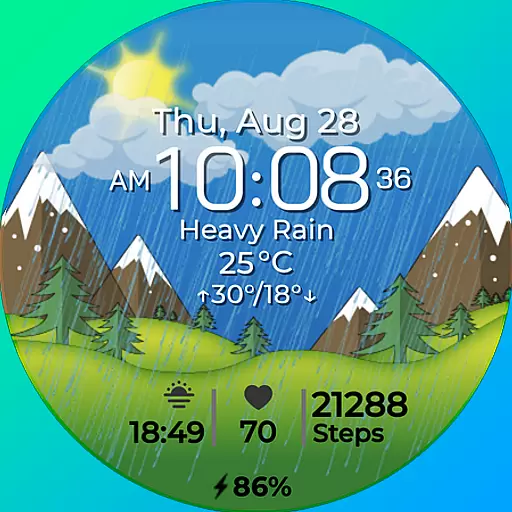
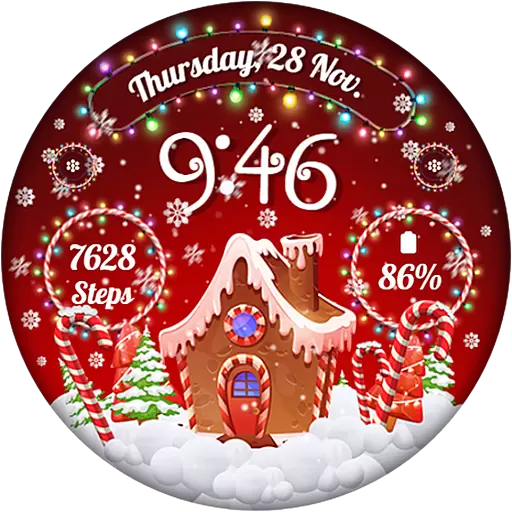
Wear Os Watch Face - Animated Snow - Sesonal for Christmas & Winter
 4.3
4.3
MyNISSAN® lets you remotely control your car from your phone.*
4.50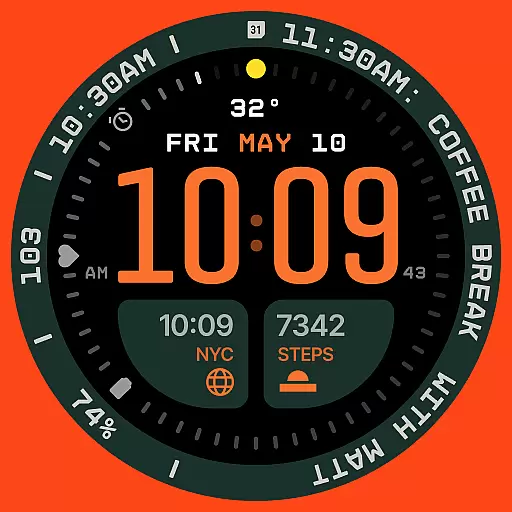
Structured watch face with seven complications and modular UI elements
3.90
Monitor health with the stress test and pulse checker in the heart rate app.
4.60
To-Do List: daily schedule planner, task organizer, to do reminder app, calendar
4.60
Stay in touch with your friends and family using LINE!
3.40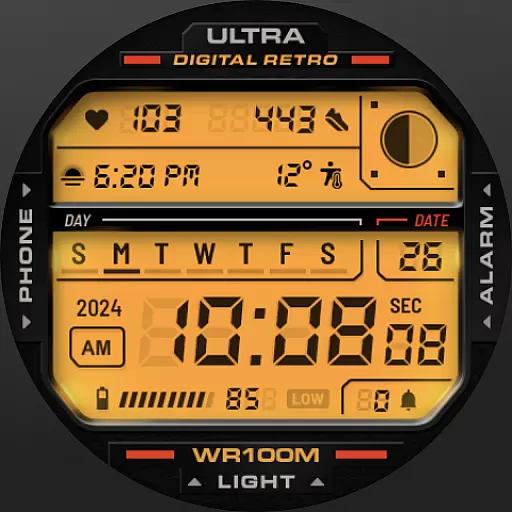
Retro digital watch face with customizable colors and a unique lighting effect
4.60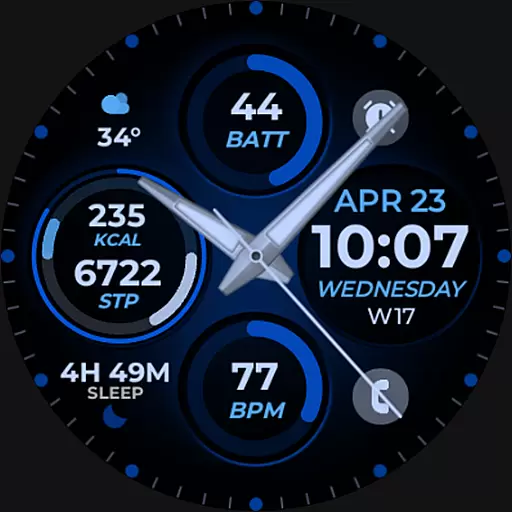
Hybrid Vibrant Health Watch Face for Wear OS
4.5
Spam call blocker and caller ID for automatic call protection!
4.40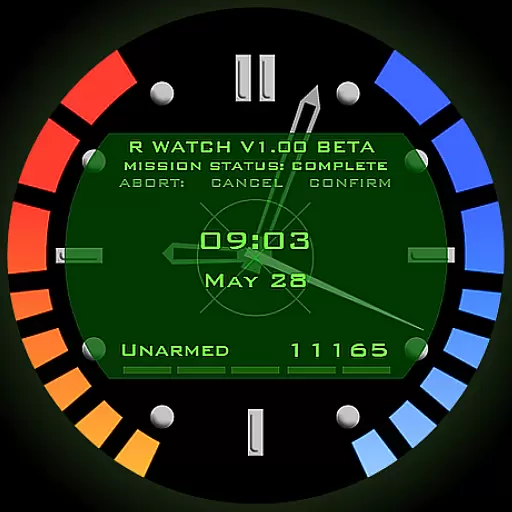
Be an elegant and classy secret agent, with this carefully detailed watch face
4.70
Kia Access makes getting your vehicle information easier than ever
4.60
Simple, helpful messaging by Google
4.60
Connect to your Bluelink equipped Hyundai vehicle from your smartphone.
4.50
Your music, your playlists, and more—offline and unlimited.
4.20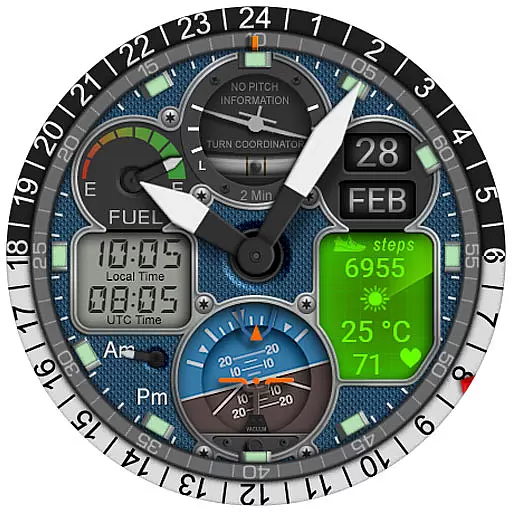
Hyper-Realistic Airplane Dashboard Watch Face With 10 Skins and Custom AOD
4.00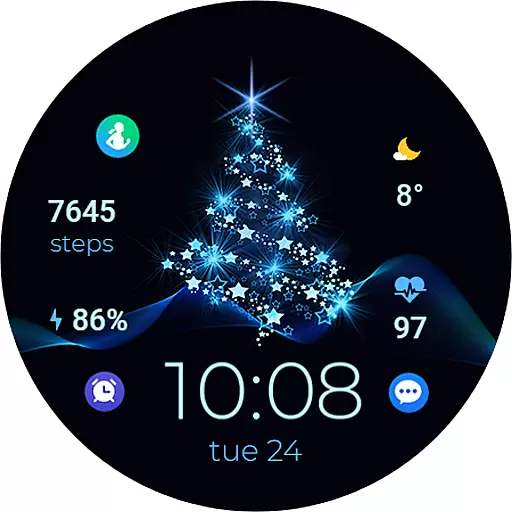
A digital watch face that celebrates Christmas.
4.00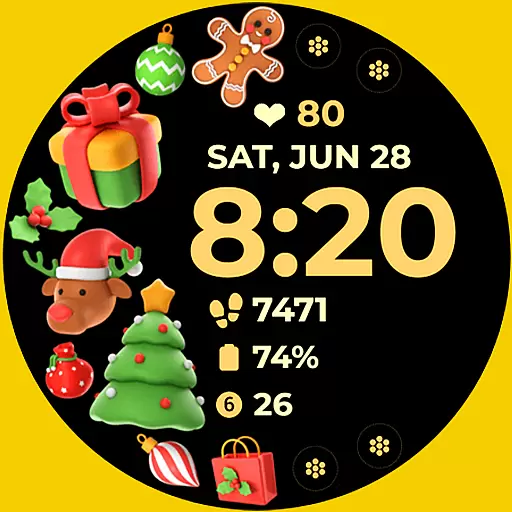
Christmas and New Year - Themed Watchface
4.1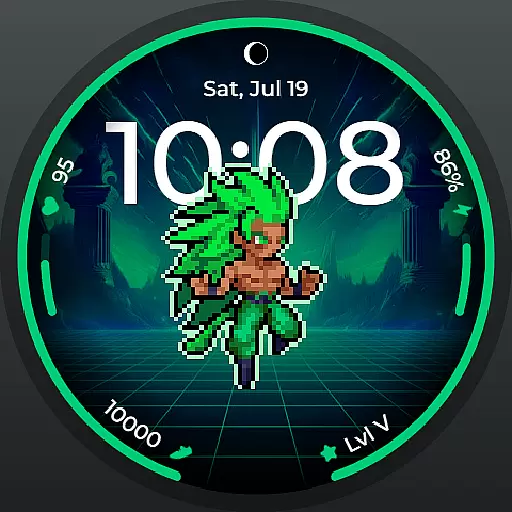
Fitness interactive virtual pet super fighter boy watch face
4.2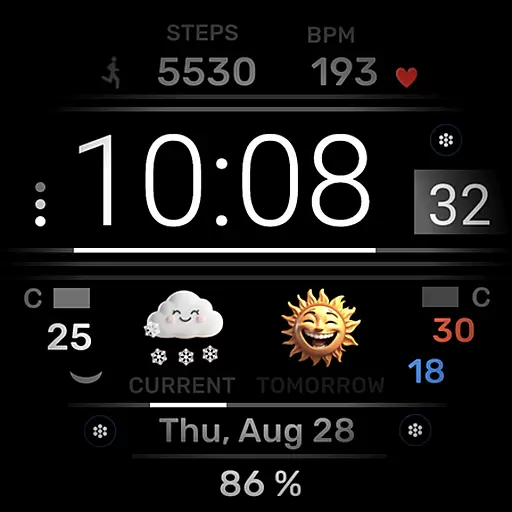
Minimalistic design modern digital watch face.
4.1


