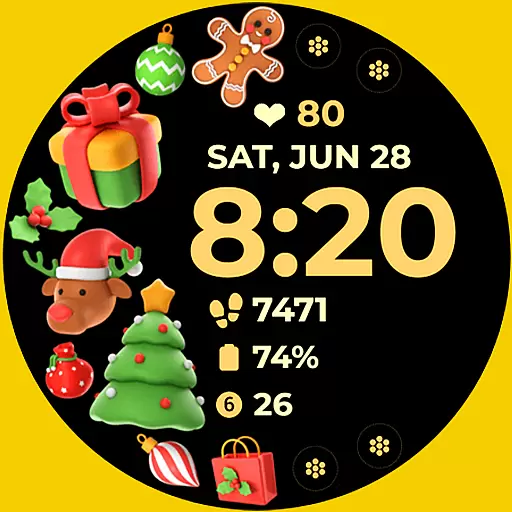
Christmas and New Year - Themed Watchface
 4.5
4.5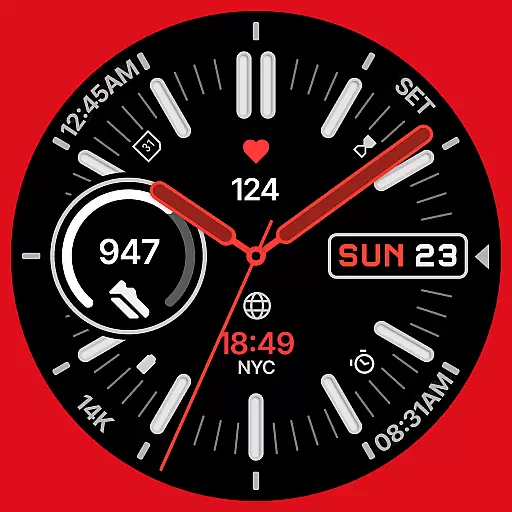
A watch face that fuses motorsport precision with contemporary smartwatch design
4.5
Monitor health with the stress test and pulse checker in the heart rate app.
4.60
Real-time results, stats, schedules and player profiles for all leagues
4.60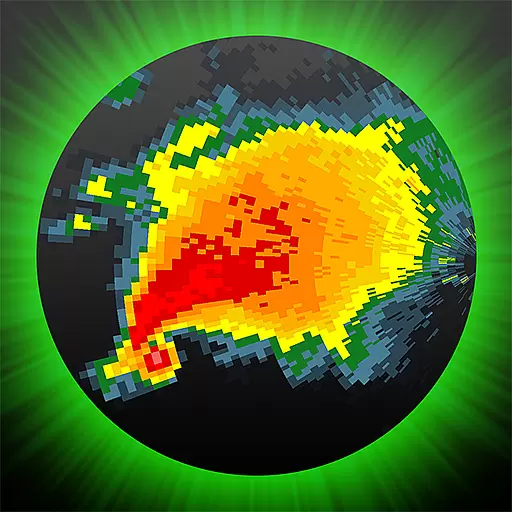
Professional weather radar and more
3.90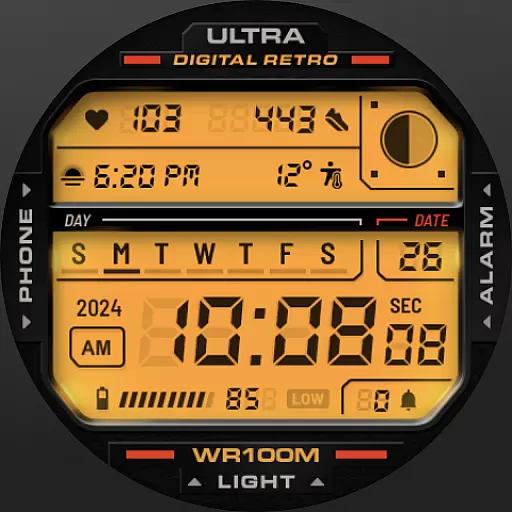
Retro digital watch face with customizable colors and a unique lighting effect
4.60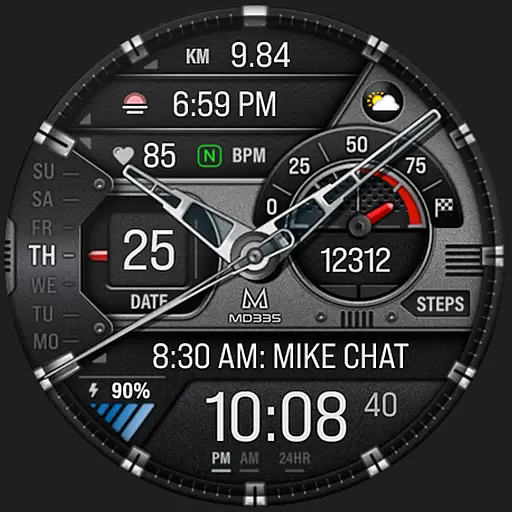
Premium hybrid watch face with many customizations for Wear OS devices.
4.40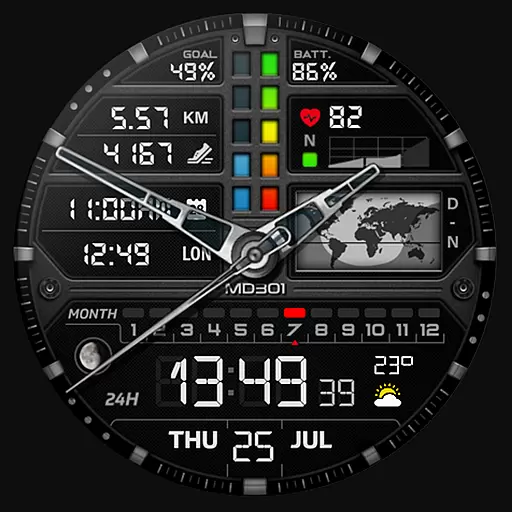
Hybrid watch face for Wear OS with customizable complications by Matteo Dini MD
4.70
Spam call blocker and caller ID for automatic call protection!
4.40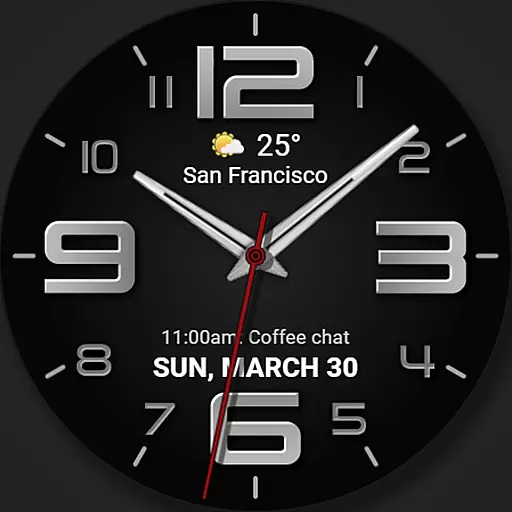
The most customizable minimal watch face. For Wear OS 5.0, API 34+ and later
4.70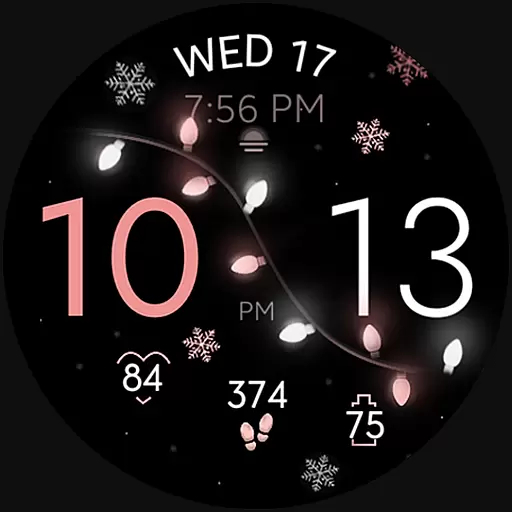
Rose gold watch face with festive lights & customizable features.
4.60
Simple, helpful messaging by Google
4.60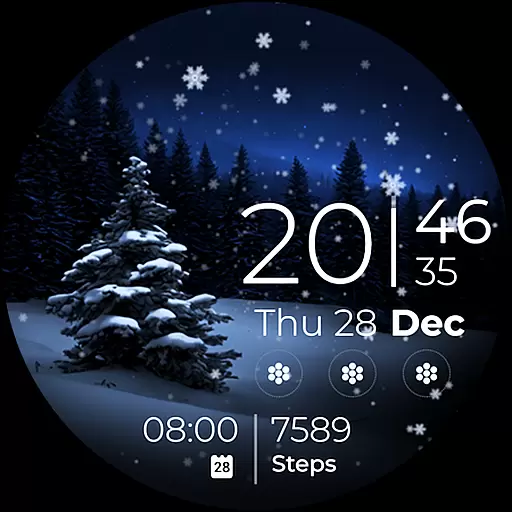
Beautiful artistic animated digital watch face, with a customizable layout!
4.40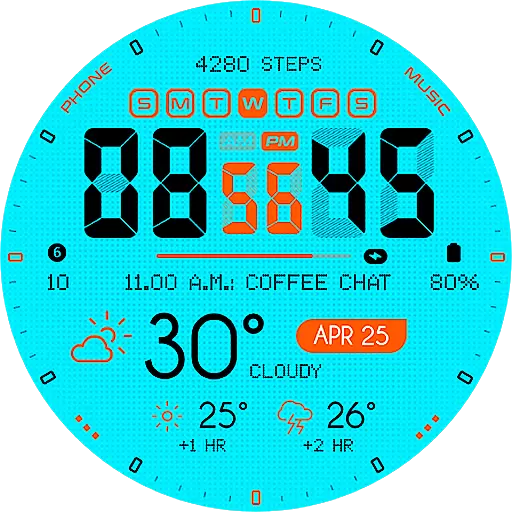
Bold weather Digital watchface with forecast & optional animated background
4.40
The ultimate destination for kids ages 3-8 to explore the Marvel Universe!
4.30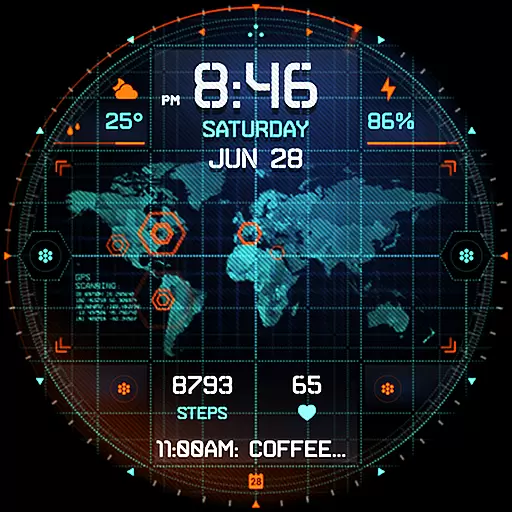
Animated video-game inspired “secret agent” simulation, right on your wrist!
4.20
sleep, alarm, snoring, stress, healing, focus, sound therapy, circadian rhythm
4.10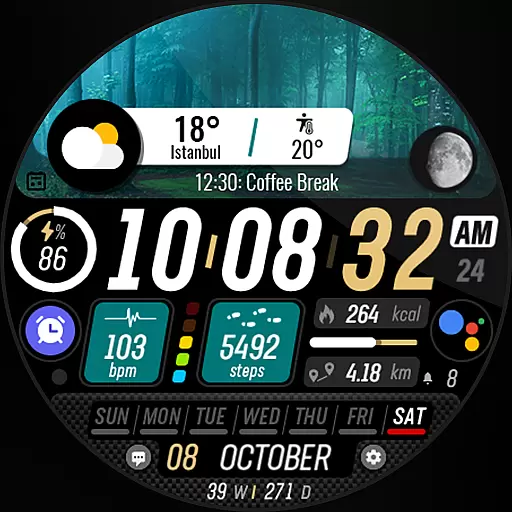
Watch the sharpness of the sky on your wrist..
3.70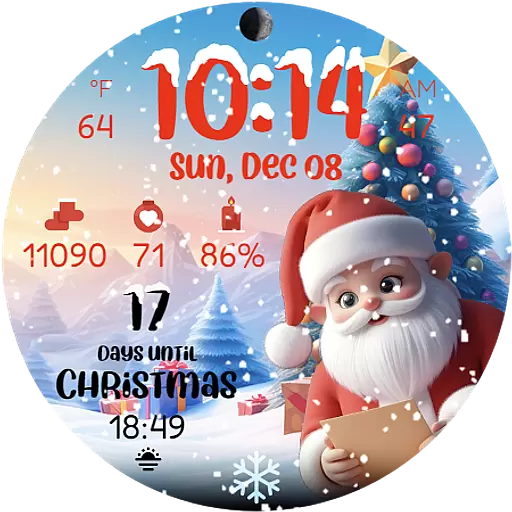
Christmas is near, let's count together the days left until Santa comes
4.2


