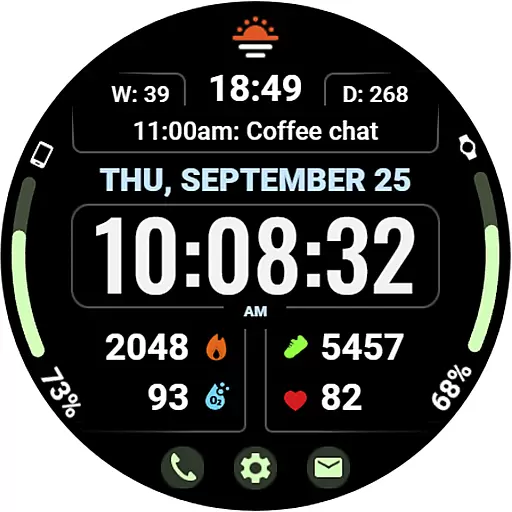

Christmas Theme Watch Face for Wear Os
 5.00
5.00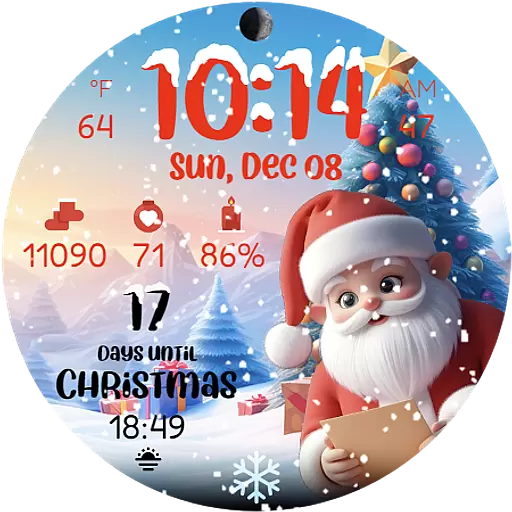
Christmas is near, let's count together the days left until Santa comes
4.5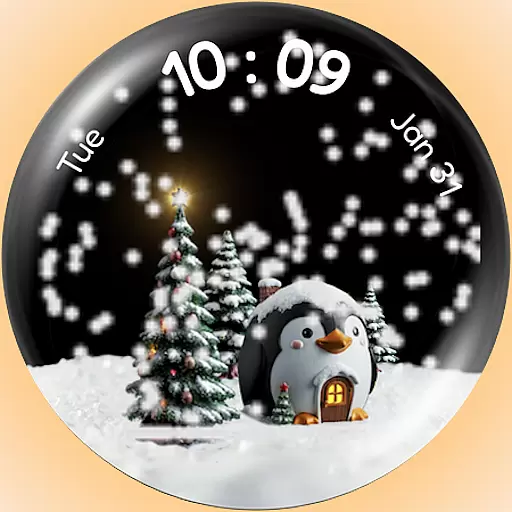
A Wintery Snow Globe on Your Wrist; now celebrating Christmas!
4.2
MyNISSAN® lets you remotely control your car from your phone.*
4.50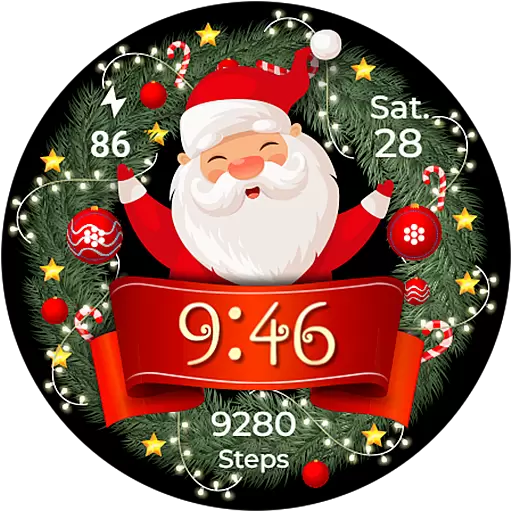
Deck out your Wear OS Watch face with a beautifully decorated pine wreath!
4.50
Monitor health with the stress test and pulse checker in the heart rate app.
4.60
Gym & home workout plans with strength training, exercise tracking, HIIT & more.
4.60
Fitbit is dedicated to helping people lead healthier, more active lives.
4.10
Toyota app currently supports 2010 or newer vehicles (2018 or newer for Hawaii).
4.50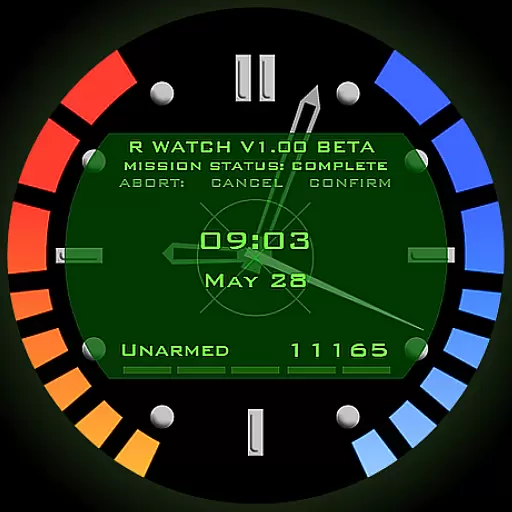
Be an elegant and classy secret agent, with this carefully detailed watch face
4.70
Locate your family members by GPS phone location tracker everywhere and anytime
4.30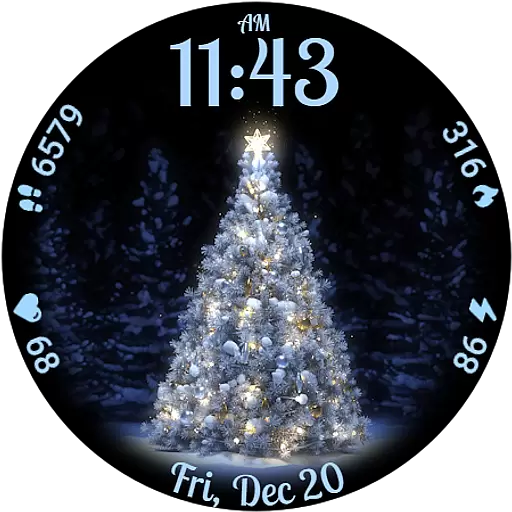
Elegant animated Christmas tree with multiple customization options
4.20
Your music, your playlists, and more—offline and unlimited.
4.20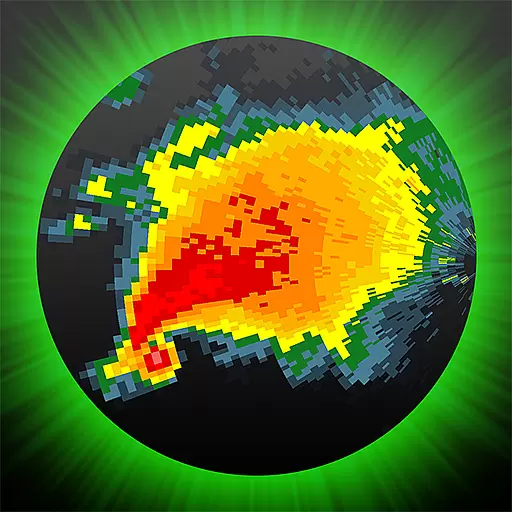
Professional weather radar and more
3.90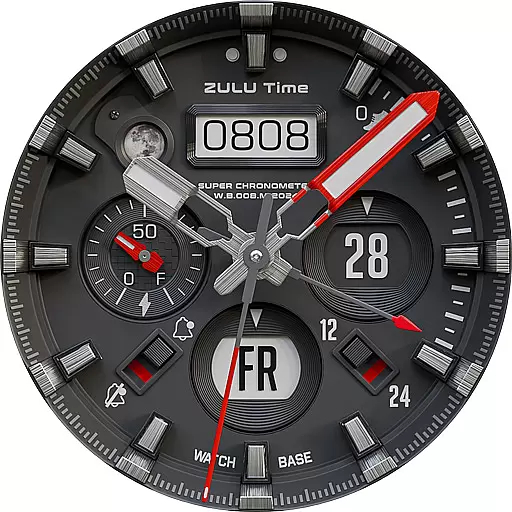
Authentic military-tactical design with ZULU time! Realistic and functional!
3.80
Want to take charge of your health? Let Google Fit help you reach your goals.
3.50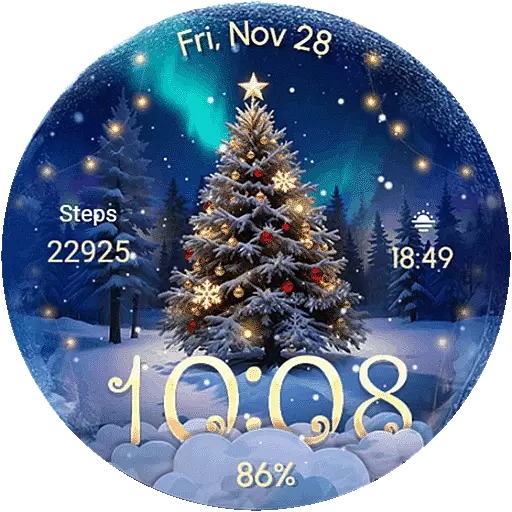
Wear Os Watch Face - Animated Snow Effect & Christmas Lights
4.2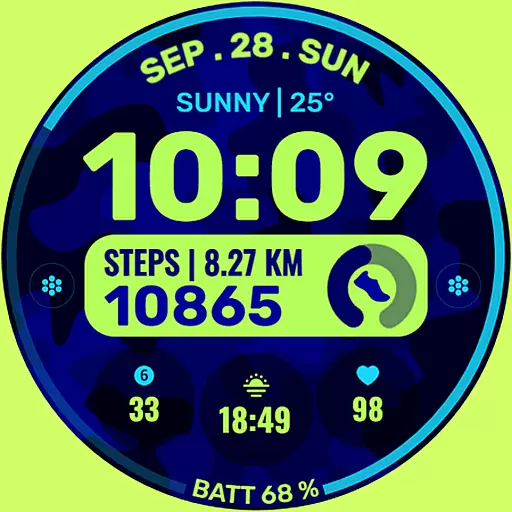
Artistic Digital Watchface
4.1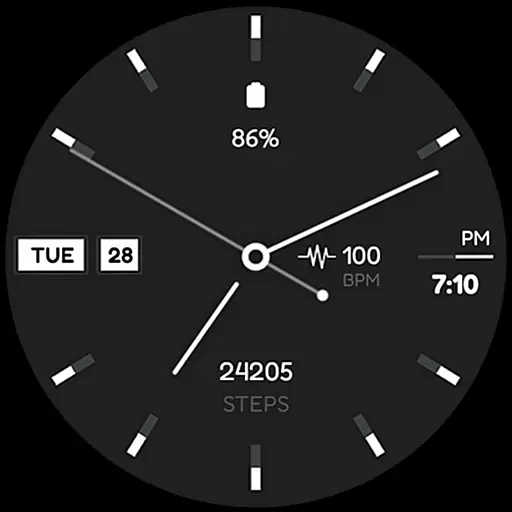
Simple Analog-Digital Watchface For Wear OS 3.0 and Up Smartwatches
4.3


