
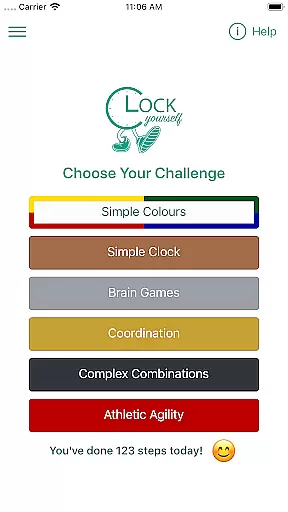
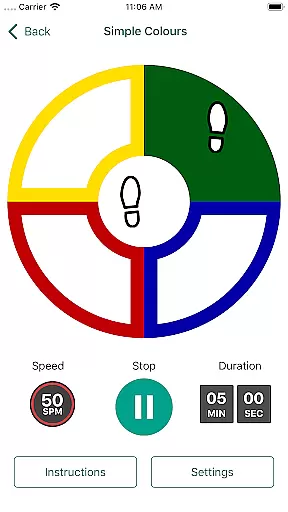
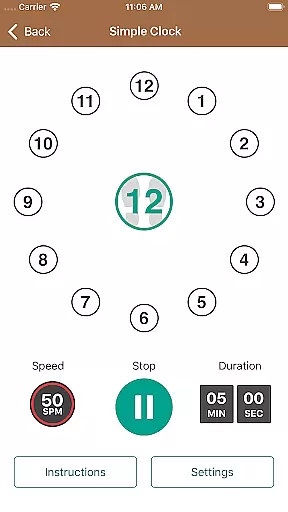
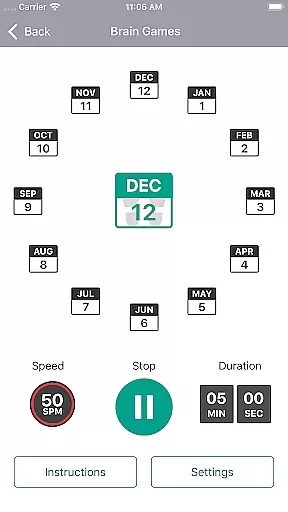
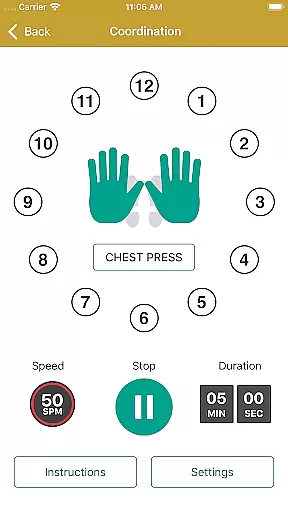
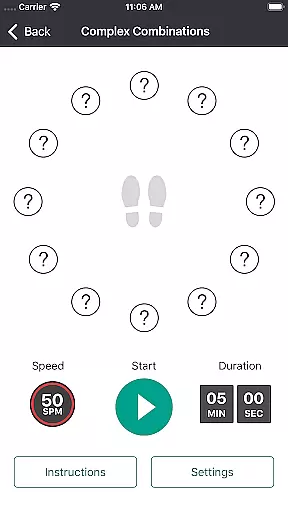
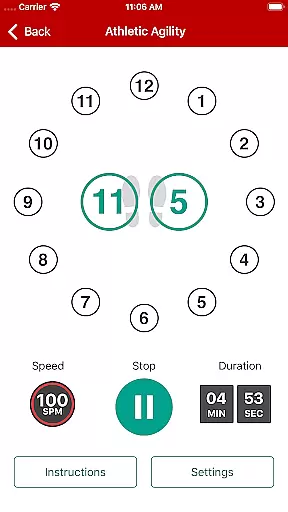
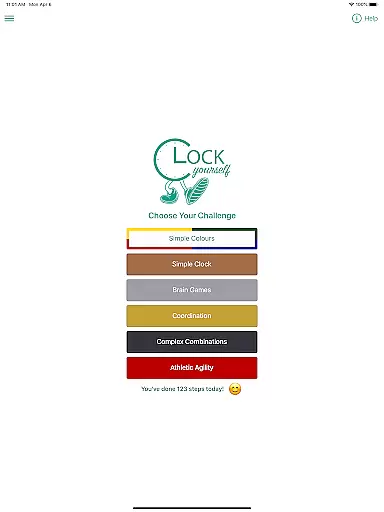
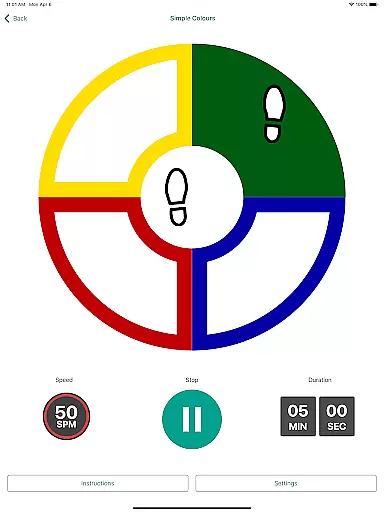
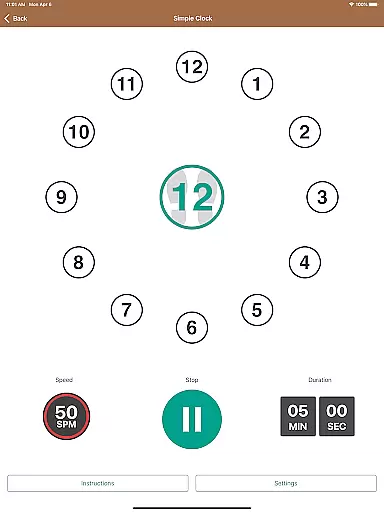
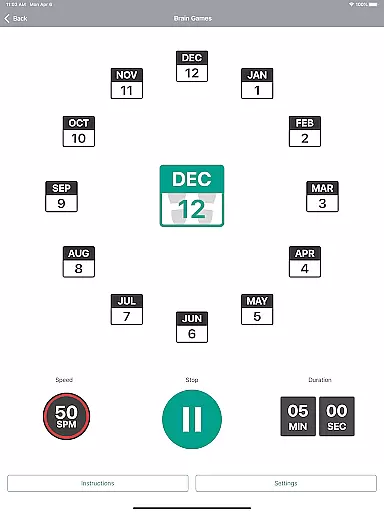
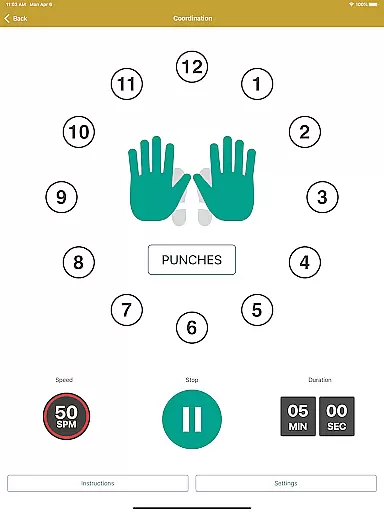
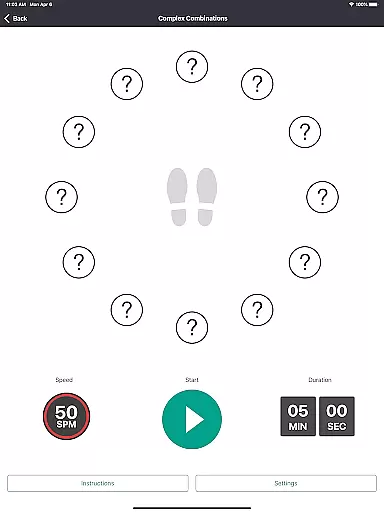
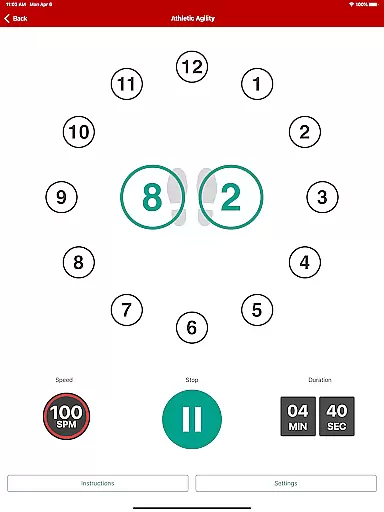
Clock Yourself is an innovative fitness app that combines physical exercise with cognitive challenges, making it both a workout and brain-training tool. The app prompts users to step on imaginary coordinates around their feet, stimulating mental agility while improving physical fitness. This dual-action approach makes it suitable for all fitness levels, from athletes seeking sport-specific drills to individuals practicing mobility with limited movement.
What sets Clock Yourself apart is its versatility and accessibility. Users can customize the speed and complexity of exercises, adapting them to their abilities. Developed by physiotherapist Meg Lowry and software developer Dave Wallace, this evidence-based app supports neuroplasticity and fall prevention through volitional step training. With offline functionality, no recurring subscriptions, and multilingual audio options, Clock Yourself delivers exceptional value for home workouts.
Clock Yourself offers a range of features designed to enhance both physical and cognitive performance. One standout feature is its adaptability; users can visualize a small circle for stepping or expand it into larger spaces for running drills. For those unable to walk, the app also supports arm-reaching exercises and wheelchair-friendly modifications, ensuring inclusivity across various physical abilities.
The app includes multiple challenges that stimulate different areas of the brain, keeping workouts engaging and mentally stimulating. Audio prompts are available in six languages, adding global appeal despite English-only instructions. Additionally, Clock Yourself prioritizes user convenience with an activity log stored locally on the device, eliminating the need for internet access during workouts. Its portability, affordability, and lack of ads make it a practical choice for long-term use.
Clock Yourself offers a unique approach to personalized fitness planning by combining physical exercise with cognitive challenges. This dual focus ensures that users not only improve their physical health but also enhance their mental agility.
The app provides versatile exercise options that can be tailored to individual needs. Whether you are an athlete looking to improve agility or someone needing low-impact exercises, Clock Yourself adapts to your requirements. You can modify the stepping speed and cognitive complexity to match your fitness level and goals.
Users benefit from evidence-based training methods designed to improve reaction times and balance. The volitional step training method helps in preparing the body to respond quickly in all directions, which is crucial for fall prevention. This personalized approach ensures that every user gets the most out of their exercise routine.
One of the standout features of Clock Yourself is its ability to provide clear progress visualization. By tracking steps and exercise duration, the app allows users to see tangible results of their efforts over time.
The activity log is a critical component of this feature. It meticulously records each session's details, including the number of steps taken and minutes exercised. This data empowers users to monitor their progress and stay motivated as they work towards their fitness goals.
Furthermore, the option to export the activity log adds another layer of convenience. Users can send their logs to an email address, enabling them to review their performance outside the app. This functionality supports long-term progress tracking and encourages consistent engagement with the app.
User-friendly interface
Versatile exercise options
Affordable one-time purchase
Offline functionality
Multilingual support
Limited language for UI
No advanced analytics
Basic visual design
Requires self-motivation
Fewer updates

Weight loss app: home workout for women to lose weight & burn calories.
 4.80
4.80
Control your sleep in real-time wearing Garmin device
3.60
Power-lifting, weightlifting and Wendler 531 app to track your workout program.
4.90
Use your watch as a bike computer, heart rate monitor and cycling power meter
2.50
Measure real-time wrist & ambient temperature with your Galaxy Watch (Wear OS)
3.20
The Crunch Mobile app - Find a gym, manage favorites, reserve & cancel classes.
4.60
Find Paid Clinical Trials In Your Area
3.70
Focus on BP & Health
3.80
Jogging app for calorie counter and distance tracker. Running app to lose weight
4.20
sobriety counter app to help and motivate people to stop drinking alcohol.
4.90
The simplest way to track your 21 Day Program containers, exercises, and water.
4.50
Memory, mind & logic exercises. Puzzle games, IQ & brain test for kids & adults
4.50
Personal step counter for you, private and accurate
4.50
Point, scan, and unlock truth in every bite.
4.50
Your portable blood pressure tracker. Record, monitor, and analyze BP anytime.
4.30
Interval timer for High Intensity Interval Training, Tabata and Circuit Training
4.20
Histamine intolerance, low FODMAP diet and irritable bowel syndrome (IBS)
4.00
Pupillary distance PD with camera quick and easy, checking glasses frames on you
3.70
Using Recognise™ has been shown to reduce pain, and improve performance.
4.0


User Reviews