
FL STUDIO MOBILE

4.00

Information

Category:

Music & Audio

Price:

$ 14.99

Rank:

1

Rating:

4.00

Overview

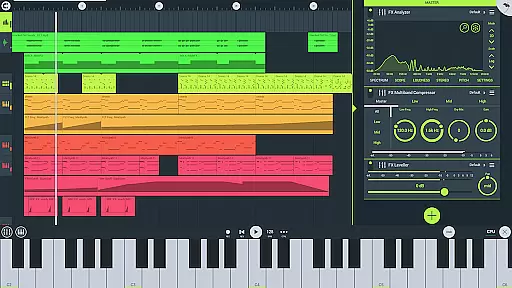
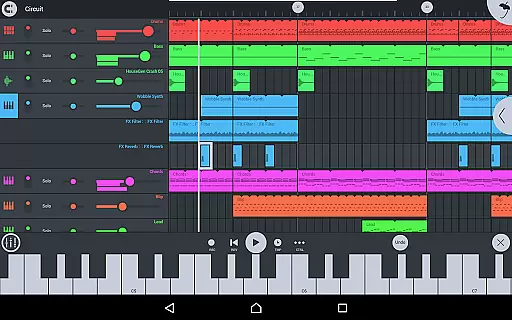
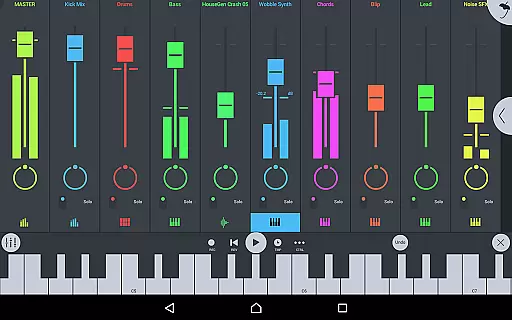
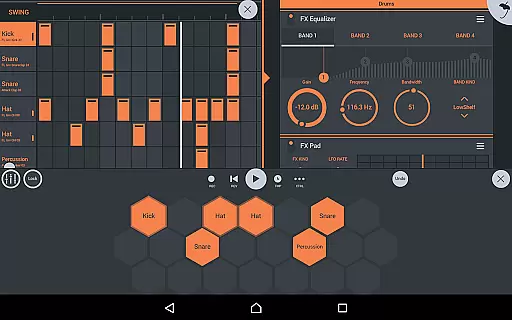
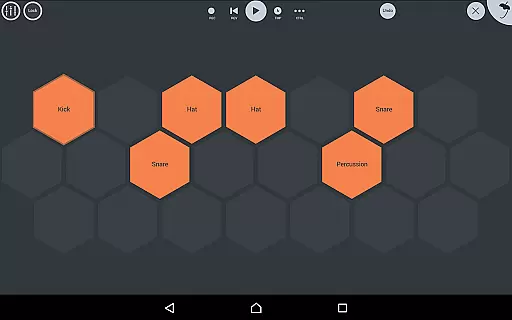
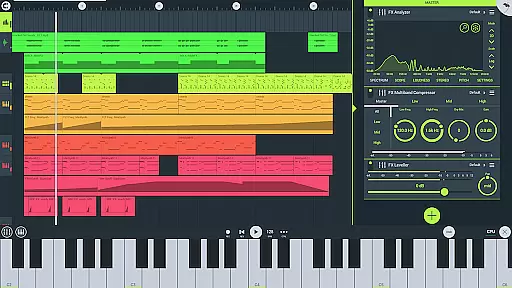
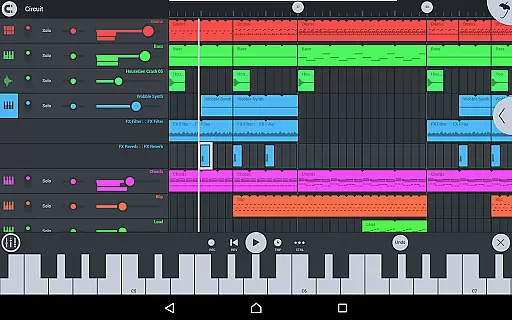
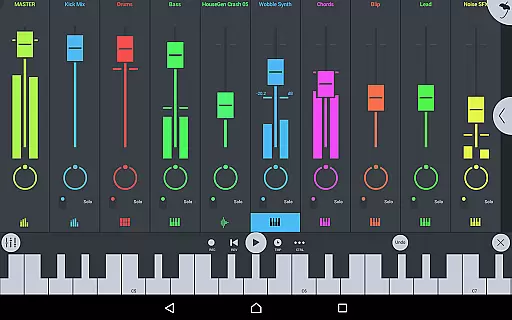
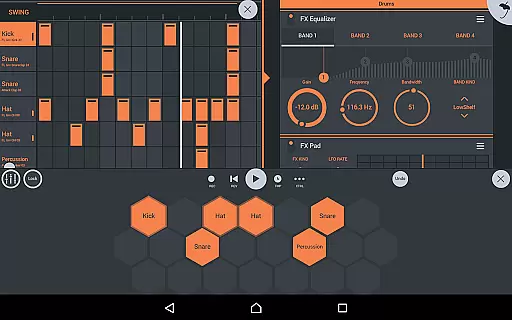
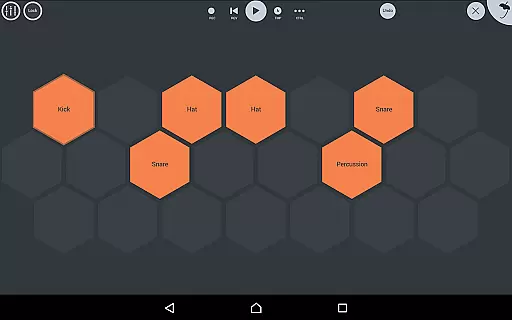
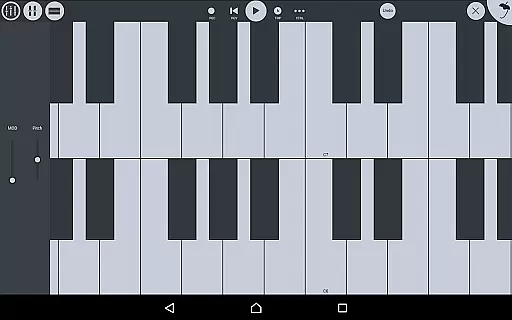
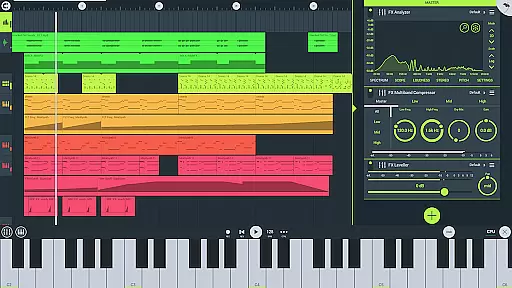
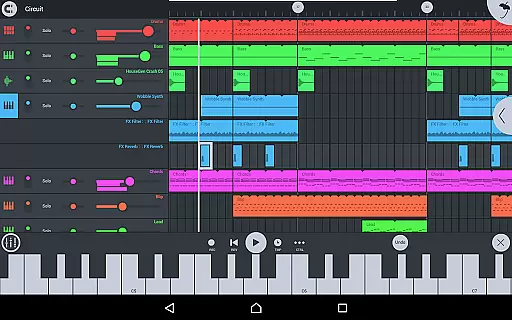
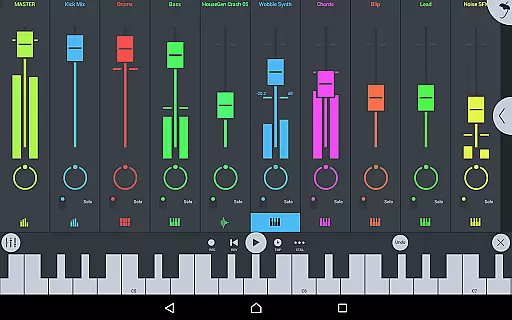
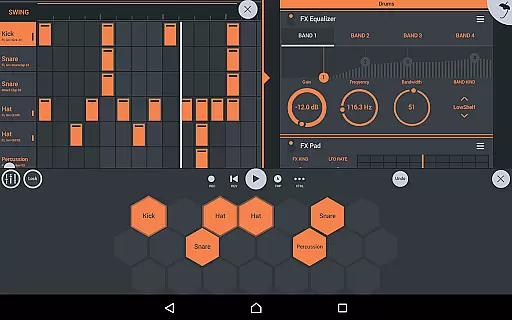
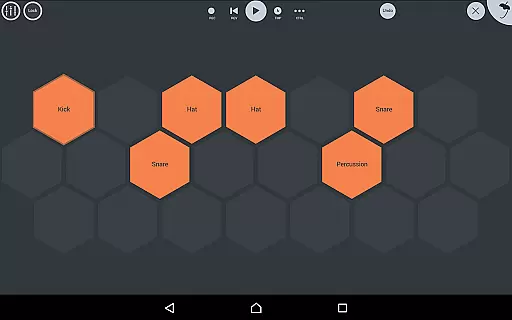
FL STUDIO MOBILE is a comprehensive music production application that enables users to create and save complete multi-track music projects directly on their mobile devices. This powerful app provides an all-in-one solution for recording sequencing editing mixing and rendering full songs. It supports audio recording track-length stem or WAV import and offers a wide range of features including high-quality synthesizers samplers drum kits and sliced-loop beats. The app is compatible with Phones Tablets and Chromebooks and offers full-screen DeX and Chromebook support ensuring a seamless experience across different platforms. One of the standout features is its extensive collection of instrument and effect modules which cater to diverse musical needs. Users can also enjoy MIDI controller support automation capabilities and the ability to import and export MIDI files. FL STUDIO MOBILE allows musicians to work on their projects anytime and anywhere making it an invaluable tool for both beginners and professionals in music production.

Features

FL STUDIO MOBILE stands out as a feature-rich music creation tool offering numerous customization options. Here are five notable features 1. Multi-Track Music Production - This app allows users to record sequence edit mix and render complete songs providing a professional-level music production suite in the palm of your hand. 2. Extensive Instrument Library - With included modules like Drum Sampler DirectWave Sample Player GMS Groove Machine Synth Transistor Bass MiniSynth and SuperSaw users have access to a vast array of sounds and instruments. 3. Advanced Effects Modules - The app includes a variety of effects such as Analyzer Auto Ducker Chorus Compressor Limiter Distortion Parametric Equalizer Reverb Tuner Filters Delays Phaser and Stereoizer enhancing the quality of music production. 4. Flexible File Management - Users can save and load various file formats including WAV MP3 AAC FLAC and MIDI and share their creations via Wi-Fi or Cloud to other installations of the app. 5. Cross-Platform Compatibility - Supporting Phones Tablets and Chromebooks with full-screen DeX and Chromebook functionality ensures that users can seamlessly transition between devices without losing productivity.

Music library size & copyright authenticity

FL Studio Mobile offers an extensive music library that caters to a wide range of musical genres and styles. The app includes numerous high-quality synthesizers, drum kits, sliced-loop beats, and samplers, which are essential for creating complex and rich musical compositions.

Included content features a vast array of DirectWave instruments, covering everything from guitars and orchestral sounds to synth leads and drum kits. This ensures that users have access to authentic sounds that are crucial for producing professional-grade music directly from their mobile devices.

The app also emphasizes copyright authenticity by providing users with the ability to install their own samples without the need to purchase additional content. This respects user freedom while ensuring all included content is properly licensed, giving peace of mind regarding the legality of the sounds used in personal projects.

Audio quality options

FL Studio Mobile excels in delivering top-notch audio quality options, making it a powerful tool for both amateur and professional music producers. The app supports saving and loading of various audio formats including WAV, MP3, AAC, FLAC, and MIDI, allowing for flexibility in audio production and sharing.

With full support for high-quality audio rendering, users can mix and edit tracks with precision. The inclusion of effect modules such as parametric equalizers, graphic equalizers, reverbs, and compressors provides detailed control over the audio output, ensuring each track meets the highest standards of sound quality.

Furthermore, FL Studio Mobile's compatibility across different platforms like Android, iOS, and Chromebook guarantees a consistent audio experience. Its support for MIDI controllers and automation adds another layer of sophistication, enabling nuanced performances and recordings regardless of the device being used.

FAQs

What is this app and what can I use it for?

FL STUDIO MOBILE is a music production app allowing users to create and save multi-track projects on mobile devices offering professional music creation tools.

How do I download and install this app on my device?

Download FL STUDIO MOBILE from Google Play or your device's app store then follow installation instructions provided by the platform.

How do I get started after opening the app for the first time?

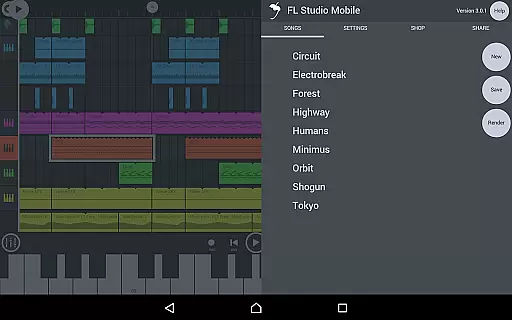
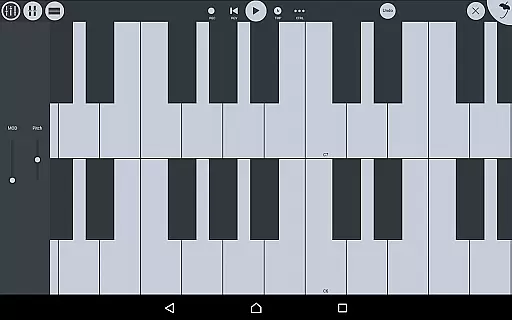
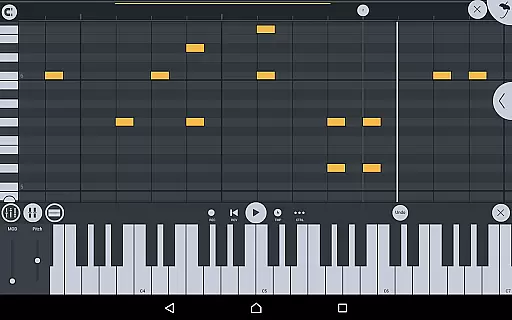
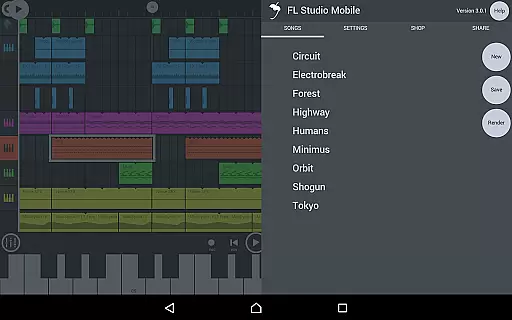
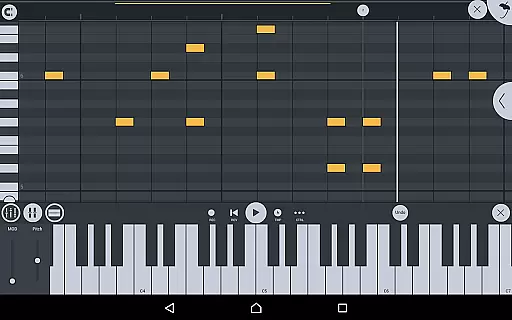
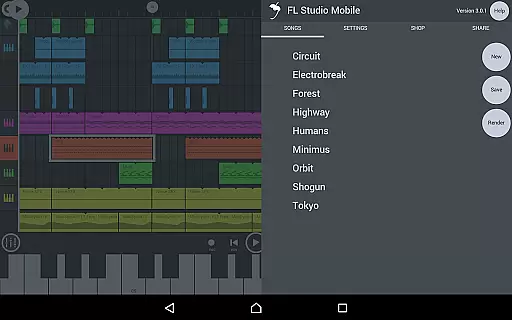
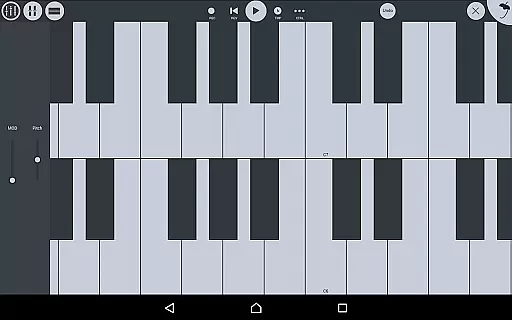
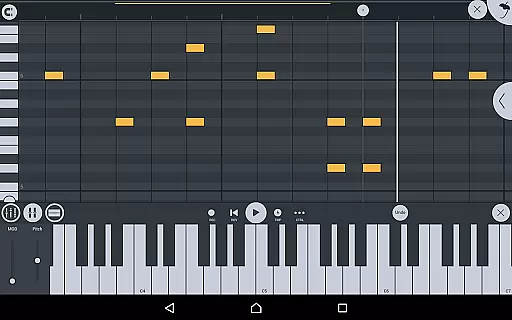
Upon first opening navigate the interface explore sample projects and familiarize yourself with the piano roll and instrument options.

What are the main features and capabilities of this app?

Main features include multi-track recording audio import various instruments effects and MIDI support for comprehensive music production.

How can I customize my experience and adjust preferences?

Customize your experience by adjusting preferences in the settings menu selecting preferred instruments and configuring the user interface layout.

How do I save or bookmark my favorite content for later access?

Save favorite content by exporting tracks in supported formats like WAV MP3 or bookmarking projects within the app for future access.

How can I share content with friends or on social media?

Share content by exporting files and using standard sharing options to post on social media or send directly to friends.

How do I access detailed information and explore more content?

Access detailed information through the help menu and explore more content via in-app purchases or importing external samples.

What permissions does this app need and how do I manage them?

The app requires location permissions for Bluetooth connectivity manage these permissions in your device's settings if needed.

How do I check for updates and keep the app running smoothly?

Check for updates through the app store or Google Play ensure automatic updates are enabled to keep the app running smoothly.
Show more

User Reviews

{{ comment.reviewer_name }}
{{ comment.review_date_formatted}}
{{ comment.review_content }}
{{ tab.name }}
{{ comment.reviewer_name }}
{{ comment.review_date_formatted}}
{{ comment.review_content }}
No reviews with this rating


















