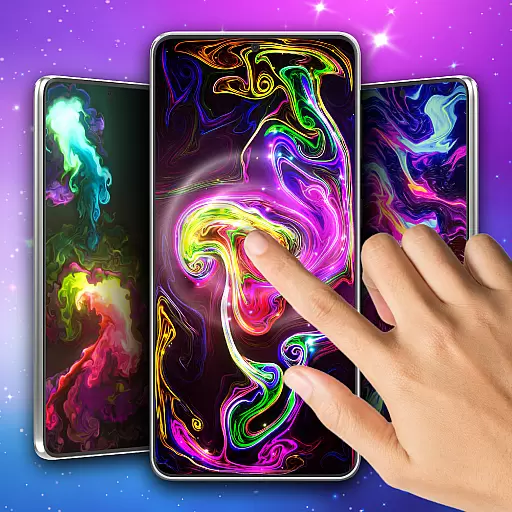
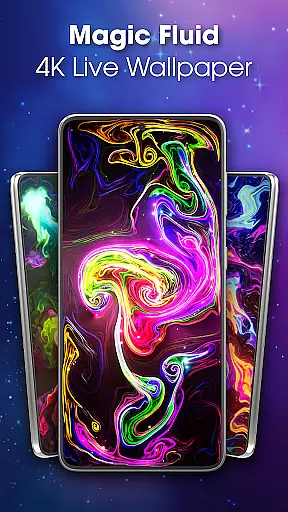
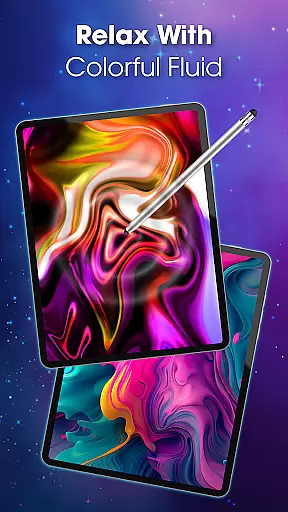
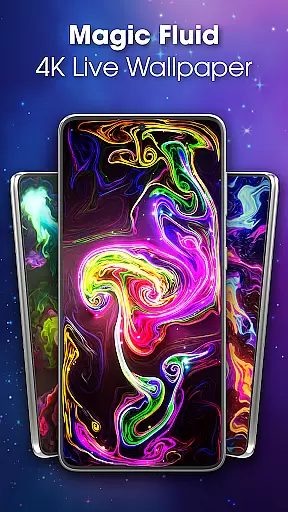
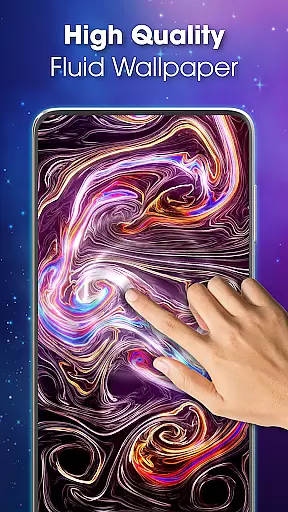
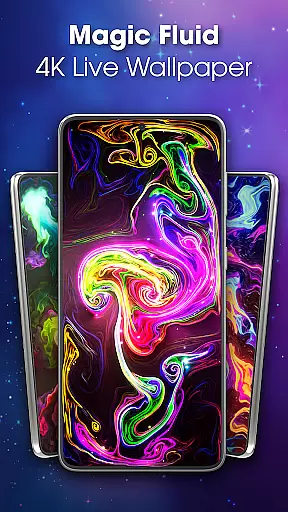
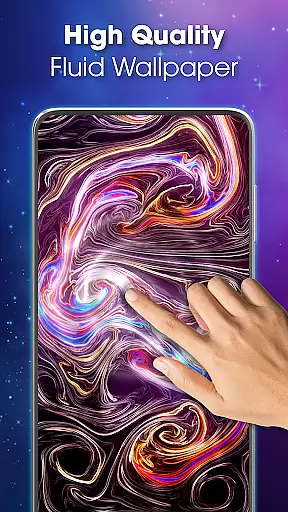
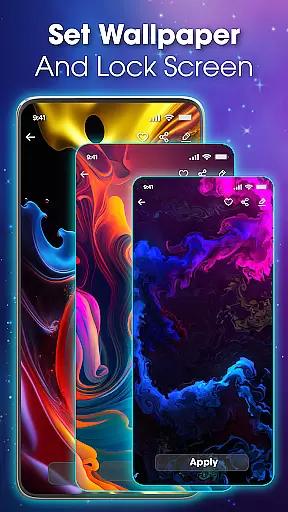
Magic Fluid Live Wallpaper 4D transforms your device's screen into a mesmerizing canvas of fluid animations. This personalization app offers interactive wallpapers that respond to touch, creating a dynamic and visually appealing experience.
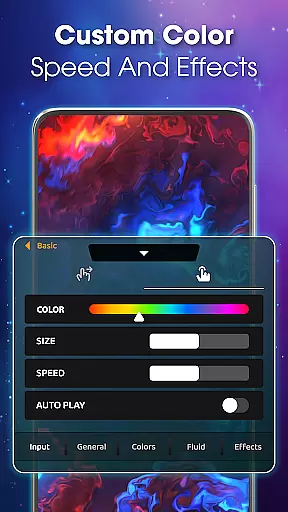
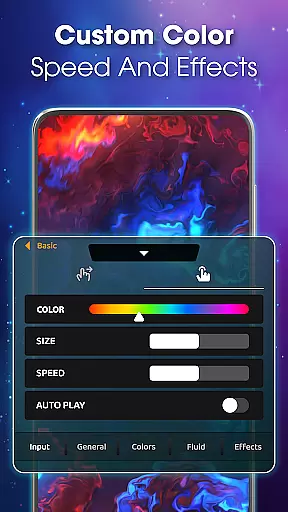
With high-quality 4K visuals, the app provides a range of customizable themes from abstract art to nature-inspired designs. Users can adjust colors, flow speed, and effects to create unique live wallpapers that match their mood and style.
Perfect for those seeking both aesthetics and relaxation, Magic Fluid Live Wallpaper 4D serves as a digital zen garden where users can immerse themselves in the soothing motion of magical fluids right at their fingertips.
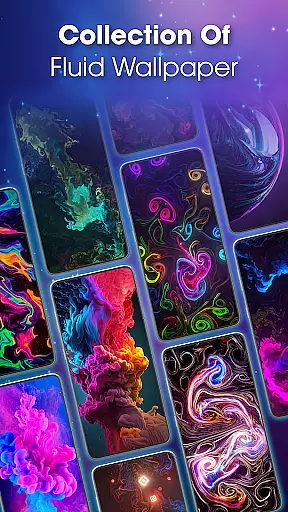
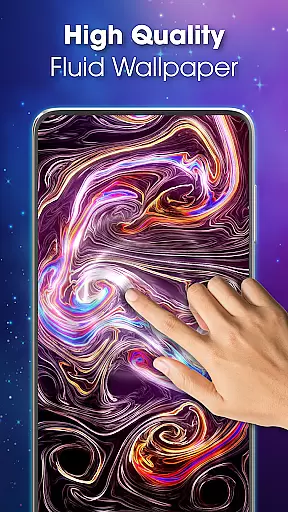
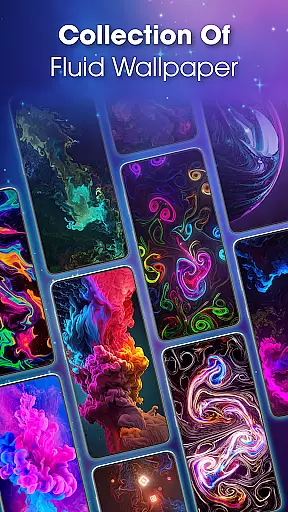
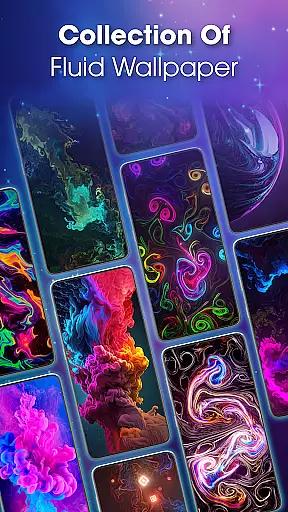
The Magic Fluid Live Wallpaper 4D app stands out with its rich feature set tailored for customization and interactivity. The app boasts an extensive gallery of 4K quality fluid animations, each offering a distinct visual experience through vibrant color contrasts or gentle blending effects.
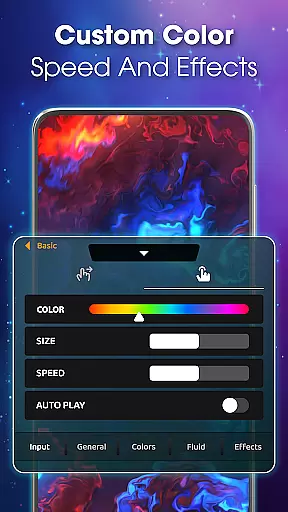
One of the key highlights is the ability to personalize every aspect of the wallpaper. Users have precise control over color schemes, fluid dynamics, and special effects, allowing them to craft bespoke designs that reflect their personality and preferences.
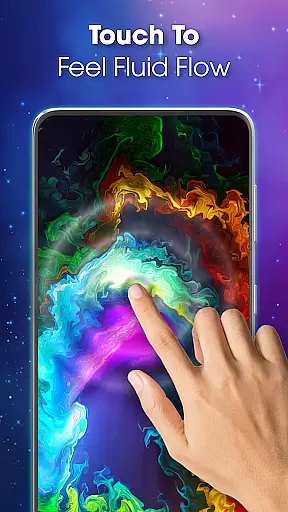
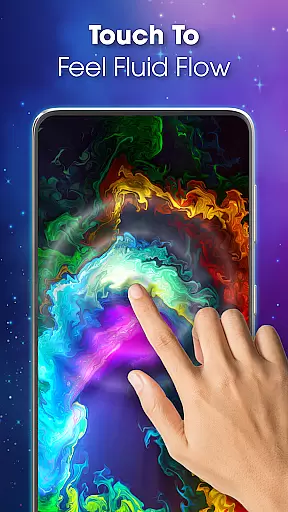
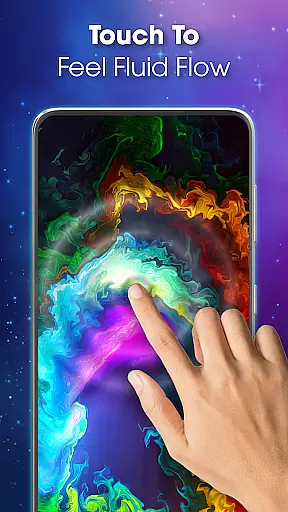
Beyond beauty, these wallpapers are designed to be interactive and calming. As users engage with the live wallpaper by moving their fingers across the screen, they witness an enchanting dance of colors that not only captivates but also helps unwind the mind after a long day.
Customization is at the heart of Magic Fluid live wallpaper 4D, offering users a rich palette of options to personalize their device screens. With an extensive gallery of 4K quality interactive wallpapers, the app provides a diverse selection of themes ranging from abstract art to nature-inspired designs.
The ability to customize extends beyond just choosing a wallpaper; users can modify color schemes, adjust flow speeds, and tweak fluid dynamics to create a truly unique experience. This level of personalization ensures that each user's device reflects their individual mood and style preferences on any given day.
Moreover, the app allows for the fine-tuning of special effects, adding another layer of customization. Users can experiment with different settings until they find the perfect combination that resonates with them, making every interaction with their screen a delightful and engaging experience.
Magic Fluid live wallpaper 4D excels in theme compatibility, ensuring that its vibrant animations are not only visually appealing but also perfectly suited to various devices and screen types. The app supports high-definition displays, bringing out the best in each fluid animation with crisp details and smooth transitions.
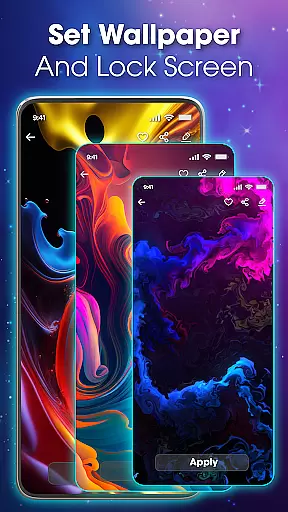
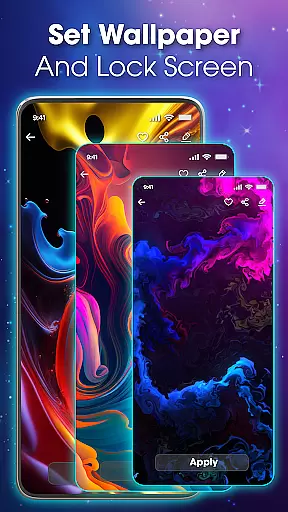
Whether it's for a main screen or lock screen, the app provides seamless integration with device settings. Users can preview their chosen fluid theme before applying it, guaranteeing satisfaction with the final appearance. This feature eliminates guesswork and ensures that the selected theme looks as intended across different contexts.
In addition to visual compatibility, the app maintains performance efficiency, avoiding unnecessary battery drain while still delivering stunning visuals. This balance between aesthetic appeal and operational practicality makes Magic Fluid live wallpaper 4D a reliable choice for those seeking both beauty and functionality in their mobile experience.
Stunning 4K visuals
Highly customizable settings
Interactive touch response
User-friendly interface
Regular updates with new content
May drain battery faster
Not suitable for low-end devices
Limited free options
Potential performance issues
Subscription fees apply

Ultra realistic high quality analog watch face for Wear OS.
 4.60
4.60
Ninja Turtles Cowabunga SE watch face for Wear OS
4.50
Make your phone look simple & luxury, like iDevice
4.60
More than 3000+ themes and 9000+ wallpapers for everybody!
4.10 3.50
3.50
Color phone with cool effects for call screen, flash alert & ringtones music
4.50
Handcrafted pixel art icons, widgets & wallpapers
4.60
Your home screen, just the way you like it.
3.80
Create stunning widgets with Widget 2026: Aesthetic Widgets for Android!
4.60
Winter's Journey: digital watch face for Galaxy Watch & Wear OS
4.80
Want to make your phone more special than ever?
4.60
Icons made of colorful linear lines
4.60
3D, live, and moving wallpapers & themes in 4K and HD for your device.
4.50
Art & Emoji Keyboard with Cool Fonts, Cute Themes and Custom Designs.
4.40
Romantic Kiss Stickers App. Start romantic messaging now!
4.30
Realistic animated snow on your wrist, with 10 images landscapes to choose from
4.00
Ultimate widget creator. Design custom widgets for a truly unique home screen!
3.90
HappyLighting is a Bluetooth lamp control software.
3.40
Adorable pets roam and play right on your phone screen!
3.30


User Reviews