
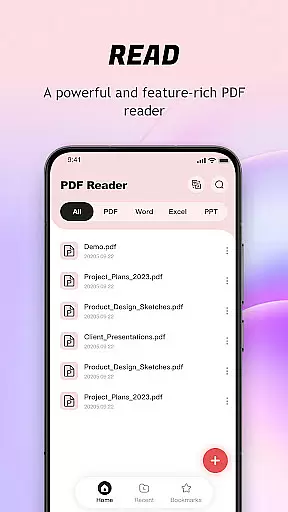
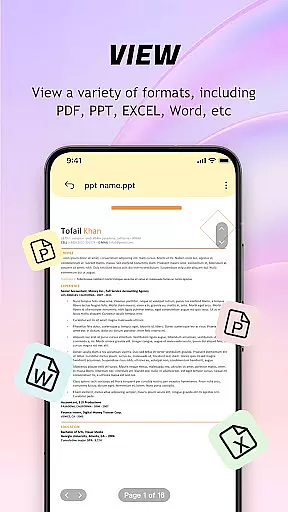
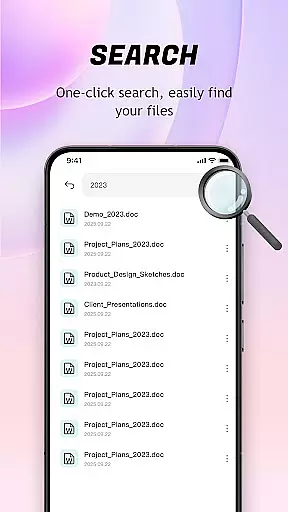
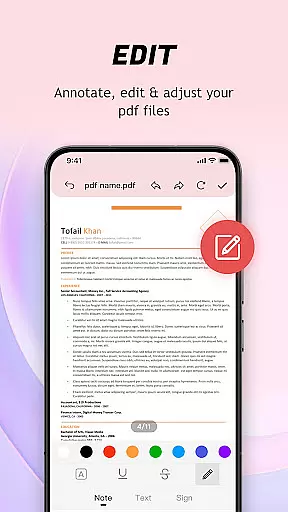
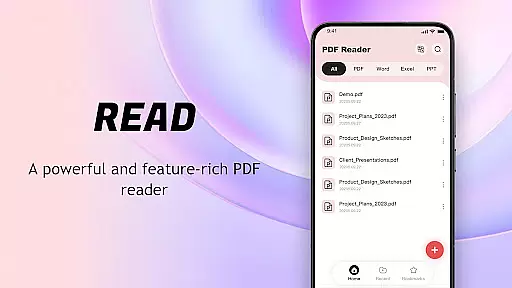
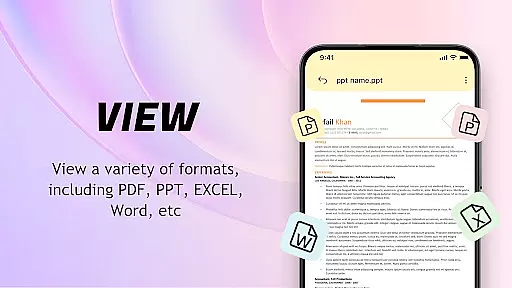
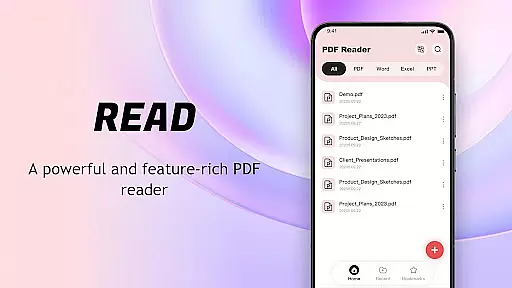
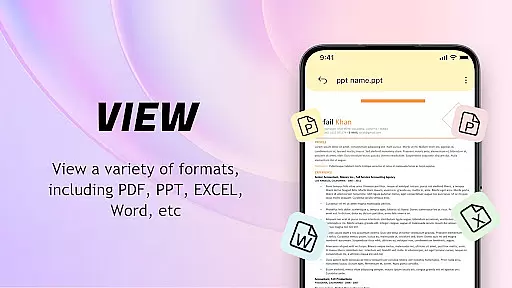
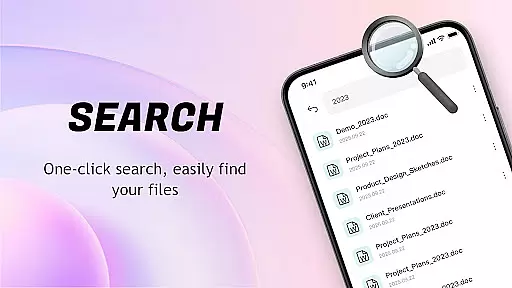
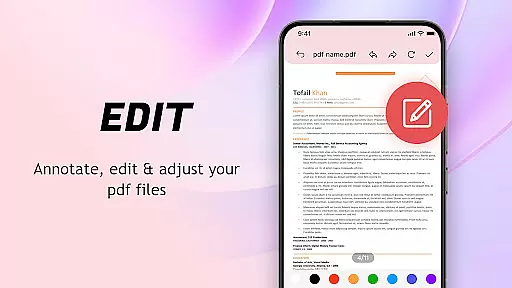
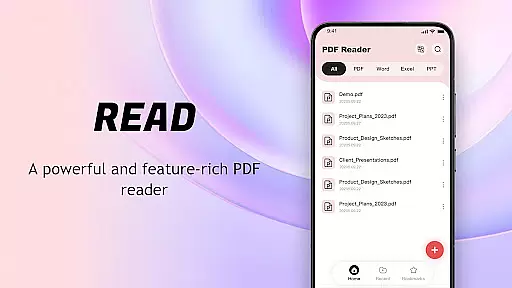
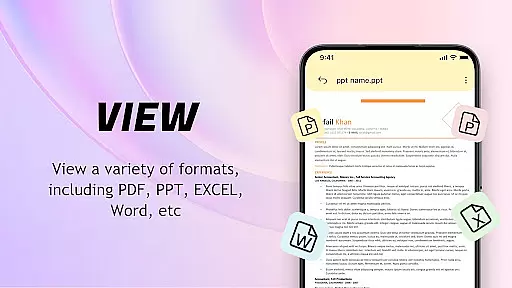
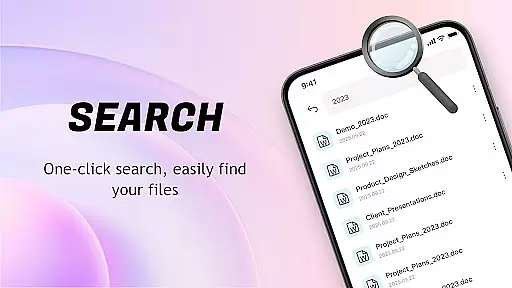
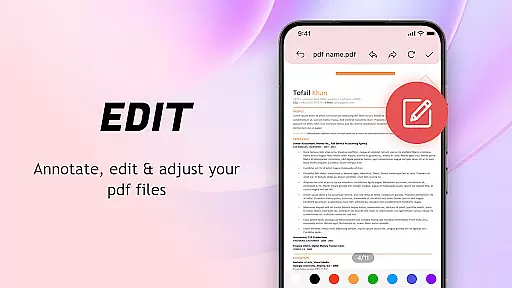
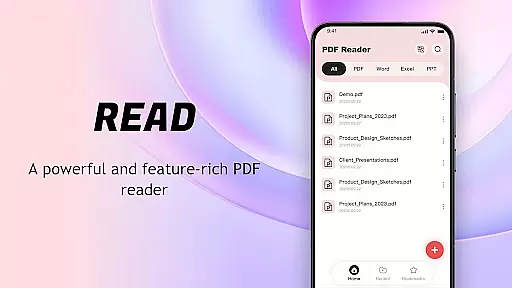
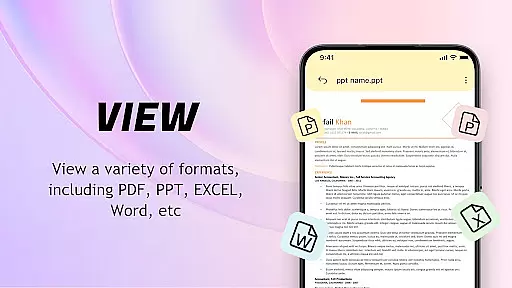
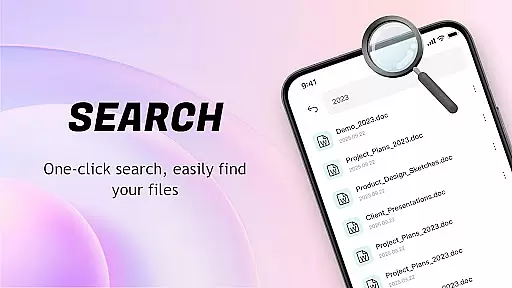
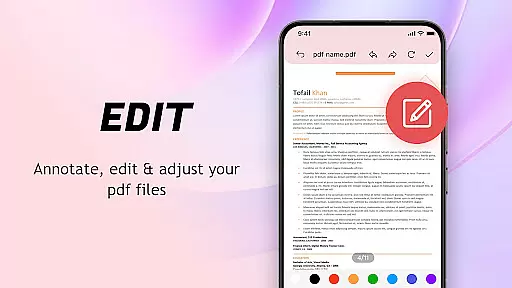
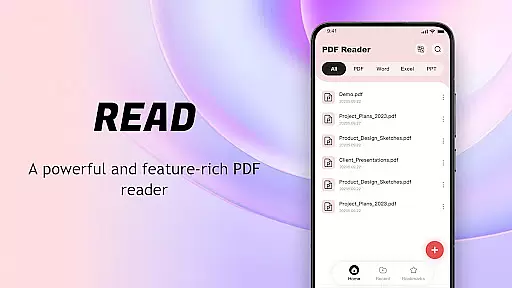
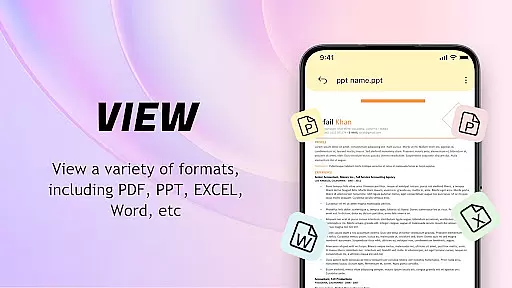
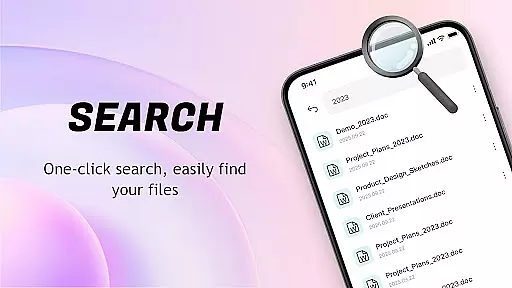
PDF Reader: Easy Fast Viewer is a versatile document management tool designed for efficient PDF handling. This application automatically scans and displays PDF files stored on mobile devices, enabling seamless document organization and quick access for reading. With its user-friendly interface, users can easily navigate through various file formats while enjoying an optimized viewing experience.
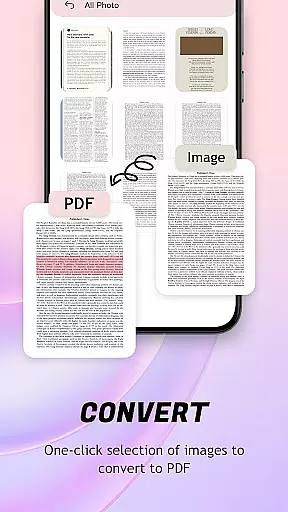
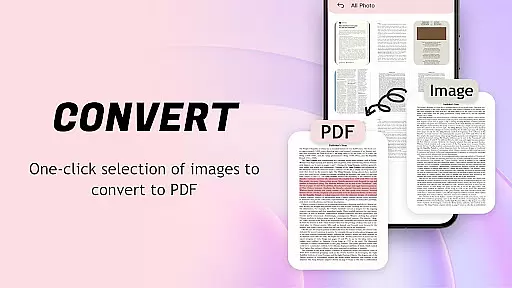
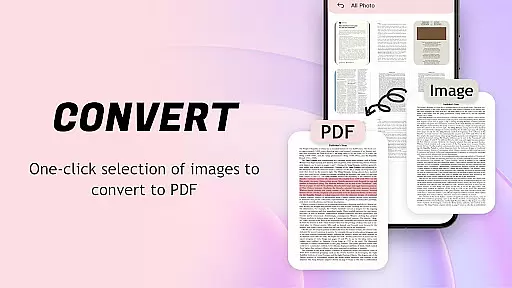
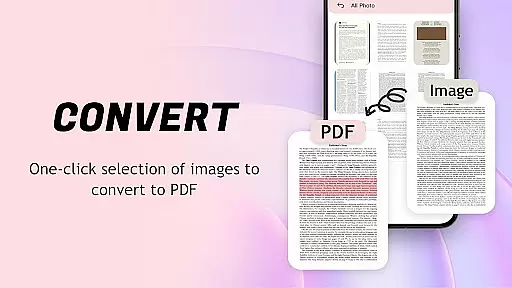
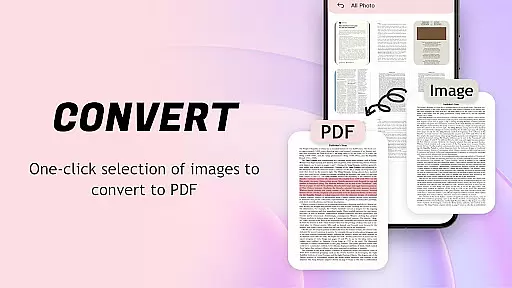
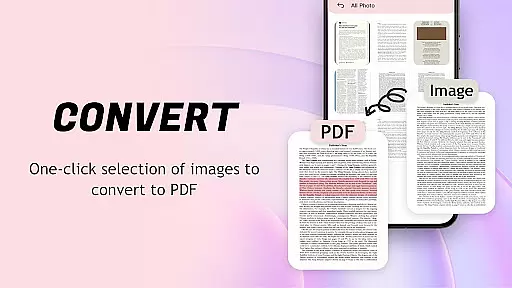
The app's standout feature is its ability to convert images to PDF format with automatic layout optimization. It supports multiple scrolling modes for smooth page transitions and provides clear rendering of text and images. Additionally, the built-in file management system allows users to maintain an organized library of recent and favorite documents, making it an ideal solution for both personal and professional document management needs.
This PDF Reader offers an impressive array of features that enhance document interaction. The automatic document recognition system efficiently scans and categorizes files based on metadata, presenting users with a comprehensive document library. Its advanced rendering engine ensures smooth scrolling and clear display of complex PDF elements, including text, images, and tables.
For document management, the app provides robust tools for organizing files. Users can delete unnecessary documents, mark important ones as favorites, and quickly share files with colleagues. The application also supports mobile printing capabilities and maintains a chronological record of recently opened files. These features, combined with its intuitive interface and efficient performance, make this PDF Reader a comprehensive solution for managing digital documents on mobile devices.
For a PDF reader application, core function accuracy and effectiveness are crucial to providing users with a seamless document viewing experience. The app ensures that all PDF files are accurately identified and displayed on mobile devices, presenting content smoothly without distortion or missing elements.
The software supports multiple scrolling modes, allowing users to switch between continuous and page-by-page views. This flexibility caters to different reading preferences and ensures smooth page transitions. Text and images remain clear regardless of zoom level, making it easy to view even the smallest details in your documents.
Beyond basic viewing capabilities, the app offers advanced features like image-to-PDF conversion. It automatically optimizes layouts during the conversion process, producing high-quality PDF files with just one click. This functionality streamlines file management and sharing across devices.
These precise implementations of essential features demonstrate the app's commitment to accuracy and effectiveness. Users can trust that their PDF documents will be rendered correctly every time, whether they're reading simple text files or complex documents with embedded images and tables.
A user-friendly interface is vital for any productivity tool, especially when dealing with potentially complex file formats like PDFs. This application excels in providing an intuitive experience through its straightforward design and logical feature placement. New users can easily navigate the app's functions without extensive learning curves.
The main document viewer presents a clean layout focused on maximizing screen space for reading. Essential navigation controls are strategically positioned for easy access while maintaining minimal visual distraction. The recent files display follows common mobile patterns, showing the most recently opened documents in chronological order.
Additional features like file deletion, collection setting, and sharing options are implemented with clear icons and labels. These elements follow established mobile design conventions, making them immediately recognizable to most users. The printing function is similarly straightforward, requiring only a few taps to send PDF documents to compatible printers.
This thoughtful approach to interface design ensures that both basic and advanced features remain accessible without overwhelming users. By maintaining consistency with standard mobile patterns while incorporating necessary PDF-specific tools, the application achieves an optimal balance between functionality and usability.
User-friendly interface
Fast document scanning
Multiple file support
Smooth page navigation
Image to PDF conversion
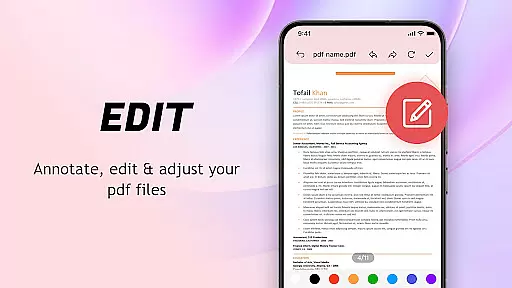
Limited editing options
No cloud integration
Basic security features
Occasional lag
Ads in free version

 4.50
4.50
Safely recover deleted photos, videos, and files with a single easy tap.
3.70
Carry a FTP server in your pocket and avoid USB cables for file transfer
4.20
VESC Tool can monitor and configure VESC-compatible devices over BLE and Wifi
4.20
Quickly check the frequency of the Earth
4.30
NFC Tools can read and write NFC tags.
4.70
Fun lie-detection pranks for friends and parties.
3.80
Clean up your phone, find files, play media, and share files offline
4.50
A clean app.
4.50
Enjoy smooth gameplay with Game Booster
4.90
Navigate with Ease and Style
4.90
HD Video player and downloader for all formats, fast & smooth 4K video playback.
4.60
Canon PRINT is a companion app for your Canon printer.
4.60
Planner and Tracker for Stardew Valley
4.60
pdf merge, word to pdf, jpg to pdf, edit pdf, convert to pdf and much more!
4.20
An open-source APK explorer for Android!
4.10
View detailed information about your Nissan Leaf the dealer never shows you.
4.10
Amateur Radio app for APRS: Track friends, exchange messages, get tactical info.
3.90
Create your own live wallpaper or check out thousands already made presets
3.90


User Reviews