
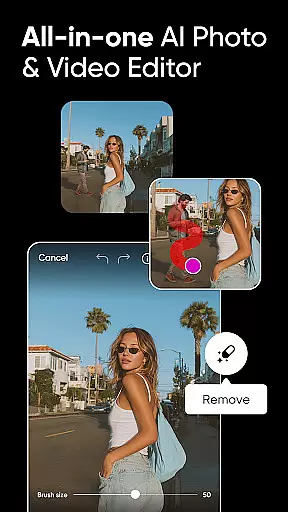
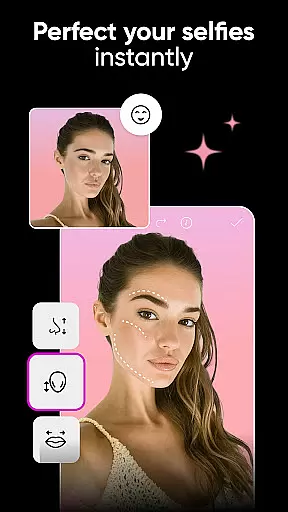
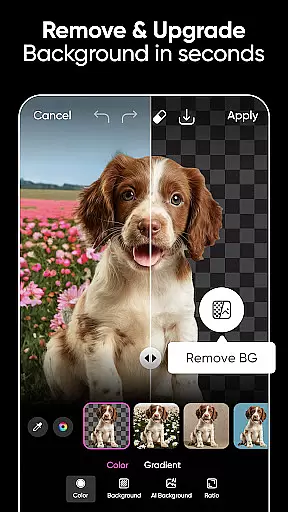
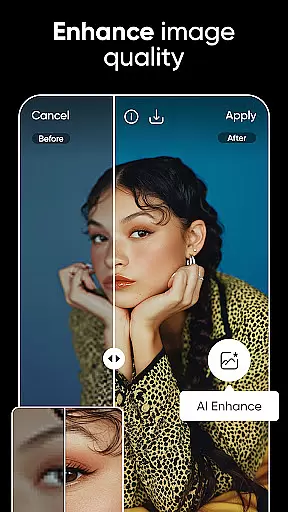
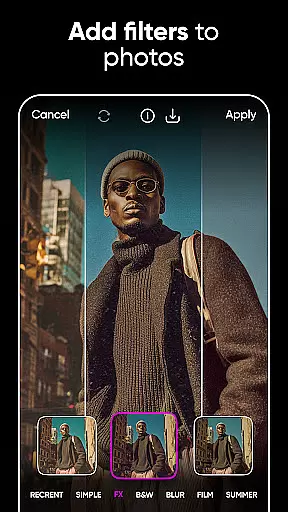
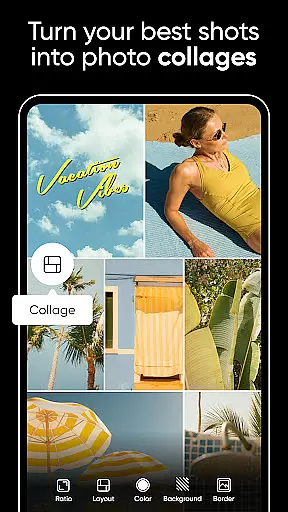
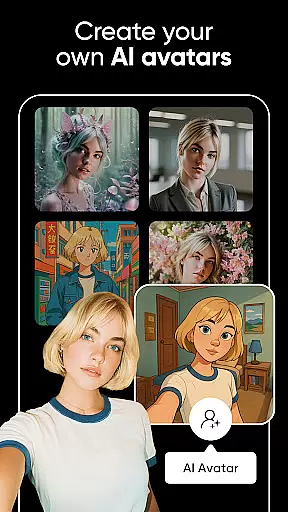

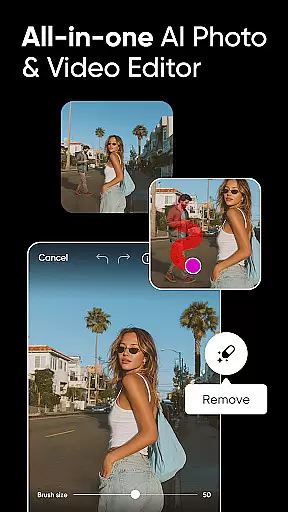
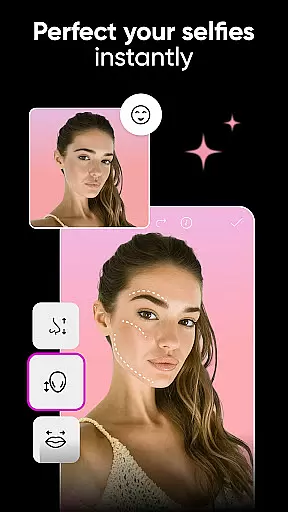
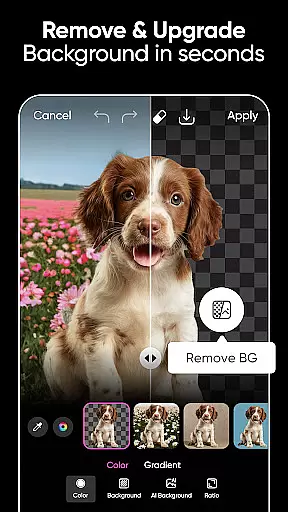
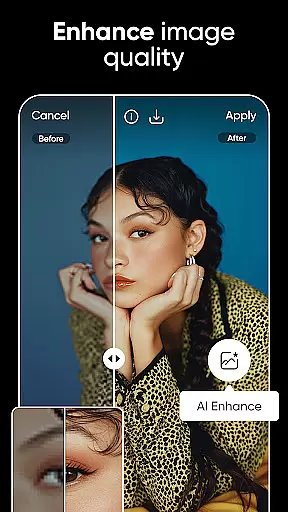
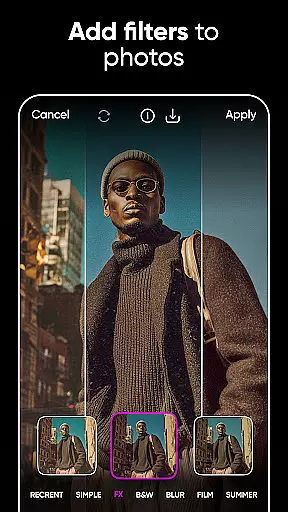
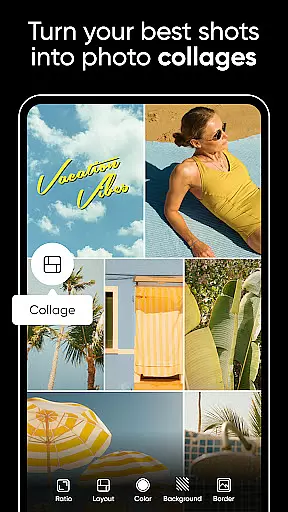
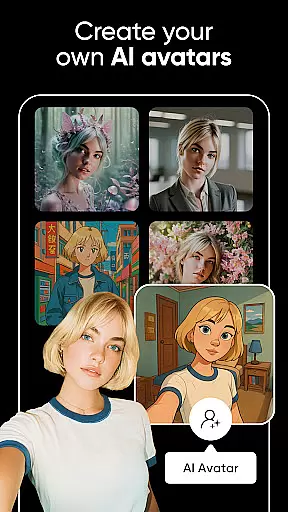

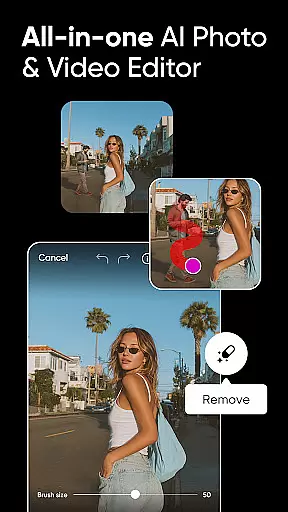
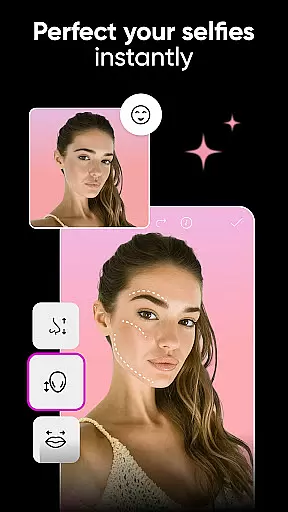
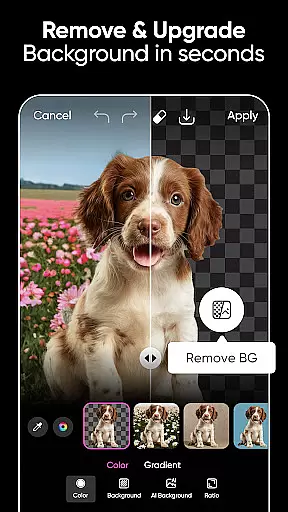
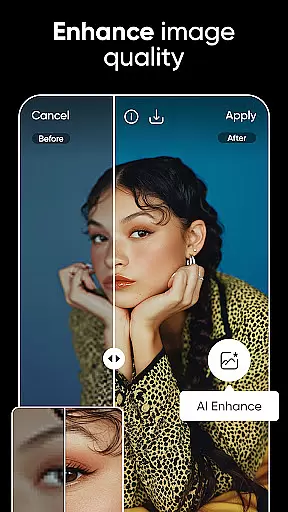
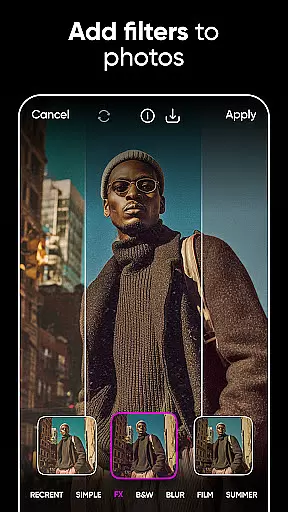
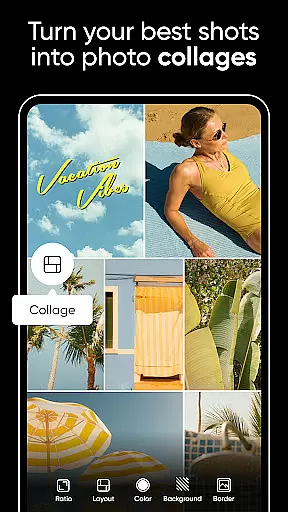
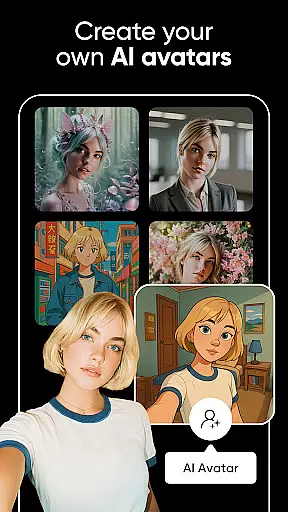

Picsart AI Photo Editor, Video is a comprehensive design studio that combines professional-grade tools with artificial intelligence to enhance your creative projects. This app offers an extensive suite of features including advanced photo and video editing, AI-powered enhancements, and graphic design capabilities. Whether you're creating business materials or personal art, Picsart provides the resources to produce high-quality results efficiently.
With functionalities like Background Remover, customizable templates, and AI-driven filters, users can execute complex design tasks with ease. The app also supports video creation and editing, making it versatile for various content types across multiple platforms. Picsart stands out by integrating AI technologies that simplify sophisticated edits and generate unique visual content, thus catering to both amateur enthusiasts and professional designers.
Picsart distinguishes itself through its robust integration of AI technologies within traditional photo and video editing frameworks. Users can leverage AI tools such as Enhance, Object Removal, and AI Replace to refine images with minimal effort. These features allow for transformative edits that would typically require extensive manual work or professional assistance.
The app's template system accelerates the design process by providing professionally crafted starting points which can be customized according to individual needs. Additionally, Picsart's video editing suite enables creators to produce engaging multimedia content enhanced with music, effects, and trendy filters. With millions of stickers available and the option to create custom ones, users have vast creative freedom to personalize their projects further.
Picsart also facilitates collaboration and inspiration through its community-driven platform where ideas are shared among solopreneurs, artists, and hobbyists alike. By upgrading to premium tiers like PICSART Plus or Picsart Pro, users gain access to exclusive content and increased capabilities, ensuring they have the necessary tools to elevate their designs continuously.
Real-time capture and preview functionality is essential for ensuring that every photo or video taken meets the user's expectations immediately. Picsart AI Photo Editor, Video offers a seamless experience by allowing users to see the results of their edits in real time.
This feature is powered by advanced processing capabilities that ensure minimal lag between the action and its reflection on the screen. Users can apply filters, effects, and make adjustments while instantly viewing the outcome, which significantly enhances the creative workflow.
The benefit of real-time capture and preview extends beyond just convenience; it allows creators to fine-tune their work with precision. Whether adjusting lighting, cropping, or experimenting with artistic effects, seeing changes instantly ensures that the final output aligns perfectly with the creator's vision.
For content creators, marketers, and social media enthusiasts, this feature transforms the editing process into an intuitive and dynamic experience, enabling them to produce high-quality visuals efficiently and effectively.
Picsart incorporates sophisticated AI beauty and enhancement features that elevate photo editing to new levels of naturalness and authenticity. Unlike traditional editors that may produce artificial-looking results, Picsart uses intelligent algorithms to enhance facial features and skin tones while maintaining a realistic appearance.
The AI-driven tools analyze each pixel of an image to apply enhancements that complement the subject's natural beauty. This includes smoothing skin textures, brightening eyes, and enhancing facial structures without over-processing, ensuring that edited photos retain their genuine essence.
Users benefit from these enhancements by achieving professional-grade edits effortlessly. The AI beauty tools are designed to be intuitive, allowing even novice editors to achieve stunning results that look naturally polished rather than overly retouched.
With Picsart's commitment to preserving authenticity, users can confidently share their enhanced images across social platforms, knowing that their edits will appear both impressive and true to life.
User-friendly interface
Extensive AI toolset
Versatile design options
Rich template library
Active creative community
Premium features costly
Occasional ads in free version
Advanced tools may overwhelm beginners
Consumes significant storage space
Internet connection required for full functionality

A collection of tools and reference tables for DPs, ACs, DITs and Operators.
 4.70
4.70
Find time and duration of different sunlight phases at any location
4.90
1M influencer's special filter
4.60
Edit like a pro with Hypic. Apply filters, AI effects, & magic touch.
4.40
Photo editor: AI filters, photo enhancer, pic collage maker, AI art generator.
4.80
USB Storage Access for Photos, Videos, Music and Documents
3.80
See your baby AI baby face generator AI baby maker Face generator babymaker fun!
4.70
AI-powered video creator by MiniMax - Where ideas meet cinema
4.20
Hair color changer, AI haircut app, fun hair editor and buzz cut filter for all!
3.80
AI Photo Editor with 100+ Filters, Effects! Remove BG, Retouch & Photo Enhancer.
4.80
Enhance, upscale, and transform your images — on your device, without limits
4.70
Safe & smart flight with Go Fly drone controller for 40+ drone camera, zone map
4.50
Photo editor & gallery. Crop pictures & edit photos offline, no wifi!
4.50
Trendy TikTok time warp scan funny filter app brings you unique photos & videos.
4.40
Create AI Photos, Improve and restore quality of blurry, old or damaged pics.
4.20
Gallery Slideshow is slideshow maker app for slideshow from your gallery photos.
3.90
Be your best in every shot! Fix, edit and retouch your face in selfies & photos.
3.70
GCamera allows all GCam features on all phone models! Better photos with GCamera
3.30
Raw Image Viewer. Gallery with support of raw images (.cr3, .cr2, .nef, .raf).
2.00


User Reviews