
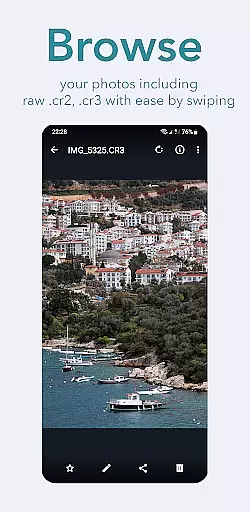
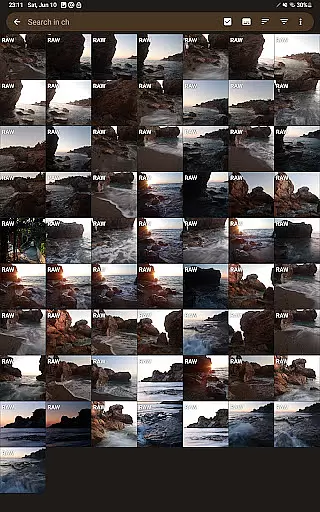
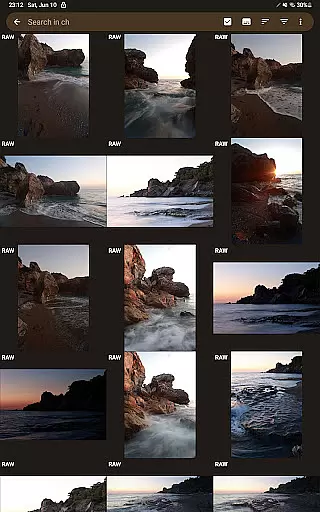
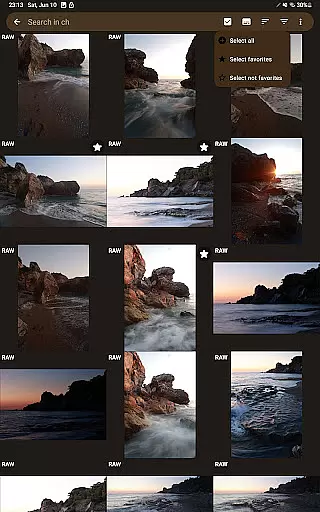
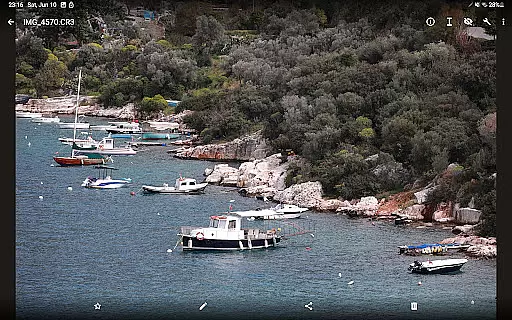
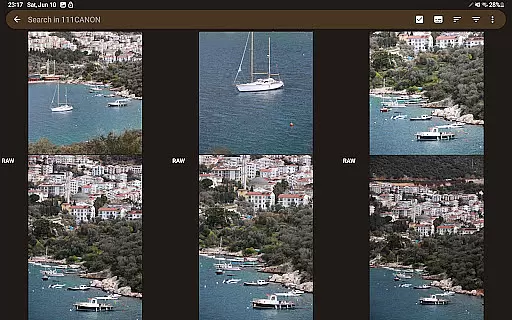
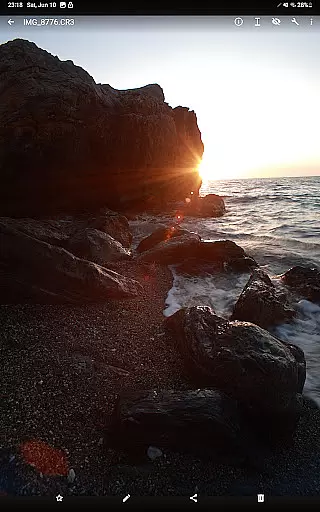
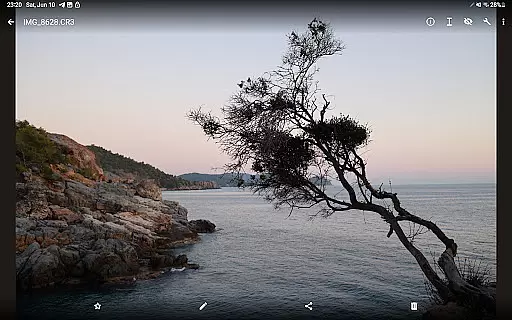

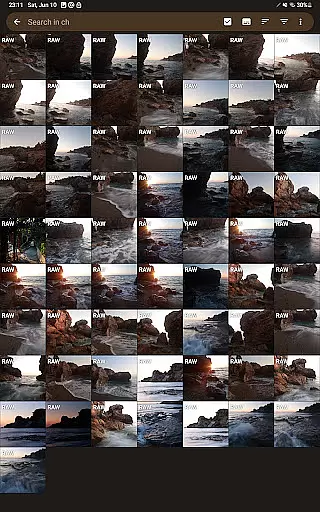
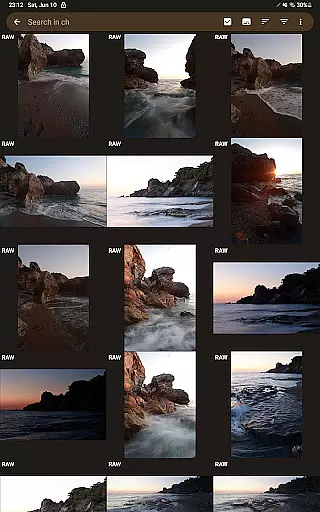
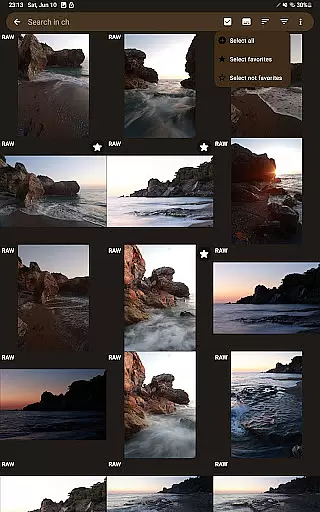
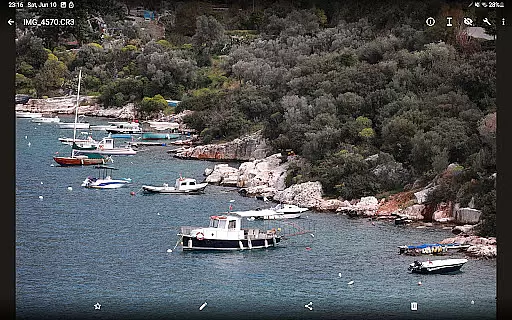
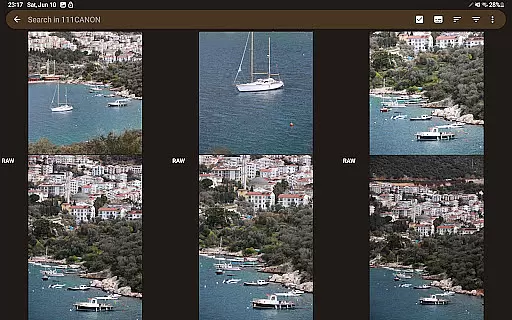
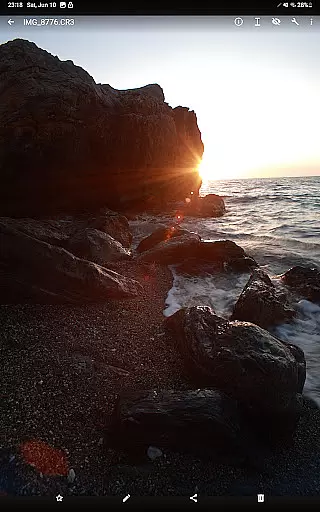
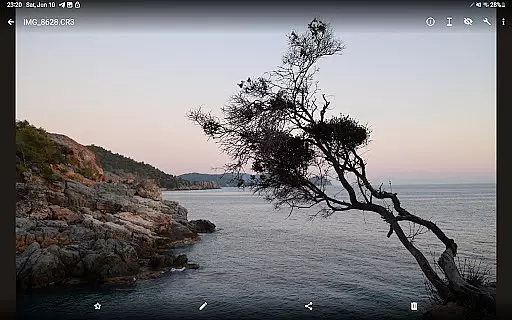

GalleryRAW is a specialized photography application designed for professional photographers and enthusiasts who need to manage and view raw image files on their Android devices. The app supports various raw formats including .cr2, .cr3, .nef, and .raf from leading camera brands like Canon, Nikon, Sony, and Fujifilm.
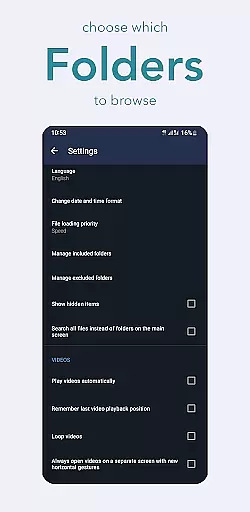
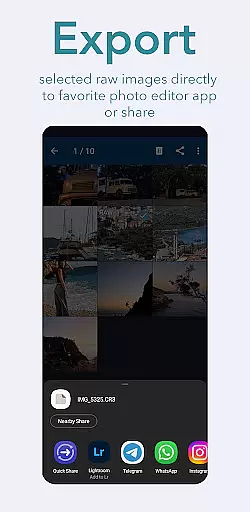
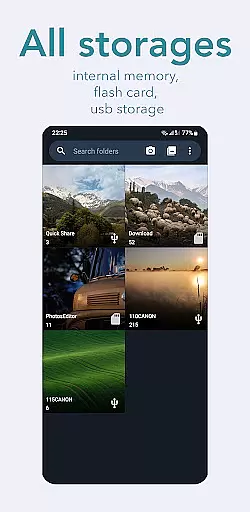
Beyond basic viewing, GalleryRAW functions as a comprehensive file manager. It allows users to import, view, and transfer raw files between USB storage devices such as HDD/SSD disks and camera flash drives connected via USB adapters. This makes it particularly useful for those needing to quickly review and select specific photos from large collections stored on external devices.
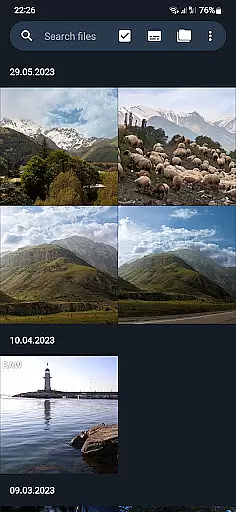
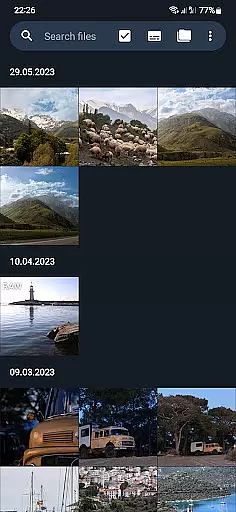
The true value of GalleryRAW lies in its ability to handle massive photo libraries efficiently. Users can swipe through thousands of raw images in full-screen mode, select desired photos, and copy them to their device's internal memory. This feature significantly streamlines the workflow of professional photographers who regularly work with large volumes of high-resolution images.
GalleryRAW distinguishes itself through several advanced features tailored for professional use. Its primary capability is the comprehensive support for multiple raw image formats, making it an essential tool for photographers working across different camera systems. The app's sophisticated rendering engine ensures accurate color reproduction and detail preservation when viewing raw files.
A key innovation is its integrated file management system that works seamlessly with external storage devices. Through USB connections, users can directly access and manage raw files stored on camera flash cards, external HDDs, or SSDs. This eliminates the need for separate file transfer applications and maintains an uninterrupted workflow.
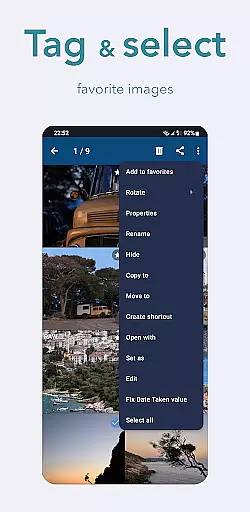
The app's selection and batch processing capabilities are particularly noteworthy. Photographers can efficiently review large photo sets, mark their selections, and perform targeted file operations. This functionality, combined with the ability to delete unwanted files directly from external storage, optimizes storage space management while maintaining complete control over their digital assets.
GalleryRAW offers a unique real-time capture and preview experience for professional photographers. The application supports raw image files from leading camera brands such as Canon, Nikon, Sony, and Fujifilm.
This functionality allows users to import and view their raw images directly on their Android devices. By acting as a file manager, it facilitates the handling of various raw formats including .cr2, .cr3, .nef, and .raf.
The true power lies in its ability to swiftly browse through hundreds or even thousands of photos in full-screen mode. This feature is particularly beneficial when managing large volumes of images from camera flash cards connected via USB.
Photographers can efficiently select only the desired photos, copy them to the device's internal memory, and delete unwanted ones to free up space for new shots.
While GalleryRAW focuses primarily on raw image viewing, it also incorporates AI-driven beauty and enhancement features that ensure natural-looking edits. These tools are designed to refine images without compromising their authenticity.
Users can leverage these enhancements to improve their raw images while maintaining the original quality captured by professional cameras. The AI algorithms intelligently adjust elements like lighting, contrast, and color balance.
This ensures that any modifications made to the images appear seamless and true to life. Photographers can thus present their work with confidence, knowing that the enhancements add value without distorting reality.
Such capabilities make GalleryRAW not just a viewer but also a powerful tool for preliminary photo editing right on your mobile device.
User-friendly interface
Comprehensive raw format support
Efficient file management
Batch processing capabilities
Direct USB device integration
Limited editing tools
No cloud integration
Premium feature costs
High storage requirements
Occasional performance lag

Effortlessly organize, view and share your photos & videos with Gallery app!
 4.40
4.40
All-in-One Editor & AI Photo Enhancer, Collage, Cartoonify, Funny Stickers & BGS
4.10
Take videos and pictures with the popular TikTok TIME WARP SCAN filter.
4.60
Photo Exif Editor allows to view, add and modify EXIF data of multiple photos
4.50
Professional photography on your mobile phone
4.20
Luminar: Photo Editor - easy picture editing with AI
4.20
Easily view, share, delete photos with Gallery.
4.70
Unblur, enhance & restore photos with powerful AI photo enhancer tools.
4.60
live datamoshing
4.00
AI Photo Editor with 100+ Filters, Effects! Remove BG, Retouch & Photo Enhancer.
4.80
Amazing Photo Effects - The most fun you can have with your photos!
4.70
1M influencer's special filter
4.60
Viewfinder, Light meter, Reciprocity failure time, DOF & Bellows Extension
4.60
Light-weight Media Gallery app for Android made with Jetpack Compose
4.60
Automatically backup your photos and videos to computer, NAS and Cloud services
4.60
All-in-One Editor & AI Photo Enhancer, Beautify & Retouch, Collage, Cartoonify
4.20
What celebrity do you look like? Celebs will find your celebrity match!
4.10
USB Storage Access for Photos, Videos, Music and Documents
3.80
Professional video recording application with manual controls for filmmakers!
2.80


User Reviews