
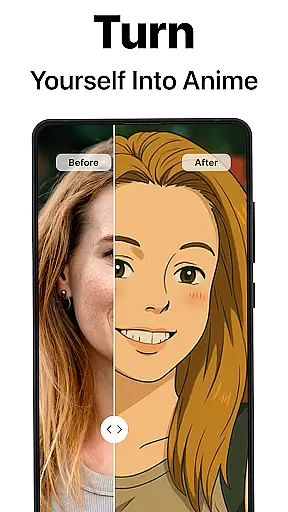
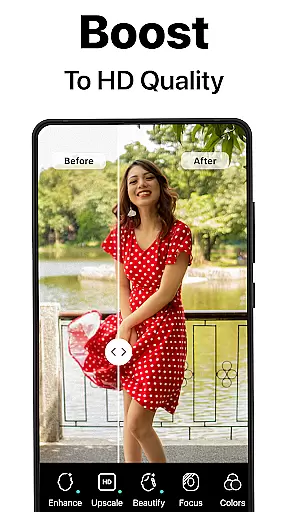
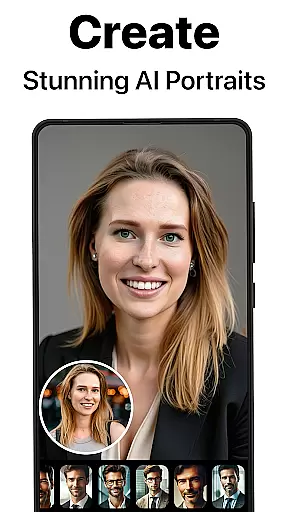
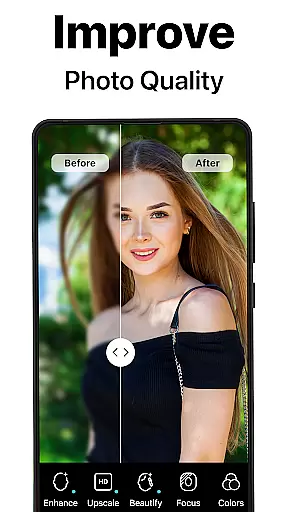
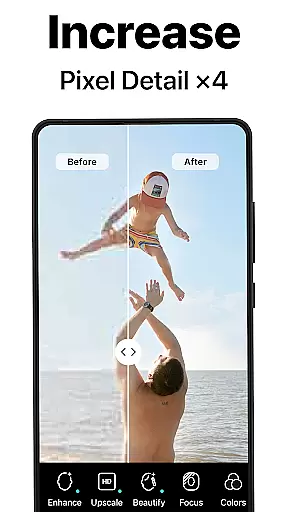
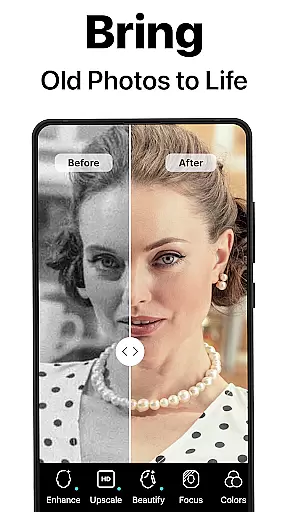
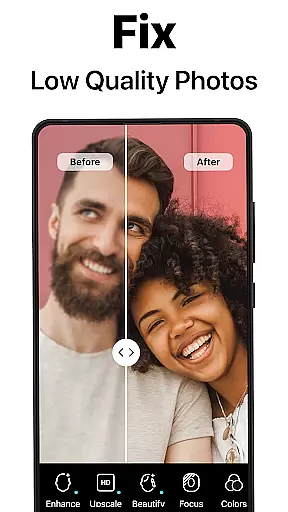
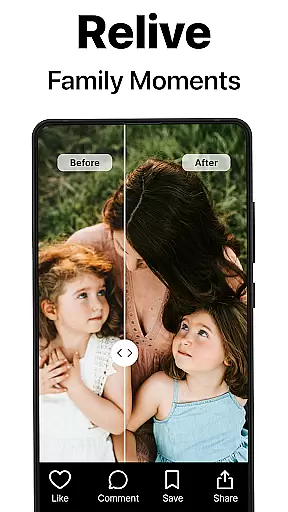
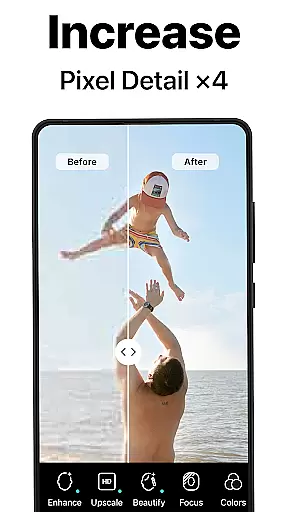
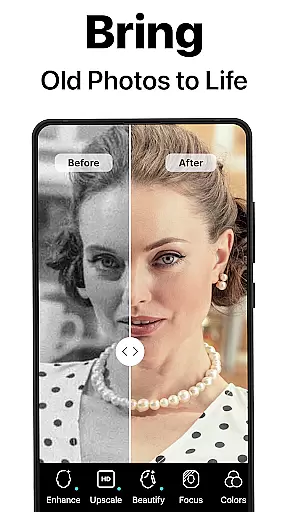
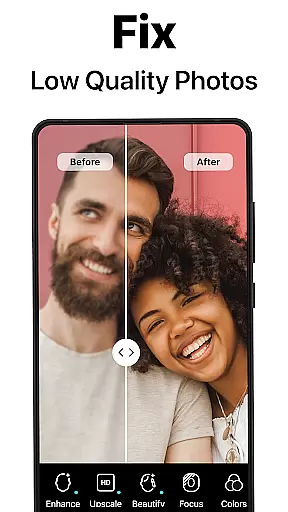
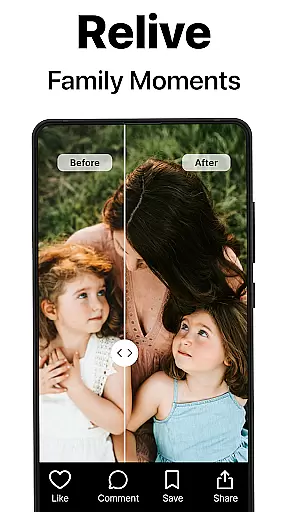
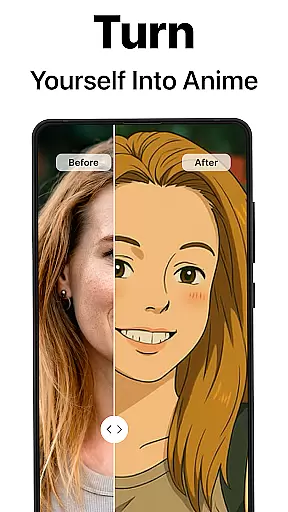
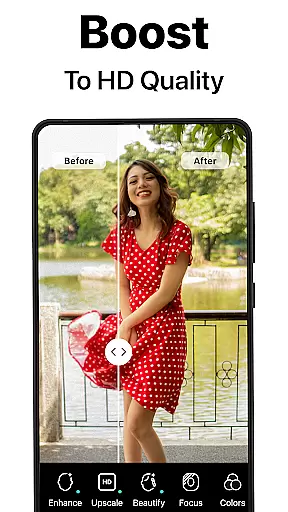
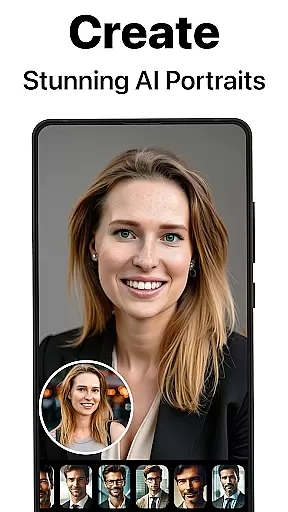
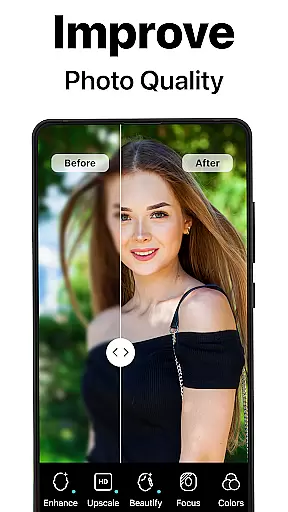
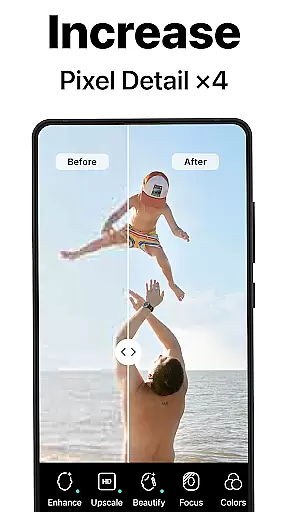
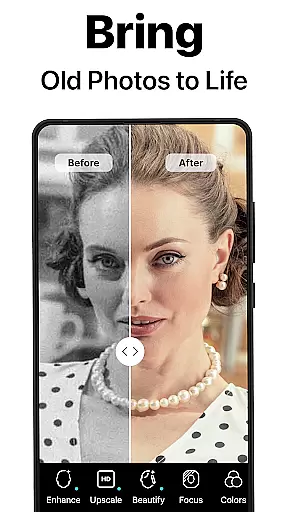
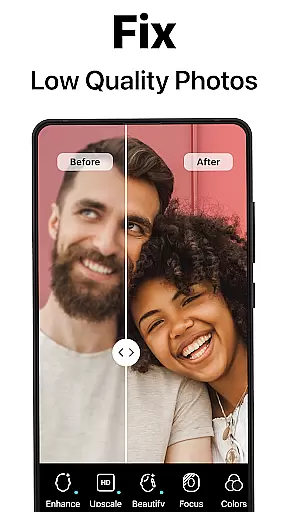
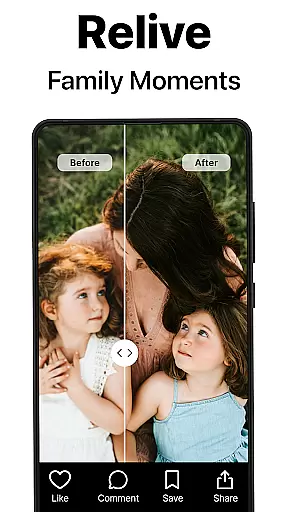
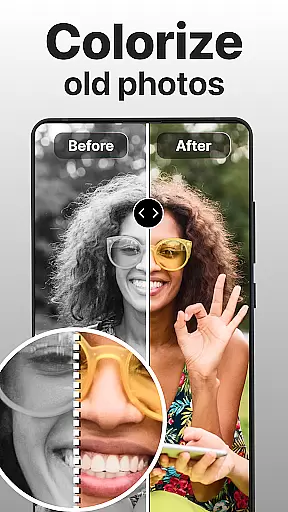
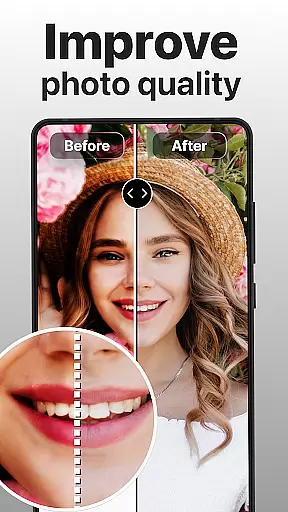
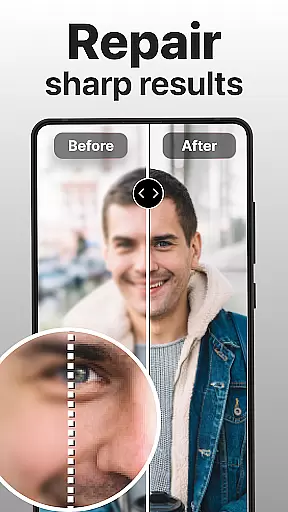
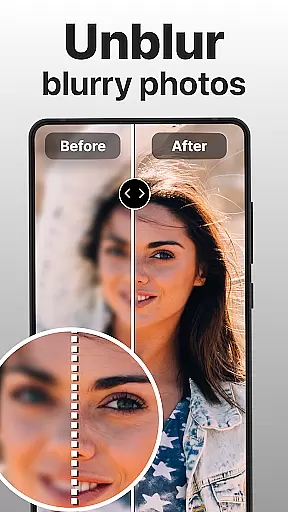
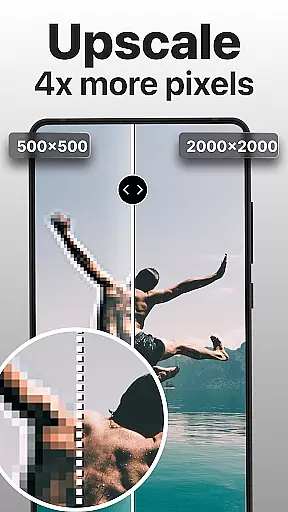
PhotoBoost is a revolutionary photography app that uses advanced AI technology to enhance, restore, and transform your photos. The app specializes in sharpening blurry images, reviving pixelated photos, and colorizing old black-and-white pictures. With its cutting-edge AI Avatars feature, users can also turn their selfies into creative masterpieces across various themes like fantasy, art styles, and festive occasions. Whether you're looking to restore cherished memories or create professional-quality portraits, PhotoBoost delivers exceptional results within seconds.
The app's versatility extends beyond photo restoration. It offers tools for upscaling images without quality loss, creating side-by-side comparisons of edits, and generating unique visuals perfect for social media. Its library of AI Avatar styles is the largest on the market, updated regularly to ensure fresh and personalized options. PhotoBoost is ideal for photographers, social media enthusiasts, and anyone who wants to preserve or reimagine their favorite moments with professional-grade enhancements.
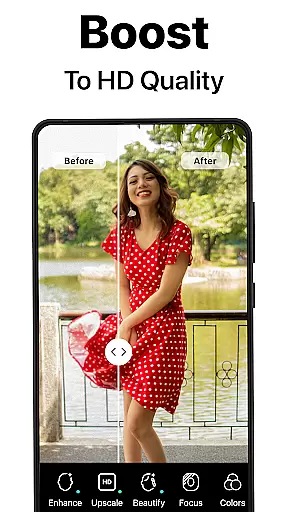
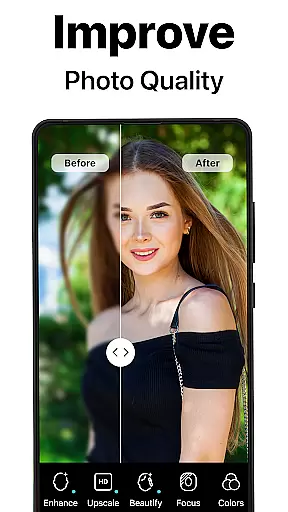
PhotoBoost stands out with its comprehensive suite of features designed to cater to all photo enhancement needs. At its core, the app provides instant photo sharpening, which transforms low-resolution or blurry images into high-definition works of art. This feature is particularly useful for improving images intended for social media posts or family albums. Additionally, the app includes an advanced restoration tool that repairs scratched, faded, or damaged photos while adding vibrant colors to black-and-white images.
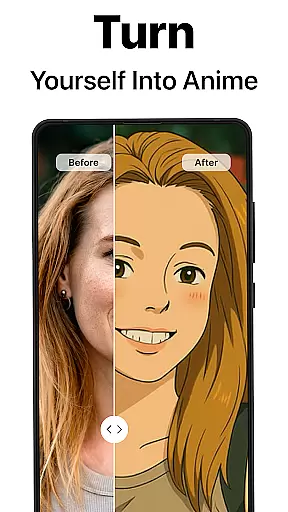
One of the most innovative aspects of PhotoBoost is its AI Avatars functionality. Users can convert their selfies into avatars inspired by pop culture, historical eras, or artistic movements such as Van Gogh or Cubism. These avatars are generated in under three seconds and come in a wide variety of themes, including holiday-specific designs and fantasy characters. The app also supports advanced AI upscaling, allowing users to enlarge images without losing clarity—perfect for printing or framing. Furthermore, the ability to create "before and after" comparisons makes it easy to showcase the transformative power of PhotoBoost.
Real-time capture and preview functionality is essential for ensuring that every photo taken meets the user's expectations. PhotoBoost excels in this area by providing instantaneous feedback on images as they are captured, allowing users to make necessary adjustments before finalizing their shots.
The app leverages advanced AI technology to enhance the clarity and quality of photos during the capture process. This ensures that even if the initial shot is suboptimal, the intelligent system can immediately correct issues such as blurriness or poor lighting, delivering a refined image in seconds.
For users, this means no more guesswork or disappointment when taking important photos. Whether it's for social media posts or preserving cherished family moments, PhotoBoost guarantees that each picture will be sharp and vibrant, ready to impress viewers right out of the camera.
This feature significantly enhances the photography experience by combining speed with precision, making it an invaluable tool for both amateur photographers looking to improve their skills and professionals needing reliable performance on the go.
AI beauty and enhancement features have become a staple in modern photography apps, but PhotoBoost sets itself apart through its commitment to natural-looking results. The app uses sophisticated algorithms to ensure that enhancements look realistic rather than overly processed, maintaining the authenticity of the original image while still elevating its overall appeal.
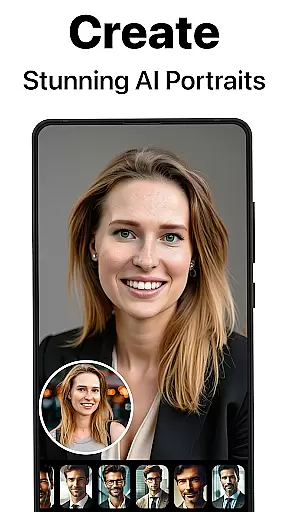
With PhotoBoost, users can transform their selfies into stunning portraits without losing the unique characteristics that make each face distinct. The AI intelligently identifies facial features and applies enhancements that complement natural beauty, avoiding the pitfalls of artificial-looking edits often associated with other apps.
This approach not only boosts confidence in sharing enhanced photos but also preserves the emotional connection tied to genuine expressions and moments. Users can trust that their edited images will retain the essence of the original, whether they're creating professional headshots or playful avatars.
Ultimately, PhotoBoostu2019s dedication to natural enhancement empowers users to express themselves creatively without compromising on authenticity, setting a new standard for what digital photo editing should achieve.
Advanced AI technology
Largest avatar library
Fast processing speed
Versatile editing tools
High-quality results
Paid subscription required
Free trial limitations
Occasional bugs reported
Internet connection needed
Learning curve for beginners

All-in-One Editor & AI Photo Enhancer, Beautify & Retouch, Collage, Cartoonify
 4.20
4.20
Add Watermark - Sign your pictures with a text or logo. Effective, quick, easy!
4.50
Edit like a pro with Hypic. Apply filters, AI effects, & magic touch.
4.40
Photo prints, cards, & gifts at Walgreens. Easy ordering & fast local pickup !
4.80
Photo editor: AI filters, photo enhancer, pic collage maker, AI art generator.
4.80
Over 800 film simulation recipes for Fujifilm. Black Friday Offer!
4.2
GCamera allows all GCam features on all phone models! Better photos with GCamera
3.30
live datamoshing
4.00
Edit photos with the picture generator: PS2 & AI Clay filters, cartoon effects.
4.50
Pro version: AR sun/moon tracker for any date. Tool for photographers & planners
4.90
Android Native system HD camera app. Never been so simple and faster.
4.70
See your baby AI baby face generator AI baby maker Face generator babymaker fun!
4.70
Light-weight Media Gallery app for Android made with Jetpack Compose
4.60
Fit multiple photos on one post. Create carousels & scroll layouts for Instagram
4.50
A light meter for true photographers.
4.20
Catch sunlight, sunrise sunset times and sun phases with the AR sun tracker.
4.10
How would you look like with a differently shaped nose, chin or lips?
3.90
Gallery Slideshow is slideshow maker app for slideshow from your gallery photos.
3.90
Long exposure camera with computational photography
2.60


User Reviews