
PhotoArt is an advanced AI-powered photo editor that caters to all your photo editing needs. With features like One-Tap Enhance, Magic Eraser, AI Face Swap, and creative effects, it offers a comprehensive suite of tools for both casual users and professionals. The app provides over 100 filters and effects, including retro, film, portrait, and light effects, enabling users to embrace their signature style.
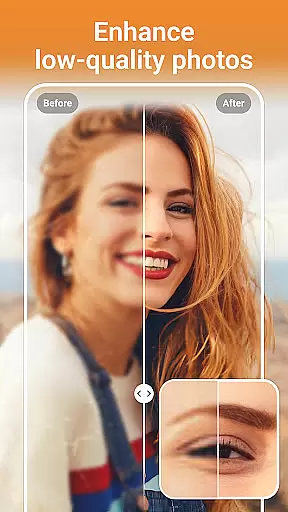
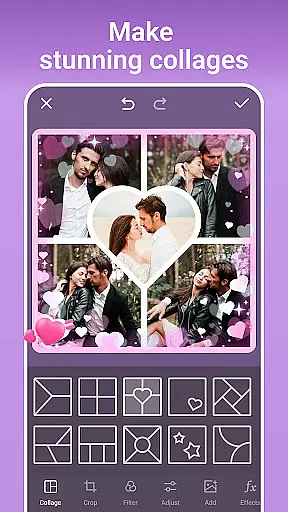
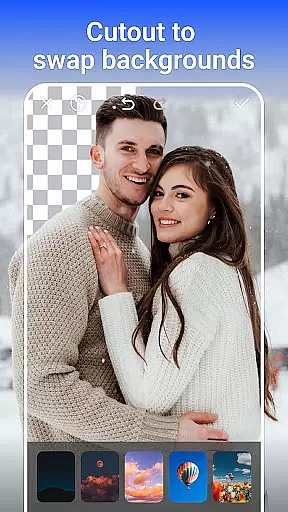
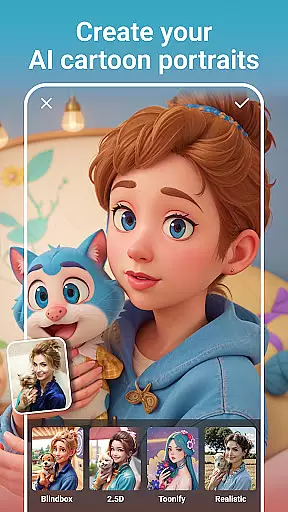
In addition to its aesthetic capabilities, PhotoArt includes practical tools such as AI Background Removal, resolution enhancement, and restoration of old photos. Users can create stunning collages, perfect portraits with makeup and reshaping tools, and even transform images into cartoon art. Designed for ease of use, the app also supports instant sharing on platforms like Instagram and Facebook, making it ideal for photographers who want professional-quality edits without complexity.
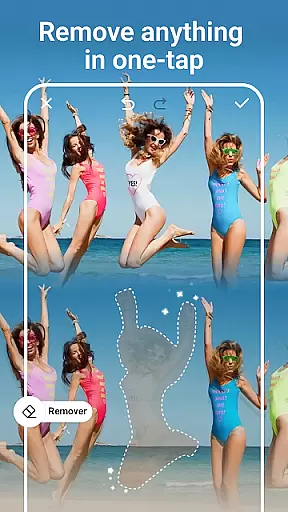
PhotoArt stands out with its diverse range of AI-driven features tailored to simplify complex editing tasks. Tools like the Magic Eraser allow users to remove unwanted objects with a single tap while intelligently filling gaps for seamless results. Advanced color adjustment options, including HSL, Curves, and Split Tone, give users precise control over their edits, ensuring vibrant and balanced images every time.
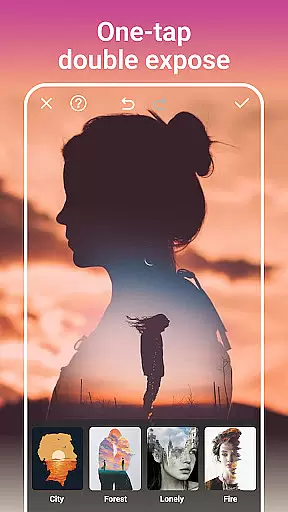
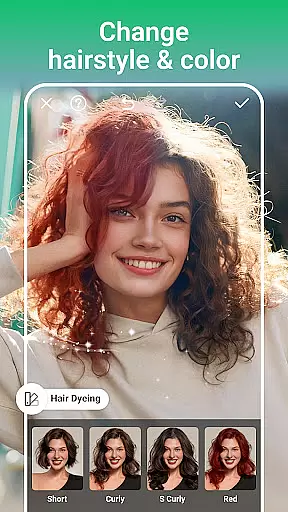
The app's creative toolkit extends to innovative features like Double Exposure, AI Cartoon Filters, and Sky Replacement, which let users experiment with artistic styles effortlessly. Its AI Portrait tools enable natural enhancements, from body reshaping to height adjustments, while maintaining realism. Whether you're looking to restore cherished memories or design eye-catching social media posts, PhotoArt delivers professional-grade capabilities in an intuitive interface.
Real-time capture and preview functionality is essential for ensuring that every photo taken meets the user's expectations immediately. PhotoArt offers a seamless experience by providing instant feedback on images captured through its advanced AI-driven interface.
The app ensures that users can see accurate representations of their shots before committing to the final image. This feature leverages sophisticated algorithms to process scenes quickly, allowing users to adjust settings such as lighting, focus, and composition on the fly.
With real-time previews, users gain confidence in their photography skills, knowing exactly how each adjustment affects the outcome. This immediate visual confirmation helps in capturing perfect moments without the need for post-processing adjustments.
Ultimately, this capability enhances the overall user experience by reducing uncertainty and enabling photographers to concentrate on creativity rather than technicalities.
AI beauty and enhancement features are crucial for elevating ordinary photos into stunning works of art while maintaining natural aesthetics. PhotoArt excels in this area by offering tools that intelligently retouch faces and bodies without appearing artificial or over-processed.
The application uses cutting-edge AI technology to analyze facial features and apply enhancements that complement the subjectu2019s natural appearance. Users can smooth skin textures, remove blemishes, and even reshape figures with precision, ensuring results look authentic and pleasing.
Moreover, PhotoArt provides customizable options for makeup effects, allowing users to experiment with different styles that suit their preferences. These enhancements not only improve visual appeal but also empower users to express themselves creatively.
By focusing on natural-looking improvements, PhotoArt ensures that edited photos retain their original charm and character, making it an ideal choice for those seeking professional-quality edits without sacrificing authenticity.
User-friendly interface
Extensive filter library
Powerful AI tools
High-quality output
Versatile editing options
Occasional lag on older devices
Some features require premium access
Learning curve for beginners
Limited offline functionality
Ads in free version

[3DSteroid Pro] is a stereoscopic application for Android.
 4.30
4.30
1M influencer's special filter
4.60
All-in-One Editor & AI Photo Enhancer, Collage, Cartoonify, Funny Stickers & BGS
4.10
Photo prints, cards, & gifts at Walgreens. Easy ordering & fast local pickup !
4.80
Photo Exif Editor allows to view, add and modify EXIF data of multiple photos
4.50
Create amazing frames with up to five photos. Rounded corners, effects and more!
3.60
Collage your moments in one tap: 1000+ layouts, filters, stickers, and texts.
4.90
Catch sunlight, sunrise sunset times and sun phases with the AR sun tracker.
4.10
Unlock the full potential of your DJI drone with Litchi
4.50
Photo editor: AI filters, photo enhancer, pic collage maker, AI art generator.
4.80
Viewfinder, Light meter, Reciprocity failure time, DOF & Bellows Extension
4.60
Take videos and pictures with the popular TikTok TIME WARP SCAN filter.
4.60
Light-weight Media Gallery app for Android made with Jetpack Compose
4.60
Create AI Photos, Improve and restore quality of blurry, old or damaged pics.
4.20
Transform Photos: Edit, Beautify and Craft Memories & Make Collages!
4.10
Perfect photos with body shaping, BG changer and object remover.
3.70
Pet Camera
3.70
Superimpose one photo on top of another using the original Superimpose app!
3.20
Photo Album Watch Face shows your favorite pictures as a Watchface.
1.90


User Reviews