
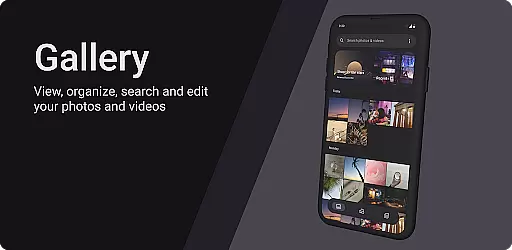
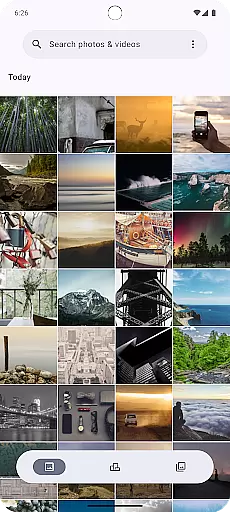
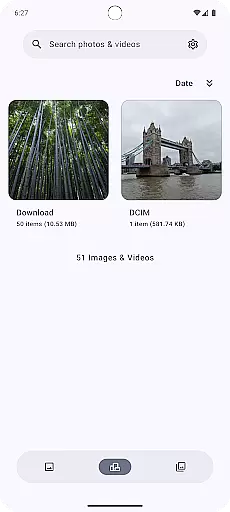
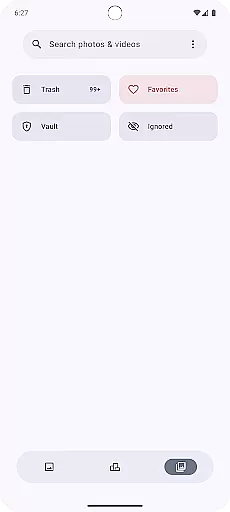
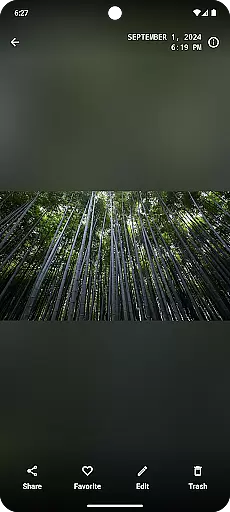
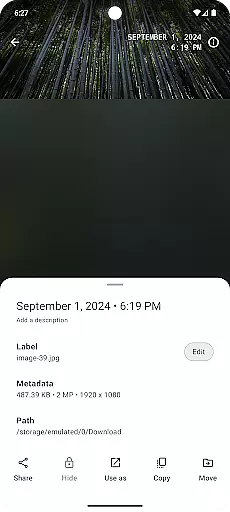
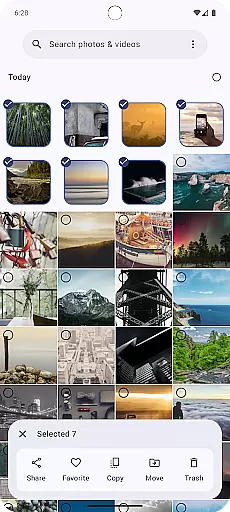
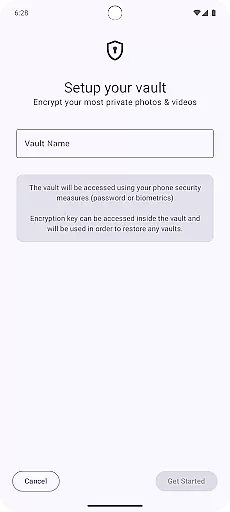
Gallery is a modern photography application designed for Android users who appreciate an intuitive and visually appealing way to manage their photos. Built with Jetpack Compose, this app offers a sleek interface that makes photo management seamless and enjoyable. Users can easily organize, edit, and share their images with minimal effort.
The app supports various image formats and provides essential editing tools to enhance your photos. Whether you're looking to create albums, apply filters, or share your memories with friends, Gallery delivers a comprehensive solution for all your photography needs.
Gallery stands out with its powerful features tailored for both casual and professional photographers. The app's core functionality includes smart organization tools that automatically sort photos based on date, location, or tags, making it easy to find specific images.
In addition to organization, Gallery offers a range of editing options such as cropping, color adjustments, and filter applications. These features ensure that users can enhance their photos to meet their creative vision without needing to switch to another editing app.
Furthermore, the app integrates smoothly with social media platforms, allowing users to directly share their edited images with friends and followers. This seamless sharing capability enhances user engagement and satisfaction.
Real-time capture and preview functionality is essential for any photography application as it allows users to see exactly what the camera sees before taking a shot. This ensures that users can make necessary adjustments to achieve the perfect photo.
Gallery app, built with Jetpack Compose, offers an intuitive real-time capture experience by leveraging the latest in Android's camera APIs. The app provides a responsive interface that minimizes lag between the camera's view and the preview shown on the screen.
Users benefit from this feature through improved photo quality and reduced chances of capturing unwanted images. With real-time feedback, users can adjust their position, lighting, and composition instantly, which is particularly useful in fast-paced environments.
The value of real-time capture and preview extends beyond just taking photos; it enhances the overall user experience by making the process more interactive and engaging. Users can experiment with different settings and see the results immediately, fostering creativity and improving photographic skills over time.
AI beauty and enhancement features have become increasingly popular in photography apps, offering users the ability to improve their photos automatically through advanced algorithms. The naturalness of these enhancements is crucial to maintaining the authenticity of the original image.
With Gallery app, AI-driven enhancements are designed to subtly improve image quality without making the results appear overly processed or artificial. The app intelligently identifies facial features, skin tones, and environmental factors to apply enhancements that look genuine and pleasing.
This approach benefits users by providing them with professional-looking photos while preserving the unique characteristics of the subject. Whether it's smoothing skin imperfections or enhancing eye clarity, the changes are made with care to ensure they complement the original photo.
Ultimately, the AI beauty and enhancement capabilities of Gallery app empower users to produce stunning images that retain their natural essence. This balance between enhancement and authenticity sets the app apart, making it a valuable tool for both amateur and experienced photographers looking to elevate their mobile photography game.
User-friendly interface
Advanced photo editing tools
Smart organization capabilities
Seamless social media integration
Supports multiple image formats
Limited advanced editing features
Occasional performance lags
No cloud backup option
Basic filters only
Ads in free version

[3DSteroid Pro] is a stereoscopic application for Android.
 4.30
4.30
Natural Beauty, Selfie Retouch
4.30
Perfect body tune & face app - photo retouch, makeup, slim body & beautify face.
4.80
Superimpose one photo on top of another using the original Superimpose app!
3.20
The #1 app for B&W film developing featuring an advanced darkroom timer.
4.10
HD Camera Pro with HD Video shooting, Panorama, Photo editor , Beauty Camera.
4.50
Add a dreamy vibe to your selfies and videos with soft style filters
4.4
Your personal guide to the sun and moon. Plan ahead, visualize and predict!
4.70
Your Family Calendar + Photos. Manage your Skylight Calendar and Skylight Frame.
4.40
AI Photo Editor with 100+ Filters, Effects! Remove BG, Retouch & Photo Enhancer.
4.80
Amazing Photo Effects - The most fun you can have with your photos!
4.70
Take videos and pictures with the popular TikTok TIME WARP SCAN filter.
4.60
Discover & download millions of art for The Frame TV or Hisense CanvasTV
4.60
What celebrity do you look like? Celebs will find your celebrity match!
4.10
Gallery Slideshow is slideshow maker app for slideshow from your gallery photos.
3.90
Application for remote controlling DSLR
3.00
Professional video recording application with manual controls for filmmakers!
2.80
Raw Image Viewer. Gallery with support of raw images (.cr3, .cr2, .nef, .raf).
2.00
Over 800 film simulation recipes for Fujifilm. Black Friday Offer!
4.2


User Reviews