
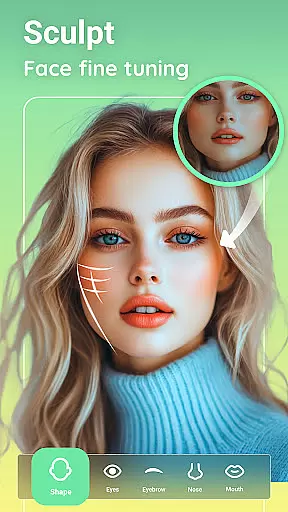
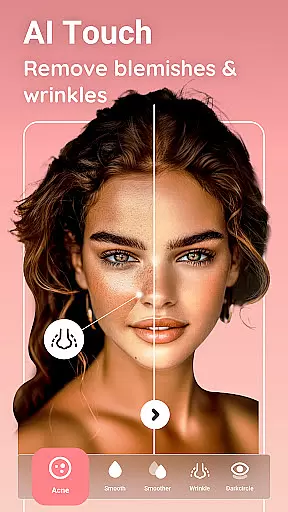
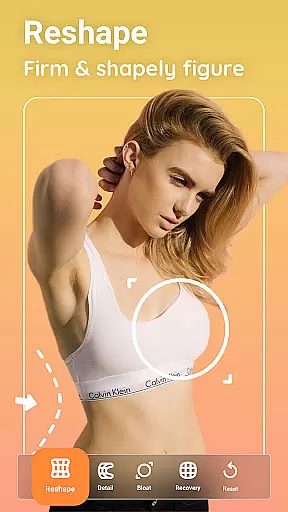
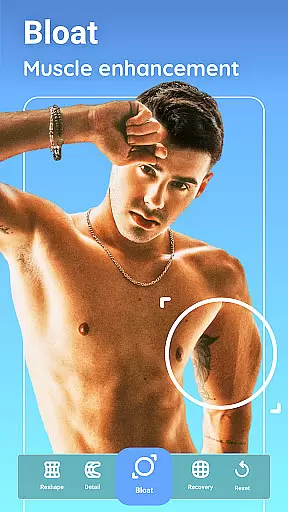
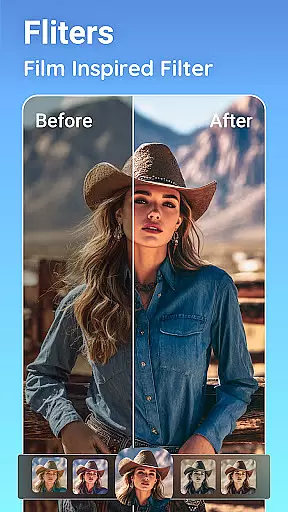
Peachy is a powerful photo and face editing application that transforms your selfies and pictures into flawless masterpieces. With professional features like body reshaping, skin smoothing, blemish removal, and radiant glow effects, Peachy allows users to perfect their photos with just one tap. The app offers AI-powered tools such as muscle enhancement, body reshaping, and face retouching, ensuring natural and realistic results.
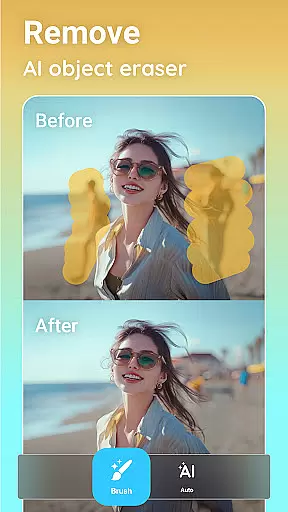
Designed for photography enthusiasts, Peachy provides essential editing tools including cropping, rotating, and adjusting brightness. Its AI Object Remover helps erase unwanted distractions seamlessly. Whether you're looking to enhance portraits, boost image quality, or apply stunning filters, Peachy caters to all your photo editing needs. Elevate your images and share them on social media platforms without any watermarks.
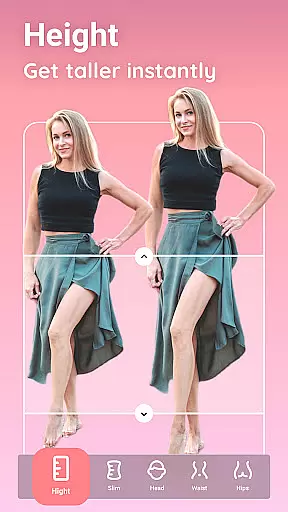
Peachy stands out with its comprehensive suite of AI-powered editing tools. The AI Muscle feature intelligently enhances muscle definition across the body, abs, V-line, chest, and arms, while the AI Body Edit tool naturally reshapes and sculpts the body. Users can slim waists, correct posture, and achieve ideal body proportions effortlessly.
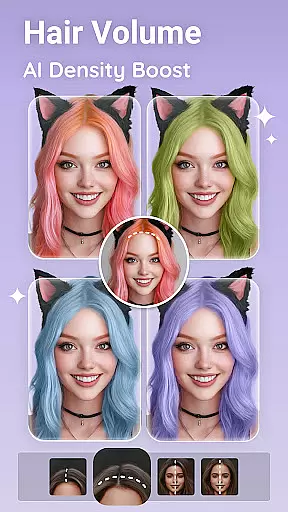
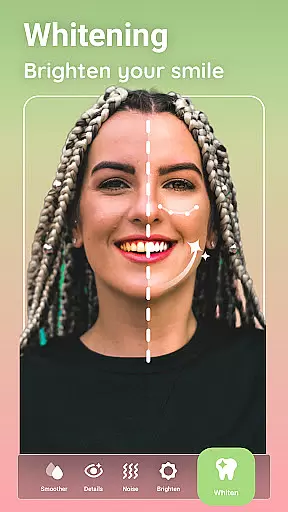
The AI Face Retouch function smooths skin, removes blemishes, brightens eyes, and ensures facial symmetry. Peachy also includes virtual makeup options, allowing users to apply lipstick, blush, eyeshadow, and brow styles realistically. For hairstyling, the app offers volume boosting, density optimization, hairline refinement, and color changing features. Eye enhancement tools help brighten eyes, remove dark circles, and adjust eye distance for a polished look.
Real-time capture and preview functionality is essential for any photography app, allowing users to see exactly what their photo will look like before taking the shot. Peachy offers a seamless real-time preview experience that ensures every detail is captured perfectly.
The app's advanced camera interface provides users with instant feedback on their adjustments, including filters, brightness, contrast, and skin retouching options. This immediate visualization helps users make precise edits without guesswork, ensuring professional-quality results.
With features like AI Object Remover and AI Face Retouch, users can witness changes instantly on their screen, making the editing process intuitive and efficient. This real-time interaction enhances user engagement and satisfaction, as they can fine-tune their images until they achieve the desired outcome.
Ultimately, Peachy's real-time capture and preview capabilities empower users to take full control of their photography, providing them with the tools needed to create flawless masterpieces effortlessly.
AI beauty and enhancement features are revolutionizing mobile photography by offering natural-looking improvements that enhance a user's best features without appearing artificial. Peachy excels in this area, providing sophisticated AI-driven enhancements that maintain authenticity.
The app includes AI Muscle and AI Body Edit functionalities that intelligently reshape and sculpt the body while preserving realistic proportions. These tools use gender-aware algorithms to ensure enhancements like muscle definition and waist slimming look genuine and proportional.
Peachy also offers AI Face Retouch and AI Makeup, which smooth skin, remove blemishes, and apply makeup effects that look naturally stunning. The AI Hair feature allows users to adjust hairlines, boost volume, and experiment with colors, all while maintaining a lifelike appearance.
By focusing on natural enhancement, Peachy ensures that edited photos retain their original charm and character, empowering users to share their beautifully retouched images with confidence across social platforms.
AI-powered editing
One-tap enhancements
Natural results
Comprehensive tools
Social media ready
May overwhelm beginners
Advanced features locked
Subscription required
Ads in free version
High system demands

Long exposure camera with computational photography
 2.60
2.60
Trendy TikTok time warp scan funny filter app brings you unique photos & videos.
4.40
HD Photo gallery and photo manager to edit, hide private photos, videos & albums
4.1
Be your best in every shot! Fix, edit and retouch your face in selfies & photos.
3.70
Light-weight Media Gallery app for Android made with Jetpack Compose
4.60
Amazing Photo Effects - The most fun you can have with your photos!
4.70
Create amazing frames with up to five photos. Rounded corners, effects and more!
3.60
RAW video capture with advanced controls
4.40
Snap photos remotely using your Garmin watch as the camera trigger
4.3
Find time and duration of different sunlight phases at any location
4.90
See your baby AI baby face generator AI baby maker Face generator babymaker fun!
4.70
Viewfinder, Light meter, Reciprocity failure time, DOF & Bellows Extension
4.60
Create Business Headshots, Polaroid Filter, Retake Photos,Profile Pics,AI Photos
4.50
Transform photos into videos! Create realistic or anime-style images easily!
4.50
Effortlessly organize, view and share your photos & videos with Gallery app!
4.40
Photobooth mini FULL app will allow you to add more fun to your parties
4.00
Perfect photos with body shaping, BG changer and object remover.
3.70
An interval timer to automate photo taking process for timelapse
2.90
Add a dreamy vibe to your selfies and videos with soft style filters
4.5


User Reviews