
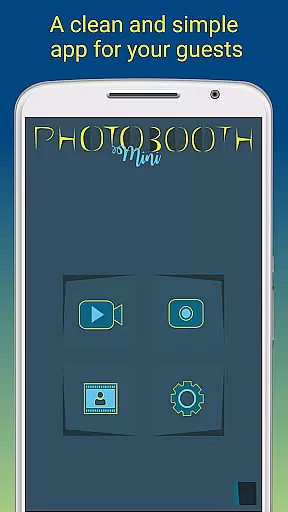
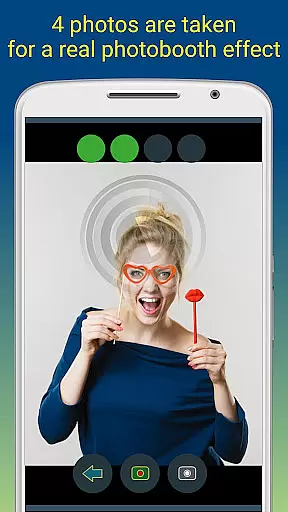
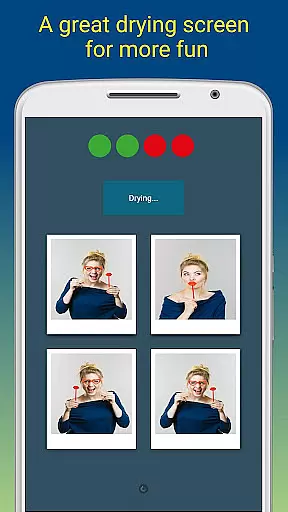
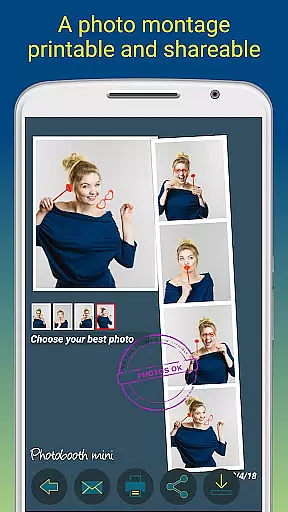
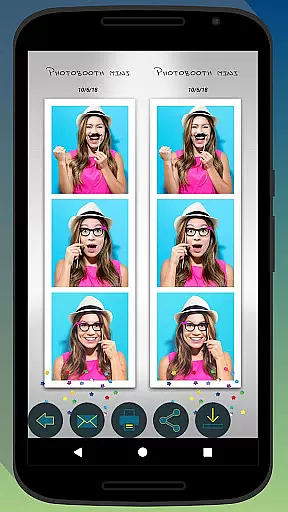
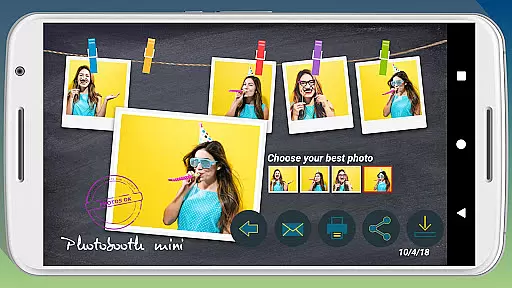
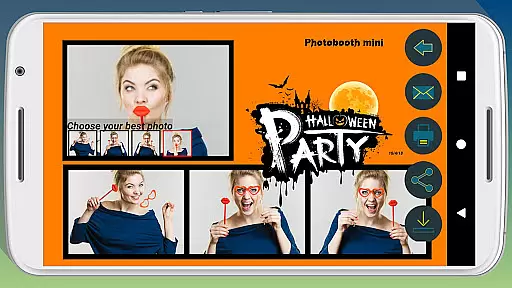
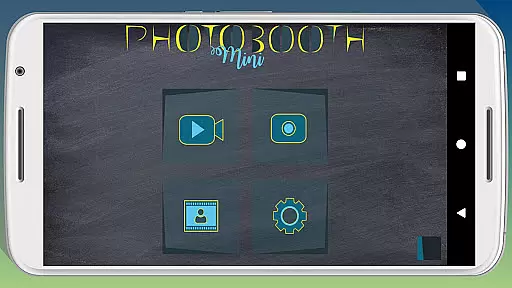
Photobooth mini FULL is a feature-rich photography app designed to capture fun moments at parties and events. The app offers full-screen preview functionality that adapts to the user's distance, mimicking a real photo booth experience. With options like a timer, multiple picture captures, and video messaging, it ensures an engaging experience. Users can also add personalized text and dates to their photos, making memories more special.
The application stands out with its ability to remain active for extended periods, making it perfect for social gatherings. It allows guests to print, share, and email photos directly from the app. Additionally, the app can store email requests and send them once internet connectivity is restored. Its extensive configurability, including background image replacement and timer settings, makes it adaptable to various event themes and setups.
Photobooth mini FULL boasts several notable features that enhance its usability and appeal. One key aspect is its full-screen preview, which adjusts based on the user's distance, providing an authentic photo booth feel. The inclusion of a timer and the ability to take 4-5 pictures in one session adds to the fun and interactive nature of the app.
Another standout feature is the app's capability to work continuously over days, saving countless photos without performance issues. This makes it ideal for long events. Moreover, users can customize their experience by replacing background images and configuring settings to match their specific needs. The app also supports offline email requests, ensuring no guest misses the chance to share their photos later.
Photobooth mini FULL offers a real-time capture and preview feature that ensures users can take high-quality, funny pictures with ease. This functionality is crucial for capturing moments accurately and providing immediate feedback to users.
The app's full-screen preview adapts to the distance of the face in a real photo booth setting. Users can zoom using volume buttons while maintaining the chosen distance, ensuring consistent image quality. The timer function adds an element of anticipation, making photo-taking more engaging.
With this feature, users benefit from a seamless experience as they can see exactly how their photos will look before capturing them. This immediate visual feedback allows for adjustments in pose or expression, resulting in more satisfactory and entertaining photos.
Ultimately, the real-time capture and preview feature enhances user satisfaction by providing control over the photo-taking process, ensuring that every snapshot is both fun and memorable.
In addition to capturing images, Photobooth mini FULL incorporates AI beauty and enhancement features that elevate photo quality naturally. This aspect is essential for users who desire aesthetically pleasing yet authentic-looking photographs.
The application applies enhancements such as skin smoothing and blemish reduction without compromising the natural appearance of the subject. These AI-driven adjustments are subtle, ensuring that the final images remain true to life while offering a polished look.
Users gain significant advantages from this feature, including the ability to produce professional-grade photos effortlessly. Whether for personal enjoyment or sharing on social media, these enhanced images stand out for their clarity and appeal.
By integrating advanced AI technology, Photobooth mini FULL delivers a superior photography experience that balances enhancement with authenticity, catering to modern users' expectations for high-quality digital content.
User-friendly interface
Highly customizable settings
Extended event usage
Offline email support
Direct sharing options
Requires manual updates
Limited free features
Occasional bugs
Heavy on memory
No live support

Over 800 film simulation recipes for Fujifilm. Black Friday Offer!
 4.4
4.4
Cartoon and artistic effects for your photos and videos
4.70
The #1 app for B&W film developing featuring an advanced darkroom timer.
4.10
Photo Exif Editor allows to view, add and modify EXIF data of multiple photos
4.50
Collage your moments in one tap: 1000+ layouts, filters, stickers, and texts.
4.90
Hair color changer, AI haircut app, fun hair editor and buzz cut filter for all!
3.80
Unblur, enhance & restore photos with powerful AI photo enhancer tools.
4.60
Effortlessly make high-quality GIFs from images & videos without any watermarks.
4.70
Photo & Video Gallery app to manage albums and save WA Status easily.
4.70
Photo prints, cards, & gifts at Walgreens. Easy ordering & fast local pickup !
4.80
Enhance, upscale, and transform your images — on your device, without limits
4.70
Enhance, retouch & create your story - Share the moment with Photoshop Express.
4.60
PhotoSync Bundle Add-On License. Enables all features and services in PhotoSync.
4.60
All-in-One Editor & AI Photo Enhancer, Beautify & Retouch, Collage, Cartoonify
4.20
Professional photography on your mobile phone
4.20
Catch sunlight, sunrise sunset times and sun phases with the AR sun tracker.
4.10
live datamoshing
4.00
Perfect photos with body shaping, BG changer and object remover.
3.70
Create amazing frames with up to five photos. Rounded corners, effects and more!
3.60


User Reviews