
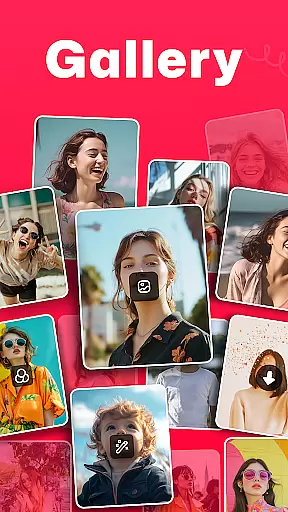
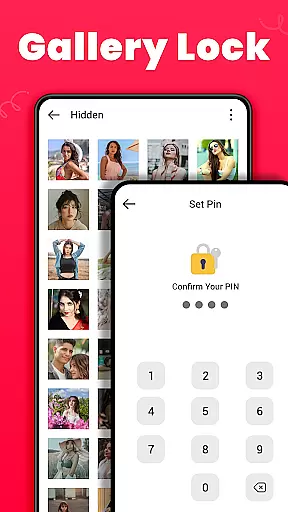
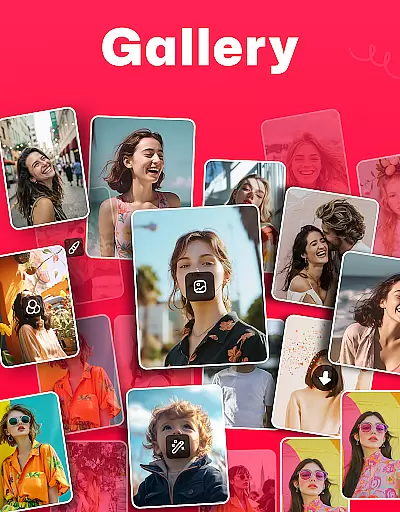
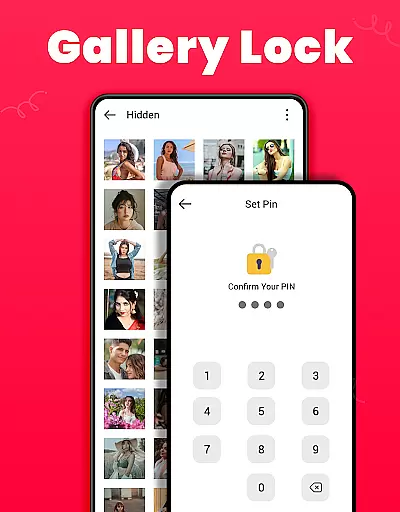
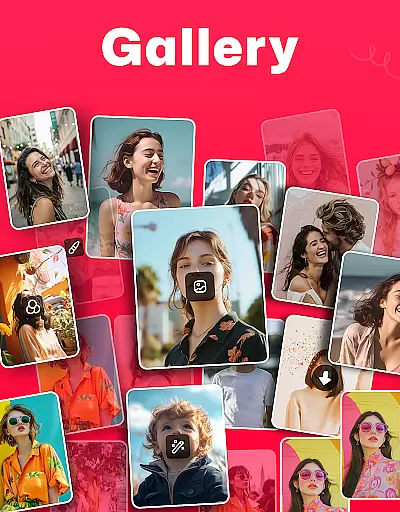
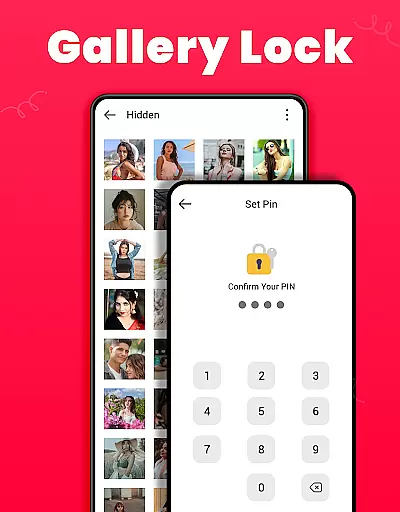
Gallery is a comprehensive offline photo and video management app designed for Android users. This application allows you to organize, edit, and share your media files effortlessly. The standout feature of Gallery is its ability to automatically sort media according to file paths, making it easy to locate specific photos or videos. Additionally, the app offers a secure vault where users can protect sensitive content with a PIN or password, ensuring privacy from unauthorized access.
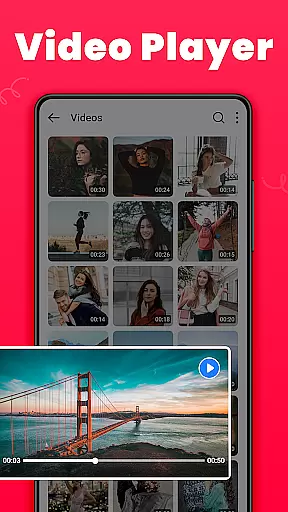
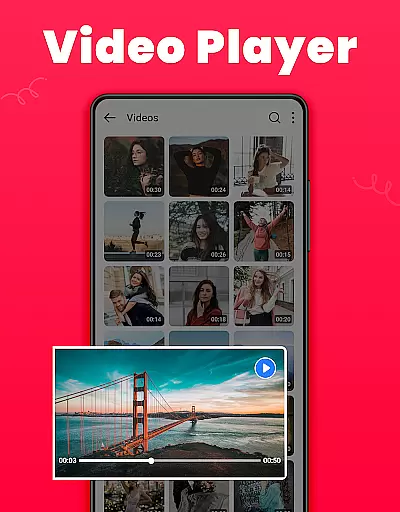
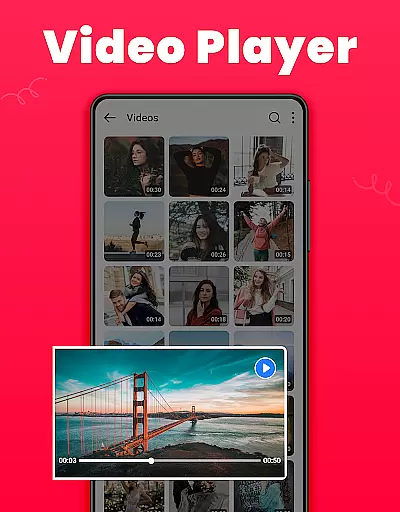
Beyond basic management, Gallery provides advanced features such as photo editing tools, HD video playback, and the ability to recover accidentally deleted media. Users can also customize their experience by creating favorite lists, setting wallpapers, and sorting albums by various criteria like name or date. With its lightweight design and offline functionality, Gallery ensures that managing your digital memories remains both efficient and accessible.
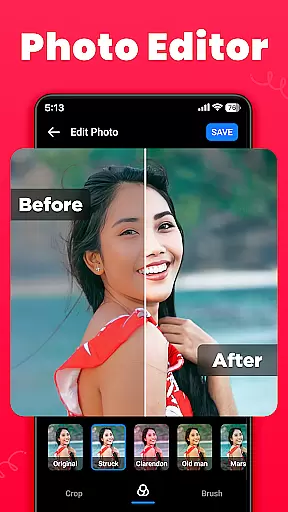
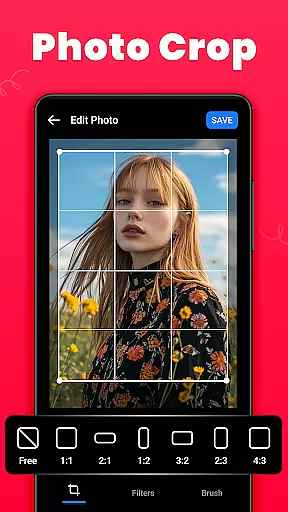
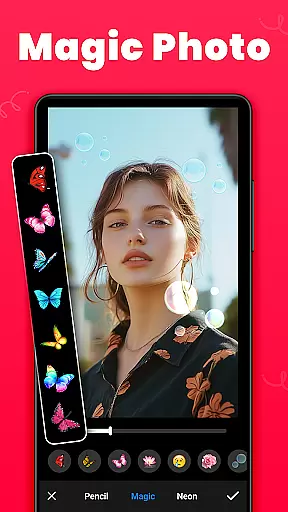
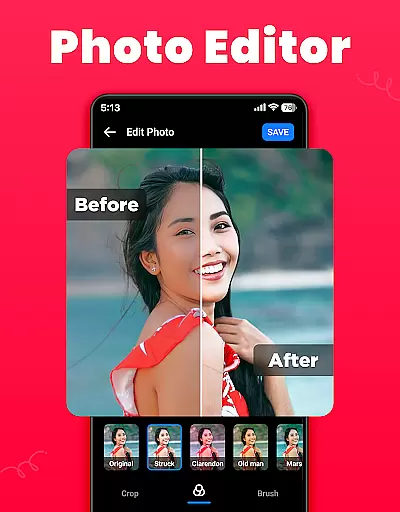
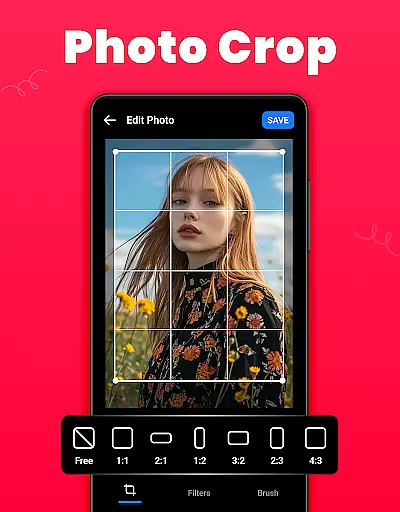
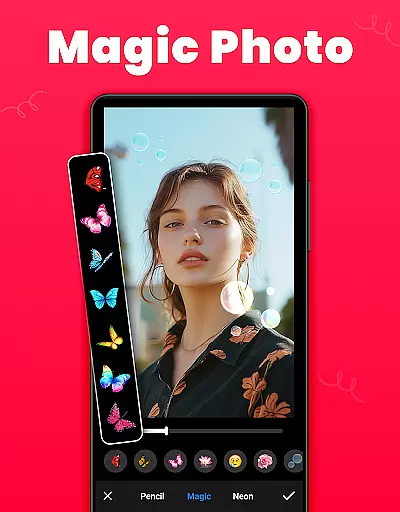
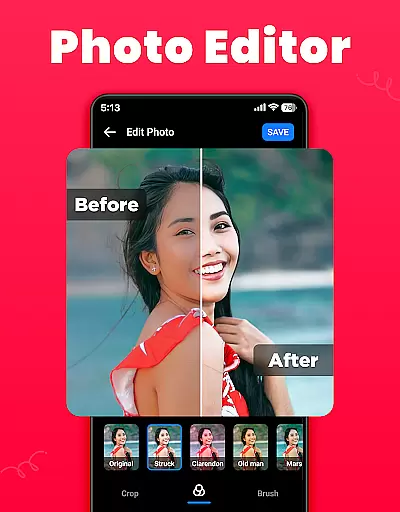
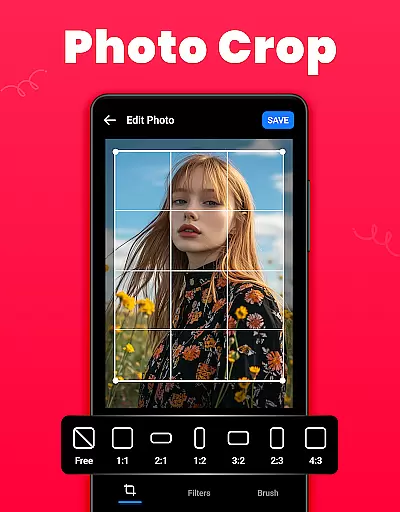
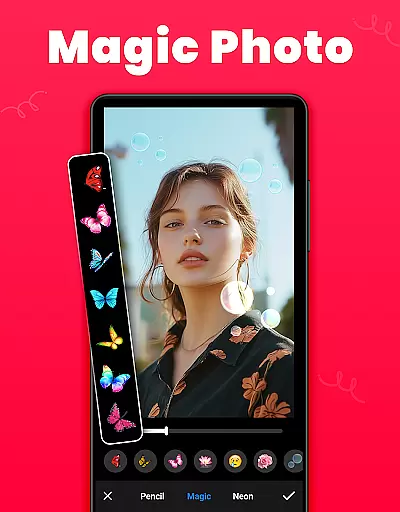
Gallery stands out due to its rich set of features tailored for photography enthusiasts and everyday users alike. One of the key highlights is the built-in photo editor, which includes tools like crop, filter, and brush options. These allow users to enhance their images with professional-grade adjustments, including custom cropping, applying artistic filters, and using drawing tools to add creative touches.
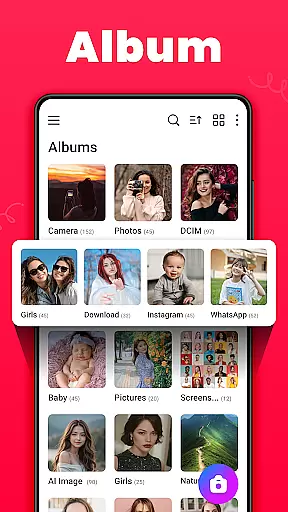
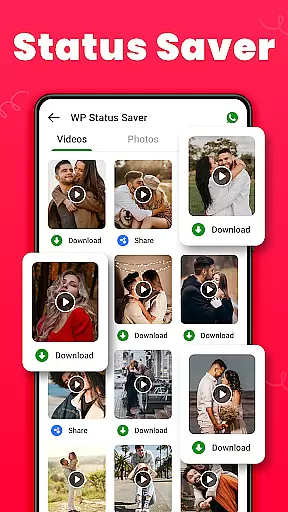
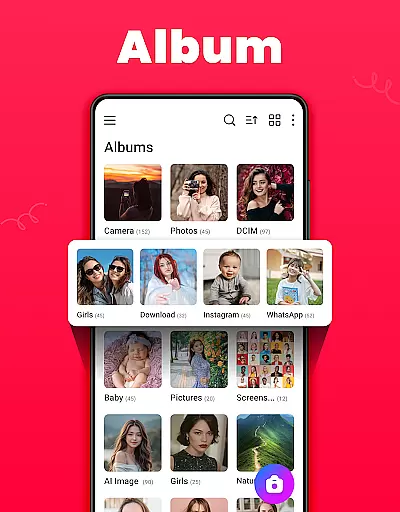
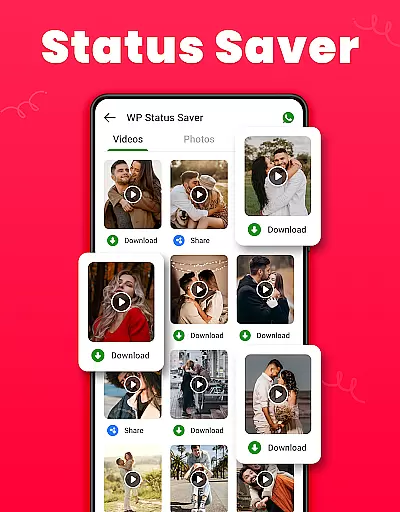
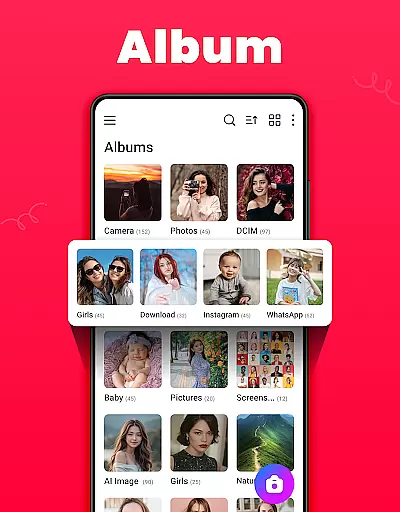
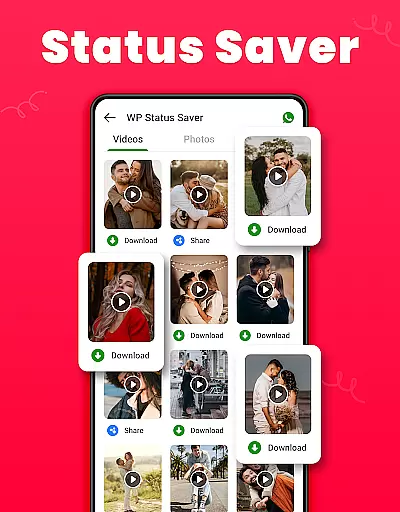
Another significant aspect of Gallery is its robust organizational capabilities. Users can create and manage multiple albums, sort them by different parameters, and even save WhatsApp statuses directly within the app. Furthermore, the Recycle Bin feature ensures that mistakenly deleted media can be recovered easily. For those concerned about privacy, the Gallery Lock function provides an added layer of security by hiding private photos and videos behind a PIN or password. Overall, these features make Gallery not just a storage solution but a complete media management suite.
Real-time capture and preview functionality is essential for ensuring that users can accurately frame and capture their desired images without delay. The Gallery app offers a seamless experience by providing instant feedback on the framing, lighting, and focus of photos or videos as they are being captured.
This feature leverages advanced processing capabilities to deliver high-quality previews that closely match the final output. Users can see adjustments in real time, such as exposure changes or filter effects, allowing them to make informed decisions before taking a shot. This immediate visual feedback enhances the overall photography experience, making it more interactive and engaging.
For users who prioritize speed and accuracy, this app ensures that every captured moment is precisely what they envisioned. Whether snapping quick shots or setting up a detailed composition, the real-time preview allows photographers to fine-tune their work effortlessly. This capability not only saves time but also improves the quality of the media being captured.
AI beauty and enhancement features have become increasingly popular in photo editing applications. These tools use artificial intelligence to automatically enhance facial features while maintaining a natural look. In the Gallery app, AI-driven enhancements ensure that edits appear realistic rather than overly processed.
The app provides various AI-powered options such as skin smoothing, blemish removal, and eye enhancement. Each tool is designed to subtly improve specific aspects of a photo without compromising its authenticity. By analyzing facial structures and applying enhancements proportionally, the app achieves results that look genuine and pleasing.
Users benefit from these intelligent enhancements by achieving professional-quality edits with minimal effort. The naturalness of the enhancements helps preserve the original character and emotion of the subject, making the edited photos suitable for both personal and professional use. With this feature, users can confidently share their best moments, knowing that their images retain a lifelike quality.
User-friendly interface
Advanced privacy controls
Comprehensive editing tools
Efficient organization system
Offline functionality
Limited cloud integration
Occasional bugs reported
Ads in free version
Requires permissions
Not available on iOS

Gallery show photo, video, slideshow, is perfect 3D effect private photo albums.
 4.80
4.80
Light-weight Media Gallery app for Android made with Jetpack Compose
4.60
Amazing Photo Effects - The most fun you can have with your photos!
4.70
A reflected light meter with spot metering and incident light metering.
4.40
GCamera allows all GCam features on all phone models! Better photos with GCamera
3.30
Professional quality photo edits with the new Snapseed.
4.00
Easily view, share, delete photos with Gallery.
4.70
Unlock the full potential of your DJI drone with Litchi
4.50
Your Family Calendar + Photos. Manage your Skylight Calendar and Skylight Frame.
4.40
Find time and duration of different sunlight phases at any location
4.90
Unblur, enhance & restore photos with powerful AI photo enhancer tools.
4.60
Safe & smart flight with Go Fly drone controller for 40+ drone camera, zone map
4.50
Search, tag and rate your way to an organized image gallery
4.40
Edit like a pro with Hypic. Apply filters, AI effects, & magic touch.
4.40
Turn your phone into a professional camera - full DSLR manual photography
4.30
How old age camera Gender Swap App Face Shape Hairstyle App Hair Styler App fun!
4.00
Professional video recording application with manual controls for filmmakers!
2.80
HD Photo gallery and photo manager to edit, hide private photos, videos & albums
4.5
Add a dreamy vibe to your selfies and videos with soft style filters
4.5


User Reviews