

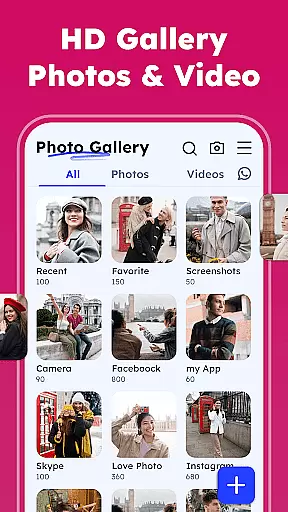


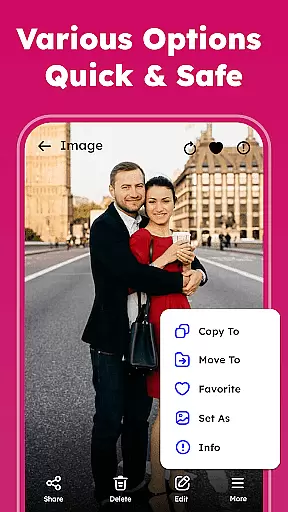


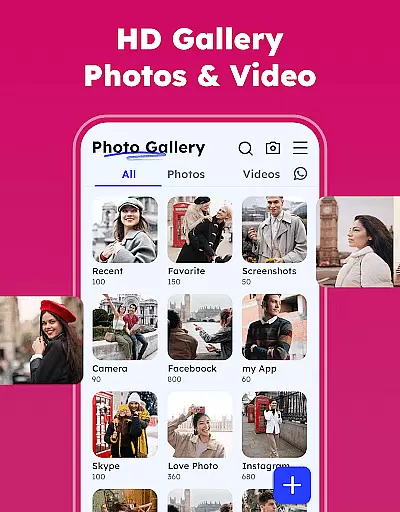

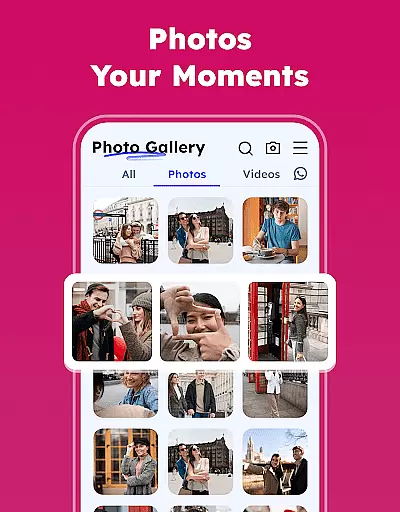
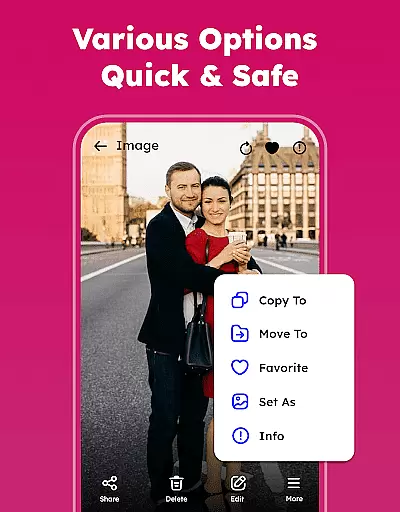
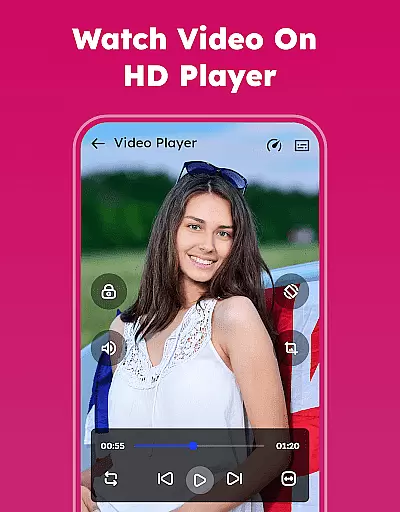

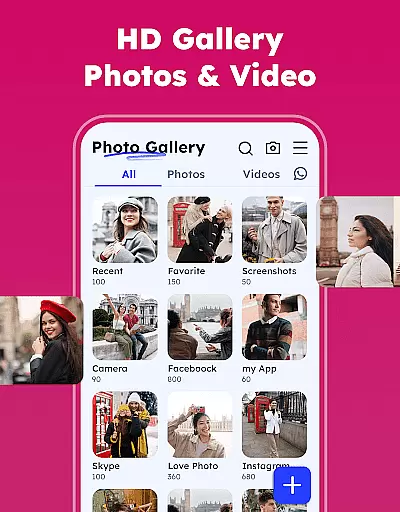

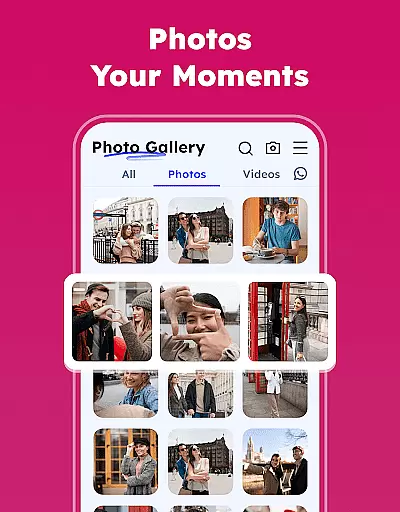
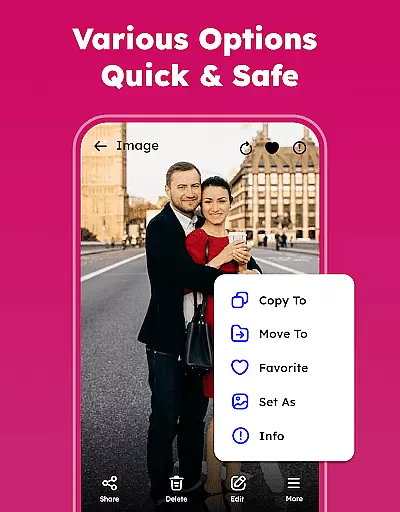
Gallery - Photos & Videos is a comprehensive photography app designed to help users efficiently manage, edit, and protect their digital media assets. This feature-rich application offers a lightweight solution for organizing photos and videos, making it perfect for daily use. With its user-friendly interface, the app allows users to relive their favorite moments effortlessly while providing essential security features such as password protection and private vaults.
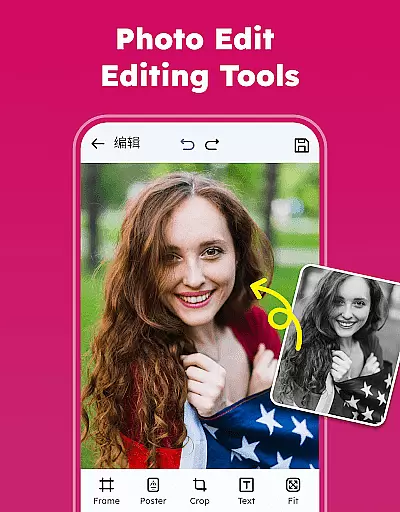
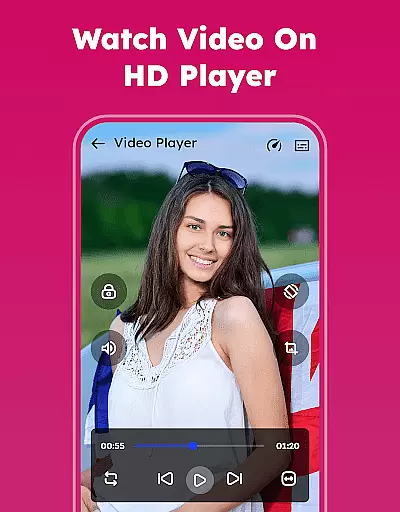
The app's core functionality revolves around seamless media management. Users can view, search, and categorize their photos and videos with ease. It supports all major image and video formats, ensuring compatibility across devices. The built-in photo editor enables users to enhance their images with various filters and creative tools. Additionally, the app offers offline access, allowing users to enjoy their media library without an internet connection, which is particularly useful when traveling or in areas with limited connectivity.
This photography app stands out through its innovative features that cater to both casual users and photography enthusiasts. From removing duplicate files to restoring accidentally deleted media, the app provides practical solutions for optimizing storage space and maintaining a well-organized gallery. Its ability to automatically categorize media into meaningful groups helps users quickly find specific memories, while the customizable album feature allows for personalized organization. These capabilities make Gallery - Photos & Videos an indispensable tool for anyone looking to maintain a well-structured and secure digital media collection.
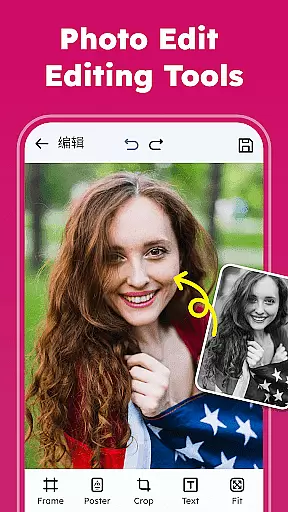
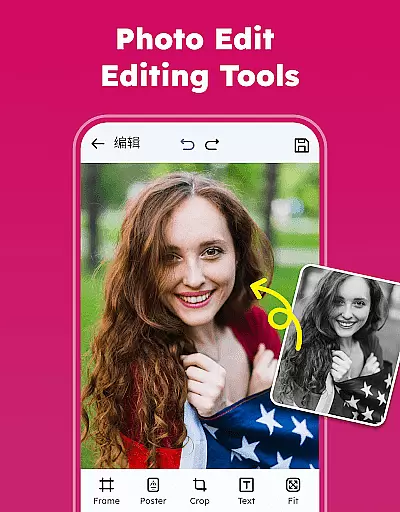
Gallery - Photos & Videos distinguishes itself through an impressive array of features designed to enhance the user's media management experience. One of its most notable capabilities is the advanced photo editing suite, which includes professional-grade tools for adjusting images, applying filters, and adding creative elements like emojis and text overlays. This feature empowers users to transform ordinary photos into artistic masterpieces directly within the app, eliminating the need for separate editing software.
The app's organizational features are equally impressive. Users can sort their media library by various parameters including name, date, size, and category, enabling precise control over their digital assets. The smart categorization system automatically groups photos and videos into meaningful categories such as people, places, and events, while the duplicate file remover helps optimize storage space. Additionally, the app offers robust security features including password protection, private vaults, and the ability to hide sensitive content behind PIN codes or passwords.
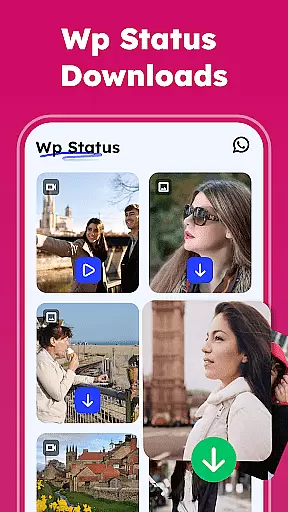
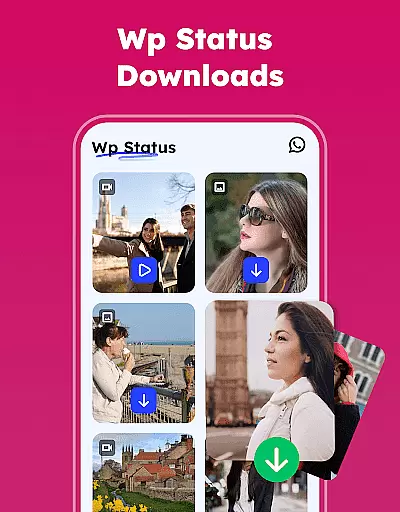
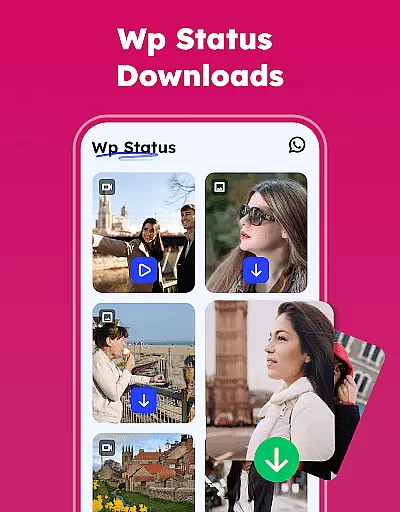
Several innovative features set this photography app apart from its competitors. The WA Status Saver allows users to download and save social media stories, while the Explore function provides intelligent media categorization. The app's offline capabilities ensure uninterrupted access to media files, and its sharing functionality makes it easy to distribute content across multiple platforms. Furthermore, the restore feature provides peace of mind by allowing users to recover accidentally deleted files from the trash folder, ensuring that precious memories are never permanently lost.
Real-time capture and preview functionality is essential for any photography app, allowing users to see exactly what the camera is capturing before taking a shot. This feature ensures that users can make necessary adjustments to lighting, angle, and composition instantly.
The Gallery - Photos & Videos app offers an intuitive real-time capture experience with its advanced camera integration. The app provides live previews that accurately reflect the scene, ensuring every photo taken meets the user's expectations in terms of clarity and color accuracy.
Users benefit from this feature by being able to capture high-quality images without the need for post-editing. The ability to preview shots in real time saves time and enhances the overall photography experience, making it ideal for both amateur and professional photographers.
This real-time functionality not only elevates the photography process but also contributes to better storage management by reducing the number of discarded photos due to poor quality or incorrect settings.
AI beauty and enhancement features are becoming increasingly popular in photography apps, offering users the ability to enhance their photos naturally without over-processing. This technology intelligently identifies facial features and applies enhancements that look realistic and preserve the original character of the subject.
In the Gallery - Photos & Videos app, AI-powered tools allow users to beautify portraits while maintaining natural skin tones and textures. The app uses sophisticated algorithms to smooth imperfections, brighten eyes, and whiten teeth, all while ensuring the final image looks authentic and unaltered.
Photographers and selfie enthusiasts benefit greatly from this feature as it allows them to achieve professional-looking results with minimal effort. The natural enhancement provided by AI ensures that subjects look their best without appearing overly edited or artificial.
By incorporating AI beauty and enhancement tools, the app empowers users to create stunning images that retain their genuine essence, thus enhancing personal storytelling through photography.
User-friendly interface
Comprehensive editing tools
Robust security features
Offline functionality
Smart categorization
Requires storage permissions
Premium features locked
Occasional bugs reported
Ads in free version
Learning curve for new users

Application for remote controlling DSLR
 3.00
3.00
Transform photos into videos! Create realistic or anime-style images easily!
4.50
Superimpose one photo on top of another using the original Superimpose app!
3.20
A must-have app for landscape photographers
4.60
Luminar: Photo Editor - easy picture editing with AI
4.20
Turn photos into cartoons & avatars! - Photo Editor, Cartoon Face!
3.90
live datamoshing
4.00
RAW video capture with advanced controls
4.40
Photo & Video Gallery app to manage albums and save WA Status easily.
4.70
Photo prints, cards, & gifts at Walgreens. Easy ordering & fast local pickup !
4.80
Cartoon and artistic effects for your photos and videos
4.70
Amazing Photo Effects - The most fun you can have with your photos!
4.70
See your baby AI baby face generator AI baby maker Face generator babymaker fun!
4.70
Enhance, retouch & create your story - Share the moment with Photoshop Express.
4.60
PhotoSync Bundle Add-On License. Enables all features and services in PhotoSync.
4.60
Add Watermark - Sign your pictures with a text or logo. Effective, quick, easy!
4.50
Edit like a pro with Hypic. Apply filters, AI effects, & magic touch.
4.40
Professional camera app that brings DSLR manual photography controls to Android.
4.20
Be your best in every shot! Fix, edit and retouch your face in selfies & photos.
3.70


User Reviews