
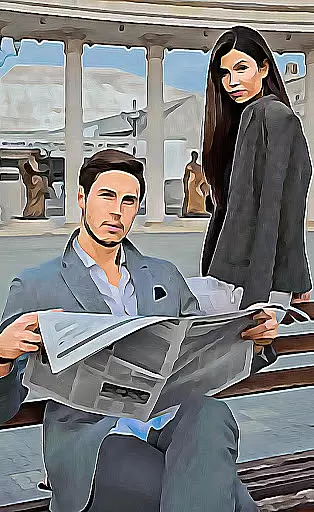
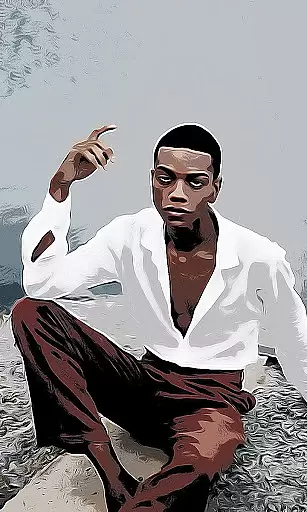
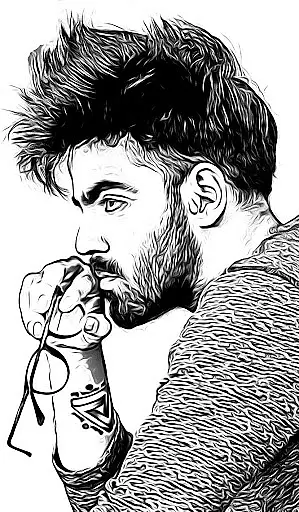
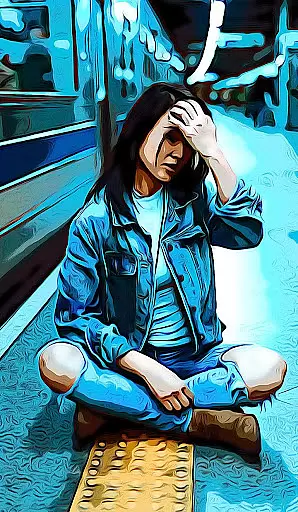
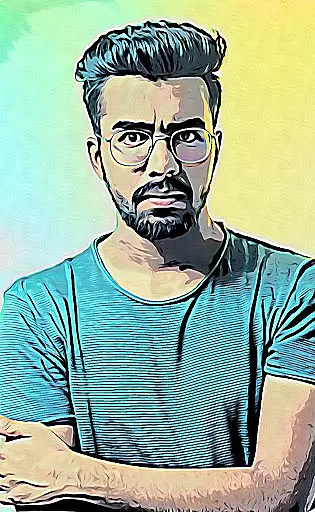
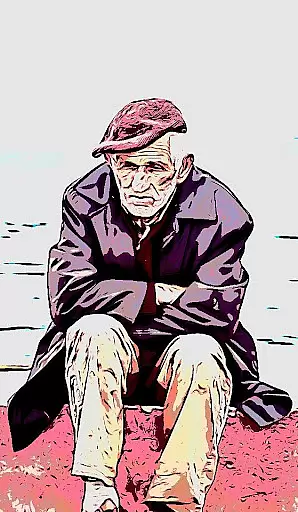
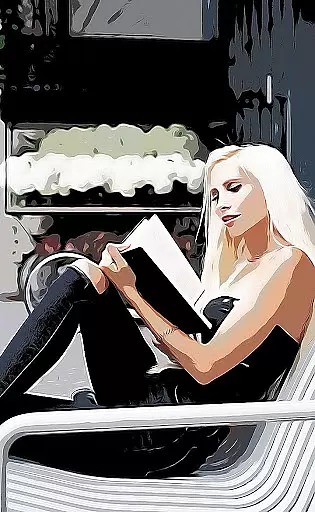
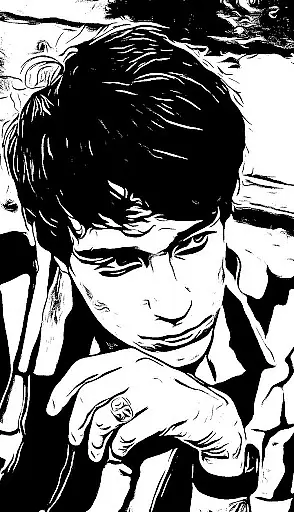
Cartoon Photo PRO is a premium photography app that transforms ordinary photos into artistic masterpieces. With advanced photo effects, this application allows users to convert their images into cartoons, sketches, oil paintings, and more.
The app stands out with its real-time camera effects, enabling users to capture photos directly in artistic styles. Whether you're editing existing photos or taking new ones, Cartoon Photo PRO offers a seamless experience across both front and back cameras, complete with pinch-to-zoom functionality.
Ideal for photography enthusiasts who want to add a creative touch to their images, this app provides professional-grade tools without the usual ads, making it perfect for those seeking uninterrupted creativity.
Cartoon Photo PRO boasts an impressive array of features designed to enhance your photography experience. The app includes numerous artistic filters such as cartoon, sketch, oil painting, pencil drawing, and thermal vision effects, allowing users to explore different artistic expressions.
One standout feature is the real-time effect application, which lets users preview and capture photos with unique styles instantly. The intuitive interface supports auto-focus by tapping anywhere on the screen and enables quick saving or capturing with a single button press.
Additionally, the app supports both front and back cameras and includes pinch-to-zoom capabilities for precise control. Users can easily share their creations with friends, making it a versatile tool for creative expression and social sharing.
Real-time capture and preview functionality is essential for photography applications as it allows users to see the effects applied instantly through their device's camera. This feature ensures that users can make immediate adjustments before taking a photo.
Cartoon Photo PRO excels in this area by offering real-time effects that can be applied directly while using either the back or front cameras of your phone. The application supports pinch-to-zoom, enabling detailed framing and composition of shots without losing quality or effect visibility.
With auto-focus capabilities activated by simply tapping on the screen, users can ensure their subject is always sharp and clear. This combination of features provides an intuitive and responsive photography experience, making artistic expression seamless and engaging.
AI beauty and enhancement features are increasingly popular in photography apps, allowing users to refine and perfect their images with intelligent processing. The naturalness of these enhancements is crucial to maintaining the authenticity of the original photo.
Cartoon Photo PRO offers a variety of premium photo effects that go beyond basic beautification. Users can transform their photos into artistic renditions such as cartoons, sketches, oil paintings, and pencil drawings. These transformations are powered by sophisticated algorithms that preserve the essence and details of the original image while applying impressive artistic filters.
The app ensures high-quality results by allowing users to save images quickly with a single touch after applying their chosen effect. Sharing these enhanced photos with friends becomes an effortless process, showcasing the app's commitment to both creativity and user convenience.
User-friendly interface
Real-time effects
No advertisements
Premium photo effects
Supports multiple cameras
Higher cost than free apps
Requires good device performance
Limited free features
Consumes significant storage
Occasional bugs reported

All-in-One Editor & AI Photo Enhancer, Beautify & Retouch, Collage, Cartoonify
 4.20
4.20
Shooting photos and records video easily and efficient with professional Camera
4.30
1M influencer's special filter
4.60
Viewfinder, Light meter, Reciprocity failure time, DOF & Bellows Extension
4.60
Cut and paste photo editor & eraser to customize photos easy and swap faces fun
4.50
Over 800 film simulation recipes for Fujifilm. Black Friday Offer!
4.4
Photo Exif Editor allows to view, add and modify EXIF data of multiple photos
4.50
AI photo enhancer with Sora 2! Enhance, descratch, and colorize your old photos.
4.50
RAW video capture with advanced controls
4.40
Find time and duration of different sunlight phases at any location
4.90
Perfect body tune & face app - photo retouch, makeup, slim body & beautify face.
4.80
Safe & smart flight with Go Fly drone controller for 40+ drone camera, zone map
4.50
Search, tag and rate your way to an organized image gallery
4.40
AI portrait generator and polaroid AI selfie, fun AI generated AI photo creator!
4.30
Catch sunlight, sunrise sunset times and sun phases with the AR sun tracker.
4.10
live datamoshing
4.00
How would you look like with a differently shaped nose, chin or lips?
3.90
USB Storage Access for Photos, Videos, Music and Documents
3.80
Add a dreamy vibe to your selfies and videos with soft style filters
4.2


User Reviews