
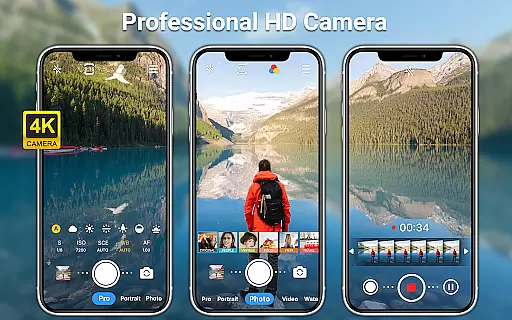
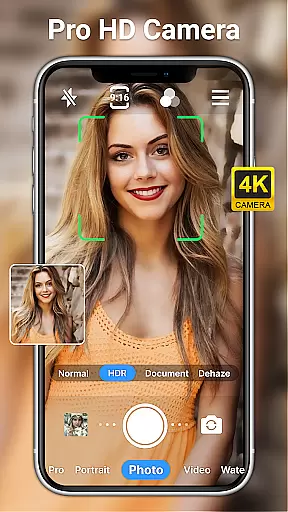
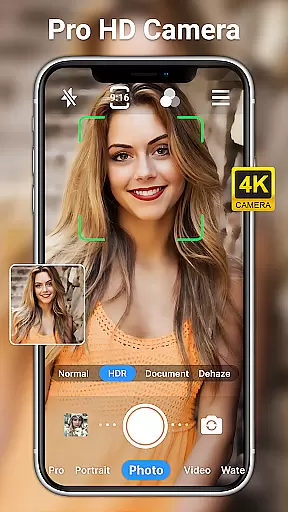
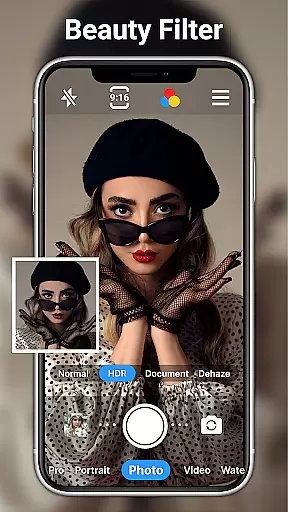
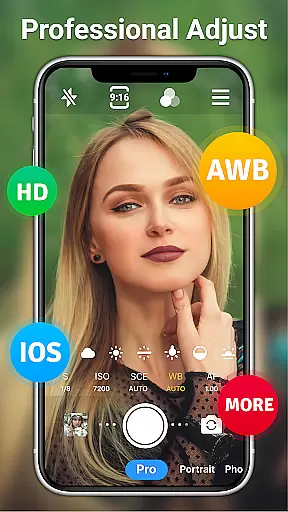
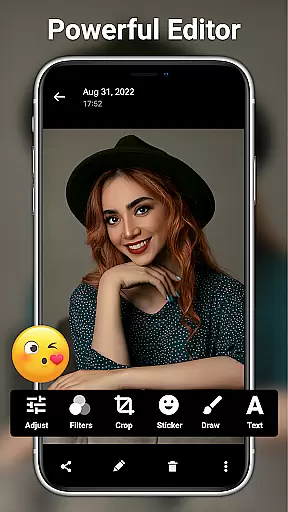
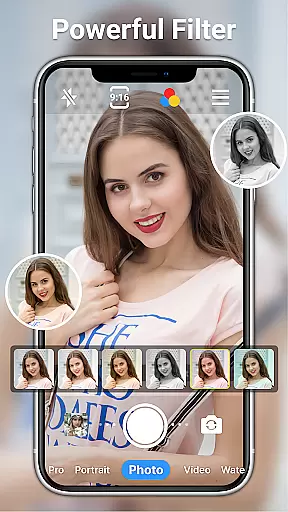
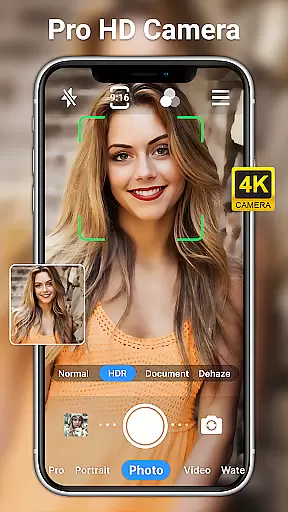
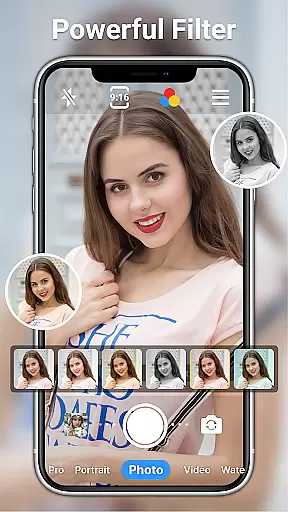
HD Camera for Android is a professional-grade photography application that allows users to capture high-definition photos and videos with ease. The app supports full HD 1080p resolution, ensuring crisp and vibrant images regardless of lighting conditions.
With its intuitive interface, the app offers both front and rear camera toggling, real-time filters, and advanced shooting modes. Users can take advantage of features like optical/digital zoom, timer settings, and HDR mode to create stunning visuals. Whether capturing everyday moments or engaging in serious photography projects, this app provides all the necessary tools.
The app's versatility makes it suitable for both amateur photographers looking to enhance their mobile photography skills and professionals needing a reliable mobile camera solution. By offering powerful editing features and various customization options, HD Camera ensures users can fully express their creativity while maintaining complete control over their photographic output.
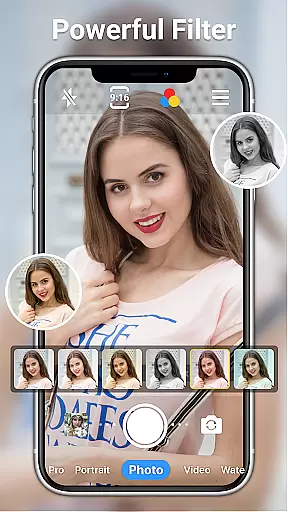
HD Camera stands out with its comprehensive feature set designed to meet diverse photography needs. The app includes over 10 real-time filters, steady shooting capabilities, and pinch-to-zoom functionality, allowing users to capture unique perspectives with minimal effort.
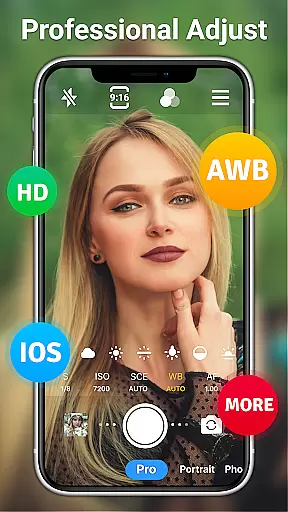
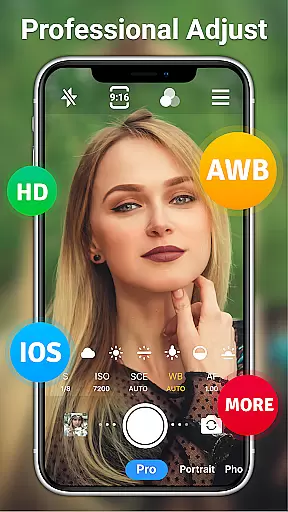
Advanced camera controls such as ISO adjustment, shutter speed settings, and white balance customization enable users to fine-tune their shots according to different environments. The app also supports professional modes including sports, night, and sunset scenes, making it adaptable to various shooting scenarios.
Additional features like date watermarking, time-lapse photography, and facial retouching demonstrate the app's commitment to providing a complete photography solution. With AI-powered restoration tools and a wide range of photo editing options, users can transform their raw captures into professional-quality images directly from their mobile devices.
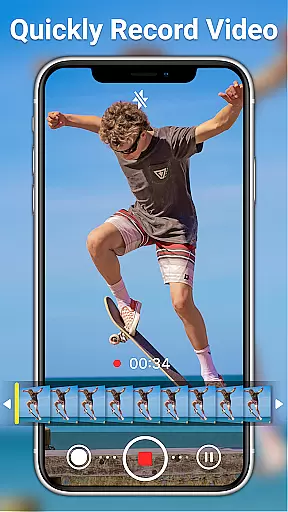
Real-time capture and preview functionality is essential for ensuring that every photo or video taken meets the user's expectations immediately. HD Camera for Android excels in this area by offering a full HD 1080p camera mode, enabling users to capture images with stunning clarity and vibrant colors.
This app provides an extensive set of features designed to enhance the real-time shooting experience. Users can toggle between front and rear cameras, apply professional shooting modes, and utilize steady shooting along with pinch-to-zoom capabilities. These functionalities ensure that whether capturing a serene landscape or an action-packed event, the output is always crisp and clear.
Moreover, the inclusion of real-time filters and effects allows users to express their creativity directly within the app. With over 10 amazing filters, users can customize their photos and videos to match their unique style. This instant personalization ensures that each shot not only meets technical standards but also aligns with the user's artistic vision.
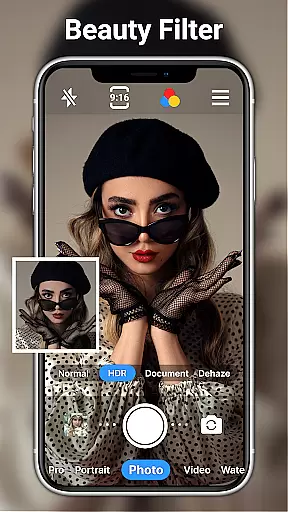
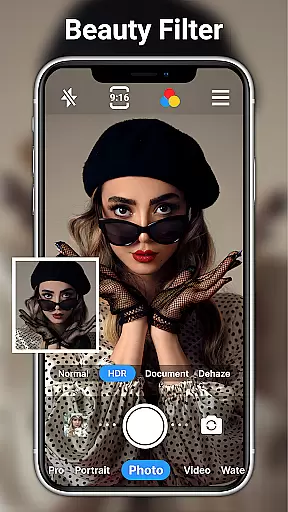
The AI Beauty and Enhancement feature in photography apps aims to naturally improve the aesthetic quality of photos without making them appear overly edited. HD Camera for Android incorporates advanced AI technologies to offer facial retouching, skin smoothing, and other enhancements that maintain the authenticity of the subject.
With one-click facial retouch options, users can effortlessly enhance portraits while preserving natural looks. The app intelligently identifies facial features and applies adjustments that highlight the subject's best attributes without distorting their appearance. This approach ensures that every selfie or portrait remains true to life yet visually appealing.
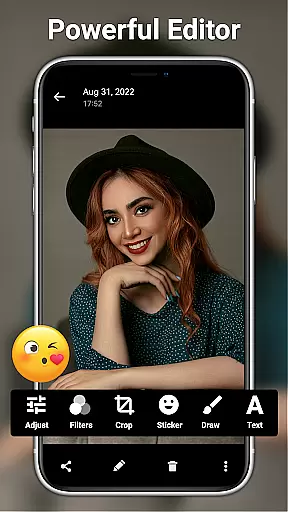
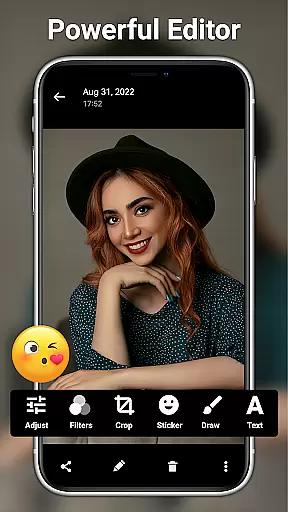
In addition to beauty enhancements, the app offers a suite of editing tools including brightness, contrast, saturation, and exposure adjustments. Users can fine-tune these settings to achieve the perfect balance, ensuring that every photo reflects their intended vision. With AI restore and AI palettes, even novice photographers can produce professional-grade results with minimal effort.
User-friendly interface
Professional-grade features
Comprehensive editing tools
Real-time filters and effects
Free with no hidden costs
Occasional performance lag
Large file sizes for HD content
Complex for beginners
Battery consumption
Interface could be overwhelming

Search, tag and rate your way to an organized image gallery
 4.40
4.40
An interval timer to automate photo taking process for timelapse
2.90
How old age camera Gender Swap App Face Shape Hairstyle App Hair Styler App fun!
4.00
Create & Edit with AI: AI Remove, Enhance, Retouch, Filter
4.10
Photo prints, cards, & gifts at Walgreens. Easy ordering & fast local pickup !
4.80
Create Business Headshots, Polaroid Filter, Retake Photos,Profile Pics,AI Photos
4.50
Movie camera, supports pro recording settings for filming. Try it and be amazed!
4.50
Future baby face generator: AI kids generator, kid face! What my baby look like?
4.40
live datamoshing
4.00
Light-weight Media Gallery app for Android made with Jetpack Compose
4.60
Enhance, retouch & create your story - Share the moment with Photoshop Express.
4.60
Create AI photos & videos with Enhancer; restore, fix, beautify, enhance photos
4.50
RAW video capture with advanced controls
4.40
AI-powered video creator by MiniMax - Where ideas meet cinema
4.20
Photobooth mini FULL app will allow you to add more fun to your parties
4.00
Pet Camera
3.70
Application for remote controlling DSLR
3.00
Over 800 film simulation recipes for Fujifilm. Black Friday Offer!
4.3
Add a dreamy vibe to your selfies and videos with soft style filters
4.5


User Reviews