
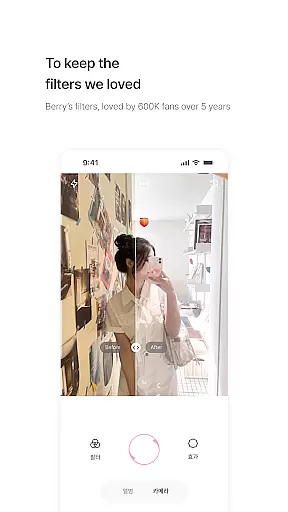
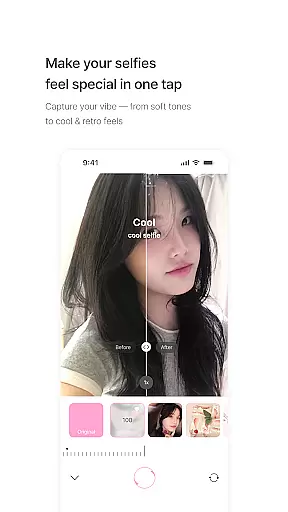
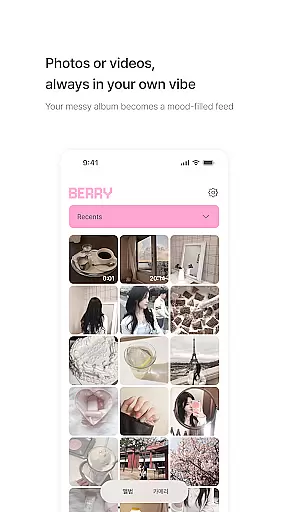
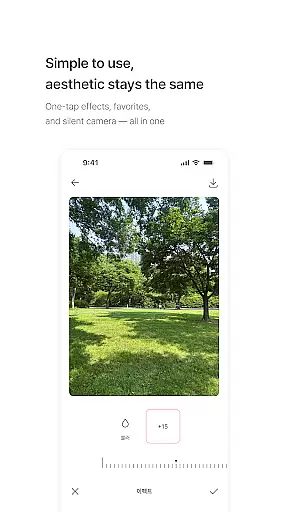
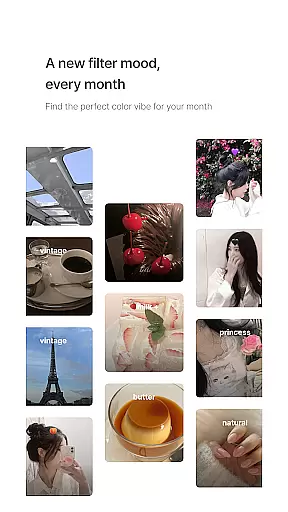
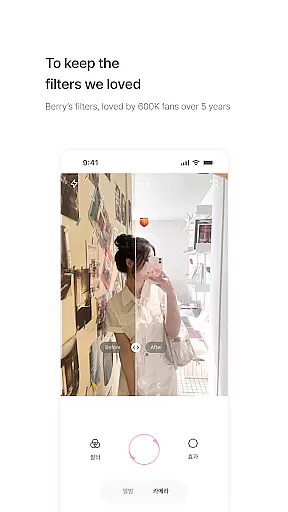
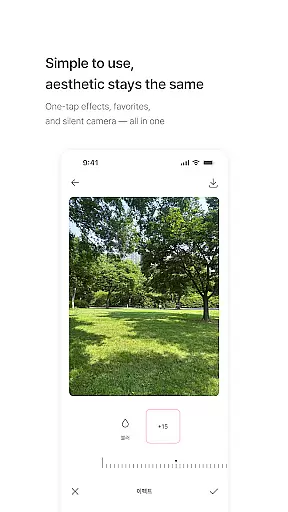
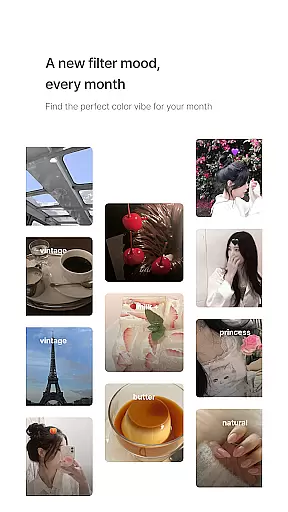
BerryFilm is a photography app designed for users who appreciate soft, natural Korean-style filters. Developed by Berry, a renowned filter creator from South Korea, this app preserves the delicate tones and aesthetics she has crafted over the years. The app offers an array of features including gentle color correction, one-tap filter application, and a regularly updated selection of new filters that match seasonal moods.
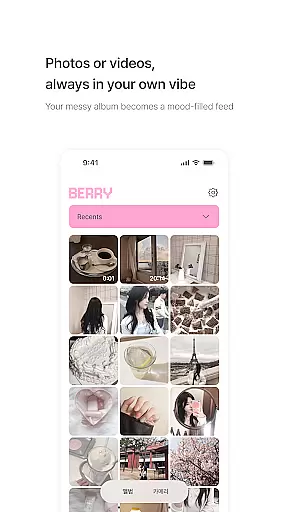
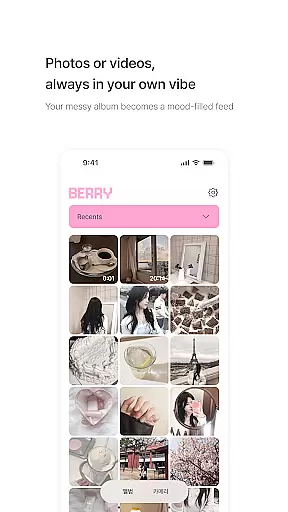
With its minimalist interface and user-friendly design, BerryFilm transforms your photo gallery into an aesthetically pleasing feed. Whether you're a fan of Berry's Instagram filters or simply looking for subtle edits to enhance your selfies, this app caters to those who value simplicity and elegance in their photography.
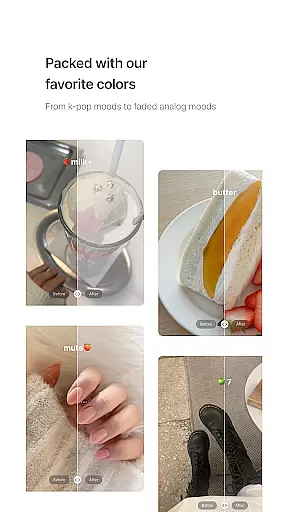
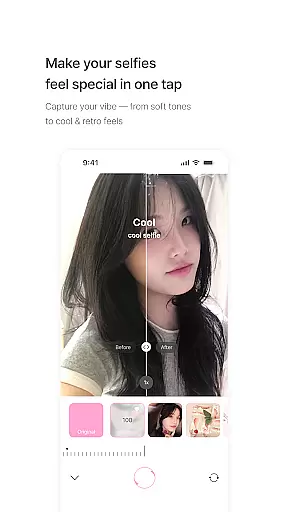
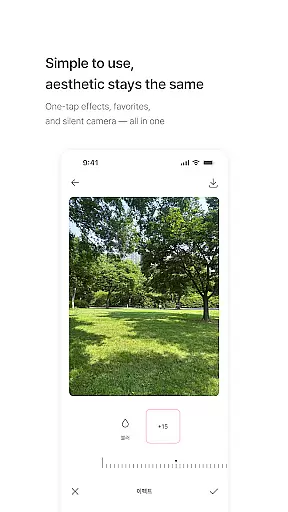
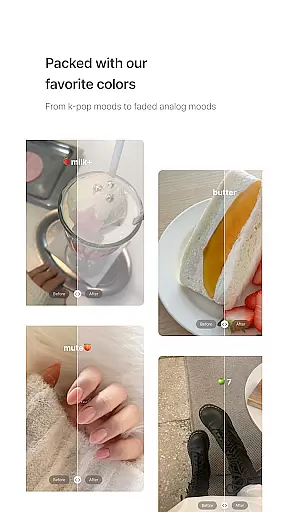
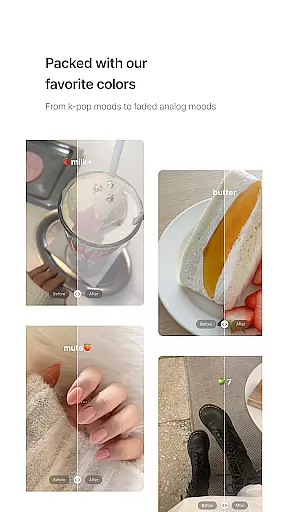
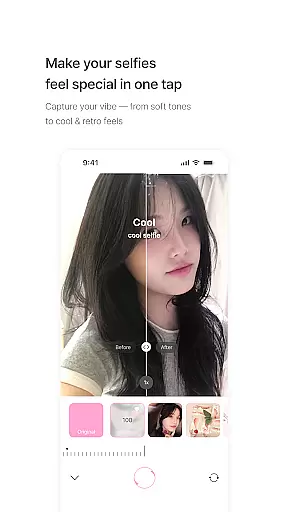
BerryFilm stands out with its unique collection of over 20 carefully designed filters. These include soft milk tones, cool and warm atmospheres, as well as vintage vibes, all aimed at bringing out the natural beauty in every photo. The app allows users to apply these filters with just one tap, making it incredibly easy to use anytime, anywhere.
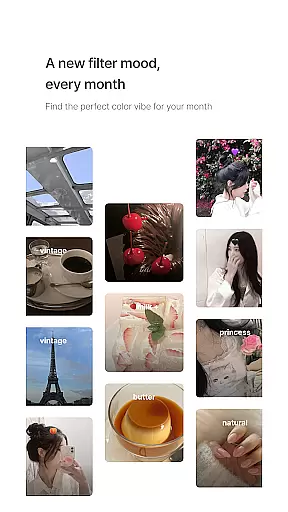
In addition to photo editing, BerryFilm supports video filtering, ensuring consistency across all visual content. Users can save their favorite filters for quick access and enjoy a silent shutter feature for discreet shooting. Regular updates introduce new filters monthly, while feedback-driven improvements ensure the app evolves based on real user experiences.
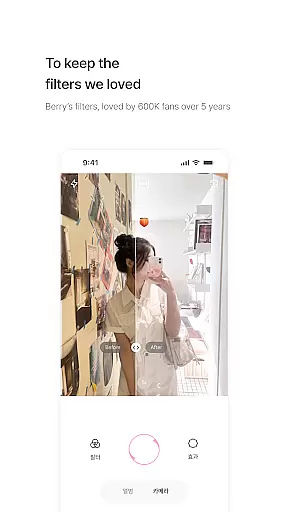
Real-time capture and preview functionality is essential for photography apps like BerryFilm. This feature allows users to see the effects of filters instantly as they take photos or record videos.
BerryFilm excels in this area by providing a seamless experience where users can apply Korean-style soft filters with one tap. The app ensures that the preview accurately reflects the final output, maintaining the natural skin tone and soft light features that Berry is known for.
Users benefit from this real-time functionality by being able to make instant adjustments to achieve their desired aesthetic. Whether capturing a moment with an airy milk tone or a vintage mood, the ability to preview ensures that each shot aligns perfectly with their creative vision.
This feature not only enhances user satisfaction but also streamlines the photo-taking process, making it more intuitive and enjoyable. With BerryFilm, photographers can focus on their art without worrying about post-processing.
AI beauty and enhancement features are increasingly popular in photography apps, offering tools that improve images while maintaining a natural look. BerryFilm incorporates these advancements subtly, focusing on enhancing photos with gentle color correction and minimalist touch.
The app's AI algorithms work behind the scenes to preserve the authenticity of each image. Instead of applying heavy edits, BerryFilm enhances natural beauty by adjusting tones softly and ensuring skin textures remain realistic. This approach appeals especially to users who prefer subtle selfies over dramatic alterations.
By prioritizing natural enhancement, BerryFilm stands out among other photography apps. Users appreciate how the app transforms their gallery into a cohesive, aesthetic feed without compromising the original essence of their photos.
Ultimately, this commitment to natural enhancement builds trust with users, encouraging them to rely on BerryFilm for both everyday snapshots and special occasions. The balance between technology and artistry makes this app a go-to choice for photography enthusiasts.
User-friendly interface
Regular filter updates
Soft aesthetic tones
One-tap filter application
Supports photos and videos
Limited advanced tools
No social sharing within app
Monthly subscription required
Fewer filters than competitors
Occasional bugs reported

Photo Album Watch Face shows your favorite pictures as a Watchface.
 1.90
1.90
Virtual makeup, hair filters & body tuner—edit from face to full body!
4.20
Photo editor: AI filters, photo enhancer, pic collage maker, AI art generator.
4.80
Cartoon and artistic effects for your photos and videos
4.70
HD Camera Pro with HD Video shooting, Panorama, Photo editor , Beauty Camera.
4.50
Gallery Slideshow is slideshow maker app for slideshow from your gallery photos.
3.90
Smart, light, and fast photo and video gallery
4.30
Use AI Video Generator to turn your words to ai generated videos.
4.50
A light meter for true photographers.
4.20
AI photo editor with hair editor, retouch tools, hair color changer & filters!
4.50
Movie camera, supports pro recording settings for filming. Try it and be amazed!
4.50
Fit multiple photos on one post. Create carousels & scroll layouts for Instagram
4.50
All-in-One Editor & AI Photo Enhancer, Beautify & Retouch, Collage, Cartoonify
4.20
The #1 app for B&W film developing featuring an advanced darkroom timer.
4.10
Transform Photos: Edit, Beautify and Craft Memories & Make Collages!
4.10
live datamoshing
4.00
How would you look like with a differently shaped nose, chin or lips?
3.90
Remote control the phone camera shutter from your smartwatch and take a picture
1.60
Snap photos remotely using your Garmin watch as the camera trigger
4.1


User Reviews