
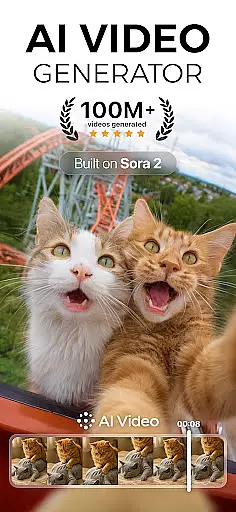
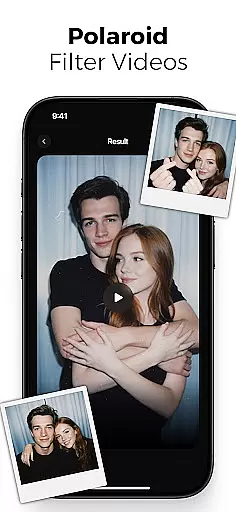
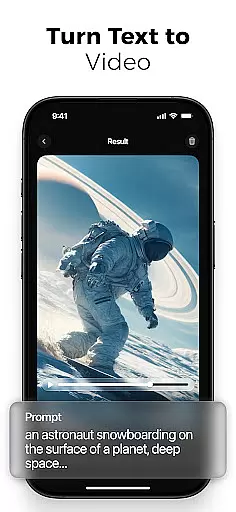
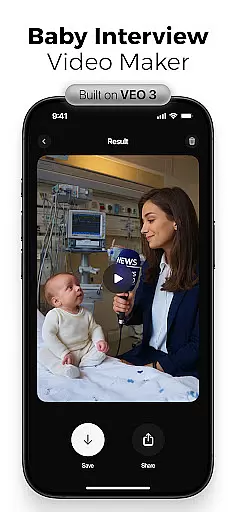
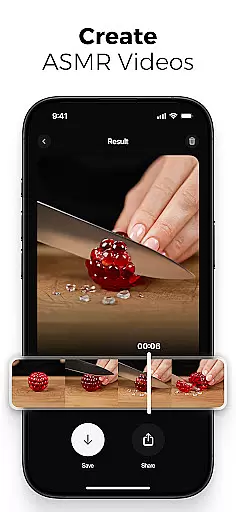
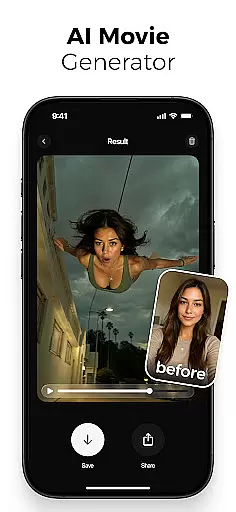
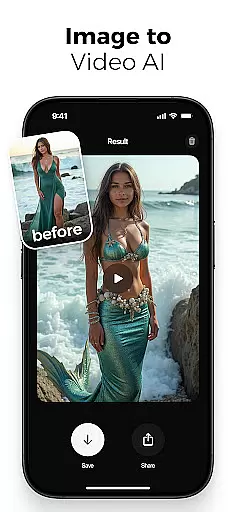
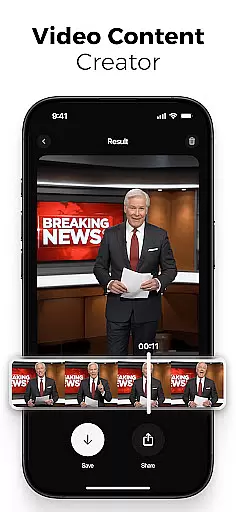
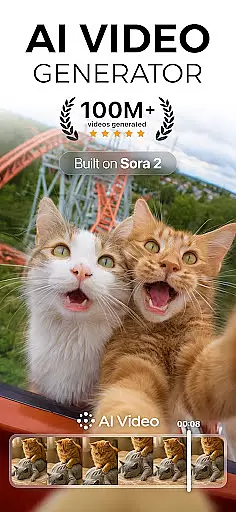
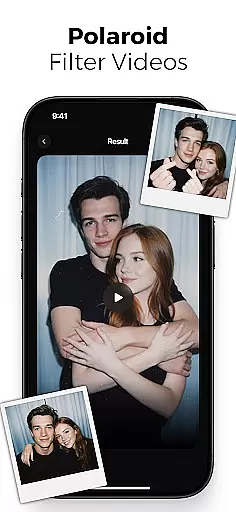
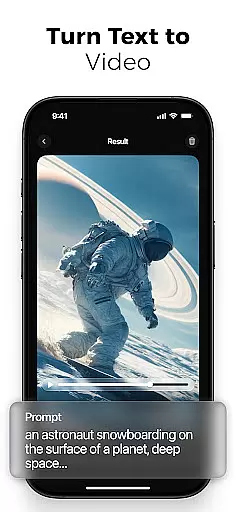
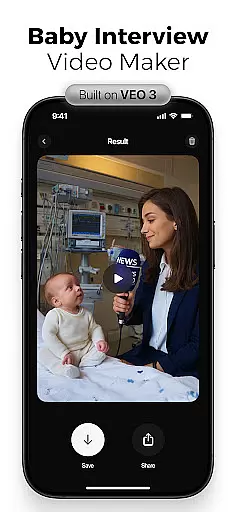
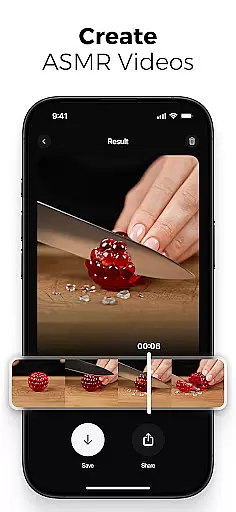
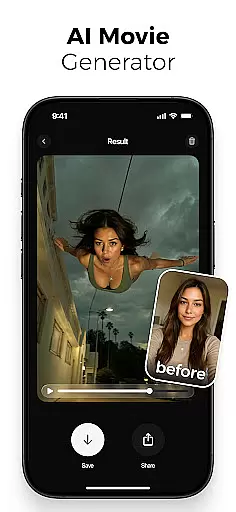
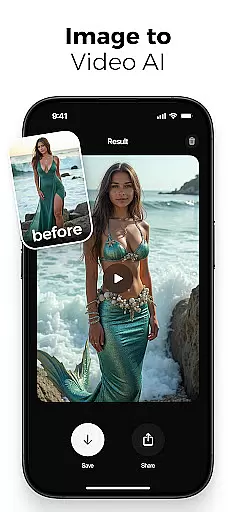
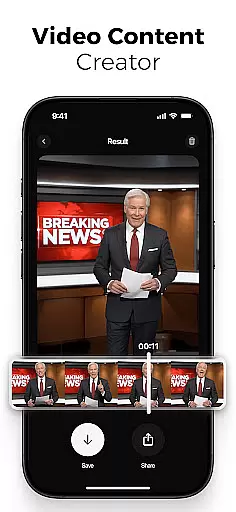
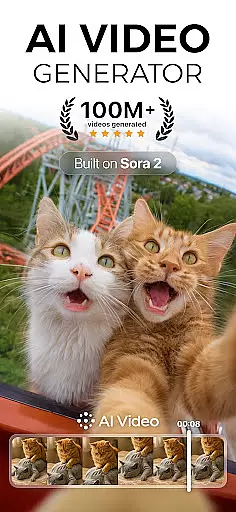
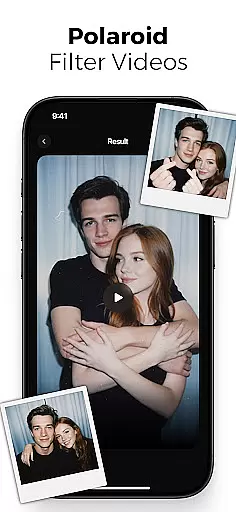
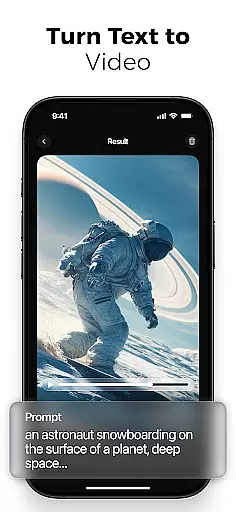
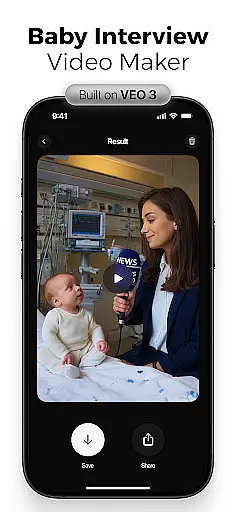
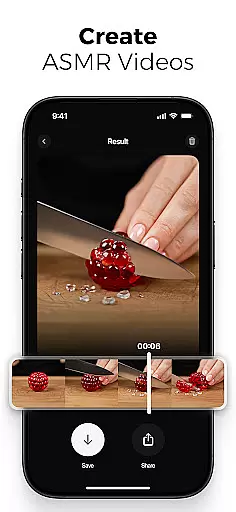
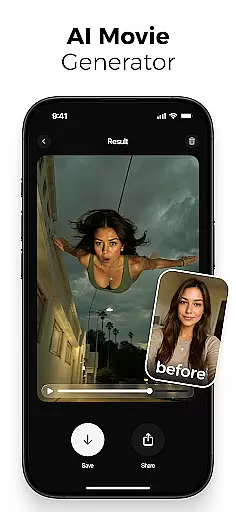
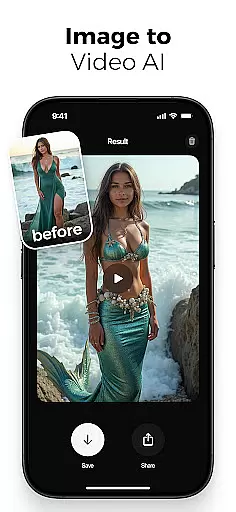
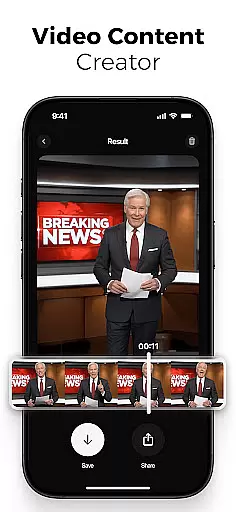
AI Video is a revolutionary photography app that transforms static images and text into dynamic, high-quality animated videos. This all-in-one AI video generator allows users to create stunning visuals with minimal effort, featuring capabilities like polaroid filter effects, character animations, and realistic facial expressions.
The app's powerful AI engine simplifies video creation for creators, marketers, and educators alike. With intuitive drag-and-drop functionality and advanced customization options, users can generate professional-grade videos optimized for various platforms including TikTok, Instagram Reels, and YouTube Shorts.
Whether you're creating educational content or promotional materials, AI Video empowers users to produce emotionally rich animations and cinematic effects through its integration with Google DeepMind's Veo3 technology, making professional video creation accessible to everyone.
AI Video distinguishes itself through its comprehensive suite of smart creation tools. The app's text-to-video generator converts simple prompts into fully animated scenes, while the image-to-video creator brings still photos to life with dynamic motion and expression.
Advanced features include customizable character animations with realistic emotions, automatic lip-syncing, and a vast media library containing backgrounds and sound effects. The built-in voiceover generator and scene customization options provide users with professional-grade control over their creations.
Powered by Google's Veo3 Fast Model, the app offers unique special effects such as mermaid transformations, skydiving actions, and ASMR immersive modes. These innovative features, combined with HD export capabilities and cross-platform optimization, make AI Video an indispensable tool for modern content creators.
Real-time capture and preview functionality is essential for any photography app, allowing users to see exactly what their final output will look like before they commit to creating a video. AI Video excels in this area by providing an intuitive interface that translates text and images into animated scenes instantly.
The app leverages advanced AI models such as Google DeepMindu2019s Veo3 to understand the context of your story, ensuring that every element from character emotions to scene transitions reflects the creator's vision accurately. This real-time generation process saves time and boosts creativity, making it ideal for creators who need quick turnarounds on their projects.
Users can customize scenes, adjust timing, and modify animation flows with drag-and-drop simplicity, all while seeing the changes reflected immediately in the preview window. This feature empowers users to fine-tune their videos until they are satisfied with the result, enhancing both efficiency and creative control.
AI beauty and enhancement features have become a staple in modern photography apps, offering tools that improve visual quality without compromising natural aesthetics. AI Video stands out by using sophisticated algorithms to enhance videos, ensuring that modifications look genuine and not overly processed.
With capabilities like automatic lip-syncing and realistic facial emotion animations, AI Video brings still images to life with motion and expression that feel true-to-life. These enhancements maintain the authenticity of human reactions, which is crucial for creating believable and engaging content.
In addition to character animation, AI Video offers a range of cinematic filters and special effects powered by Googleu2019s Veo3 Fast Model. From polaroid filters to ASMR immersive modes, these enhancements add depth and richness to videos, elevating them beyond simple edits to captivating storytelling pieces. The result is high-quality HD video export optimized for various platforms, ensuring that every creation looks professional and polished.
User-friendly interface
Advanced AI capabilities
Versatile video formats
Professional quality output
Extensive effect library
Subscription-based pricing
High system requirements
Limited free features
Occasional processing delays
Steep learning curve

Safe & smart flight with Go Fly drone controller for 40+ drone camera, zone map
 4.50
4.50
Easily stitch panoramas from multiple photos or video.
4.40
Virtual makeup, hair filters & body tuner—edit from face to full body!
4.20
Be your best in every shot! Fix, edit and retouch your face in selfies & photos.
3.70
Photo Exif Editor allows to view, add and modify EXIF data of multiple photos
4.50
Photo editor & gallery. Crop pictures & edit photos offline, no wifi!
4.50
See your baby AI baby face generator AI baby maker Face generator babymaker fun!
4.70
Luminar: Photo Editor - easy picture editing with AI
4.20
Fit multiple photos on one post. Create carousels & scroll layouts for Instagram
4.50
The original Rarevision VHS look seen everywhere!
4.70
Search, tag and rate your way to an organized image gallery
4.40
A reflected light meter with spot metering and incident light metering.
4.40
Natural Beauty, Selfie Retouch
4.30
Create AI Photos, Improve and restore quality of blurry, old or damaged pics.
4.20
Professional photography on your mobile phone
4.20
Professional camera app that brings DSLR manual photography controls to Android.
4.20
All-in-One Editor & AI Photo Enhancer, Collage, Cartoonify, Funny Stickers & BGS
4.10
Catch sunlight, sunrise sunset times and sun phases with the AR sun tracker.
4.10
Turn photos into cartoons & avatars! - Photo Editor, Cartoon Face!
3.90


User Reviews