
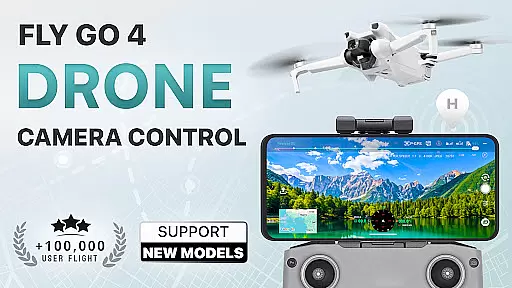
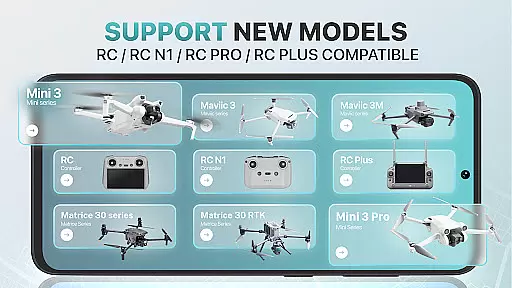
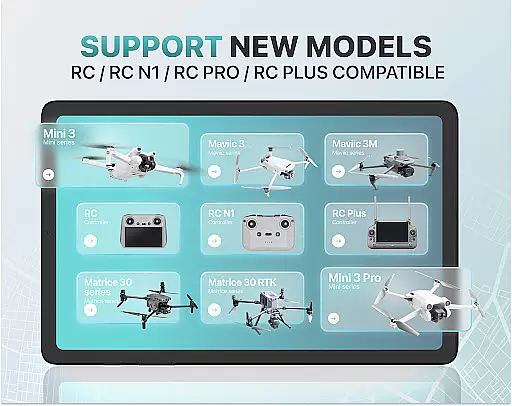
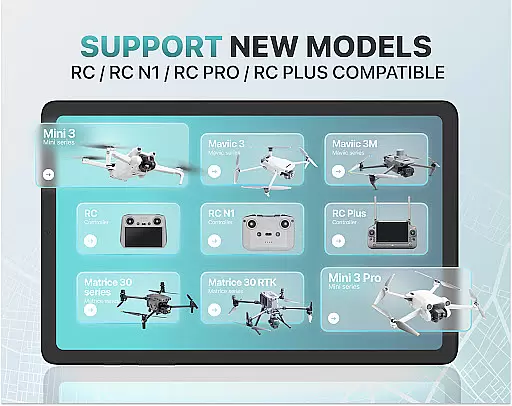
Fly Go 4 Drone Camera Control is a comprehensive drone management app designed for both amateur and professional UAV pilots. The application offers seamless compatibility with a wide range of drones, including popular models like Matrice 350 RTK, DJI Mini 3, and Mavic 3 Enterprise Series. With its intuitive interface, users can effortlessly control their drones directly from their mobile devices.
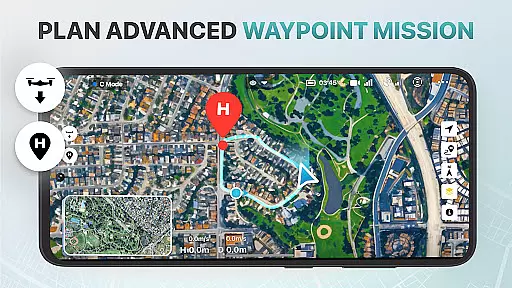
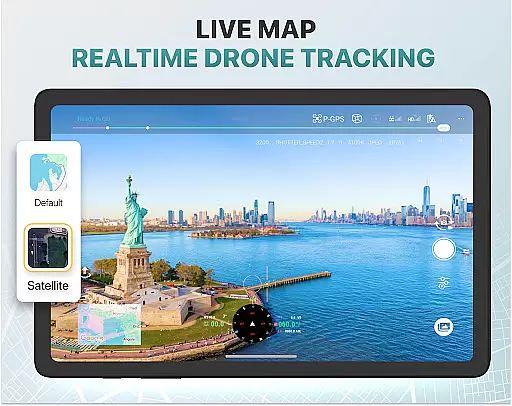
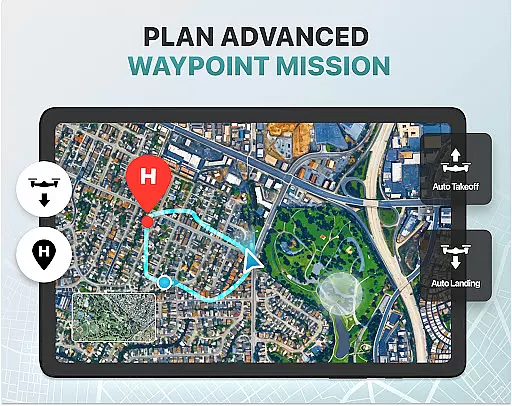
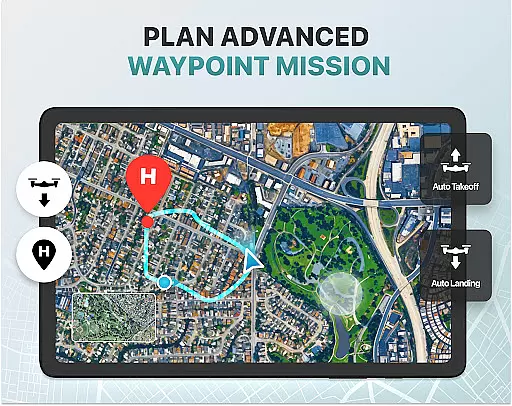
Key features include real-time camera feed, advanced panorama photography, and smart media export options. The app also provides essential tools such as weather forecasting, no-fly zone alerts, and GPS tracking to ensure safe and efficient drone operations. Whether you're capturing stunning aerial footage or conducting professional surveys, Fly Go 4 equips you with the necessary tools to maximize your drone's potential.
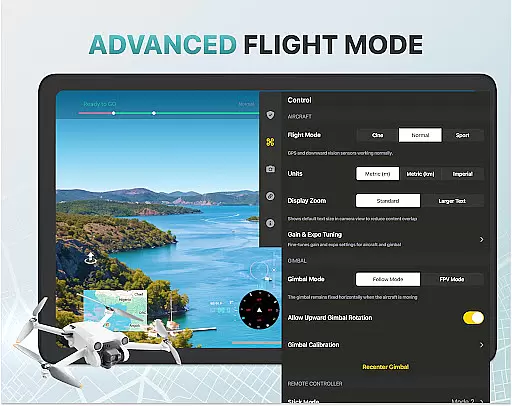
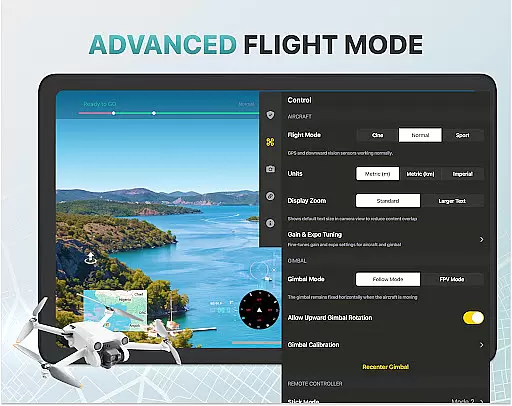
The app caters to beginners through step-by-step tutorials while offering advanced functionalities for experienced pilots. From intelligent flight modes to precise gimbal adjustments, this app ensures optimal performance across various use cases. Its extensive compatibility and robust feature set make it an indispensable tool for modern drone enthusiasts.
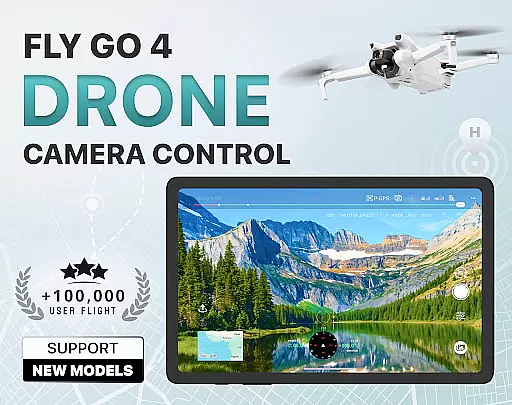
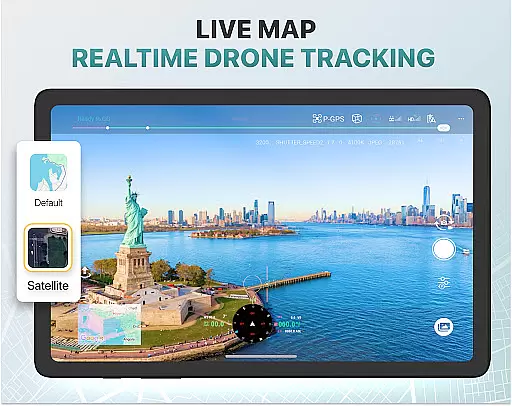
Fly Go 4 Drone Camera Control stands out with its diverse feature set tailored for drone enthusiasts. One of its core strengths is the ability to provide a lag-free, real-time camera feed directly to your phone screen. This allows users to capture breathtaking aerial footage with precision and ease. Additionally, the app supports panoramic photography, enabling users to create stunning wide-angle shots using their drone's camera.
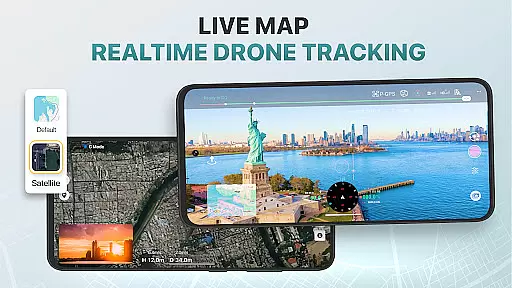
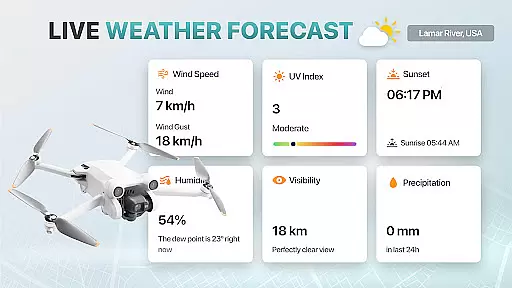
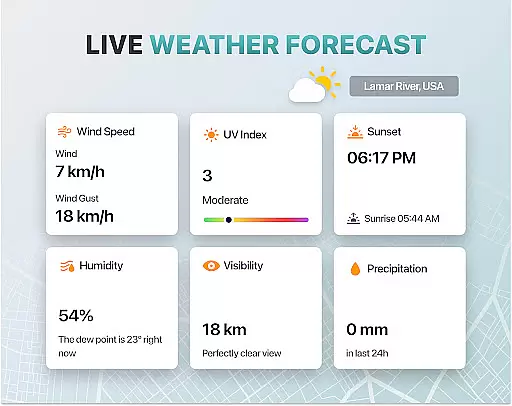
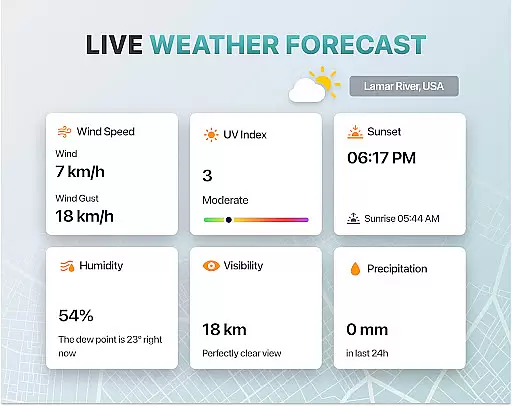
Safety and convenience are prioritized through several innovative tools. The built-in UAV weather forecast system delivers real-time updates on flying conditions, ensuring optimal safety during operations. No-fly zone alerts keep pilots informed about restricted areas, preventing accidental violations. Furthermore, the Find My Drone feature uses GPS tracking to help locate lost drones quickly in case of emergencies.
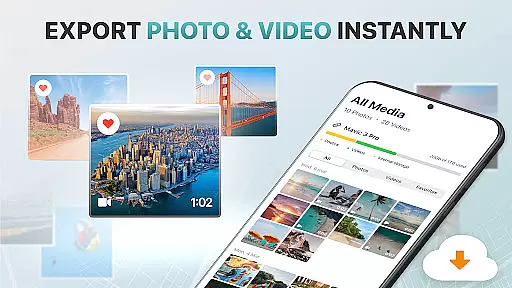
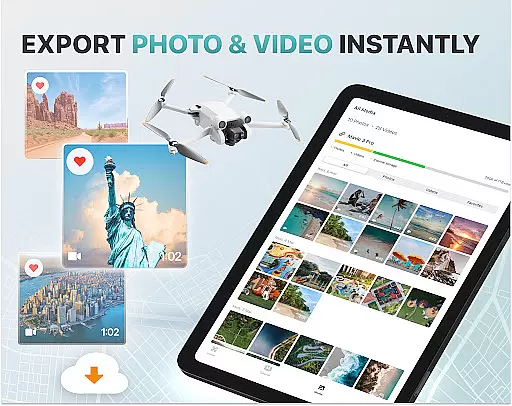
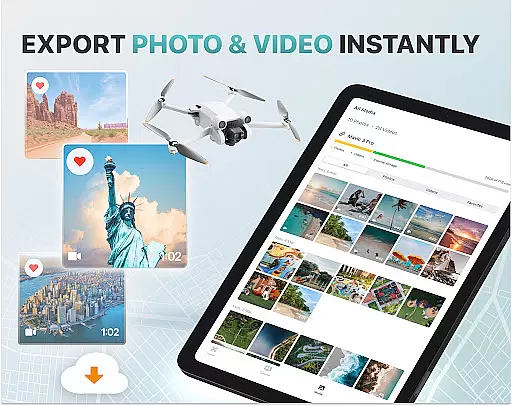
For content creators, the app offers smart media export options supporting various high-quality file formats. This makes sharing and editing captured footage effortless. Advanced functionalities like gimbal direction adjustment and exposure graph controls provide detailed camera settings management. With support for multiple drone models and beginner-friendly tutorials, Fly Go 4 ensures accessibility for users of all skill levels while delivering professional-grade capabilities.
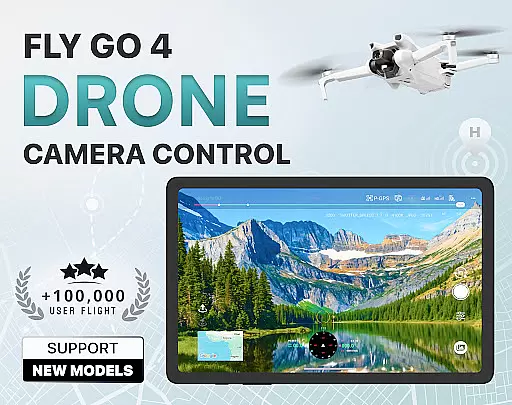
Real-time capture and preview functionality is essential for drone photography, allowing users to see exactly what their drone's camera is capturing as it happens. The Go Fly Drone Controller Pro app excels in this area by providing a seamless live video feed directly to your phone screen.
This feature ensures that every shot or video taken with the drone is framed perfectly, offering precise control over the composition. With lag-free transmission, users can make real-time adjustments to capture the best possible footage without delay.
The app supports a wide range of drones, including popular models like DJI Mini 3, DJI Mavic 3 Enterprise Series, and more. This extensive compatibility guarantees that no matter which drone model you own, you will have access to high-quality real-time previews.
By delivering an uninterrupted live stream from the droneu2019s camera, the app empowers both amateur and professional photographers to achieve stunning aerial shots with confidence and ease.
AI beauty and enhancement features are increasingly important in photography apps, allowing users to refine and enhance their images naturally. While primarily focused on drone control, the Go Fly Drone Controller Pro also integrates advanced AI capabilities to improve photo quality.
These enhancements include intelligent exposure adjustments, color correction, and image stabilization, ensuring that every photograph taken with your drone looks professional and polished. The AI algorithms work seamlessly to maintain the authenticity of the original scene while subtly enhancing its visual appeal.
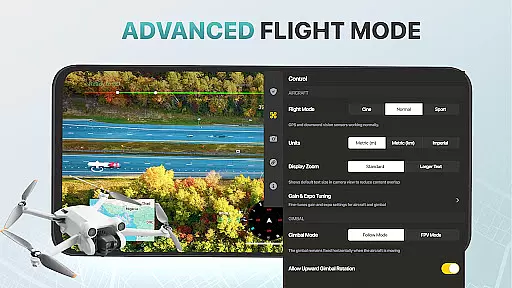
For those who wish to take their photography further, the app offers specialized tools such as gimbal direction adjustment and detailed camera settings through an on-screen exposure graph. These features provide granular control over how each image is captured and processed.
Ultimately, the AI beauty and enhancement functionalities within the Go Fly Drone Controller Pro ensure that every picture benefits from natural-looking improvements, making it easier than ever to produce breathtaking aerial imagery.
User-friendly interface
Wide device compatibility
Real-time camera streaming
Advanced safety features
Comprehensive tutorial library
Premium subscription required
Limited free trial period
Occasional connection issues
No iOS support
Complex for absolute beginners

AI portrait generator and polaroid AI selfie, fun AI generated AI photo creator!
 4.30
4.30
Photo Album Watch Face shows your favorite pictures as a Watchface.
1.90
Easily stitch panoramas from multiple photos or video.
4.40
AI photo editor with hair editor, retouch tools, hair color changer & filters!
4.50
Unblur, enhance & restore photos with powerful AI photo enhancer tools.
4.60
live datamoshing
4.00
Remote control the phone camera shutter from your smartwatch and take a picture
1.60
Unlock the full potential of your DJI drone with Litchi
4.50
A unique animation app. Powerful, easy to use, and lots of fun.
4.30
Android Native system HD camera app. Never been so simple and faster.
4.70
Easily create custom gifts, cards, photo books & more on the Shutterfly app!
4.60
Trendy TikTok time warp scan funny filter app brings you unique photos & videos.
4.40
Edit like a pro with Hypic. Apply filters, AI effects, & magic touch.
4.40
RAW video capture with advanced controls
4.40
Natural Beauty, Selfie Retouch
4.30
AI-powered video creator by MiniMax - Where ideas meet cinema
4.20
Photobooth mini FULL app will allow you to add more fun to your parties
4.00
Astrophotography with your smartphone, photo live stacking and much more!
3.90
Over 800 film simulation recipes for Fujifilm. Black Friday Offer!
4.2


User Reviews