
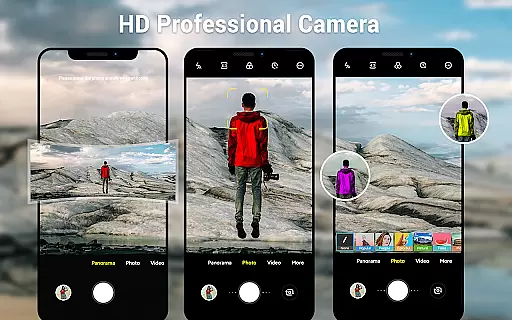
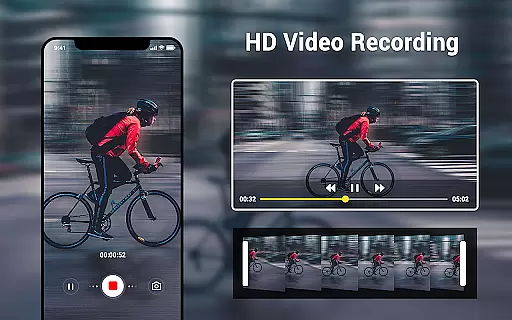
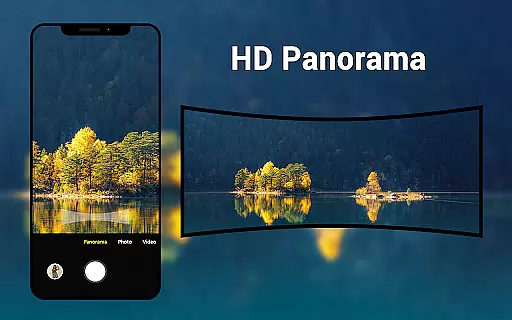
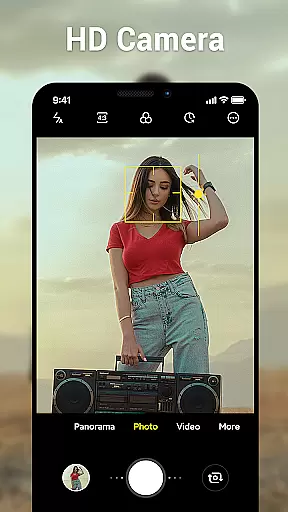
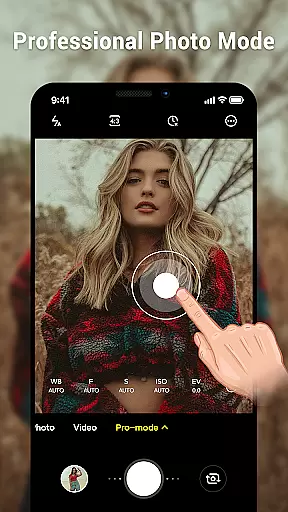
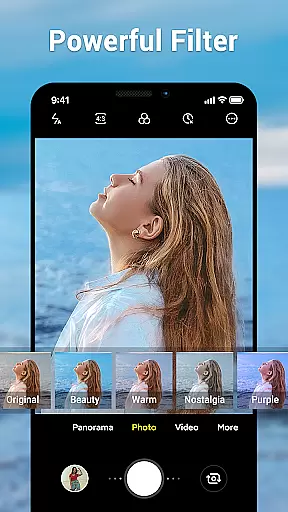
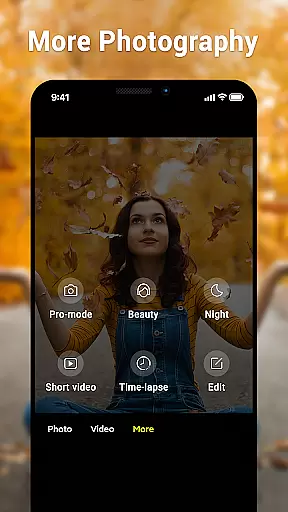
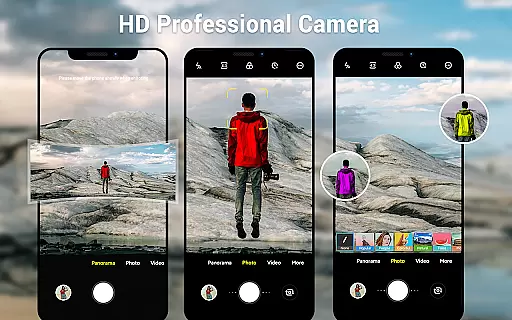
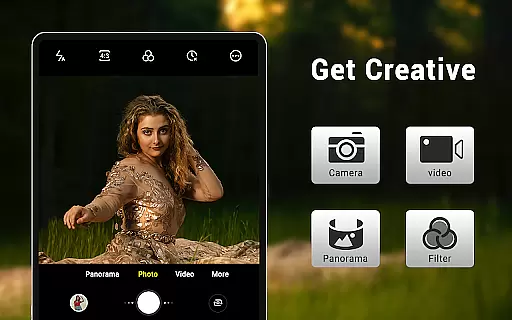
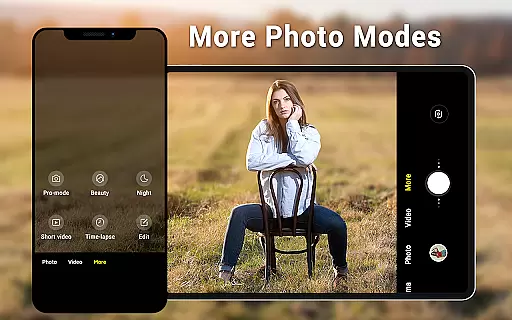
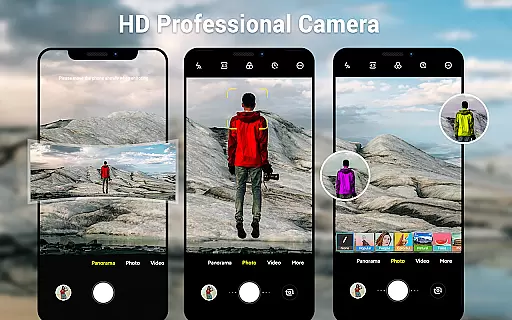
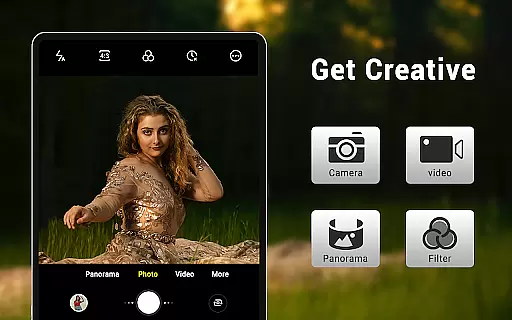
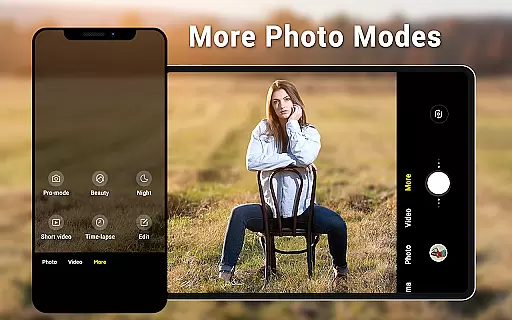
Camera for Android is a native system HD camera application designed to provide users with a simple and efficient way to capture high-quality photos and videos. The app offers three primary shooting modes - camera, video recorder, and panorama - each leveraging the advanced capabilities of modern Android devices.
With features like pinch-to-zoom, countdown timer, and dynamic user interface adaptable to both phones and tablets, this app ensures an intuitive and seamless photography experience. Users can customize settings such as white balance, exposure, and screen modes to suit various shooting environments, making it versatile for different photography needs.
This app is particularly useful for Android users whose devices do not come with a native camera app or those looking for a reliable alternative. Whether capturing everyday moments or creating professional-quality content, Camera for Android delivers excellent performance and image quality.
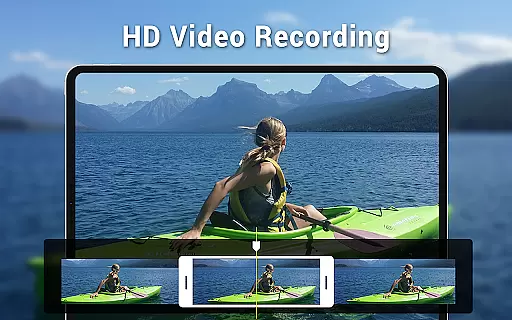
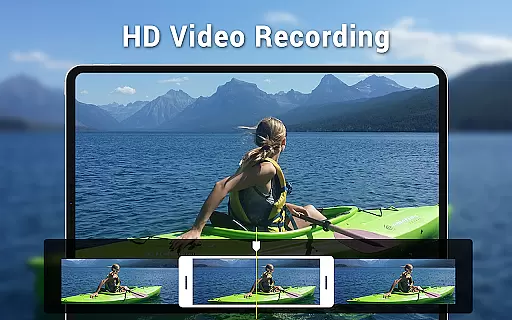
Camera for Android stands out with its comprehensive set of features tailored to enhance mobile photography. The app includes HD camera functionality, allowing users to take sharp and detailed pictures. Video recording capabilities are equally robust, supporting high-definition footage that captures every moment vividly.
One of the standout features is the smart panorama mode, which enables users to create wide-angle shots effortlessly. The app also provides extensive customization options, including white balance settings (Incandescent, Fluorescent, Auto, Daylight, Cloudy), screen mode settings (Action, Night, Sunset, Play), and exposure adjustments.
Additional functionalities such as location targeting, configurable volume keys, and picture quality settings ensure that users have full control over their photography experience. These features collectively make Camera for Android a powerful tool for both amateur photographers and professionals seeking a versatile mobile photography solution.
Real-time capture and preview functionality is essential for ensuring that users can accurately frame and capture their desired shots without delay. The Camera for Android app excels in this area by providing a seamless experience that leverages the native capabilities of Android devices.
This application offers an intuitive interface that responds swiftly to user inputs, allowing for immediate adjustments to settings such as exposure, white balance, and screen modes. Users can take advantage of features like pinch-to-zoom and countdown timers, which are all accurately reflected in the preview window before capturing the photo or video.
The benefit to users is significant, as they can trust that what they see on the screen is exactly what they will get in their final image or video. This immediacy not only saves time but also enhances the overall photography experience, making it more enjoyable and efficient.
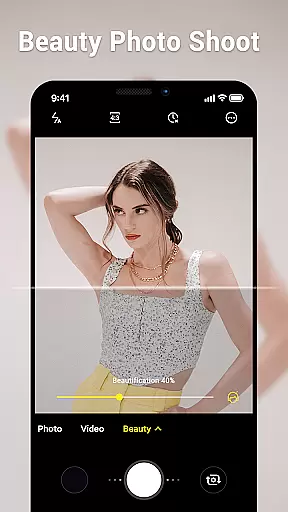
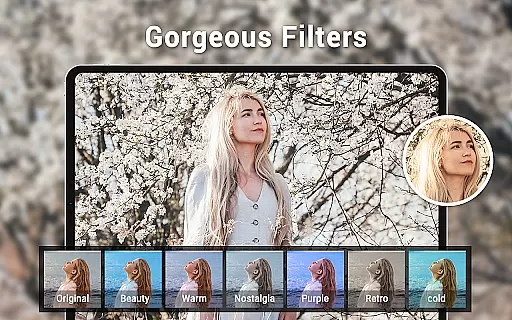
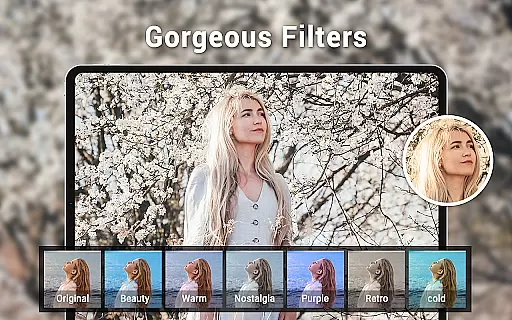
AI beauty and enhancement features have become increasingly popular in photography apps, aiming to improve the aesthetic quality of photos while maintaining a natural look. Camera for Android incorporates advanced algorithms that intelligently enhance facial features and skin tones without over-processing.
With options for adjusting picture quality and utilizing various white balance settings, the app ensures that enhancements complement the original image rather than overshadowing it. Smart panorama shooting and wide-screen picture capabilities further expand creative possibilities, all while preserving the authenticity of the captured moment.
Users benefit from these enhancements as they can achieve professional-looking results with minimal effort. Whether taking selfies or group photos, the AI-driven enhancements provide a polished yet natural appearance, boosting confidence in sharing moments with friends and family.
User-friendly interface
High-definition photo capture
Versatile shooting modes
Customizable settings
Efficient performance
Limited to Android devices
No advanced editing tools
Basic UI design
Occasional bugs reported
Dependent on device hardware

Photo editor: face & body editor, beauty cam, filters and quality enhancer.
 4.00
4.00
Viewfinder, Light meter, Reciprocity failure time, DOF & Bellows Extension
4.60
HD Camera Pro with HD Video shooting, Panorama, Photo editor , Beauty Camera.
4.50
A must-have app for landscape photographers
4.60
USB Storage Access for Photos, Videos, Music and Documents
3.80
Smart, light, and fast photo and video gallery
4.30
Turn photos into cartoons & avatars! - Photo Editor, Cartoon Face!
3.90
RAW video capture with advanced controls
4.40
Discover & download millions of art for The Frame TV or Hisense CanvasTV
4.60
Photo editor: AI filters, photo enhancer, pic collage maker, AI art generator.
4.80
Amazing Photo Effects - The most fun you can have with your photos!
4.70
Your personal guide to the sun and moon. Plan ahead, visualize and predict!
4.70
Automatically backup your photos and videos to computer, NAS and Cloud services
4.60
A reflected light meter with spot metering and incident light metering.
4.40
All-in-One Editor & AI Photo Enhancer, Beautify & Retouch, Collage, Cartoonify
4.20
Virtual makeup, hair filters & body tuner—edit from face to full body!
4.20
Transform Photos: Edit, Beautify and Craft Memories & Make Collages!
4.10
Perfect photos with body shaping, BG changer and object remover.
3.70
Professional video recording application with manual controls for filmmakers!
2.80


User Reviews