
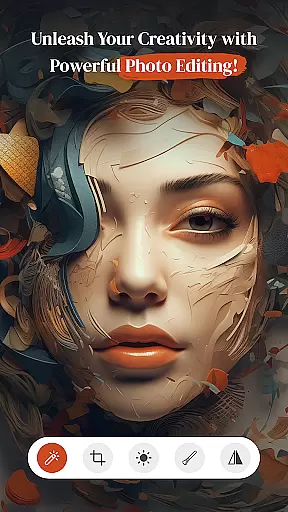
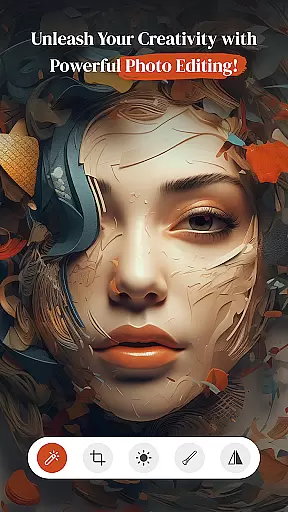
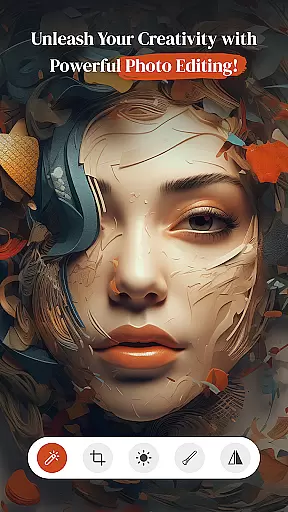
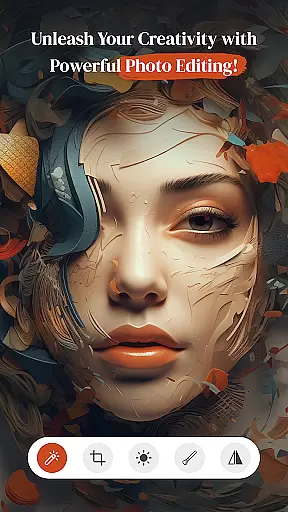
PerfectPic-Photo Edit・Collage is a comprehensive photography app designed to elevate your photo editing experience. This app serves as an all-in-one solution, offering powerful tools for photo enhancement, background removal, and creative transformations. Users can effortlessly edit photos with professional-grade features such as AI-powered object remover, advanced filters, and precise contrast adjustments.
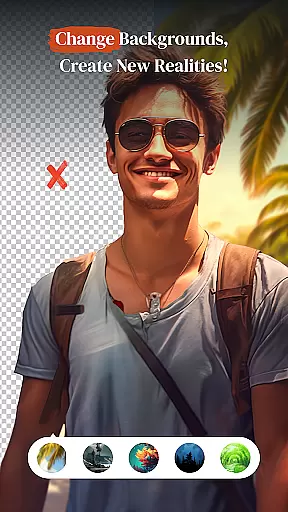
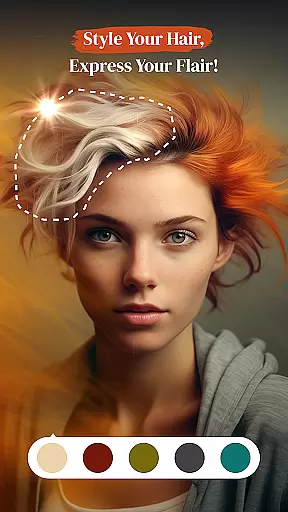
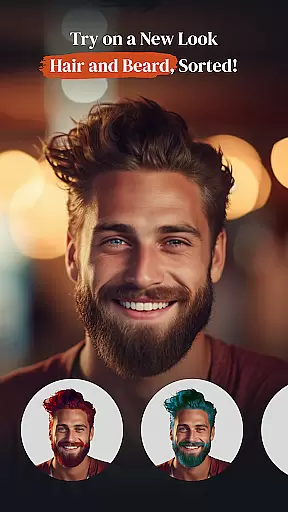
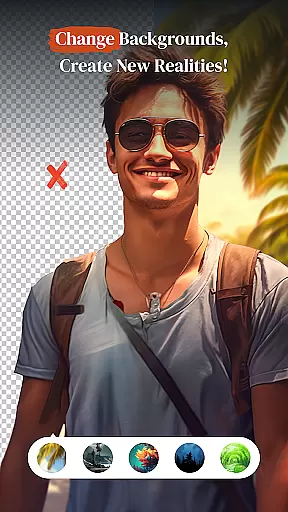
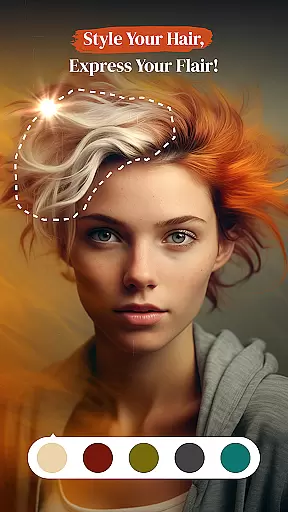
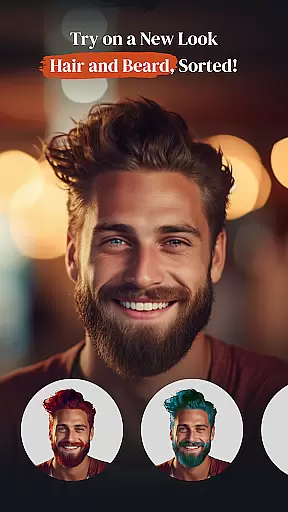
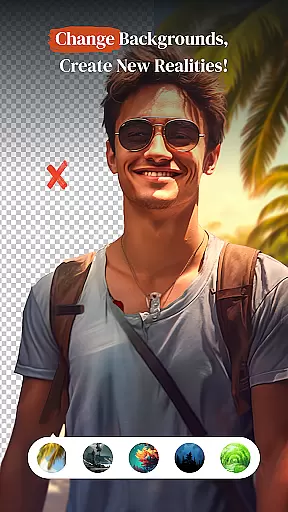
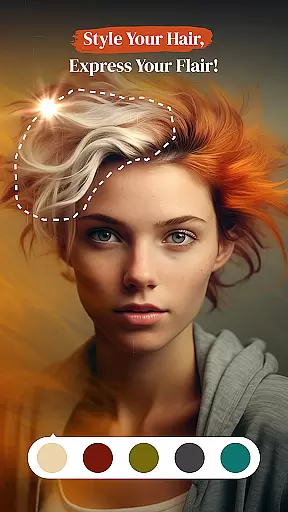
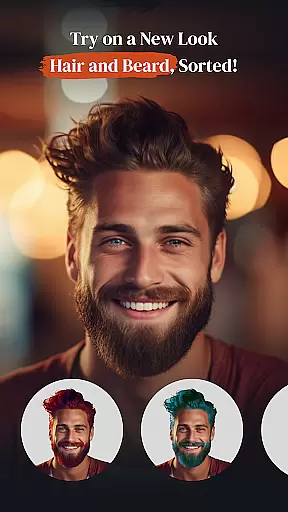
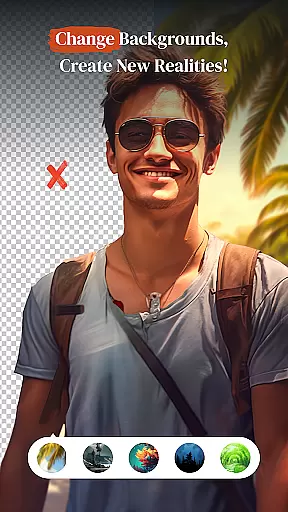
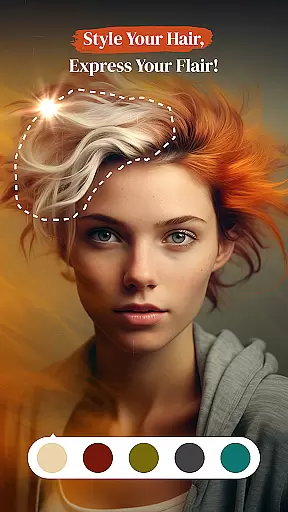
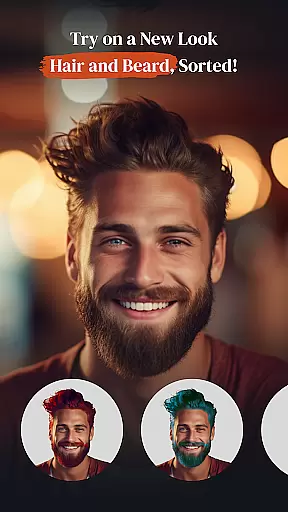
In addition to its robust editing capabilities, PerfectPic provides innovative features like the BG Changer, which allows users to replace backgrounds with ease, and the Hair & Beard Changer for experimenting with new looks. The built-in Collage Maker helps create stunning photo collections, while the Beauty Cam ensures every selfie radiates perfection. Whether you're refining images or exploring imaginative edits, this app delivers exceptional results.
PerfectPic is ideal for both amateur photographers looking to enhance their social media presence and professionals seeking efficient editing solutions. With its intuitive interface and diverse feature set, the app empowers users to transform ordinary photos into extraordinary works of art, making it an essential tool for anyone passionate about photography.
PerfectPic stands out with its extensive range of features tailored for photography enthusiasts. One of its core functionalities is the AI-powered Object Remover, which intelligently eliminates unwanted elements from photos in seconds. This feature is complemented by the BG Changer, enabling users to seamlessly remove and replace backgrounds, opening up limitless creative possibilities.
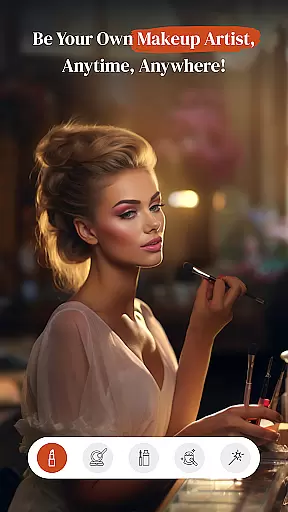
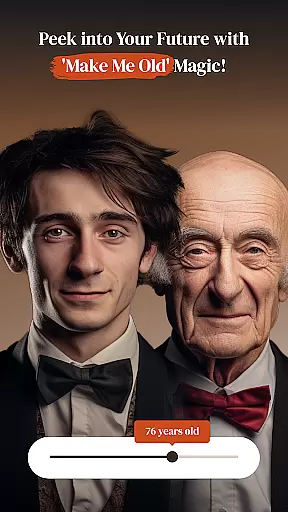
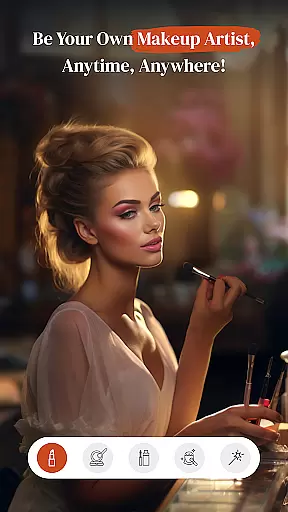
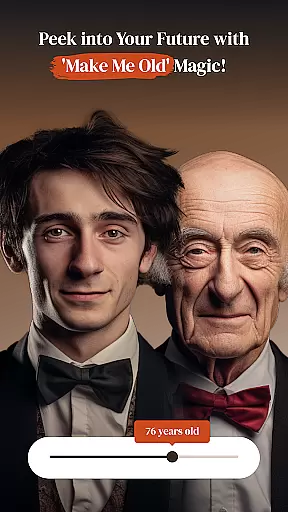
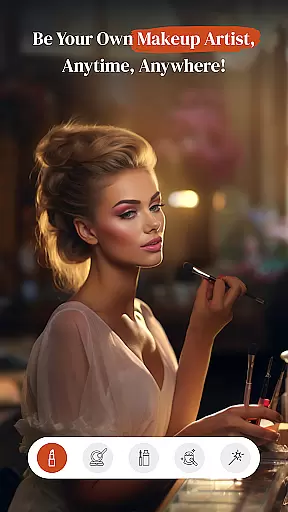
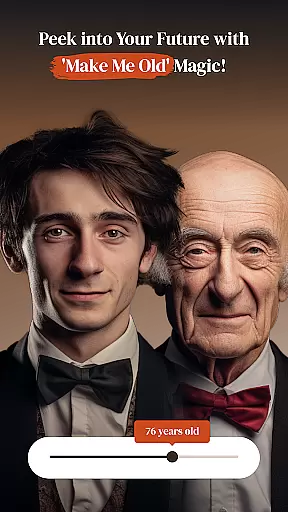
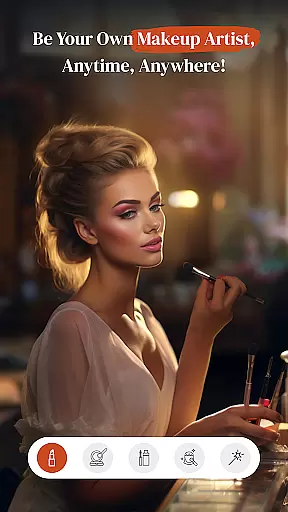
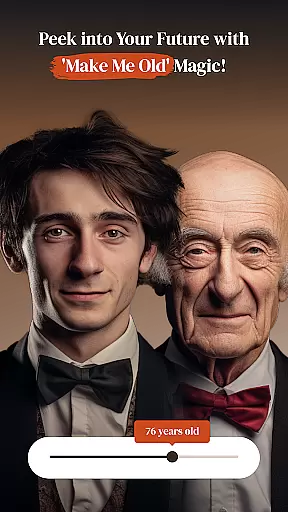
The app also includes specialized tools like the Hair & Beard Changer, allowing users to experiment with different styles and colors. For those focused on beauty enhancement, the Make Up and Beauty Cam features provide a suite of tools to perfect selfies and portraits. Additionally, the unique 'Make Me Old' feature offers a fun way to visualize aging effects, adding an element of entertainment to the editing process.
PerfectPic further enhances user experience with its Collage Maker, designed to combine multiple photos into artistic arrangements. Each feature is crafted to ensure ease of use while maintaining professional-quality results, making it simple for users to achieve their desired outcomes without compromising on creativity or precision.
Real-time capture and preview functionality is essential for ensuring that every photo taken meets the user's expectations without delay. PerfectPicuff0dPhoto Editu30fbCollage offers a seamless experience where users can instantly see the results of their shots, allowing them to make immediate adjustments.
This app leverages advanced processing capabilities to provide a live view of the scene being captured. Users can witness how different lighting conditions and angles affect the final image, thus refining their photography skills while ensuring they capture the perfect moment.
The value of real-time feedback cannot be overstated. With PerfectPic, photographers can experiment with various settings and instantly see the impact on their photos. This feature not only saves time but also enhances creativity by encouraging spontaneous experimentation.
Ultimately, the ability to preview images in real-time transforms the photography process into an interactive and dynamic experience. Users gain confidence in their shooting abilities, knowing they can rely on PerfectPic to deliver accurate previews that match the final output.
AI-powered beauty and enhancement features are revolutionizing the way we edit photos, offering natural-looking improvements that preserve the authenticity of the original image. PerfectPicuff0dPhoto Editu30fbCollage employs sophisticated algorithms to enhance facial features and skin tones without appearing artificial or over-processed.
The app provides a suite of tools designed to subtly refine portraits. From smoothing skin textures to enhancing eye brightness, each adjustment is carefully calibrated to maintain a realistic appearance. This ensures that edited photos retain their genuine charm while benefiting from professional-grade enhancements.
Users appreciate the balance between enhancement and naturalness. PerfectPicu2019s AI technology intelligently identifies facial landmarks and applies enhancements that complement the subject's unique attributes. The result is a polished yet authentic look that enhances beauty without compromising individuality.
By prioritizing natural beauty enhancement, PerfectPic empowers users to create stunning portraits that reflect true-to-life aesthetics. This approach not only elevates the quality of edited images but also fosters a more inclusive and realistic standard of beauty within the digital photography realm.
User-friendly interface
Advanced AI tools
Versatile editing options
High-quality results
Creative features
Some features may require premium access
Occasional performance lags
Limited tutorial resources
Ads in free version
Complexity for beginners

Application for remote controlling DSLR
 3.00
3.00
AI photo editor with hair editor, retouch tools, hair color changer & filters!
4.50
Create AI Photos, Improve and restore quality of blurry, old or damaged pics.
4.20
Movie camera, supports pro recording settings for filming. Try it and be amazed!
4.50
Luminar: Photo Editor - easy picture editing with AI
4.20
AI-powered video creator by MiniMax - Where ideas meet cinema
4.20
Hair color changer, AI haircut app, fun hair editor and buzz cut filter for all!
3.80
RAW video capture with advanced controls
4.40
Unlock the full potential of your DJI drone with Litchi
4.50
Photo editor: AI filters, photo enhancer, pic collage maker, AI art generator.
4.80
Viewfinder, Light meter, Reciprocity failure time, DOF & Bellows Extension
4.60
Unblur, enhance & restore photos with powerful AI photo enhancer tools.
4.60
Safe & smart flight with Go Fly drone controller for 40+ drone camera, zone map
4.50
Create collages easily! Nice pic collage maker & background eraser for Instagram
4.50
AI photo enhancer with Sora 2! Enhance, descratch, and colorize your old photos.
4.50
Gallery Slideshow is slideshow maker app for slideshow from your gallery photos.
3.90
Turn photos into cartoons & avatars! - Photo Editor, Cartoon Face!
3.90
GCamera allows all GCam features on all phone models! Better photos with GCamera
3.30
Over 800 film simulation recipes for Fujifilm. Black Friday Offer!
4.0


User Reviews