
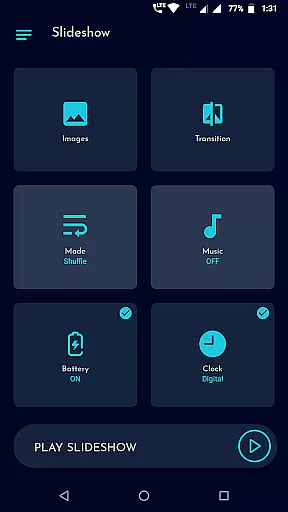
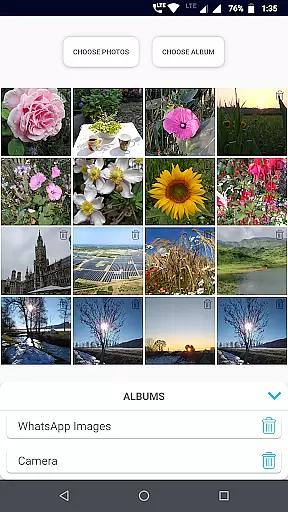
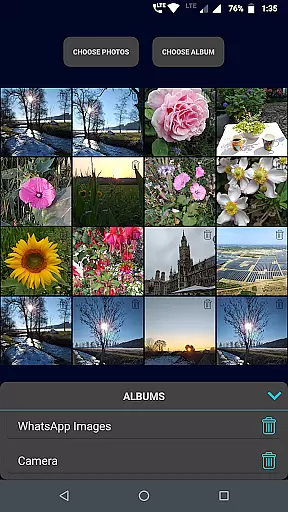
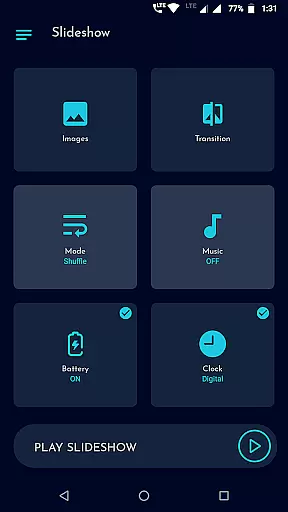
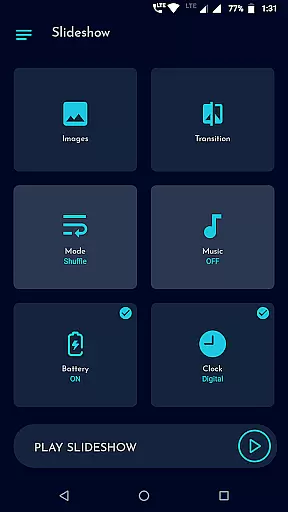
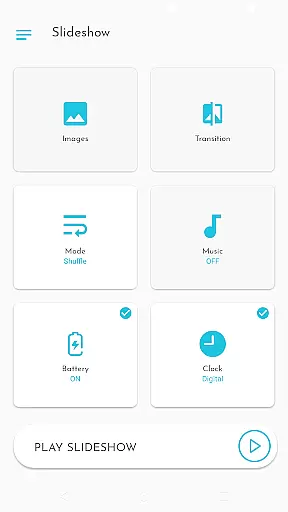
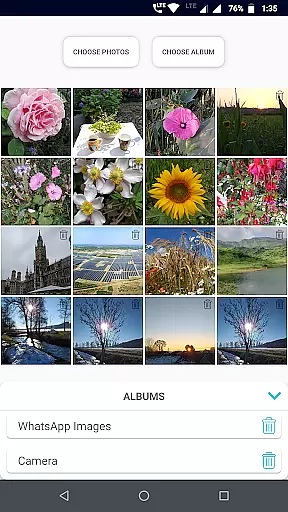
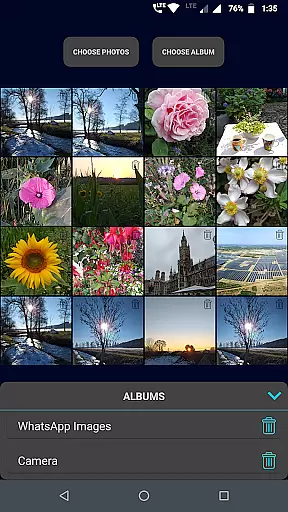
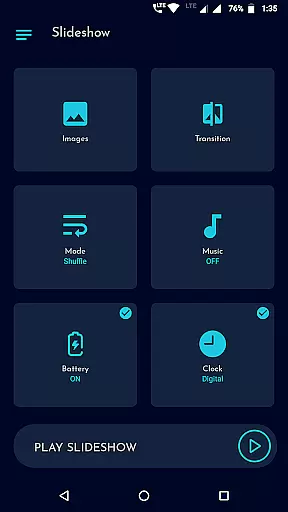
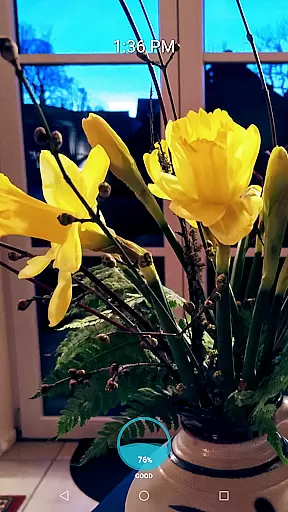
Gallery Slideshow is a photography app designed to display your gallery photos as dynamic slideshows on your phone screen with background music and transition effects. Unlike video editing or slideshow maker apps, this tool focuses on simplicity, allowing users to enjoy their photos without generating any video output.
The app supports multiple photo selections, folder-based slideshows, and customization options such as transitions, shuffle modes, and durations. Whether you want to relive memories or create an ambient photo display, Gallery Slideshow offers a seamless experience for personal and shared enjoyment.
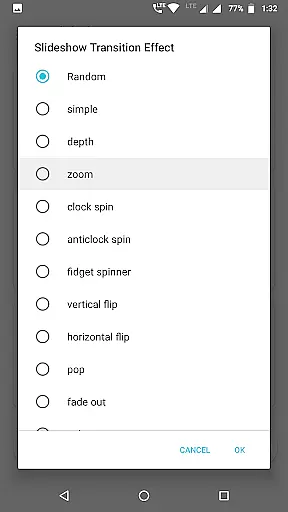
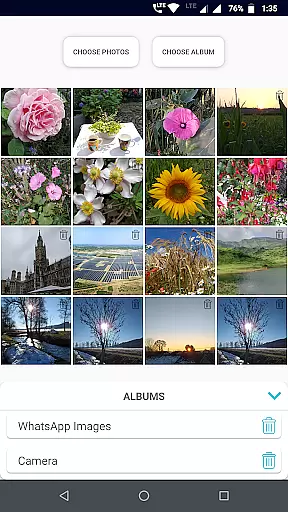
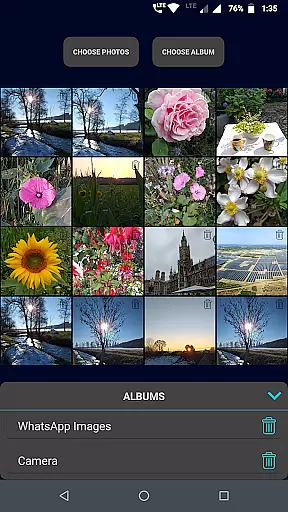
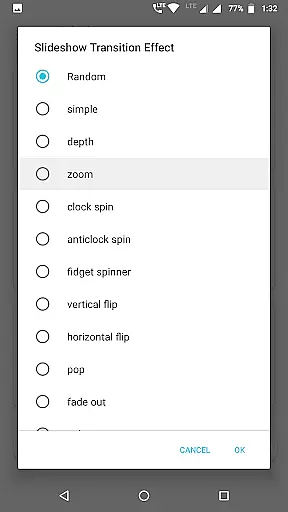
Gallery Slideshow stands out with its user-friendly interface and versatile features. Users can select individual photos or entire folders for their slideshow, ensuring flexibility in content curation. The app provides various cool transition effects, adding a professional touch to each photo switch.
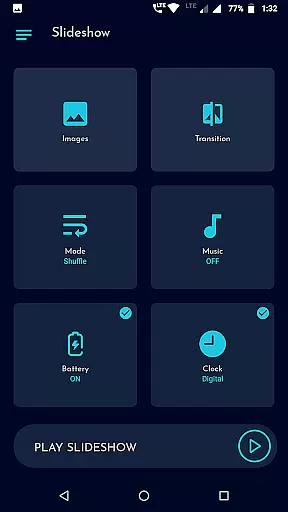
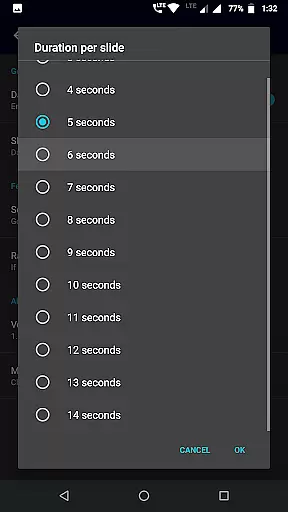
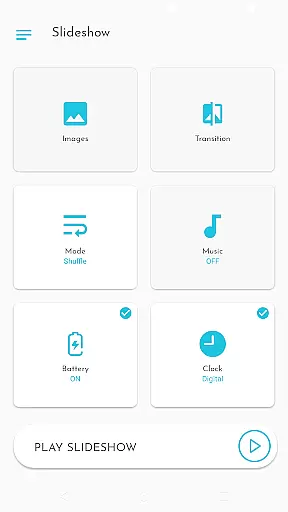
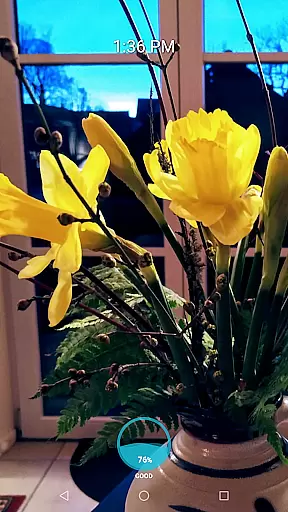
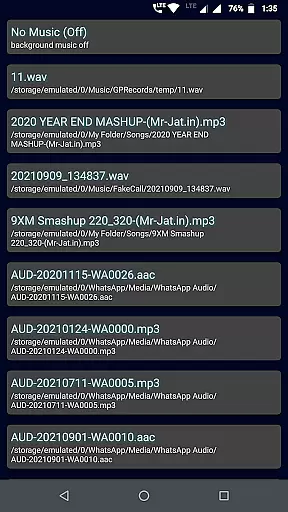
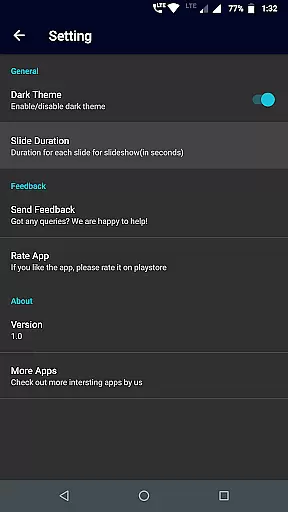
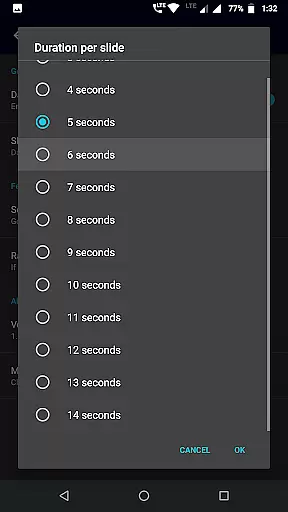
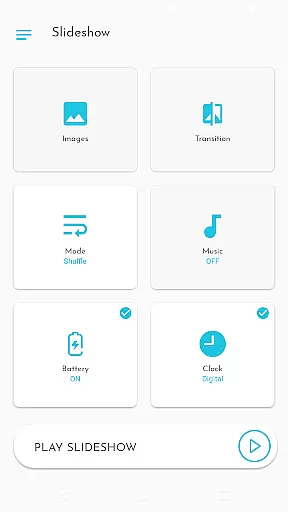
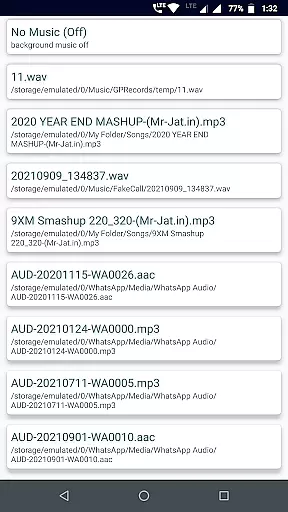
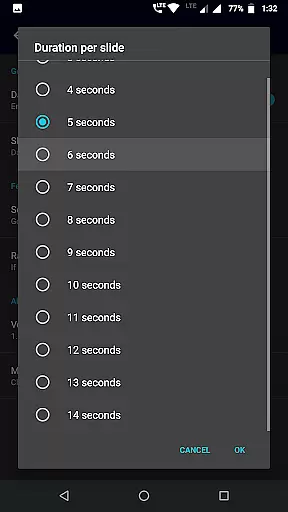
Additional functionalities include background music selection, sequence or shuffle options, and customizable slide durations. Unique features like battery percentage display, analog or digital clock overlays enhance the viewing experience. These thoughtful additions make Gallery Slideshow not just a photo viewer but an engaging multimedia tool.
Real-time capture and preview functionality is essential for any photography app, allowing users to see exactly what their final slideshow will look like. Gallery Slideshow excels in this area by providing a seamless experience where users can select photos and folders and immediately view them with chosen transitions and effects.
The app offers a variety of cool transition effects that enhance the viewing experience, making each slideshow unique and engaging. Users can also choose between sequential or shuffled playback, adding another layer of customization to their viewing experience.
Additionally, Gallery Slideshow provides options to display battery percentage, digital or analog clocks, further enriching the real-time preview experience. These features ensure that users have all necessary information while enjoying their personalized photo slideshows.
While Gallery Slideshow does not focus on AI beauty enhancements typical in photo editing apps, it emphasizes natural presentation and user-friendly features. The app allows users to enjoy their photos with minimal alterations, preserving the authenticity of their memories while adding tasteful transitions and music.
Users can select background music to accompany their slideshows, creating an immersive atmosphere that enhances the emotional impact of their photos. This feature ensures that the natural beauty of each image is preserved without artificial enhancements.
Moreover, the ability to adjust the duration between slides and show clocks or battery levels adds practicality to the viewing experience. By focusing on these thoughtful features, Gallery Slideshow maintains the natural essence of users' galleries while offering a customizable and enjoyable viewing experience.
User-friendly interface
Customizable transitions
Background music support
Flexible photo selection
Unique display options
No video generation
Limited editing tools
Few advanced features
Basic design
Folder-only shuffle

A collection of tools and reference tables for DPs, ACs, DITs and Operators.
 4.70
4.70
Virtual makeup, hair filters & body tuner—edit from face to full body!
4.20
Create collages easily! Nice pic collage maker & background eraser for Instagram
4.50
Photo editor: AI filters, photo enhancer, pic collage maker, AI art generator.
4.80
Cartoon and artistic effects for your photos and videos
4.70
Fit multiple photos on one post. Create carousels & scroll layouts for Instagram
4.50
RAW video capture with advanced controls
4.40
Discover & download millions of art for The Frame TV or Hisense CanvasTV
4.60
Your Family Calendar + Photos. Manage your Skylight Calendar and Skylight Frame.
4.40
A must-have app for landscape photographers
4.60
AI photo enhancer with Sora 2! Enhance, descratch, and colorize your old photos.
4.50
All-in-One Editor & AI Photo Enhancer, Beautify & Retouch, Collage, Cartoonify
4.20
Professional photography on your mobile phone
4.20
A light meter for true photographers.
4.20
How would you look like with a differently shaped nose, chin or lips?
3.90
Pet Camera
3.70
An interval timer to automate photo taking process for timelapse
2.90
Professional video recording application with manual controls for filmmakers!
2.80
Snap photos remotely using your Garmin watch as the camera trigger
4.3


User Reviews