
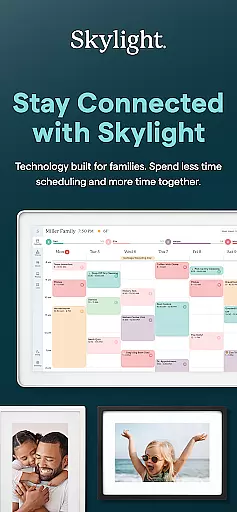
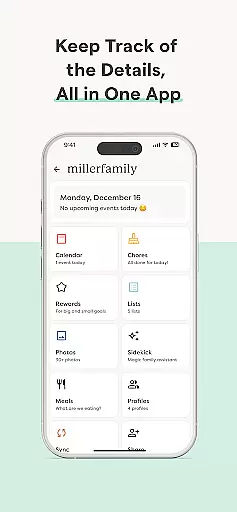
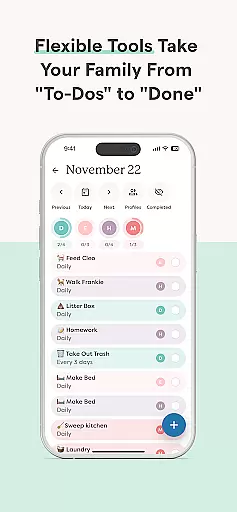
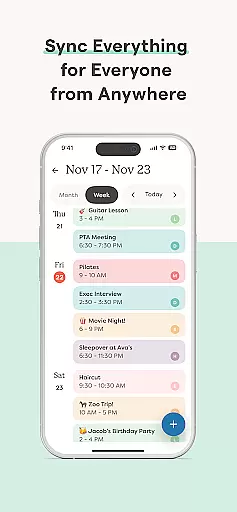
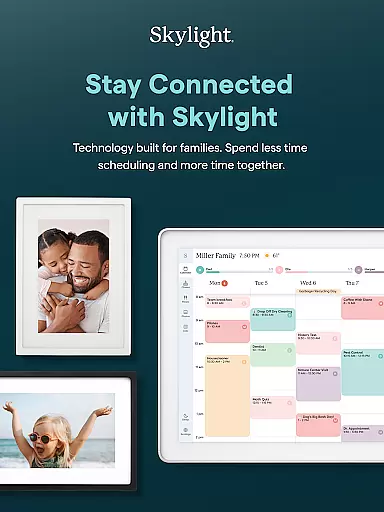

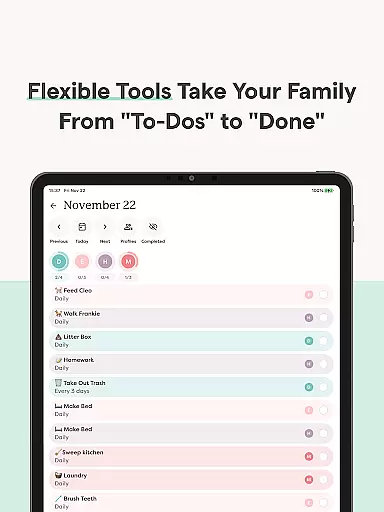
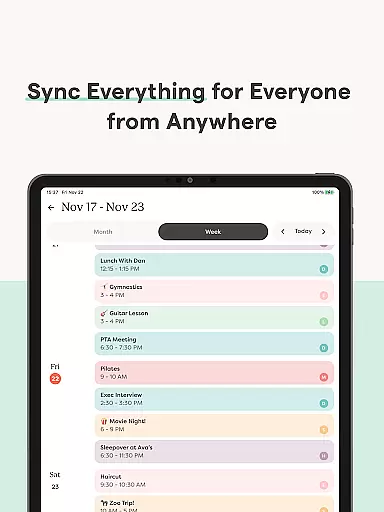
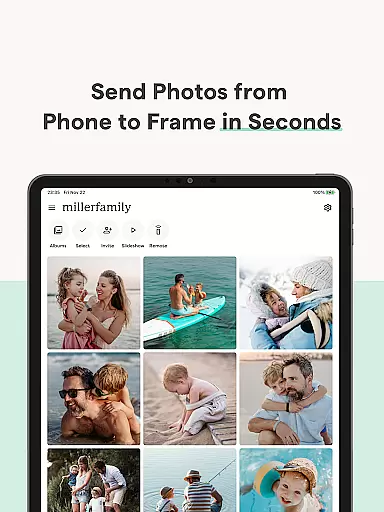
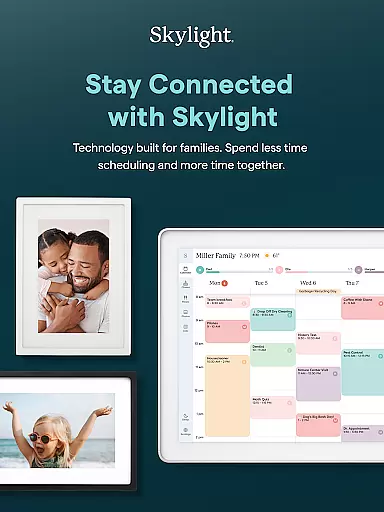

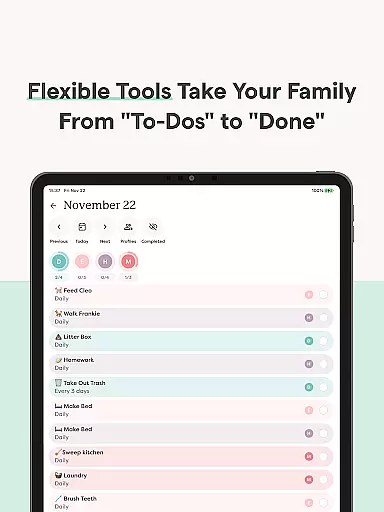
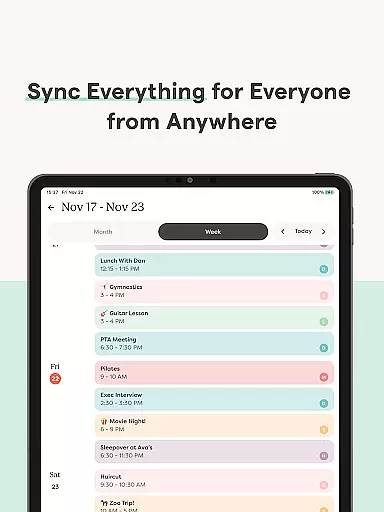
Skylight is a comprehensive family management app that consolidates calendars, lists, routines, and memories into one platform. Designed for busy families, it offers seamless integration with unlimited calendars and allows users to create events directly within the app. The application also supports task management through recurring chores and routines, ensuring everyone stays aligned.
Beyond basic organization features, Skylight enhances family life by enabling shared grocery and to-do lists. It introduces gamification elements like earning stars and unlocking rewards for completed tasks. Additionally, premium features include building a family recipe book, meal planning, and uploading photos and videos as screensavers. These functionalities make Skylight an essential tool for modern households seeking efficiency and connection.
Skylight stands out with its dual functionality as both a calendar and photo frame management system. The calendar feature syncs unlimited external calendars and allows direct event creation. Users can set recurring chores and routines, promoting household harmony. Shared grocery and to-do lists facilitate collaboration among family members, while premium features like earning stars for completed tasks add a motivational element.
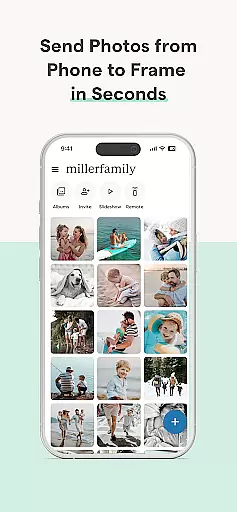
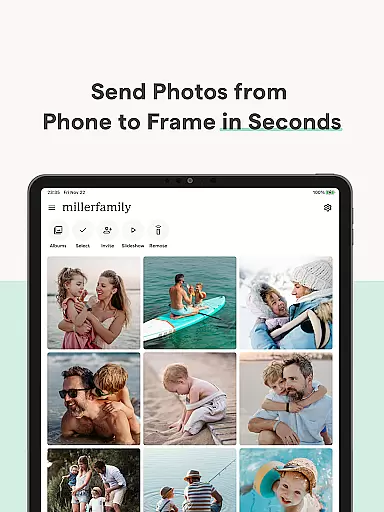
The app's photo frame management capabilities are equally impressive. It enables easy WiFi setup and allows users to add photos anytime, anywhere via the app or email. Unlimited albums with captions can be created, and premium users can upload videos and customize their displays. These features ensure that Skylight not only helps manage daily life but also preserves precious family memories in a dynamic way.
Real-time capture and preview functionality is essential for ensuring that every photo or video taken meets the user's expectations without delay. Skylight App offers seamless integration with the Skylight Frame, allowing users to capture moments and instantly view them on their digital frames.
The app ensures that all media captured is immediately available for preview within the app itself, providing users with the ability to make instant adjustments. This real-time feedback loop enhances the photography experience by ensuring that each shot is perfectly framed and timed.
For families looking to keep their digital frames updated with the latest memories, this feature provides an effortless way to ensure high-quality content is always displayed. The instant preview capability allows users to quickly decide which photos or videos are frame-worthy, streamlining the process of curating content for their Skylight Frames.
AI beauty and enhancement features have become a staple in modern photography apps, offering users the ability to refine and perfect their images. The Skylight App incorporates advanced AI algorithms to enhance photos and videos naturally, without over-processing, maintaining the authenticity of each captured moment.
Users can take advantage of these enhancements when uploading media to their Skylight Frame, ensuring that every picture displayed is of the highest quality. The AI works to balance colors, adjust lighting, and even smooth out imperfections while keeping the natural look intact.
This focus on natural enhancement means that family memories are preserved in their truest form, with just enough polish to highlight the best aspects of each photo. Families can trust that their shared albums will reflect genuine moments enhanced tastefully, making their digital displays a source of pride and joy.
User-friendly interface
Comprehensive family management
Seamless calendar integration
Premium motivational features
Dynamic photo display options
Limited free features
Requires WiFi connection
Premium subscription needed
Complex setup for beginners
Occasional syncing issues

Effortlessly organize, view and share your photos & videos with Gallery app!
 4.40
4.40
Search, tag and rate your way to an organized image gallery
4.40
Create & Edit with AI: AI Remove, Enhance, Retouch, Filter
4.10
Add a dreamy vibe to your selfies and videos with soft style filters
4.0
AI Photo Editor with 100+ Filters, Effects! Remove BG, Retouch & Photo Enhancer.
4.80
Professional quality photo edits with the new Snapseed.
4.00
Collage your moments in one tap: 1000+ layouts, filters, stickers, and texts.
4.90
live datamoshing
4.00
Remote control the phone camera shutter from your smartwatch and take a picture
1.60
A collection of tools and reference tables for DPs, ACs, DITs and Operators.
4.70
The original Rarevision VHS look seen everywhere!
4.70
[3DSteroid Pro] is a stereoscopic application for Android.
4.30
Natural Beauty, Selfie Retouch
4.30
All-in-One Editor & AI Photo Enhancer, Beautify & Retouch, Collage, Cartoonify
4.20
Luminar: Photo Editor - easy picture editing with AI
4.20
Photo editor: face & body editor, beauty cam, filters and quality enhancer.
4.00
An interval timer to automate photo taking process for timelapse
2.90
Raw Image Viewer. Gallery with support of raw images (.cr3, .cr2, .nef, .raf).
2.00
Snap photos remotely using your Garmin watch as the camera trigger
4.1


User Reviews