
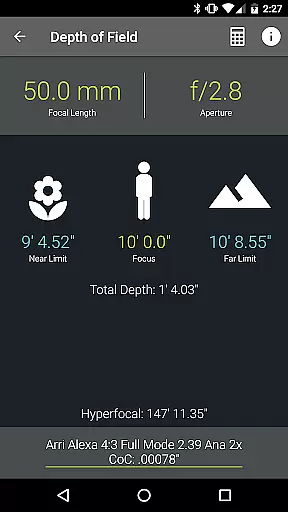
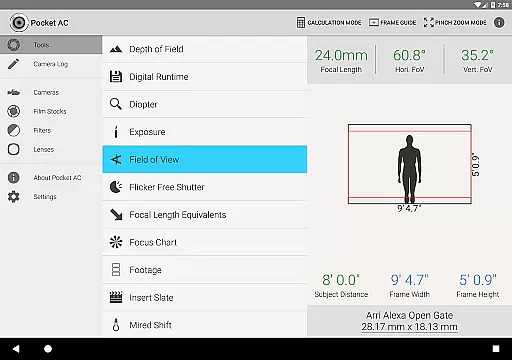
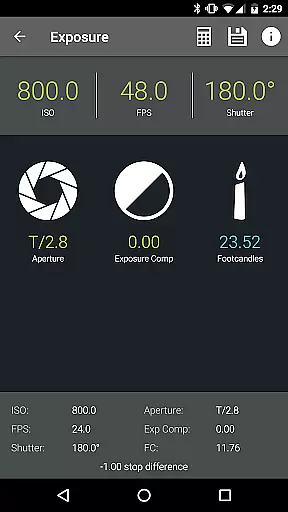
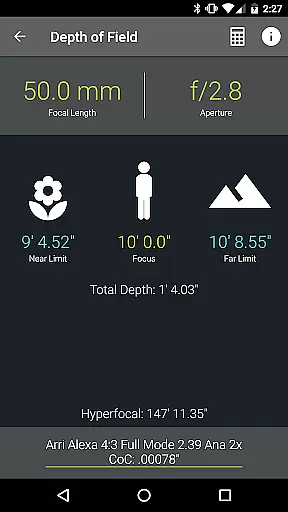
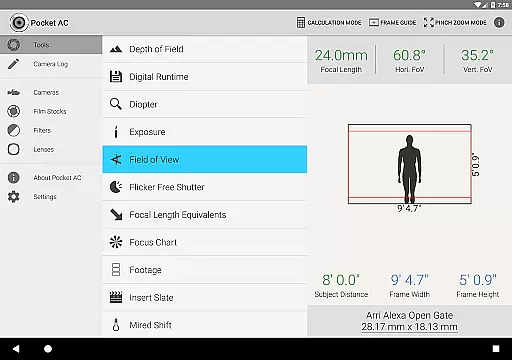
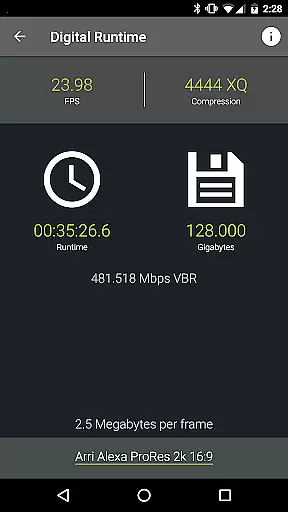
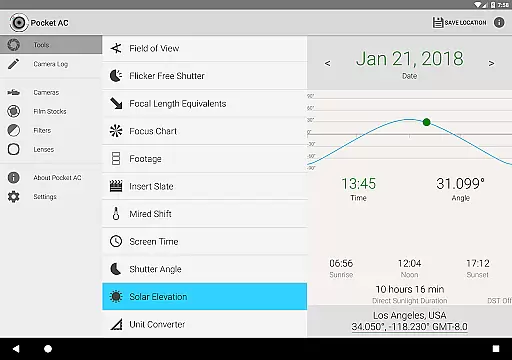
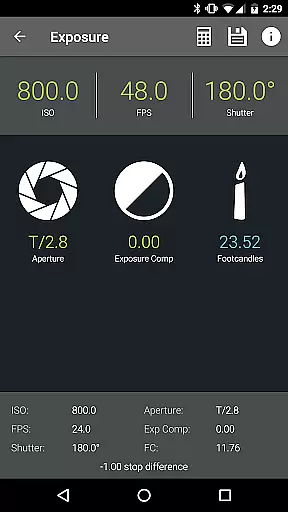
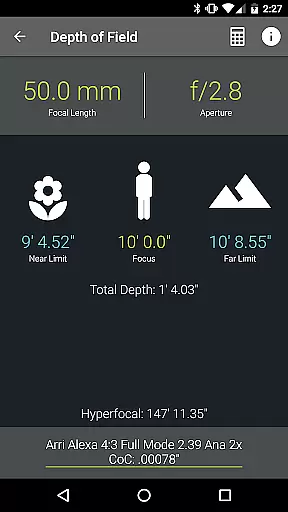
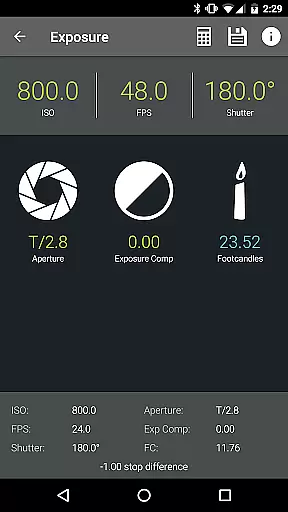
Pocket AC is an essential mobile application tailored for cinematographers, camera assistants, and videographers. It offers a comprehensive suite of tools and reference tables to streamline production preparation and execution. The app includes specialized calculators for depth of field, exposure, and field of view, alongside practical charts for lens and camera specifications.
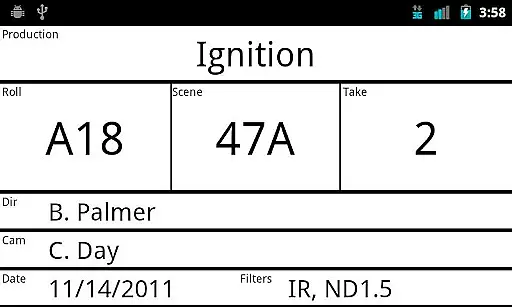
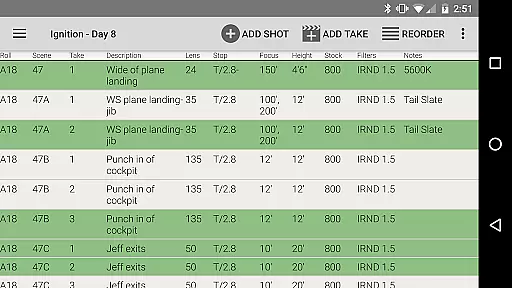
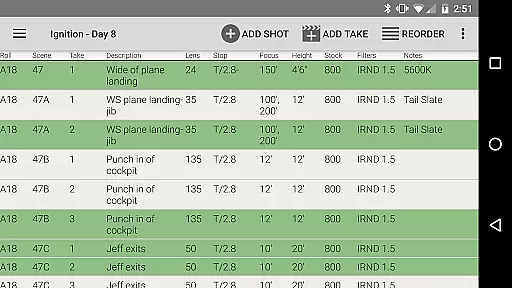
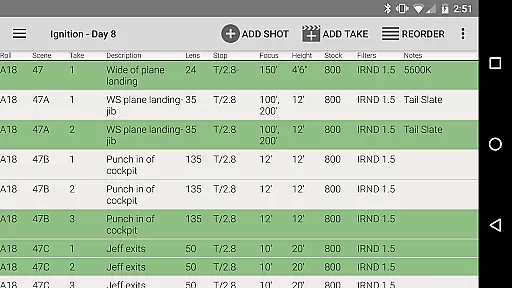
One standout feature is the integrated camera log functionality, allowing users to efficiently document shots and share daily setups via email. With support for over 140 camera models and 2000 lenses, Pocket AC serves as an indispensable resource for professionals in the photography industry. Its real-time collaboration capabilities make it particularly valuable for multi-cam productions.
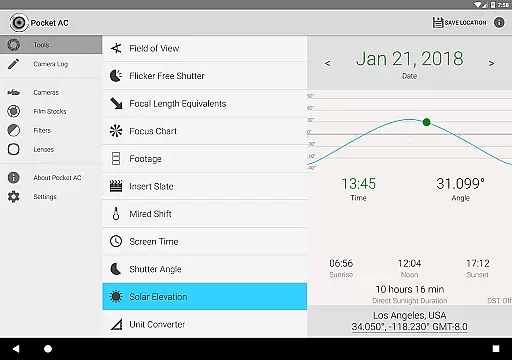
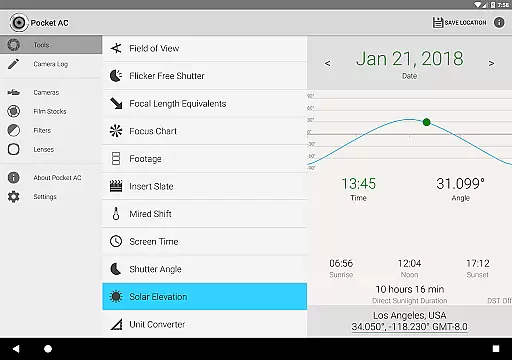
The app's diverse toolset addresses various production needs, from solar elevation tracking to unit conversion across multiple measurement categories. Whether working with Arri, Blackmagic, Canon, or Sony equipment, Pocket AC provides detailed specifications and compatibility information. This makes it an invaluable companion for both on-set operations and pre-production planning.
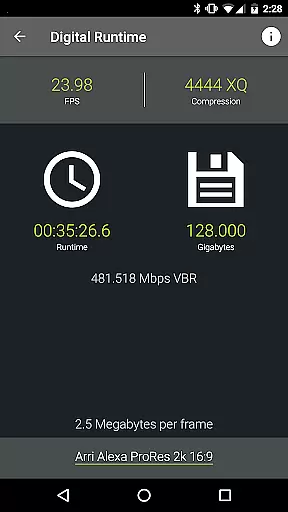
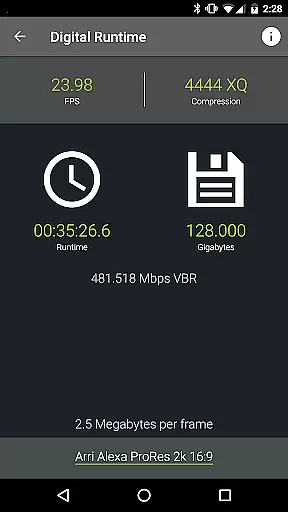
Pocket AC distinguishes itself through its extensive collection of specialized tools designed for professional cinematography work. The app features advanced calculators including Depth of Field, Digital Runtime, and Shutter Angle computations, each providing precise technical data crucial for proper camera setup and operation.
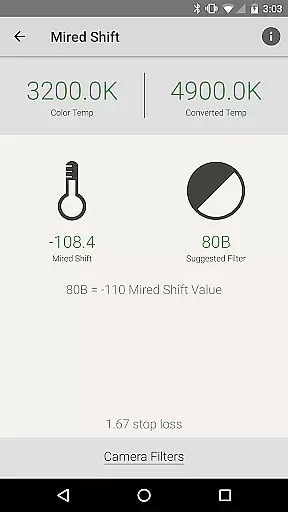
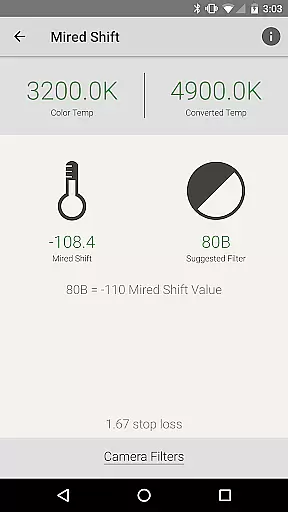
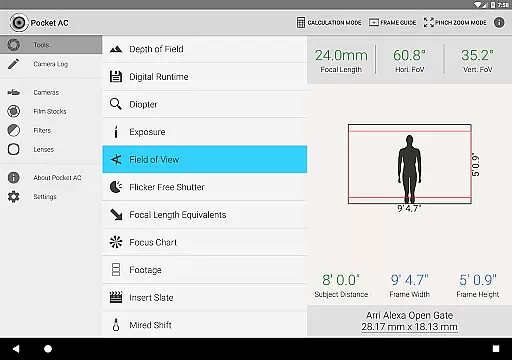
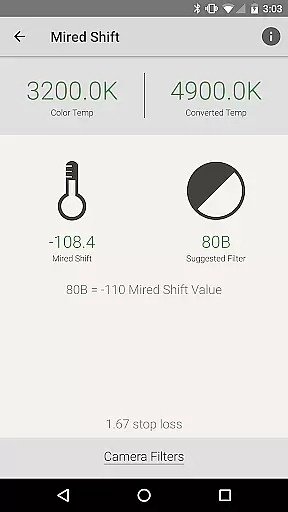
A key innovation is the Field of View calculator with focal reducer support, enabling accurate lens preview and selection. The app's Data Transfer calculator helps optimize file management, while the Mired Shift tool assists with color temperature adjustments. These features are complemented by comprehensive reference tables covering camera specifications, film stocks, and filter factors.
The Camera Log function represents another significant advantage, offering multiple export formats including PDF and CSV. Real-time collaboration capabilities allow multiple users to contribute simultaneously, while built-in presets accelerate logging efficiency. The app's support for custom camera settings and wide-ranging device compatibility further enhances its value for professional production teams.
Pocket AC offers cinematographers and videographers a comprehensive suite of real-time capture and preview tools that are essential for professional production. The application includes various calculators such as Depth of Field, Exposure, and Flicker Free Shutter, which allow users to accurately plan their shots before capturing them.
With features like the Field of View preview and support for focal reducers, users can visualize their shots with different lenses and cameras, ensuring they achieve the desired visual effect. This level of preparation contributes significantly to efficient shooting sessions and helps avoid costly reshoots.
The app's ability to log shots quickly and email daily setups further enhances the real-time experience by streamlining communication among the production team. This functionality ensures everyone is on the same page, thus improving overall productivity on set.
While Pocket AC does not focus on AI beauty enhancements typical in photography apps, it excels in providing natural and authentic enhancements through its precise calculators and reference tables. For instance, the Data Transfer and Digital Runtime calculators help ensure footage meets technical requirements without compromising quality.
The inclusion of extensive camera specifications and lens catalogs allows videographers to select the best equipment for their needs, enhancing the final output naturally. By choosing the right tools informed by accurate data, users can achieve professional-grade results that require minimal post-production enhancement.
Moreover, the Mired Shift and Filter Suggestions feature provides recommendations that maintain color accuracy and image fidelity. This approach emphasizes natural enhancement over artificial manipulation, aligning with industry standards and viewer expectations for genuine visual storytelling.
Comprehensive toolset
Real-time collaboration
Wide camera support
Efficient logging system
Detailed reference tables
Complex interface
Steep learning curve
Requires technical knowledge
No beginner mode
Subscription fees

Gallery show photo, video, slideshow, is perfect 3D effect private photo albums.
 4.80
4.80
Long exposure camera with computational photography
2.60
Professional video recording application with manual controls for filmmakers!
2.80
Create AI photos & videos with Enhancer; restore, fix, beautify, enhance photos
4.50
Professional quality photo edits with the new Snapseed.
4.00
Easily create custom gifts, cards, photo books & more on the Shutterfly app!
4.60
Your personal guide to the sun and moon. Plan ahead, visualize and predict!
4.70
Professional camera app that brings DSLR manual photography controls to Android.
4.20
Catch sunlight, sunrise sunset times and sun phases with the AR sun tracker.
4.10
1M influencer's special filter
4.60
Light-weight Media Gallery app for Android made with Jetpack Compose
4.60
The #1 app for B&W film developing featuring an advanced darkroom timer.
4.10
Transform Photos: Edit, Beautify and Craft Memories & Make Collages!
4.10
Photo editor: face & body editor, beauty cam, filters and quality enhancer.
4.00
How old age camera Gender Swap App Face Shape Hairstyle App Hair Styler App fun!
4.00
Perfect photos with body shaping, BG changer and object remover.
3.70
Create amazing frames with up to five photos. Rounded corners, effects and more!
3.60
GCamera allows all GCam features on all phone models! Better photos with GCamera
3.30
Raw Image Viewer. Gallery with support of raw images (.cr3, .cr2, .nef, .raf).
2.00


User Reviews