
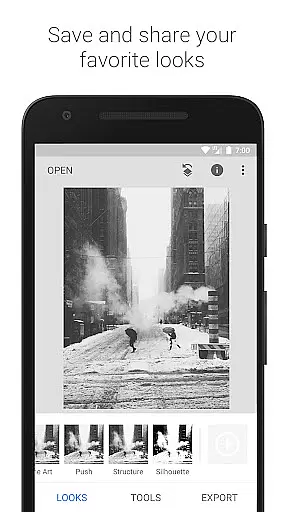
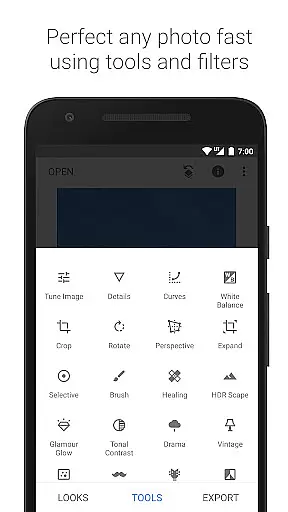
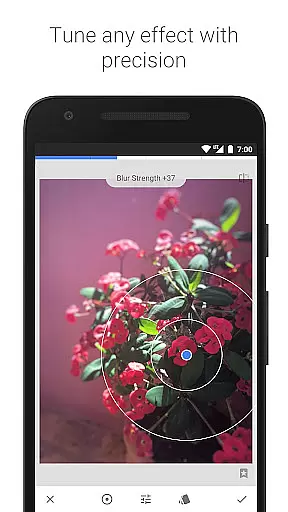
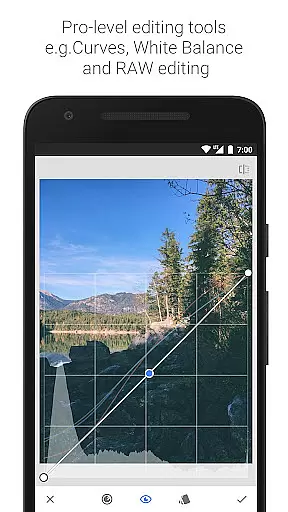
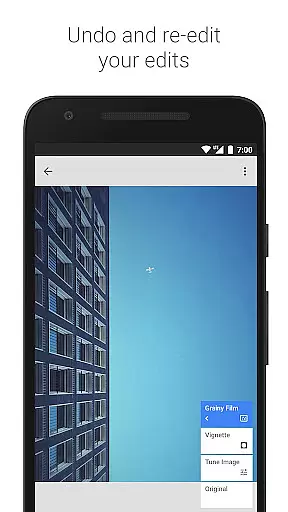
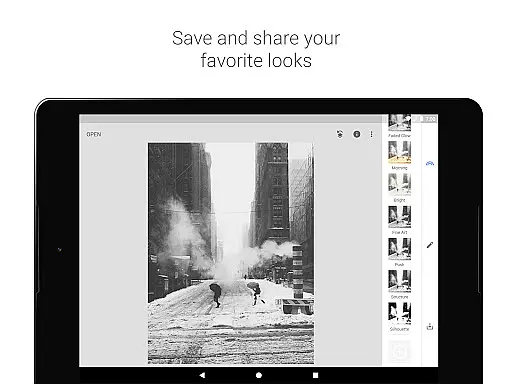
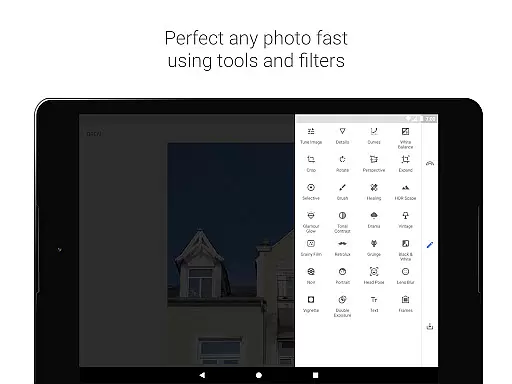
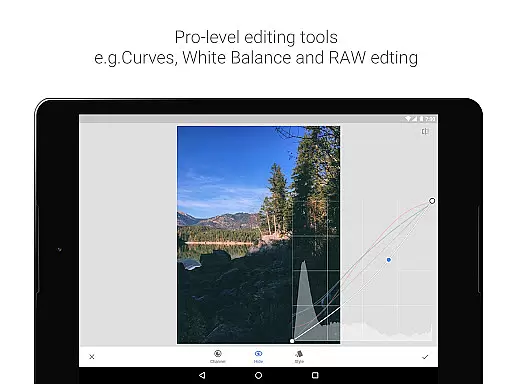
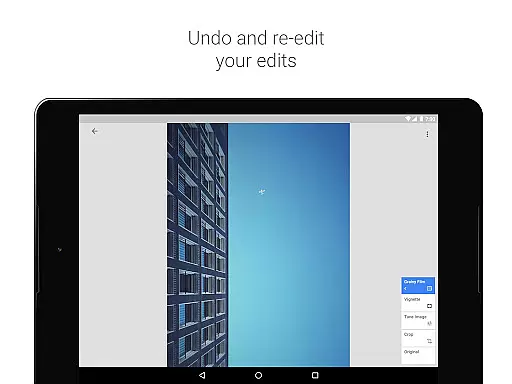
Snapseed is a comprehensive photo editing application developed by Google, offering professional-grade tools for both amateur and expert photographers. With 29 built-in tools and filters, it supports advanced functionalities such as RAW file editing, selective adjustments, and perspective correction. The app allows users to save personalized editing styles and apply them to future projects, ensuring consistent quality across all photographs.
One of Snapseed's standout features is its precise control over image adjustments, including exposure, color balance, and structural enhancements. Whether you're looking to correct minor imperfections or create dramatic visual effects, this application provides the necessary tools to achieve professional results. Its intuitive interface makes it suitable for mobile photography enthusiasts who want to edit photos on-the-go without compromising on quality.
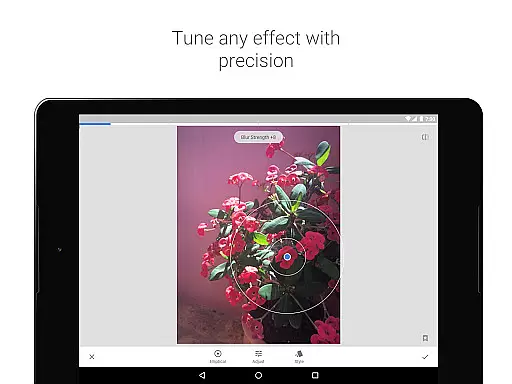
Snapseed stands out with its diverse range of powerful editing tools. The RAW Develop feature allows users to open and tweak RAW DNG files non-destructively, preserving original image data while making detailed adjustments. The Selective filter uses Control Point technology, enabling users to place up to eight points on an image and assign specific enhancements that automatically blend into the surrounding areas.
Another key aspect is the app's ability to provide fine-tuned control over various parameters like brightness, saturation, and contrast through tools such as Brush, Healing, and Vignette. Additionally, creative filters like HDR Scape, Drama, and Grainy Film offer unique ways to enhance images with artistic flair. Users can also experiment with Double Exposure and Face Enhance features to produce visually striking portraits and composite images.
Snapseed offers a powerful real-time capture and preview feature that allows photographers to see adjustments as they are made. This immediate feedback is crucial for making precise edits without guesswork.
The application supports both JPG and RAW file formats, providing flexibility in capturing images with different levels of quality and detail. This ensures that users can work with the best possible starting point for their edits.
With its selective filter brush and healing tool, Snapseed enables users to make localized adjustments and corrections seamlessly. These tools help maintain the natural look of photos while addressing specific areas that need enhancement.
Photographers benefit from the ability to save personal looks and apply them to new photos, ensuring consistency across their work. This feature streamlines the editing process, allowing for efficient and cohesive image processing.
Snapseed incorporates advanced AI beauty and enhancement features that elevate photo editing to new levels of naturalness. The AI-driven tools intelligently enhance facial features while preserving the authenticity of the original image.
The Face Enhance tool focuses on eyes, lighting, and skin smoothing, offering subtle yet effective improvements. This ensures that portraits retain their genuine character while benefiting from professional-grade enhancements.
Users can take advantage of the Glamour Glow and Tonal Contrast filters to add fine details and depth to their images. These features work harmoniously to create visually striking results without appearing artificial or over-processed.
By leveraging sophisticated algorithms, Snapseed delivers enhancements that are both impressive and believable. This balance between technology and artistry empowers users to produce stunning photographs that remain true to life.
Professional-grade tools
Intuitive user interface
Extensive filter options
RAW file support
Customizable editing styles
Steep learning curve
Occasional performance lags
Limited social sharing options
No real-time collaboration
Advanced features may overwhelm beginners

Photo editor: face & body editor, beauty cam, filters and quality enhancer.
 4.00
4.00
Perfect body tune & face app - photo retouch, makeup, slim body & beautify face.
4.80
Create collages easily! Nice pic collage maker & background eraser for Instagram
4.50
Create Business Headshots, Polaroid Filter, Retake Photos,Profile Pics,AI Photos
4.50
A reflected light meter with spot metering and incident light metering.
4.40
GCamera allows all GCam features on all phone models! Better photos with GCamera
3.30
See your baby AI baby face generator AI baby maker Face generator babymaker fun!
4.70
Easily create custom gifts, cards, photo books & more on the Shutterfly app!
4.60
Your personal guide to the sun and moon. Plan ahead, visualize and predict!
4.70
Pro version: AR sun/moon tracker for any date. Tool for photographers & planners
4.90
Photo editor: AI filters, photo enhancer, pic collage maker, AI art generator.
4.80
Light-weight Media Gallery app for Android made with Jetpack Compose
4.60
AI photo enhancer with Sora 2! Enhance, descratch, and colorize your old photos.
4.50
Use AI Video Generator to turn your words to ai generated videos.
4.50
Create AI Photos, Improve and restore quality of blurry, old or damaged pics.
4.20
Luminar: Photo Editor - easy picture editing with AI
4.20
How would you look like with a differently shaped nose, chin or lips?
3.90
Hair color changer, AI haircut app, fun hair editor and buzz cut filter for all!
3.80
Application for remote controlling DSLR
3.00


User Reviews