

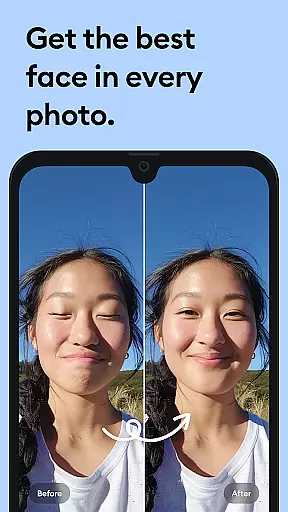
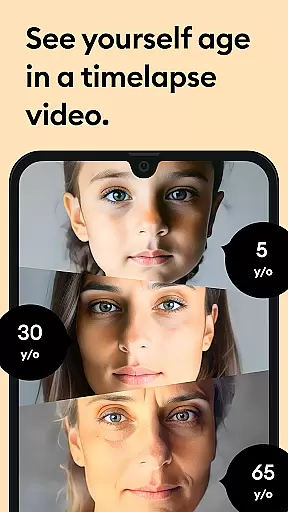



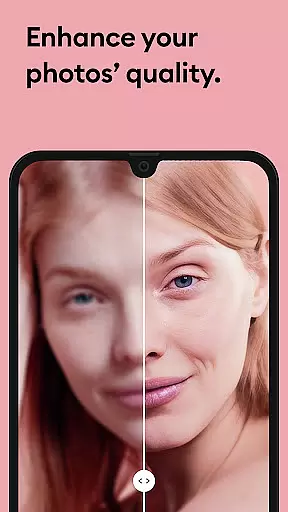


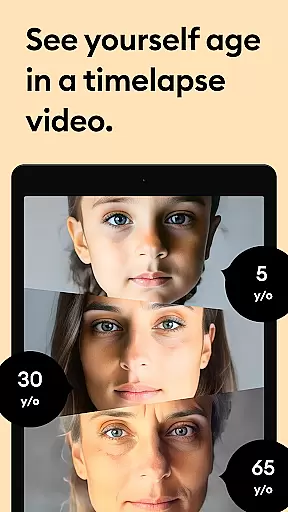



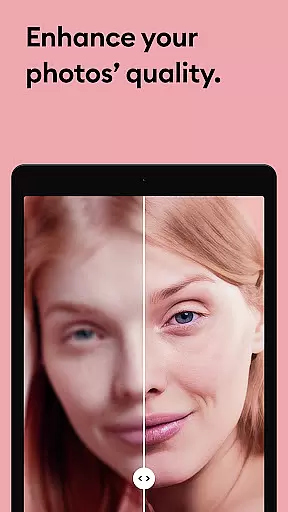


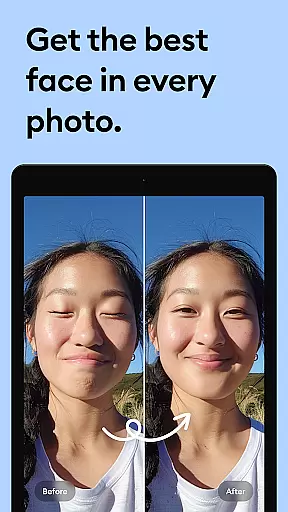



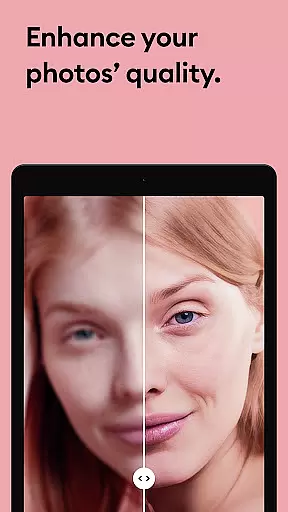

Remini is a powerful photography app that uses advanced Artificial Intelligence to enhance and restore images. The core functionality allows users to convert old, blurry, or damaged photos into high-definition images with just one tap. This AI-powered photo enhancer can also generate professional-looking portraits and selfies, making it an ideal tool for revitalizing cherished memories.
The app's standout feature is its ability to unblur and repair old photos while adding stunning clarity and detail. Whether you're looking to restore vintage family pictures or enhance low-quality images, Remini delivers crystal-clear results. With support for multiple languages and over 100 million photos already enhanced, this app has become a global favorite among photography enthusiasts.
Remini is particularly useful for those who want to preserve their family history by restoring old photographs. By breathing new life into faded images, the app enables users to relive precious moments in vivid detail. Its intuitive interface and continuous AI improvements make it accessible to both casual users and professionals seeking reliable photo restoration tools.
Remini stands out through its innovative use of state-of-the-art Artificial Intelligence to enhance images. The app employs sophisticated algorithms that can detect and repair various image imperfections, including blurriness, pixelation, and physical damage like scratches. This technological foundation enables users to achieve professional-grade photo restoration without requiring specialized skills.
Among its notable features, Remini offers specialized enhancement for portraits and selfies, focusing on facial details to create natural-looking HD results. The app also provides tools for sharpening out-of-focus pictures, increasing pixel density in low-quality images, and cleaning up vintage photographs. These capabilities are continually improved through regular AI model updates, ensuring optimal performance and expanding functionality.
What sets Remini apart from other photo editors is its combination of powerful processing with user-friendly implementation. The app maintains a simple interface while delivering complex enhancements, making professional-quality photo restoration accessible to everyone. With support for multiple languages and subscription options for unlimited access, Remini caters to a global audience seeking convenient solutions for their photo enhancement needs.
Real-time capture and preview functionality is essential for photography apps like Remini. This feature allows users to see the potential outcome of their photo enhancements before finalizing them.
Remini employs advanced AI algorithms that provide instant previews of image enhancements. Users can witness the transformation from blurry to crystal-clear images in real time, ensuring satisfaction with the results before saving.
This immediate feedback loop benefits users by saving time and providing assurance in the quality of edits. It eliminates guesswork, allowing users to adjust settings until they achieve the desired clarity and detail in their photos.
The naturalness of AI beauty and enhancement features is crucial for maintaining authenticity in edited photos. Remini's AI technology focuses on enhancing images while preserving realistic textures and details.
With sophisticated AI models, Remini intelligently enhances facial features without over-processing, ensuring that portraits retain their genuine appearance. The app carefully balances enhancement levels to produce professional-looking yet natural results.
Users benefit from this approach as it delivers high-quality enhancements that respect the original image's integrity. Whether restoring old memories or refining new captures, Remini ensures every photo looks its best while staying true to life.
Advanced AI technology
User-friendly interface
Multi-language support
Regular feature updates
Professional results
Premium subscription required
Limited free usage
Old Android versions unsupported
Internet connection needed
Processing time varies

Gallery show photo, video, slideshow, is perfect 3D effect private photo albums.
 4.80
4.80
Shooting photos and records video easily and efficient with professional Camera
4.30
A must-have app for landscape photographers
4.60
Luminar: Photo Editor - easy picture editing with AI
4.20
Turn photos into cartoons & avatars! - Photo Editor, Cartoon Face!
3.90
Pro version: AR sun/moon tracker for any date. Tool for photographers & planners
4.90
Professional camera app that brings DSLR manual photography controls to Android.
4.20
Enhance, upscale, and transform your images — on your device, without limits
4.70
Photo & Video Gallery app to manage albums and save WA Status easily.
4.70
Photo prints, cards, & gifts at Walgreens. Easy ordering & fast local pickup !
4.80
A collection of tools and reference tables for DPs, ACs, DITs and Operators.
4.70
Automatically backup your photos and videos to computer, NAS and Cloud services
4.60
Create collages easily! Nice pic collage maker & background eraser for Instagram
4.50
RAW video capture with advanced controls
4.40
All-in-One Editor & AI Photo Enhancer, Beautify & Retouch, Collage, Cartoonify
4.20
How would you look like with a differently shaped nose, chin or lips?
3.90
Pet Camera
3.70
Be your best in every shot! Fix, edit and retouch your face in selfies & photos.
3.70
GCamera allows all GCam features on all phone models! Better photos with GCamera
3.30


User Reviews