
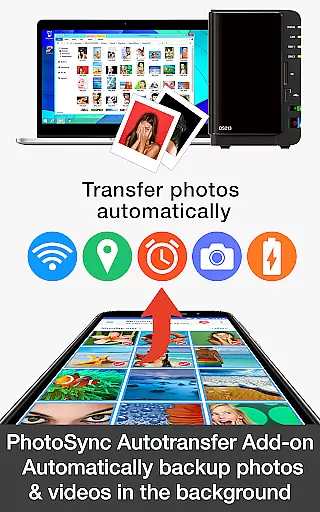
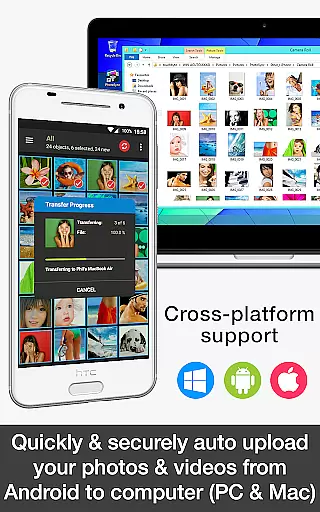

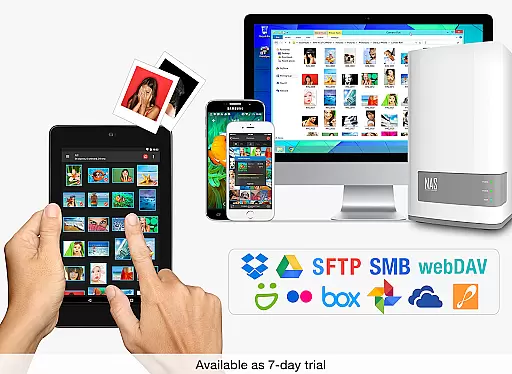
PhotoSync Autotransfer Add-On is an advanced photography tool designed to streamline photo and video backups. This add-on enhances the free version of PhotoSync by enabling automatic wireless transfers to various destinations including computers, private clouds, and NAS systems. With over 10,000 positive reviews and millions of successful transfers, it stands as a reliable solution in the market.
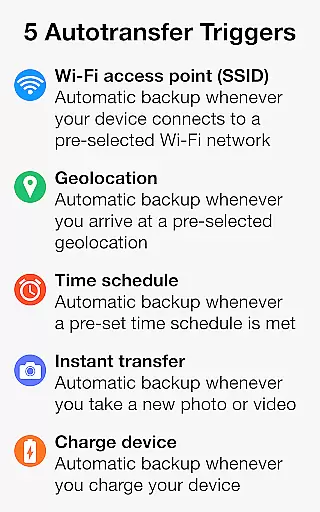
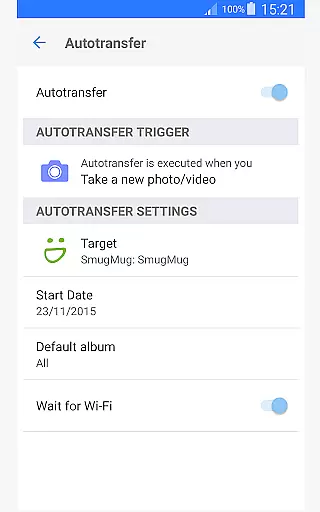
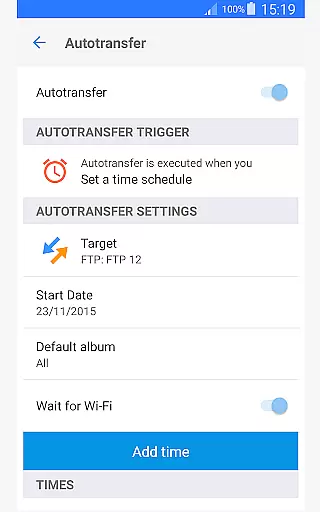
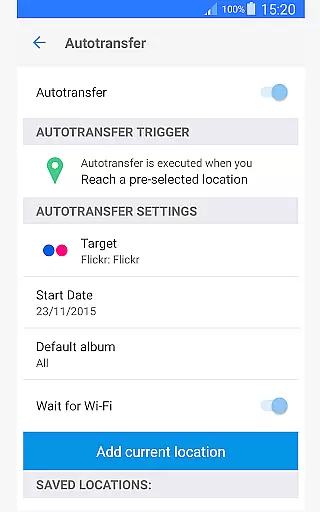
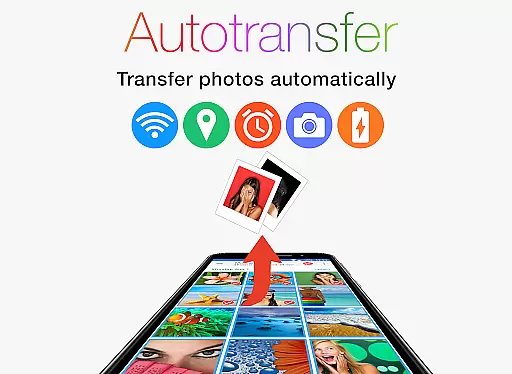
The application supports five configurable triggers for autotransfers: Wi-Fi access points, geolocation, time schedules, device charging, and capturing new photos. These features ensure that your media files are backed up securely and conveniently without manual intervention. Whether you're a professional photographer or simply someone who values data security, PhotoSync Autotransfer provides peace of mind with its robust functionality.
PhotoSync Autotransfer Add-On offers a comprehensive suite of features tailored for seamless media management. One of its standout capabilities is the automatic background transfer of photos and videos. This ensures that your files are consistently backed up without disrupting your workflow.
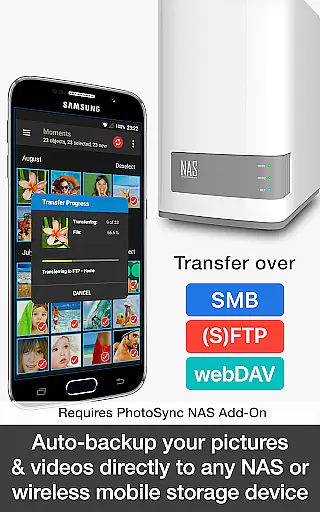
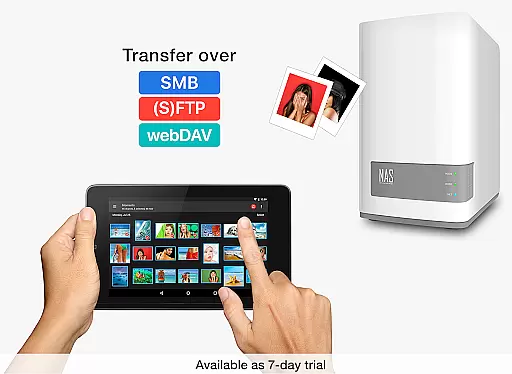
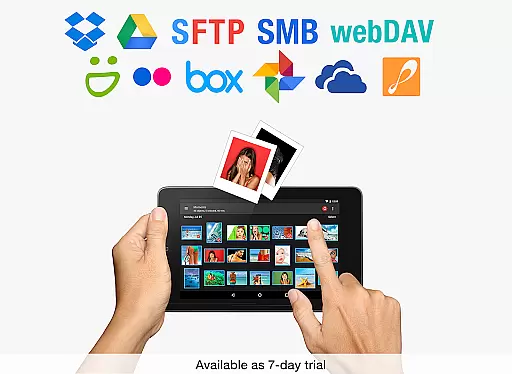
The app supports multiple transfer protocols including SMB, (S)FTP, and WebDav, allowing users to upload media to any NAS or remote server. Additionally, it integrates with popular cloud services like Dropbox, Google Drive, and OneDrive through optional add-ons. The five autotransfer triggers provide flexibility and customization, catering to different user preferences and scenarios. Overall, these features make PhotoSync an indispensable tool for anyone looking to efficiently manage their digital assets.
Real-time capture and preview functionality is essential for ensuring that every photo or video taken meets the desired quality standards. PhotoSync Autotransfer Add-On excels in this area by providing users with automatic, wireless backup capabilities that ensure media is instantly available for review on multiple devices.
This application supports instant transfer of photos and videos directly from an Android device to computers, private clouds, NAS, and supported cloud services. This immediate backup process allows users to view their captures across different platforms without delay, enhancing workflow efficiency and reliability.
By utilizing five configurable Autotransfer triggers such as Wi-Fi access points, geolocation, time schedules, device charging, and taking a photo, PhotoSync ensures that users never miss a moment. These triggers facilitate seamless synchronization, allowing real-time previews and backups that are crucial for both personal and professional photography needs.
While PhotoSync Autotransfer Add-On does not focus on AI beauty enhancements, it emphasizes preserving the original quality and natural essence of photos and videos during transfers. The core feature revolves around secure and reliable automatic backups without altering the content's authenticity.
The application provides robust options for transferring media files to various destinations including computers, NAS systems, and cloud services. By maintaining the integrity of the original files, PhotoSync ensures that all transferred images retain their natural appearance without any unintended modifications or enhancements.
With its emphasis on total user control and customizability, PhotoSync allows users to configure settings according to their preferences. This approach guarantees that while there may not be AI-driven beautification features, the end results remain true to the source material, offering peace of mind regarding data preservation and presentation quality.
User-friendly interface
Secure backup solutions
Flexible autotransfer options
Wide range of supported platforms
Continuous software updates
Additional cost for cloud add-ons
Limited free version functionality
Requires stable internet connection
Premium feature pricing
Complex setup for beginners

AI portrait generator and polaroid AI selfie, fun AI generated AI photo creator!
 4.30
4.30
Safe & smart flight with Go Fly drone controller for 40+ drone camera, zone map
4.50
Photo prints, cards, & gifts at Walgreens. Easy ordering & fast local pickup !
4.80
Superimpose one photo on top of another using the original Superimpose app!
3.20
Add a dreamy vibe to your selfies and videos with soft style filters
4.3
AI photo enhancer with Sora 2! Enhance, descratch, and colorize your old photos.
4.50
live datamoshing
4.00
Welcome to ProShot, the most powerful camera app on Android.
4.20
Solocator stamps photos you take with GPS location, Compass Direction, Date/Time
3.80
Use AI Video Generator to turn your words to ai generated videos.
4.50
Future baby face generator: AI kids generator, kid face! What my baby look like?
4.40
Professional photography on your mobile phone
4.20
Professional camera app that brings DSLR manual photography controls to Android.
4.20
Transform Photos: Edit, Beautify and Craft Memories & Make Collages!
4.10
Photobooth mini FULL app will allow you to add more fun to your parties
4.00
Professional quality photo edits with the new Snapseed.
4.00
How would you look like with a differently shaped nose, chin or lips?
3.90
Be your best in every shot! Fix, edit and retouch your face in selfies & photos.
3.70
Snap photos remotely using your Garmin watch as the camera trigger
4.0


User Reviews