
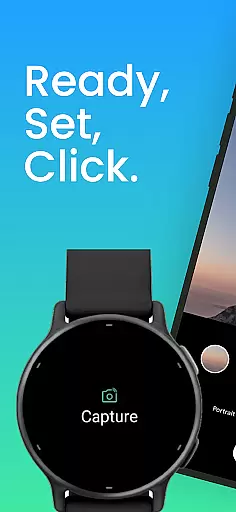
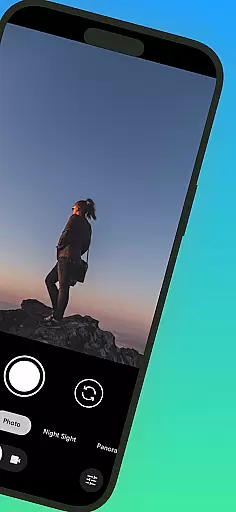
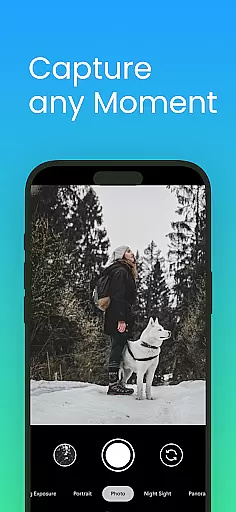
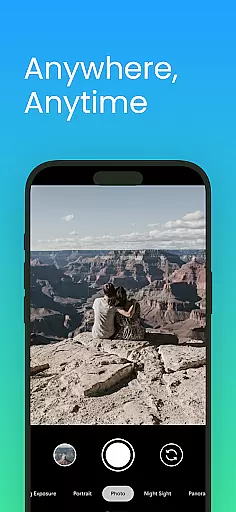
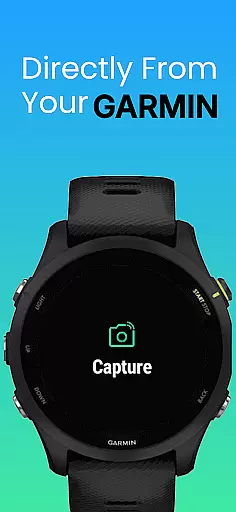
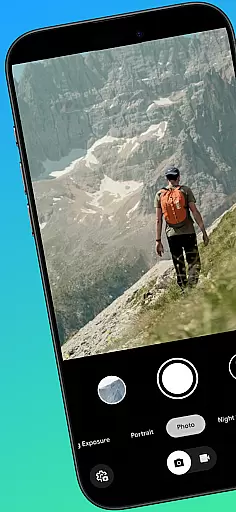
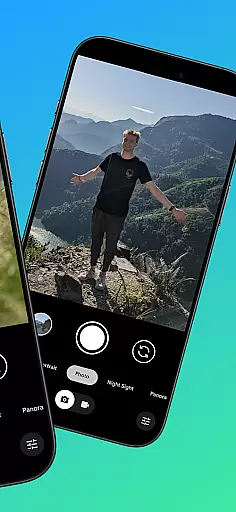
CameraClick is a powerful photography app that transforms your Garmin smartwatch into a wireless remote control for your Android phone's native camera. This seamless integration allows users to capture photos and videos effortlessly, whether they're shooting group photos, solo adventures, or recording video from a distance.
The app works directly with your phone’s existing camera app, preserving your preferred quality settings, lens choice, and storage path. By leveraging Android’s AccessibilityService, CameraClick interacts with the camera shutter button, ensuring compatibility across a wide range of devices and camera apps. It’s an ideal tool for creators, athletes, and everyday users who want reliable remote camera control right from their wrist.
CameraClick offers several standout features that enhance the remote photography experience. First, it connects wirelessly to your Garmin smartwatch, providing effortless control over your phone’s native camera app without requiring any additional hardware.
Another key feature is its compatibility with Android’s AccessibilityService, which ensures broad device support. Whether you’re using a Google Pixel, Samsung Galaxy, or Xiaomi device, CameraClick integrates smoothly with your preferred camera settings. Additionally, the app has been rigorously tested on popular Android devices, guaranteeing reliable performance for capturing high-quality photos and videos in diverse scenarios.
Real-time capture and preview functionality is essential for ensuring that users can take photos or record videos with precision and confidence. CameraClick excels in this area by providing seamless integration between your Garmin smartwatch and Android phone.
The app leverages the native camera app on your phone, meaning you can use the same high-quality settings and lenses you're accustomed to, while controlling it remotely from your wrist. This real-time interaction ensures that you never miss a moment, whether you're taking group shots or capturing solo adventures.
With the help of Androidu2019s AccessibilityService, CameraClick interacts directly with the camera shutter button, offering compatibility across a wide range of devices. This means you get to enjoy real-time previews without any lag, making your photography experience smooth and efficient.
While CameraClick does not focus heavily on AI beauty and enhancement features, it still preserves the natural quality of your photos by working with your phone's existing camera app. This ensures that any beautification or enhancement features you have set are maintained during remote captures.
The app respects your preferred quality settings, lens choices, and storage paths, which means that any AI enhancements configured in your native camera app will function as intended. This approach keeps the authenticity of your images intact while adding the convenience of remote control.
CameraClick has been tested on a variety of popular Android devices, ensuring that the natural look and feel of your photos remain consistent across different hardware. Whether you're using a Google Pixel or a Samsung Galaxy, you can trust that your photos will reflect the true essence of the moment captured.
Wireless convenience
Native app support
Broad device compatibility
Easy setup process
Reliable performance
Requires Accessibility permissions
Limited to Android devices
Dependent on Garmin smartwatch
No iOS support
Basic feature set

Find time and duration of different sunlight phases at any location
 4.90
4.90
An interval timer to automate photo taking process for timelapse
2.90
Natural Beauty, Selfie Retouch
4.30
Be your best in every shot! Fix, edit and retouch your face in selfies & photos.
3.70
The #1 app for B&W film developing featuring an advanced darkroom timer.
4.10
HD Camera Pro with HD Video shooting, Panorama, Photo editor , Beauty Camera.
4.50
Professional photography on your mobile phone
4.20
live datamoshing
4.00
The original Rarevision VHS look seen everywhere!
4.70
Android Native system HD camera app. Never been so simple and faster.
4.70
Cartoon and artistic effects for your photos and videos
4.70
Easily view, share, delete photos with Gallery.
4.70
Movie camera, supports pro recording settings for filming. Try it and be amazed!
4.50
Use AI Video Generator to turn your words to ai generated videos.
4.50
Easily stitch panoramas from multiple photos or video.
4.40
Turn your phone into a professional camera - full DSLR manual photography
4.30
Virtual makeup, hair filters & body tuner—edit from face to full body!
4.20
Create AI Photos, Improve and restore quality of blurry, old or damaged pics.
4.20
Raw Image Viewer. Gallery with support of raw images (.cr3, .cr2, .nef, .raf).
2.00


User Reviews