
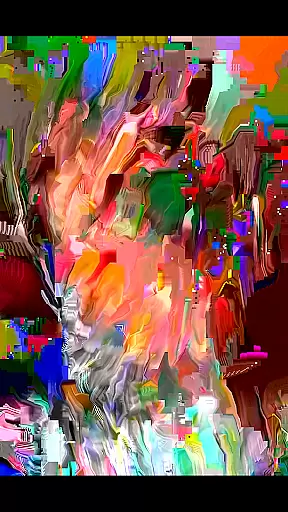
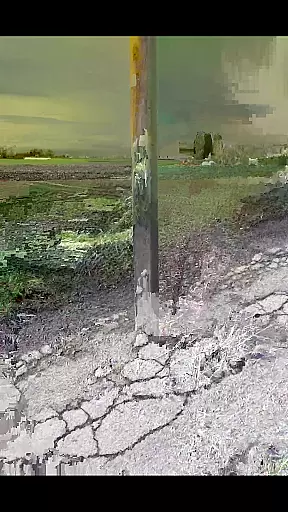
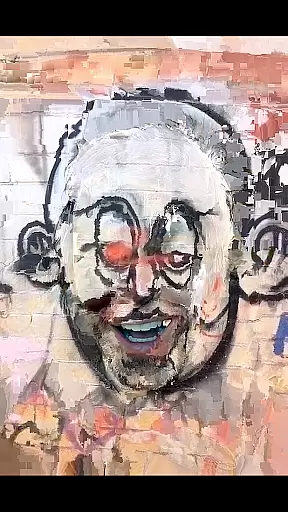
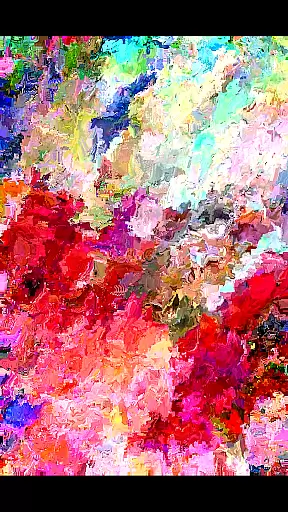
MoshUp is a creative photography app that allows users to perform live datamoshing on their mobile devices. This innovative tool lets you film one scene, then another, and uses the motion data from the second recording to transform the first. The result is unique visual effects that map the motion of one video onto another.
With additional features like frame repetition by holding the screen and video import from your gallery, MoshUp provides a versatile platform for experimenting with video manipulation. Whether you're an artist looking to explore new forms of expression or simply someone who enjoys playing with visual effects, this app offers a fun and engaging way to create interesting mapping effects directly on your phone.
MoshUp stands out with its distinctive live datamoshing feature, which enables real-time video transformation based on motion data. Users can capture two separate videos - the first being transformed dynamically by the motion captured in the second video. This creates fascinating visual overlays and distortions that are unique to each user's input.
Beyond live datamoshing, the app includes practical functionalities such as frame repetition by simply holding the screen, allowing for precise control over video effects. The latest version also supports importing videos from your device's gallery, expanding creative possibilities. These features make MoshUp not just a tool for experimentation but also a powerful utility for digital artists and content creators seeking to push the boundaries of traditional video editing.
Real-time capture and preview functionality is essential for photography apps like MoshUp. This feature allows users to see the effects of their actions immediately, providing an interactive experience.
MoshUp enables live datamoshing on your phone, transforming the first recording with the motion from a second recording. The app provides instant feedback by showing how the datamoshing effect takes place in real time as you film.
By offering real-time previews, MoshUp ensures that creators can experiment with confidence, knowing exactly how their final output will look. This immediate visual feedback helps in making creative decisions on the fly.
The ability to hold the screen and repeat the last frame further enhances the real-time capture experience, giving users more control over their creations. With these capabilities, MoshUp delivers a dynamic and responsive photography tool.
While MoshUp focuses on creative datamoshing effects rather than traditional beauty enhancements, the principle of natural-looking results remains important. AI-driven beauty features should enhance photos without making them appear overly processed or artificial.
Although MoshUp doesn't specifically offer AI beauty tools, its innovative approach to video transformation through motion creates unique visual effects. These effects maintain the authenticity of the original footage while adding artistic flair.
The app's capability to import videos from your gallery adds another layer of flexibility, allowing users to apply its distinctive effects to existing content. This ensures that any enhancement feels genuine and true to the source material.
As MoshUp continues to develop, maintaining the naturalness of its transformations will be key to delivering high-quality, visually appealing results that resonate with users seeking original and creative expression.
Unique visual effects
Real-time video transformation
User-friendly interface
Creative freedom
Supports video import
May not run on all devices
Limited to Android
Requires technical understanding
Still in development
Potential stability issues

A collection of tools and reference tables for DPs, ACs, DITs and Operators.
 4.70
4.70
Android Native system HD camera app. Never been so simple and faster.
4.70
Light-weight Media Gallery app for Android made with Jetpack Compose
4.60
Amazing Photo Effects - The most fun you can have with your photos!
4.70
Future baby face generator: AI kids generator, kid face! What my baby look like?
4.40
Enhance, upscale, and transform your images — on your device, without limits
4.70
Effortlessly make high-quality GIFs from images & videos without any watermarks.
4.70
Discover How to Plan any Sun, Moon and Milky Way Photo You Imagine in Seconds
4.70
Edit photos with the picture generator: PS2 & AI Clay filters, cartoon effects.
4.50
Cartoon and artistic effects for your photos and videos
4.70
See your baby AI baby face generator AI baby maker Face generator babymaker fun!
4.70
Discover & download millions of art for The Frame TV or Hisense CanvasTV
4.60
HD Camera Pro with HD Video shooting, Panorama, Photo editor , Beauty Camera.
4.50
Photo editor & gallery. Crop pictures & edit photos offline, no wifi!
4.50
Easily stitch panoramas from multiple photos or video.
4.40
Professional camera app that brings DSLR manual photography controls to Android.
4.20
Create amazing frames with up to five photos. Rounded corners, effects and more!
3.60
Application for remote controlling DSLR
3.00
An interval timer to automate photo taking process for timelapse
2.90


User Reviews