
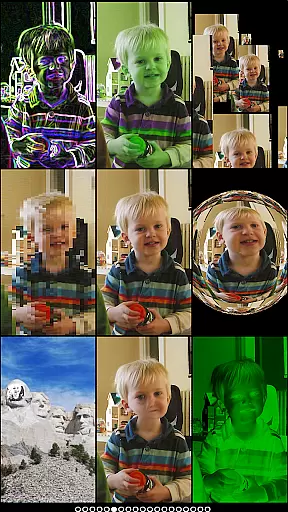
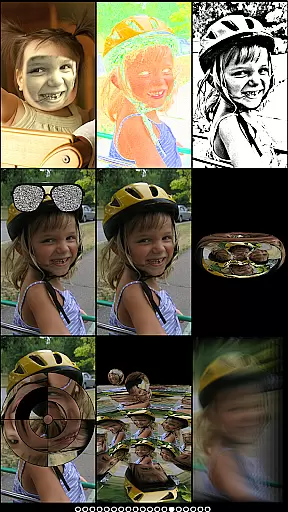
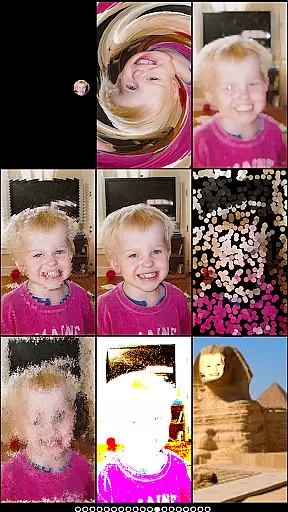
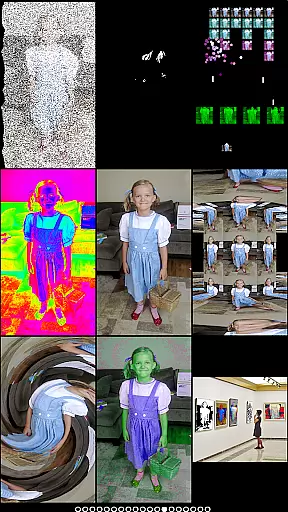
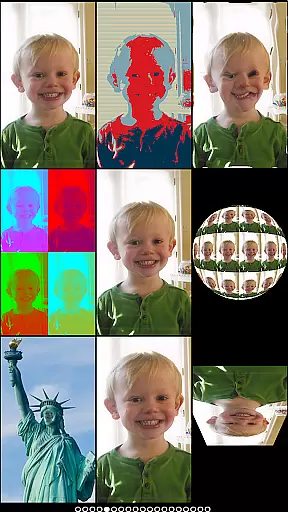
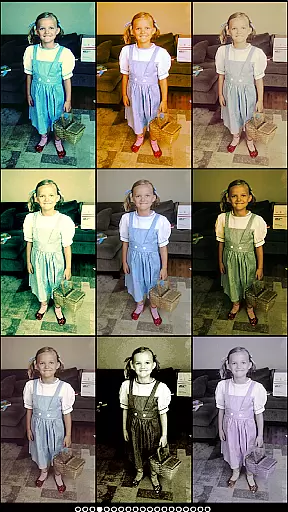
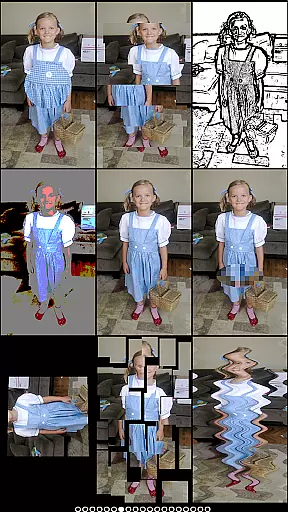
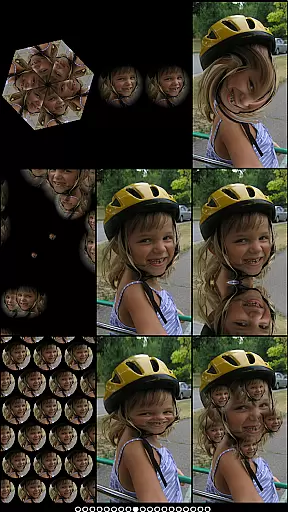
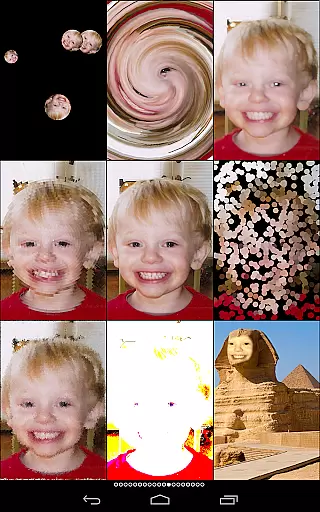
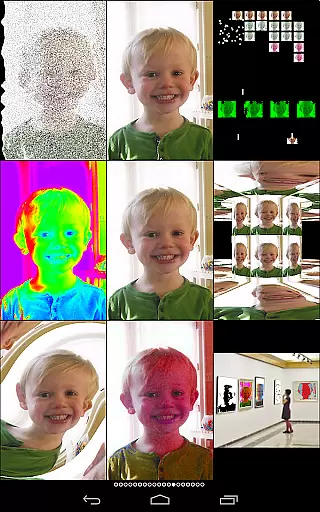
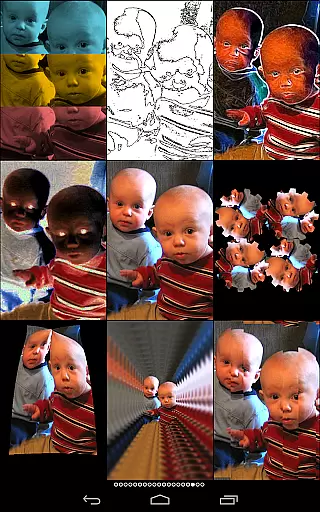
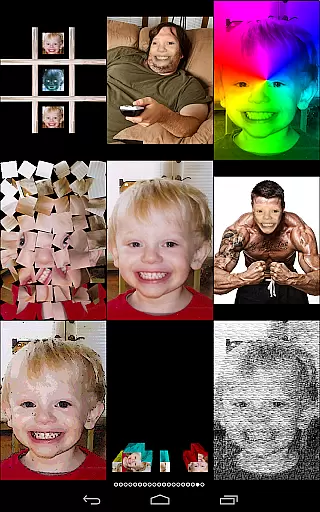
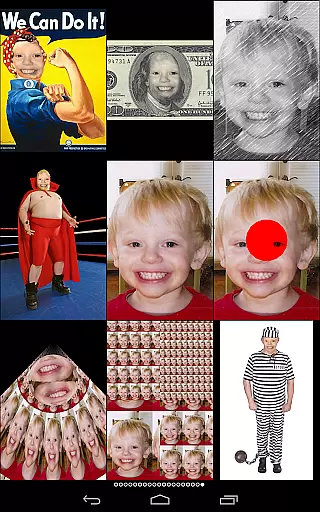
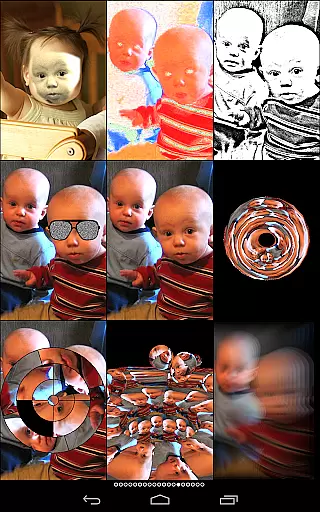
Mega Photo Pro is a feature-rich photography app that allows users to transform their photos and videos with over 200 real-time effects. The app offers interactive photo filters, including morphing, warping, and vintage camera effects, making it a playground for creativity. Users can also engage in mini-games like brick breaker or tile puzzles using their images.
One standout feature is the ability to walk through a 3-D maze of your photos, offering an immersive experience. Whether you're applying retro filters or experimenting with live camera feeds, Mega Photo Pro ensures your photos are as unique as you are. It's perfect for those who want to add a playful twist to their photography projects.
Mega Photo Pro stands out with its extensive range of features designed to enhance user interaction. With over 200 effects such as mosaic, x-ray, and motion blur, users can experiment with their photos in real-time. The app supports both front and rear cameras, allowing seamless switching between them.
In addition to photo effects, the app includes mini-games like alien invaders and circular tile puzzles, providing entertainment beyond traditional photo editing. Interactive elements like tap-and-drag, zoom, and rotation enable personalization before capturing an image. These features make Mega Photo Pro a versatile tool for creative expression.
Real-time capture and preview functionality is essential for photography apps as it allows users to see effects applied instantly. Mega Photo Pro excels in this area by offering over 200 real-time effects that transform your photos in unique ways.
The app provides an interactive experience where users can twist, morph, pinch, and warp their photos into outrageous designs. This instant feedback loop enhances creativity and lets photographers experiment without any delays.
Users benefit from the ability to personalize images even before taking a picture. The interactive nature of the effects allows for tap-and-drag, zoom with two fingers, rotate, and more, ensuring each photo is truly one-of-a-kind.
This feature's value lies in its ability to make photo editing intuitive and fun, setting Mega Photo Pro apart from other photography apps by offering a dynamic and engaging user experience.
AI beauty and enhancement features are crucial for modern photography apps. Mega Photo Pro offers 40 vintage camera effects that provide a retro feel while maintaining natural-looking enhancements.
The app includes various filters such as engraving, waving flag, sketch, mosaic, emboss, x-ray, night vision, and many others. These effects ensure that users can achieve both artistic and realistic results without compromising on quality.
Photographers gain the advantage of having multiple options to enhance their photos naturally. Whether aiming for a classic look or something more avant-garde, these tools help maintain authenticity while elevating visual appeal.
Mega Photo Pro stands out by providing diverse yet subtle enhancements, allowing users to create stunning visuals that retain their original charm and character.
User-friendly interface
Over 200 real-time effects
Interactive photo filters
Supports front and rear cameras
Includes entertaining mini-games
Some features may feel gimmicky
Interface can be overwhelming
Occasional performance lags
Limited professional editing tools
Ads may disrupt experience

Remote control of the phone camera from your Wear OS smartwatch
 3.70
3.70
Gallery show photo, video, slideshow, is perfect 3D effect private photo albums.
4.80
Virtual makeup, hair filters & body tuner—edit from face to full body!
4.20
Photo editor: AI filters, photo enhancer, pic collage maker, AI art generator.
4.80
Take videos and pictures with the popular TikTok TIME WARP SCAN filter.
4.60
Over 800 film simulation recipes for Fujifilm. Black Friday Offer!
4.5
Create AI photos & videos with Enhancer; restore, fix, beautify, enhance photos
4.50
Turn photos into cartoons & avatars! - Photo Editor, Cartoon Face!
3.90
Discover How to Plan any Sun, Moon and Milky Way Photo You Imagine in Seconds
4.70
Safe & smart flight with Go Fly drone controller for 40+ drone camera, zone map
4.50
Cut and paste photo editor & eraser to customize photos easy and swap faces fun
4.50
Photo editor & gallery. Crop pictures & edit photos offline, no wifi!
4.50
AI photo enhancer with Sora 2! Enhance, descratch, and colorize your old photos.
4.50
Easily stitch panoramas from multiple photos or video.
4.40
AI-powered video creator by MiniMax - Where ideas meet cinema
4.20
What celebrity do you look like? Celebs will find your celebrity match!
4.10
Professional quality photo edits with the new Snapseed.
4.00
Astrophotography with your smartphone, photo live stacking and much more!
3.90
Remote control the phone camera shutter from your smartwatch and take a picture
1.60


User Reviews