
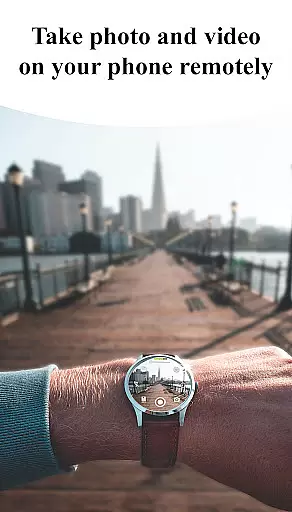
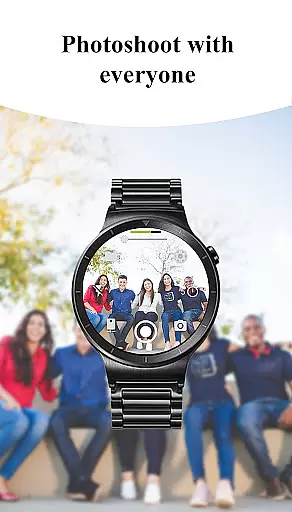
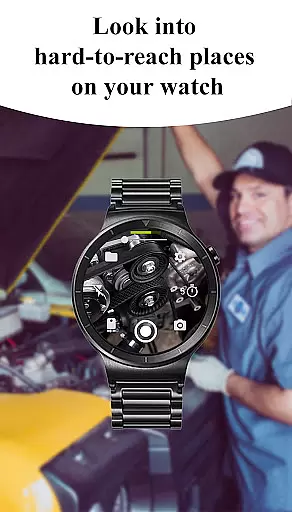
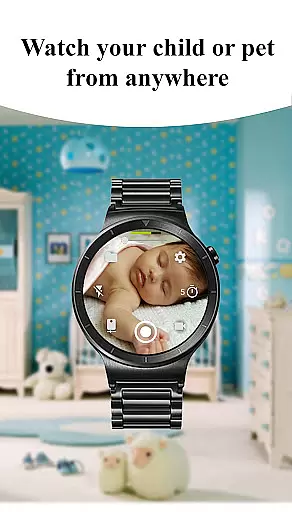
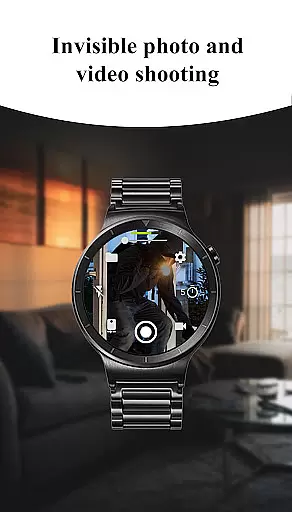
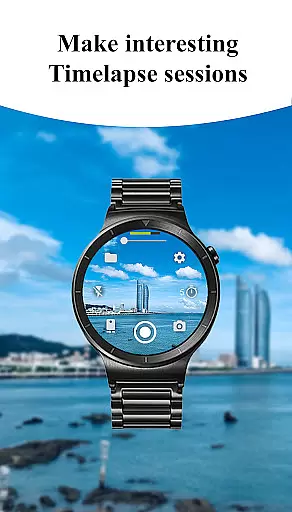
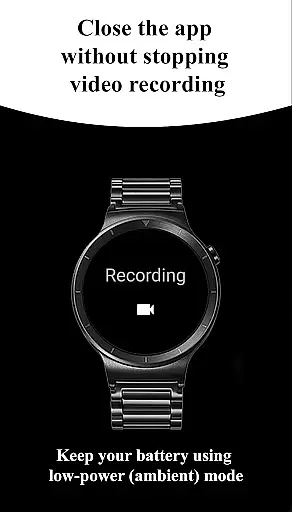
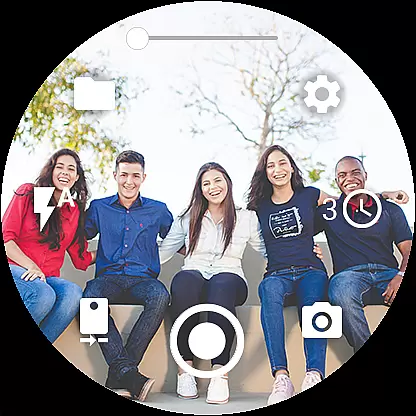
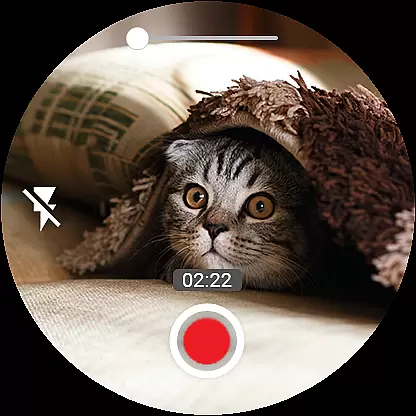
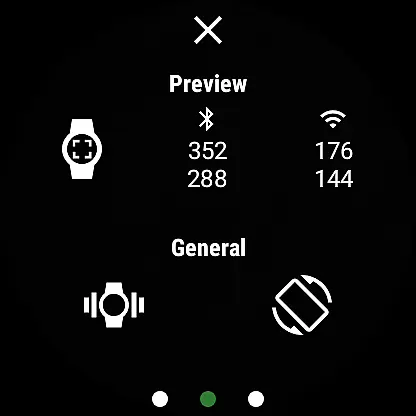
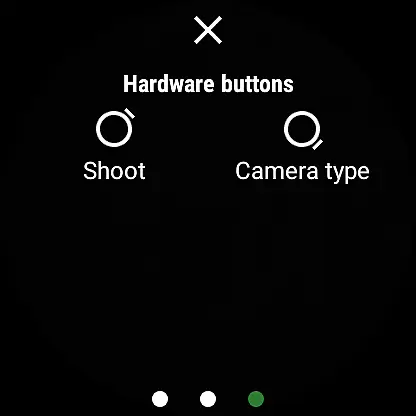
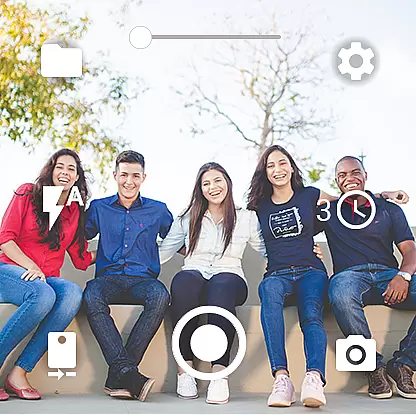
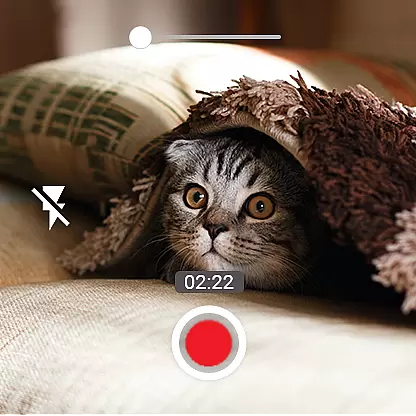
Camera Control for Wear OS is a powerful photography app that allows users to remotely control their phone's camera directly from a Wear OS smartwatch. The app supports multiple shooting modes including photo capture, video recording, and timelapse creation, making it versatile for various photography needs. With advanced features like Bokeh, HDR, Night Mode, and Auto Mode, users can enhance image quality based on different lighting conditions and device compatibility.
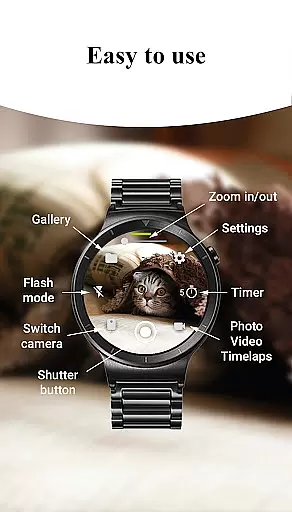
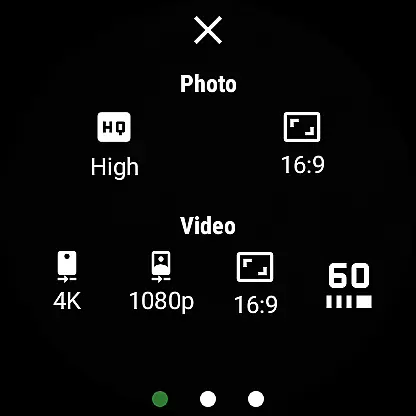
In addition to basic controls, the app offers specialized functionalities such as flash and flashlight management, quick camera switching between front and rear lenses, and zoom control. Users can also adjust photo and video quality settings directly from the watch interface. Designed for convenience, Camera Control for Wear OS enables photographers to explore creative possibilities while maintaining flexibility in capturing moments without needing to physically interact with their phones.
One of the standout aspects of Camera Control for Wear OS is its diverse feature set tailored for both amateur and professional photographers. The app provides three distinct shooting modes - photo, video, and timelapse - each designed to cater to specific content creation needs. For enhanced imaging, advanced camera modes such as Bokeh, HDR, Night Mode, and Auto Mode are available, ensuring optimal performance across different environments and devices.
Additional functionalities include timer setup for delayed shots, independent flash and flashlight control, and seamless switching between front and rear cameras. Users can manage photo and video quality settings, control zoom levels, and choose between aspect ratios like 4:3 or 16:9. The app also supports high-framerate video recording at 30 or 60 frames per second, stunning 4K resolution capture, geotagging, and orientation lock options. These features collectively empower users to customize their photography experience while maximizing the potential of their smartphone cameras through an intuitive smartwatch interface.
Real-time capture and preview functionality is essential for ensuring that every photo or video taken meets the user's expectations without delay. Camera Control for Wear OS excels in this area by providing users with immediate feedback on their smartwatch as they adjust settings or frame shots.
This app allows you to control your phone's camera directly from your Wear OS smartwatch, offering three shooting modes including photo capture, video recording, and timelapse sessions. The ability to set up timers, control flash and flashlight, and switch between front and rear cameras adds layers of convenience not found in standard mobile photography.
Users benefit greatly from features such as zoom control, quality settings adjustment, and wide-angle camera support right from their wrists. These capabilities ensure that whether capturing spontaneous moments or planning detailed shoots, the real-time interaction facilitated by Camera Control for Wear OS enhances both efficiency and creativity.
AI beauty and enhancement features have become a staple in modern photography apps, aiming to improve image quality while maintaining natural aesthetics. Camera Control for Wear OS incorporates advanced camera modes like Bokeh, HDR, Night, and Auto which are designed to enhance images based on device compatibility.
The app offers additional functionalities such as high-framerate video recording at 30 or 60 frames per second, aspect ratio options, stunning 4K video capture, geotagging, and camera orientation lock. Each feature contributes to creating more professional-grade footage and photos without compromising authenticity.
By allowing users to adjust these settings directly from their smartwatches, Camera Control ensures an intuitive experience where enhancements feel seamless and organic. This approach empowers photographers to focus on capturing lifeu2019s moments rather than getting bogged down by complex editing processes after the fact.
Intuitive UI
Wide feature set
Advanced camera modes
Convenient remote control
Timelapse functionality
Device compatibility issues
Limited smartwatch models
No live preview
Battery consumption
Complex setup

Effortlessly organize, view and share your photos & videos with Gallery app!
 4.40
4.40
Gallery show photo, video, slideshow, is perfect 3D effect private photo albums.
4.80
Trendy TikTok time warp scan funny filter app brings you unique photos & videos.
4.40
Find time and duration of different sunlight phases at any location
4.90
Take videos and pictures with the popular TikTok TIME WARP SCAN filter.
4.60
The #1 app for B&W film developing featuring an advanced darkroom timer.
4.10
Photo Exif Editor allows to view, add and modify EXIF data of multiple photos
4.50
Automatically backup your photos and videos to computer, NAS and Cloud services
4.60
Gallery Slideshow is slideshow maker app for slideshow from your gallery photos.
3.90
The original Rarevision VHS look seen everywhere!
4.70
Enhance, upscale, and transform your images — on your device, without limits
4.70
1M influencer's special filter
4.60
AI photo enhancer with Sora 2! Enhance, descratch, and colorize your old photos.
4.50
Search, tag and rate your way to an organized image gallery
4.40
Easily stitch panoramas from multiple photos or video.
4.40
Hair color changer, AI haircut app, fun hair editor and buzz cut filter for all!
3.80
An interval timer to automate photo taking process for timelapse
2.90
Long exposure camera with computational photography
2.60
Photo Album Watch Face shows your favorite pictures as a Watchface.
1.90


User Reviews