
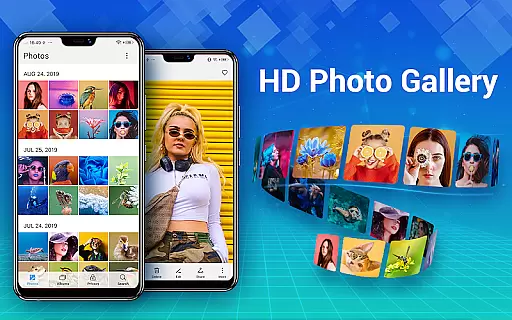
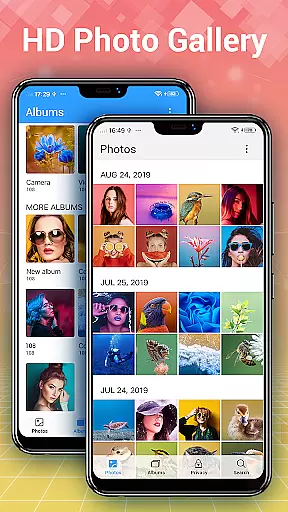
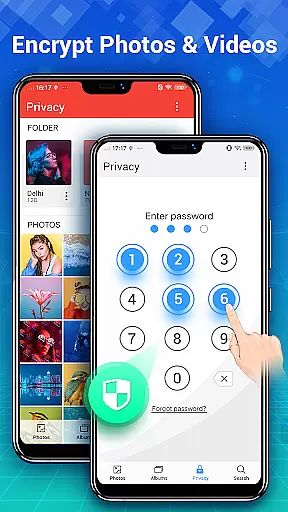
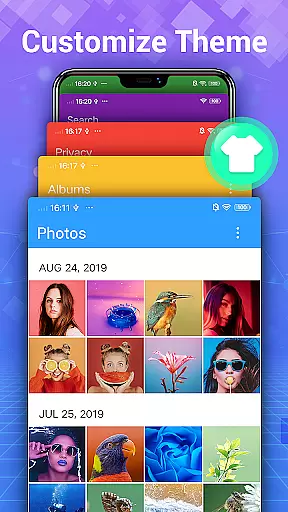

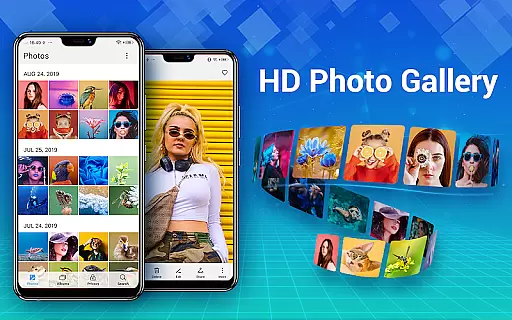
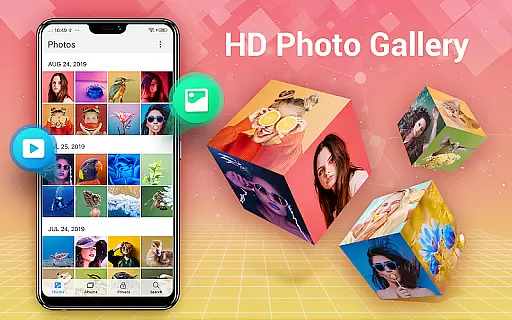

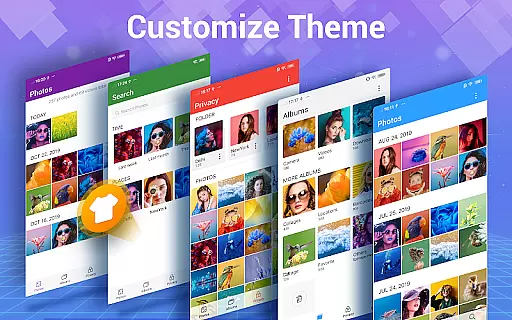
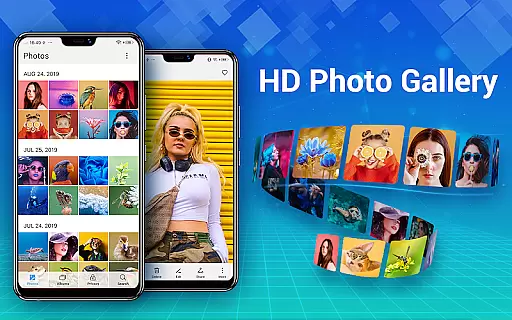
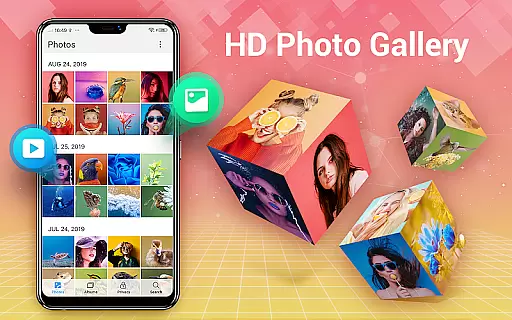

Photo Gallery is a comprehensive photography app designed to manage, organize, and edit your photos and videos efficiently. This app automatically organizes media files into albums, supports HD browsing, and allows users to create custom albums for better management. It also features a secure vault to hide and encrypt private photos and videos, ensuring user privacy.
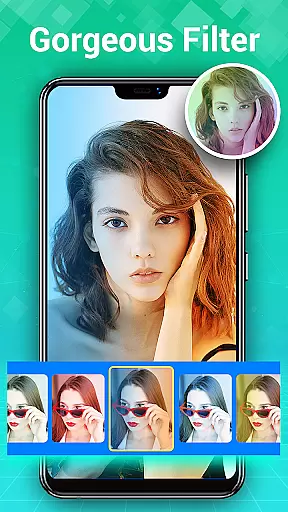
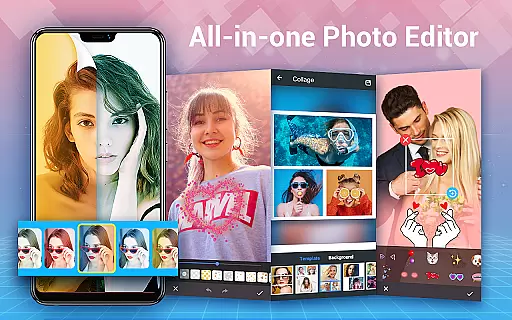
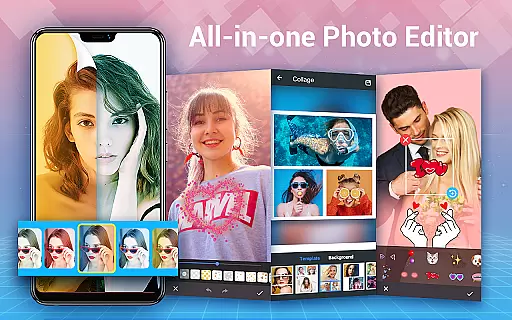
In addition to its organizational capabilities, Photo Gallery offers powerful editing tools. Users can enhance their images with one-tap filters, adjust lighting, add stylish stickers and text, and even create photo collages. The app supports slideshow playback, provides various sorting options, and includes a trash feature to recover deleted files. With its intuitive interface and offline functionality, Photo Gallery is an essential tool for Android users looking to streamline their media management while enjoying creative freedom.
Photo Gallery stands out with its extensive feature set tailored for both casual and professional photographers. One of its core strengths is the automatic organization of photos and videos, which saves time by categorizing media into albums based on dates or custom preferences. The app also supports folder-based organization, including SD card compatibility, enabling users to manage large libraries effortlessly.
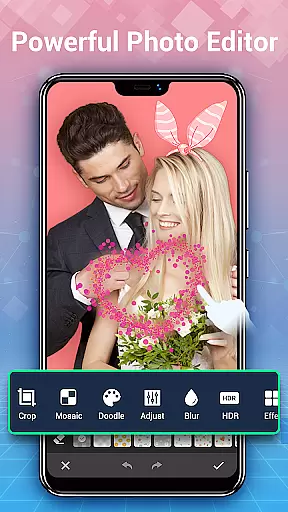
Beyond organization, Photo Gallery excels in security and creativity. The built-in Gallery Lock feature lets users hide sensitive media behind password protection, while the advanced photo editor offers tools like cropping, blurring, and adding doodles or mosaics. For social media enthusiasts, the collage maker provides diverse templates to combine multiple images into visually appealing designs. These features collectively make Photo Gallery not just a storage solution but a versatile platform for enhancing and sharing your best moments.
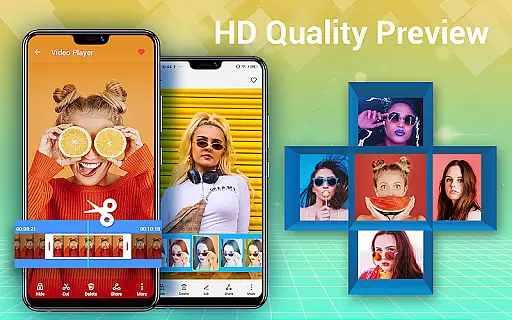
Real-time capture and preview functionality is essential for any photography app, ensuring that users can instantly see the results of their shots before committing to a full photo or video capture. Photo Gallery - Album, Vault offers this feature by providing an intuitive interface where users can quickly snap photos and immediately view high-quality previews.
The application supports real-time filters and adjustments, allowing users to apply various effects and see them reflected instantly in the camera preview. This ensures that photographers can fine-tune settings like exposure, contrast, and white balance on-the-fly, resulting in better-captured images without needing post-processing.
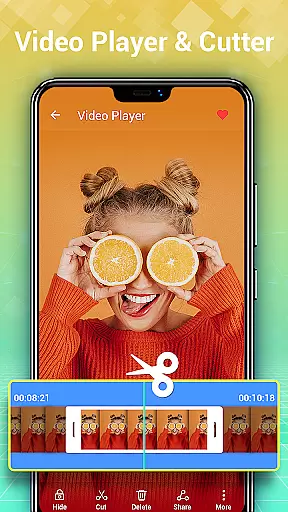
Furthermore, the app's real-time capabilities extend to its handling of videos, offering smooth playback and instant review options. Users can record videos and instantly play them back to check for quality, composition, and other critical factors, making it easier to retake shots if necessary.
By integrating these real-time features, Photo Gallery enhances user experience, making photography more accessible and enjoyable. The immediate feedback loop allows users to learn and adapt quickly, improving their skills and ensuring they never miss a perfect shot.
AI beauty and enhancement features are increasingly popular in photography apps, aiming to provide users with tools to naturally enhance their photos. Photo Gallery - Album, Vault incorporates advanced AI algorithms to offer beautification options that maintain the authenticity of images while subtly improving their overall appeal.
The AI-driven enhancements automatically detect faces and key features, applying gentle touch-ups that highlight natural beauty without appearing artificial. This includes skin smoothing, blemish removal, and eye enhancement, all calibrated to preserve the original character and expression of the subject.
Beyond facial enhancements, the app provides comprehensive tools for adjusting lighting, color balance, and background elements. These AI-powered adjustments ensure that every aspect of the photo is optimized, creating balanced and visually pleasing images that still look genuine and unaltered.
With these sophisticated AI capabilities, Photo Gallery empowers users to produce stunning yet natural-looking photos effortlessly. Whether editing personal portraits or professional shots, the app's intelligent enhancements help achieve polished results that retain the integrity and essence of the original image.
User-friendly interface
Advanced photo editing
Secure gallery lock
Automatic organization
Offline functionality
Storage permission required
Premium features locked
Occasional ads
Limited free templates
Complex settings

Remote control of the phone camera from your Wear OS smartwatch
 3.70
3.70
Find time and duration of different sunlight phases at any location
4.90
An interval timer to automate photo taking process for timelapse
2.90
Cut and paste photo editor & eraser to customize photos easy and swap faces fun
4.50
Automatically backup your photos and videos to computer, NAS and Cloud services
4.60
Add a dreamy vibe to your selfies and videos with soft style filters
4.5
Easily create custom gifts, cards, photo books & more on the Shutterfly app!
4.60
Pro version: AR sun/moon tracker for any date. Tool for photographers & planners
4.90
Unlock the full potential of your DJI drone with Litchi
4.50
Create funny photos and videos with the popular Time Warp Scan filter.
4.90
Perfect body tune & face app - photo retouch, makeup, slim body & beautify face.
4.80
Enhance, upscale, and transform your images — on your device, without limits
4.70
Discover & download millions of art for The Frame TV or Hisense CanvasTV
4.60
Shooting photos and records video easily and efficient with professional Camera
4.30
Natural Beauty, Selfie Retouch
4.30
Turn photos into cartoons & avatars! - Photo Editor, Cartoon Face!
3.90
USB Storage Access for Photos, Videos, Music and Documents
3.80
Superimpose one photo on top of another using the original Superimpose app!
3.20
Long exposure camera with computational photography
2.60


User Reviews