
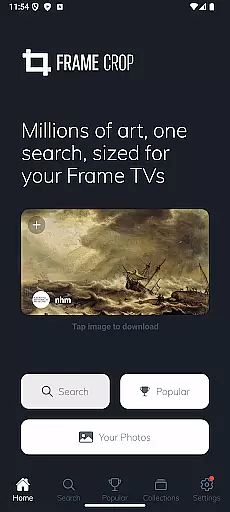
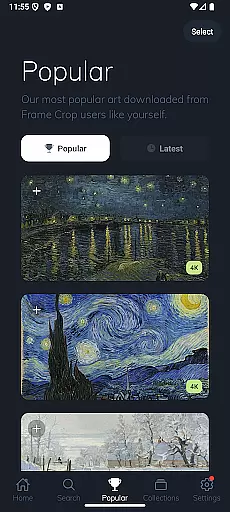
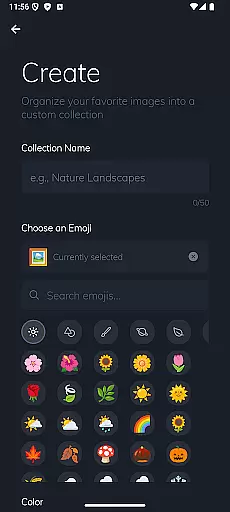
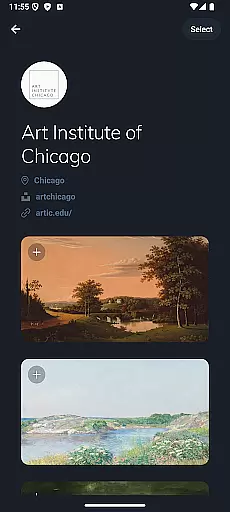
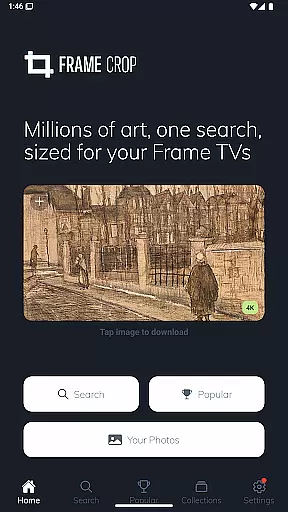
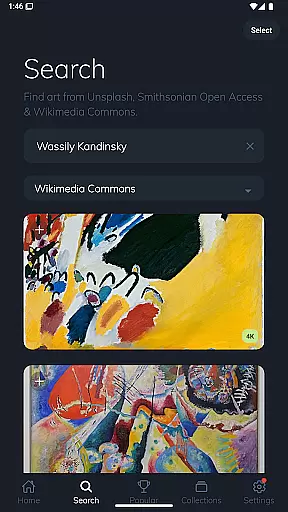
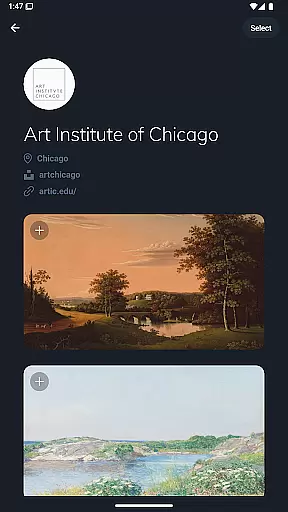
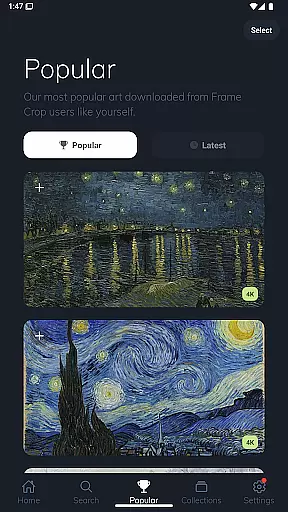
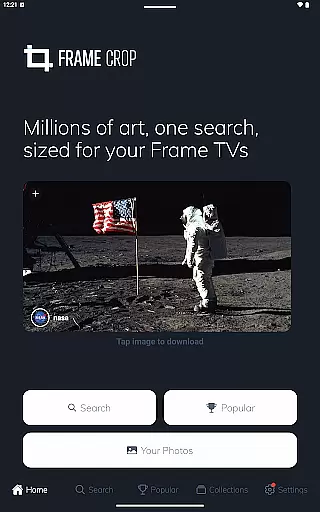
Frame Crop is a specialized application designed for Samsung Frame TV and Hisense CanvasTV owners who wish to enhance their viewing experience with personalized artwork. This app allows users to browse, crop, and download high-quality images from renowned libraries such as Smithsonian and Unsplash. With its intuitive cropping tools, users can effortlessly adjust photos to fit the unique borderless display of their TVs.
The app's core functionality lies in its powerful photo editing capabilities, enabling users to showcase their cherished memories or professional artwork seamlessly. Whether it's beautiful landscapes captured during travels or curated pieces from integrated art collections, Frame Crop ensures every image perfectly matches the viewer's mood or home decor. The result is an unparalleled, customized art display that transforms any living space into a gallery.
Frame Crop stands out with its comprehensive set of features tailored specifically for art enthusiasts and photography lovers. One of its key highlights is the intuitive photo cropping tool, which allows precise adjustments to ensure images fit perfectly on Samsung Frame TVs and Hisense CanvasTVs. This feature supports both landscape and portrait orientations, catering to various display preferences.
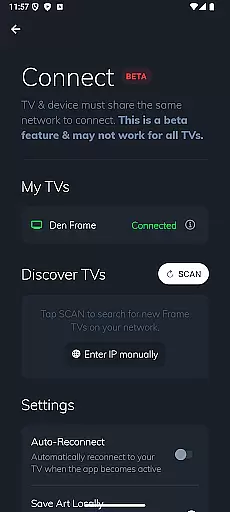
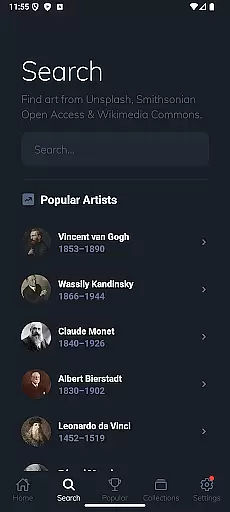
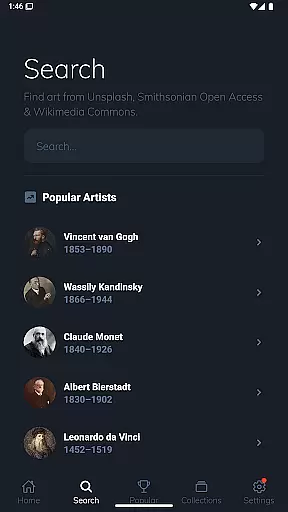
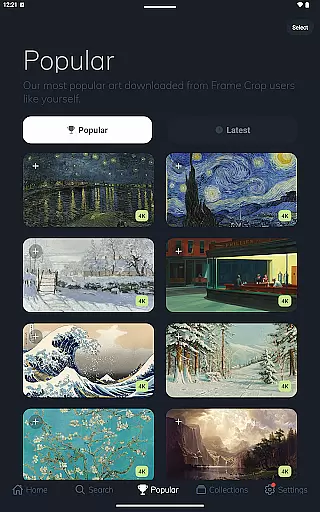
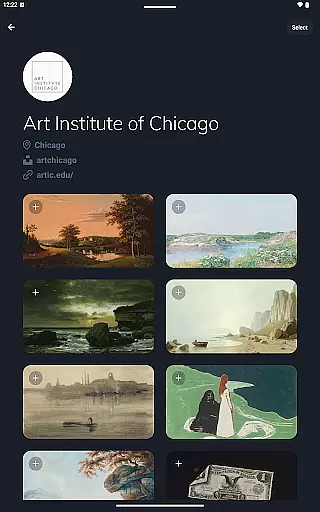
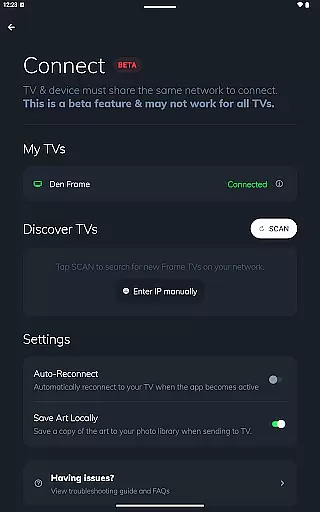
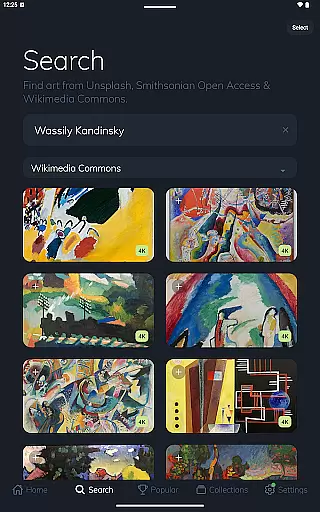
In addition to its robust editing tools, Frame Crop provides access to an extensive library of artwork sourced from prestigious institutions like the Smithsonian and platforms such as Unsplash and Wikimedia Commons. Users can explore thousands of high-resolution images across diverse categories including art, landscapes, and animals. The app also integrates with the SmartThings app, allowing seamless switching of displayed art to match different moods or occasions. These features collectively offer a dynamic and personalized viewing experience that elevates home aesthetics.
Real-time capture and preview functionality is essential for photography apps as it allows users to see exactly what the camera sees before taking a shot. Frame Crop offers an intuitive interface that ensures every photo opportunity is perfectly framed.
The app provides live feedback on your device's screen, matching precisely with what you intend to capture. This feature helps in adjusting the composition, lighting, and focus, ensuring that the final image meets your expectations without any post-processing surprises.
Users benefit from this real-time capability by being able to make instant adjustments. Whether you're framing professional artwork or personal photos, the ability to preview the end result guarantees satisfaction and saves time during the editing process.
This function enhances user experience by providing confidence in capturing high-quality images tailored specifically for Samsung Frame TV or Hisense CanvasTV displays.
AI beauty and enhancement features are crucial for refining images while maintaining their natural appearance. Frame Crop leverages advanced algorithms to enhance photos without compromising authenticity, making it ideal for showcasing art and memories.
The app intelligently adjusts elements such as color balance, contrast, and sharpness, ensuring each image looks its best. By using sophisticated AI techniques, Frame Crop preserves the original essence of the artwork or photograph, delivering enhancements that feel organic rather than artificial.
Users gain significant advantages through these enhancements. The AI-driven tools allow for stunning visual presentations on Samsung Frame TVs or Hisense CanvasTVs, where every detail matters. These enhancements ensure that displayed content resonates with viewers authentically.
Ultimately, Frame Cropu2019s AI capabilities empower users to present their favorite pieces with clarity and vibrancy, enhancing both personal enjoyment and aesthetic appeal within any space.
User-friendly interface
Extensive art library
Precise cropping tools
Supports multiple orientations
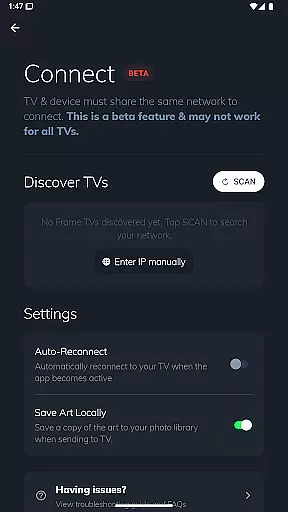
SmartThings integration
Limited to specific TV models
Requires internet connection
Some features may need subscription
Occasional loading delays
Not all images are free

Perfect photos with body shaping, BG changer and object remover.
 3.70
3.70
Viewfinder, Light meter, Reciprocity failure time, DOF & Bellows Extension
4.60
Photo editor: AI filters, photo enhancer, pic collage maker, AI art generator.
4.80
Be your best in every shot! Fix, edit and retouch your face in selfies & photos.
3.70
A reflected light meter with spot metering and incident light metering.
4.40
Professional photography on your mobile phone
4.20
Astrophotography with your smartphone, photo live stacking and much more!
3.90
The original Rarevision VHS look seen everywhere!
4.70
Welcome to ProShot, the most powerful camera app on Android.
4.20
A must-have app for landscape photographers
4.60
Light-weight Media Gallery app for Android made with Jetpack Compose
4.60
Add Watermark - Sign your pictures with a text or logo. Effective, quick, easy!
4.50
Cut and paste photo editor & eraser to customize photos easy and swap faces fun
4.50
AI photo enhancer with Sora 2! Enhance, descratch, and colorize your old photos.
4.50
Effortlessly organize, view and share your photos & videos with Gallery app!
4.40
Easily stitch panoramas from multiple photos or video.
4.40
GCamera allows all GCam features on all phone models! Better photos with GCamera
3.30
Superimpose one photo on top of another using the original Superimpose app!
3.20
Raw Image Viewer. Gallery with support of raw images (.cr3, .cr2, .nef, .raf).
2.00


User Reviews