
ShotCam is a comprehensive photo editing application designed to enhance your photography experience. This all-in-one editor allows users to sculpt body shapes, create eye-catching collages, and apply professional background blur effects. Whether you're looking to perfect selfies or design stunning visuals, ShotCam provides the necessary tools to achieve exceptional results.
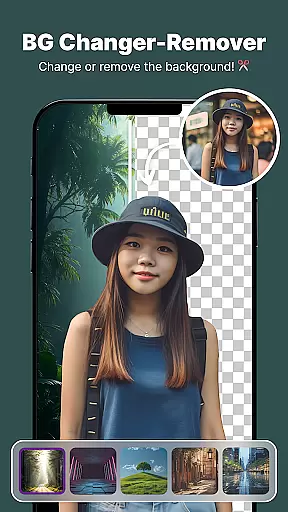
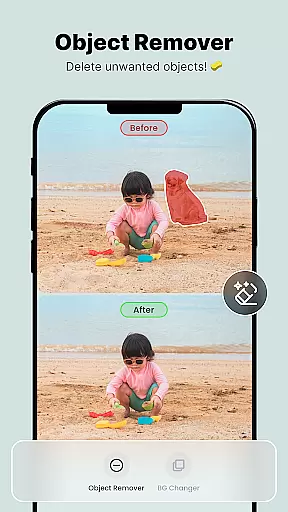
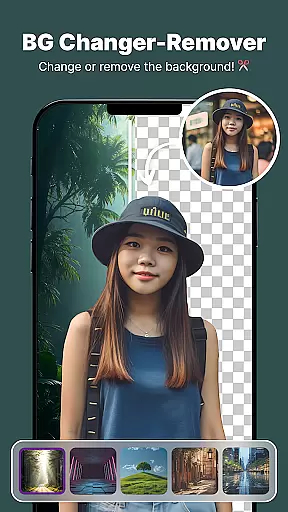
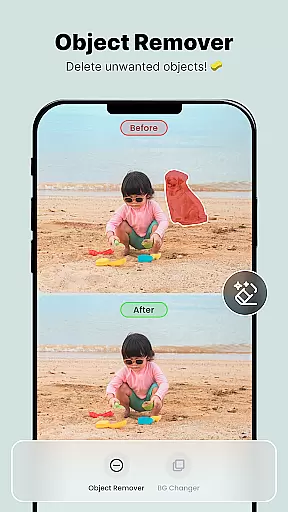
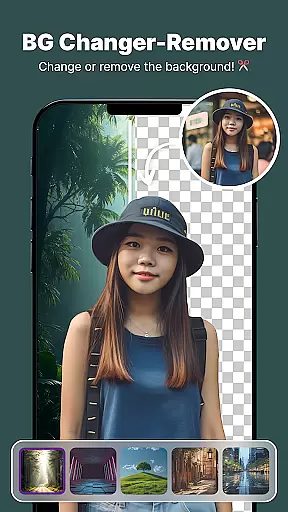
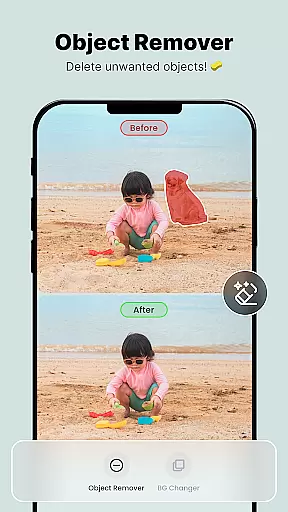
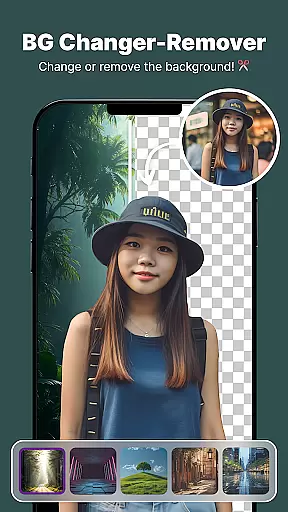
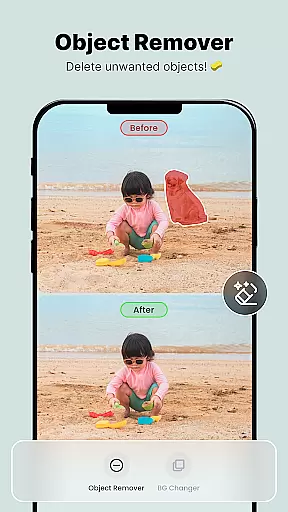
The app stands out with its specialized features like Body Shape editing for figure adjustments, Background Changer for instant scenery replacement, and Object Remover for cleaning up unwanted elements in photos. These functionalities make it an ideal choice for users seeking to produce flawless images with minimal effort.
With its intuitive interface and powerful editing capabilities, ShotCam is suitable for both amateur photographers wanting to improve their social media posts and professionals needing quick touch-ups on the go. The app's diverse toolset ensures that every user can bring their creative vision to life while maintaining high-quality standards.
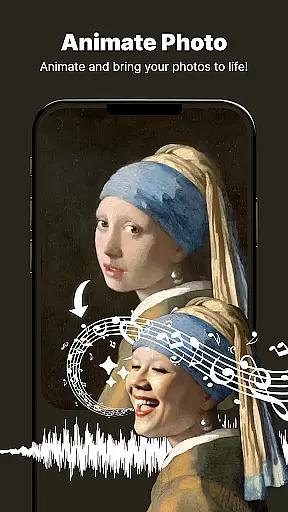
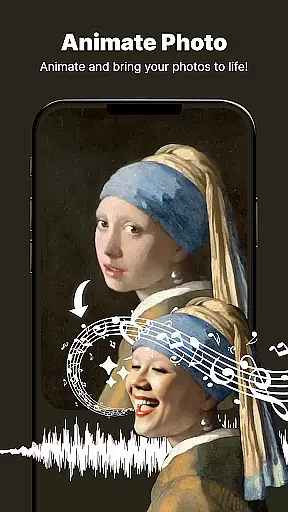
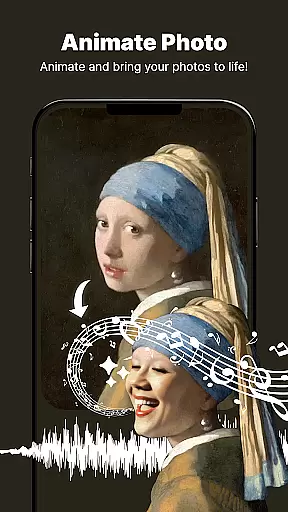
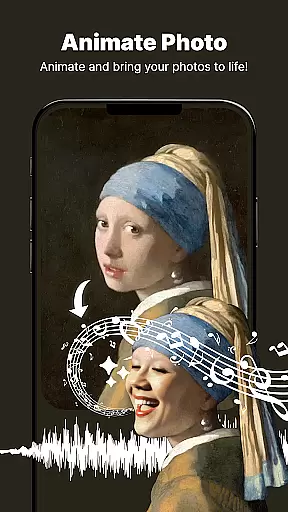
ShotCam offers an impressive array of features tailored to meet various photo editing needs. One standout tool is the Animate Photo feature, which transforms static images into dynamic animations with just a few taps. This innovative function adds motion to your favorite moments, creating captivating visual stories that stand out from traditional photos.
In addition to animation capabilities, ShotCam includes a robust Body Shaper tool for precise figure adjustments. Users can effortlessly fine-tune their appearance using the Body Sculpting feature, ensuring every photo reflects their ideal look. The app also boasts a versatile Collage Maker, enabling seamless combination of multiple images into unique layouts perfect for sharing on social platforms.
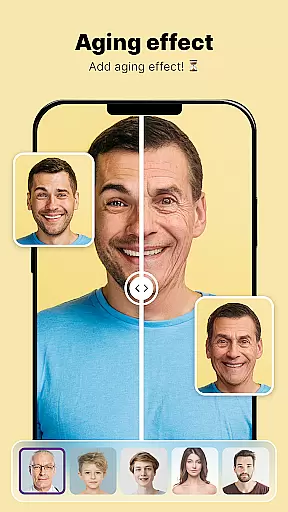
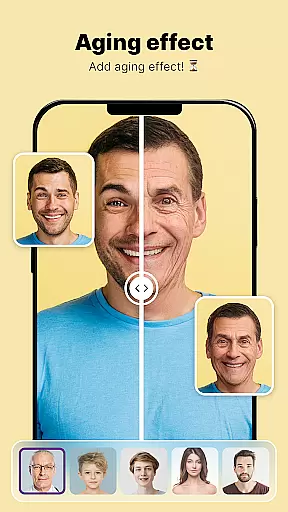
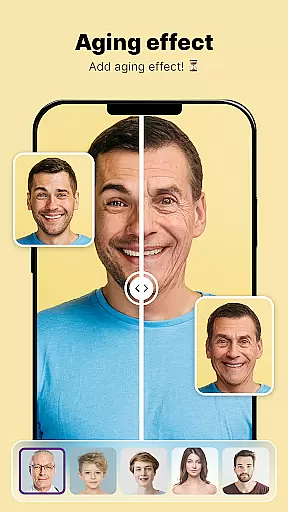
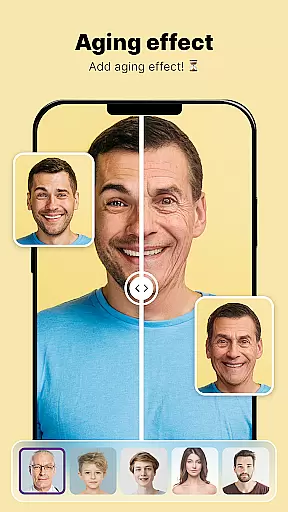
For those seeking professional-grade effects, ShotCam's Background Blur and Aging Effects provide advanced options. The BG Blur Effect softens backgrounds to highlight subjects, while the Aging Camera offers intriguing previews of future appearances. These sophisticated tools empower users to explore endless creative possibilities within a single application.
Real-time capture and preview functionality is essential for ensuring that every photo taken meets the user's expectations immediately. With ShotCam, users can see exactly how their photos will look before they even press the shutter button. This feature eliminates guesswork and allows photographers to adjust settings such as lighting, focus, and composition on the fly.
The app provides a seamless experience by integrating advanced algorithms that process images instantly. Whether you're shooting in bright daylight or low-light conditions, the real-time preview ensures that colors are accurate and details are sharp. This immediacy not only saves time but also enhances the overall photography experience by giving users more control over their creative process.
For those who love to experiment with different styles, the live preview feature supports various filters and effects that can be applied and viewed instantly. This means you can try out different looks and make adjustments until you find the perfect shot. The ability to preview changes in real-time significantly boosts creativity and efficiency, making photo editing a more intuitive and enjoyable process.
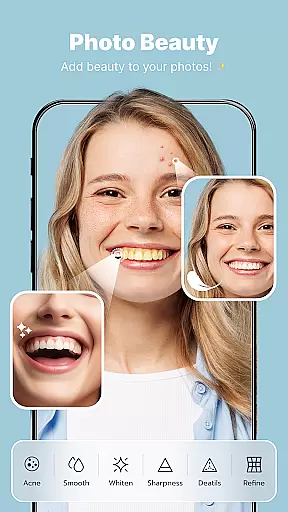
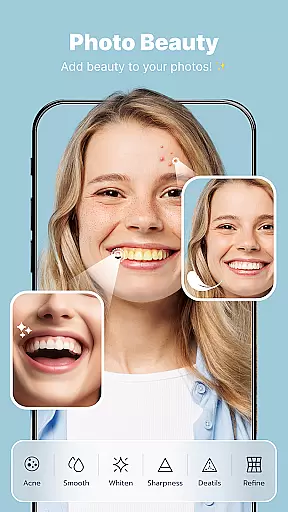
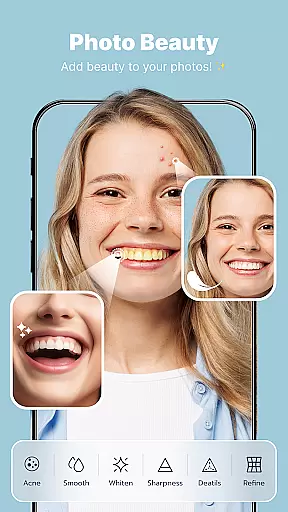
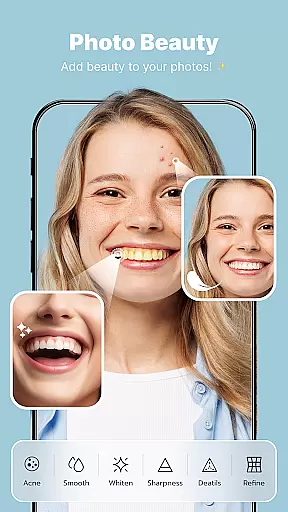
AI-powered beauty and enhancement tools have revolutionized the way we edit photos, offering natural-looking results without extensive manual adjustments. ShotCam leverages cutting-edge artificial intelligence to provide users with sophisticated beauty features that enhance portraits while maintaining authenticity. From smoothing skin tones to enhancing facial features, these tools ensure that edits look realistic and flattering.
The AI technology analyzes each face individually, identifying unique characteristics and applying enhancements accordingly. This personalized approach prevents the over-processed look often associated with digital retouching. Users can fine-tune aspects like eye brightness, lip color, and complexion with precision, knowing that the final result will retain the subject's natural appearance.
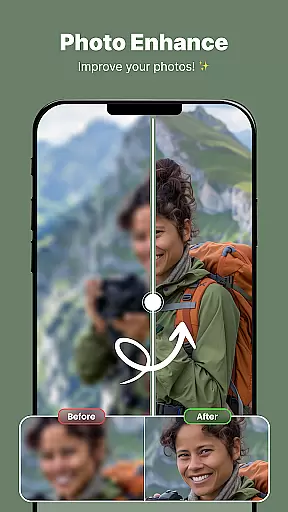
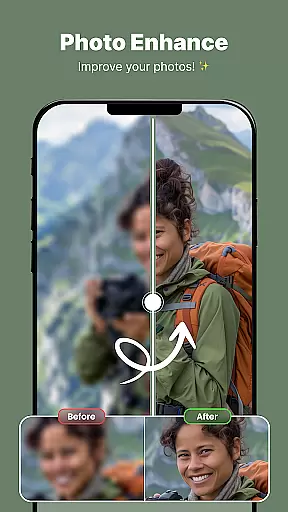
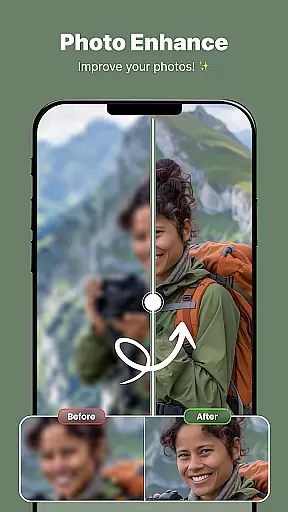
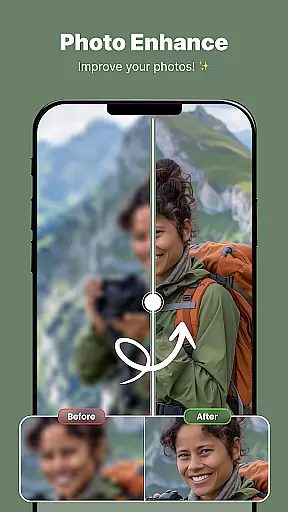
In addition to facial enhancements, the app offers comprehensive tools for improving overall image quality. Features like background blur, object removal, and aging effects utilize AI to deliver professional-grade edits effortlessly. By combining powerful AI capabilities with user-friendly interfaces, ShotCam empowers both amateur and professional photographers to achieve stunning, natural-looking results with minimal effort.
User-friendly interface
Extensive editing tools
High-quality results
Innovative animation feature
Versatile collage options
May require learning curve
Some features may be resource-intensive
Limited free options
Occasional performance issues
Subscription required for full access

Find time and duration of different sunlight phases at any location
 4.90
4.90
Virtual makeup, hair filters & body tuner—edit from face to full body!
4.20
Cartoon and artistic effects for your photos and videos
4.70
The #1 app for B&W film developing featuring an advanced darkroom timer.
4.10
Automatically backup your photos and videos to computer, NAS and Cloud services
4.60
Luminar: Photo Editor - easy picture editing with AI
4.20
AI Photo Editor with 100+ Filters, Effects! Remove BG, Retouch & Photo Enhancer.
4.80
Astrophotography with your smartphone, photo live stacking and much more!
3.90
Discover & download millions of art for The Frame TV or Hisense CanvasTV
4.60
PhotoSync Bundle Add-On License. Enables all features and services in PhotoSync.
4.60
Create AI photos & videos with Enhancer; restore, fix, beautify, enhance photos
4.50
Effortlessly organize, view and share your photos & videos with Gallery app!
4.40
RAW video capture with advanced controls
4.40
All-in-One Editor & AI Photo Enhancer, Beautify & Retouch, Collage, Cartoonify
4.20
How old age camera Gender Swap App Face Shape Hairstyle App Hair Styler App fun!
4.00
Be your best in every shot! Fix, edit and retouch your face in selfies & photos.
3.70
Application for remote controlling DSLR
3.00
Remote control the phone camera shutter from your smartwatch and take a picture
1.60
Over 800 film simulation recipes for Fujifilm. Black Friday Offer!
4.2


User Reviews