

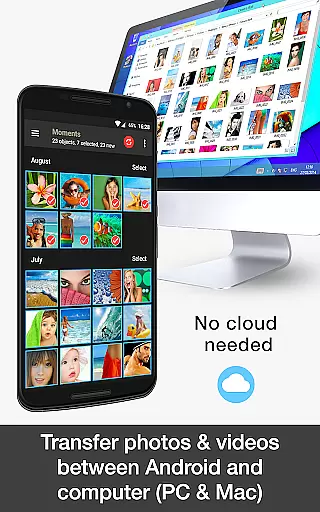


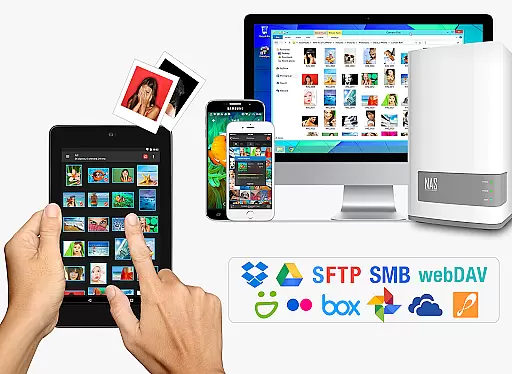
PhotoSync Bundle Add-On is an advanced activation license that enhances the free version of PhotoSync, a leading cross-platform solution for wireless photo and video management. This add-on enables users to seamlessly transfer, backup, and share multimedia content across Android, iOS, Windows, Mac, NAS devices, and cloud services.
With over 10,000 positive reviews and millions of successful transfers, PhotoSync stands out for its reliability, security, and continuous updates over its ten-year market presence. The bundle saves users 20% compared to purchasing individual add-ons and includes autotransfer, NAS, and cloud capabilities while removing ads.
Ideal for photographers and content creators who need efficient workflows, PhotoSync ensures secure automatic backups and versatile sharing options, making it indispensable for managing digital media libraries.
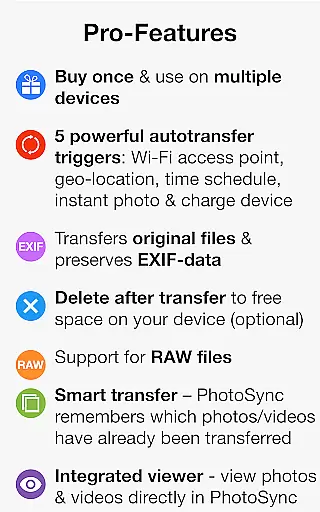
The PhotoSync Bundle Add-On boasts an array of powerful features designed to streamline photo and video management. It incorporates three main add-ons: Autotransfer, NAS, and Cloud, each providing distinct functionalities.
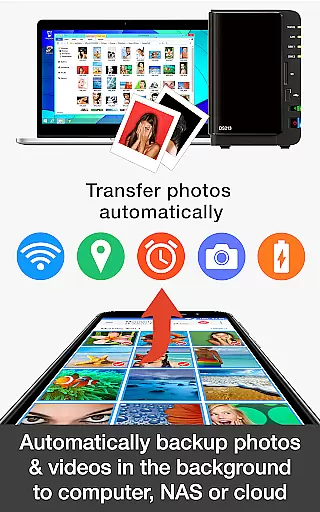
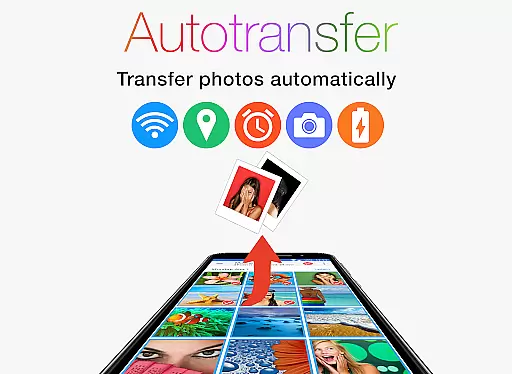
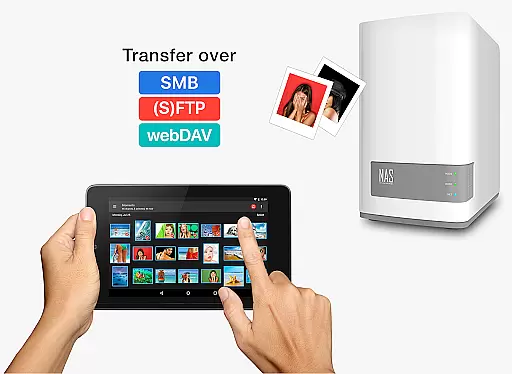
The Autotransfer Add-On facilitates automatic backups based on triggers like new photos, Wi-Fi connections, geolocation, device charging, or time schedules. The NAS Add-On supports secure backups to various network-attached storage solutions, including Synology, QNAP, and Western Digital, ensuring data safety and accessibility.
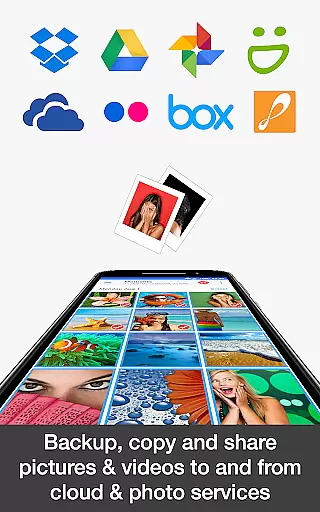
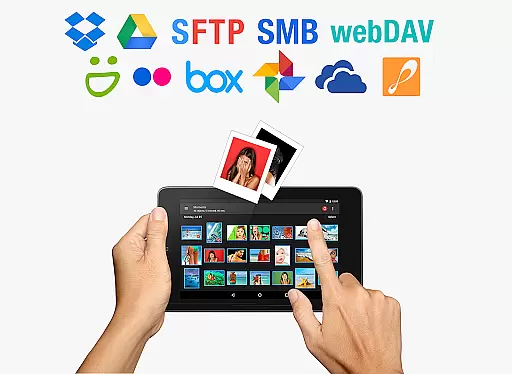
Lastly, the Cloud Add-On allows uploads and imports from popular services like Dropbox, Google Drive, and OneDrive, enhancing flexibility in content management. These features collectively offer unparalleled control and customization, catering to diverse user needs.
Real-time capture and preview functionality is essential for photography applications as it allows users to see exactly what the camera is capturing without delays. PhotoSync Bundle Add-On ensures that every photo or video taken can be instantly viewed, providing immediate feedback on framing, lighting, and composition.
This application achieves real-time performance by optimizing its processing algorithms and ensuring seamless integration with device hardware. The app supports instant transfer of media files, allowing users to wirelessly send their captured content to various devices and platforms without noticeable lag.
Users benefit significantly from this feature as it enhances their ability to make quick adjustments and capture fleeting moments accurately. Whether backing up to a NAS, transferring to a computer, or uploading to cloud services, the real-time aspect ensures that no critical moments are missed.
The value of real-time capture and preview extends beyond convenience; it empowers photographers to work more efficiently and confidently. With PhotoSync, users can trust that their media is being captured and transferred securely and swiftly, maintaining the integrity and quality of their work.
AI beauty and enhancement features have become increasingly popular in photography apps, offering tools to improve image quality while maintaining natural aesthetics. PhotoSync incorporates advanced AI algorithms to enhance photos and videos subtly, avoiding the artificial look that often accompanies heavy digital manipulation.
The app's AI capabilities focus on refining details such as skin tone, brightness, and contrast, ensuring enhancements appear organic. By leveraging machine learning techniques, PhotoSync learns from vast datasets to apply enhancements that respect the original image's essence, delivering professional-grade results without compromising authenticity.
For users, this means achieving polished yet genuine-looking images suitable for both personal and professional use. The AI-driven enhancements save time in post-processing and elevate the overall visual appeal, making every photo share-worthy.
Ultimately, PhotoSync's commitment to natural enhancement ensures that users can beautify their media while retaining true-to-life qualities. This balance between technology and authenticity sets the app apart, offering a sophisticated solution for modern photographers seeking effortless perfection.
Comprehensive feature set
Secure and reliable transfers
Cost-effective bundle pricing
Wide compatibility with devices
Continuous software updates
Requires initial setup time
Premium cost for full features
Dependent on network stability
Limited offline functionality
Interface may overwhelm beginners

Easily stitch panoramas from multiple photos or video.
 4.40
4.40
Find time and duration of different sunlight phases at any location
4.90
Viewfinder, Light meter, Reciprocity failure time, DOF & Bellows Extension
4.60
Photo editor: AI filters, photo enhancer, pic collage maker, AI art generator.
4.80
A must-have app for landscape photographers
4.60
Luminar: Photo Editor - easy picture editing with AI
4.20
Easily create custom gifts, cards, photo books & more on the Shutterfly app!
4.60
Transform Photos: Edit, Beautify and Craft Memories & Make Collages!
4.10
A unique animation app. Powerful, easy to use, and lots of fun.
4.30
Automatically backup your photos and videos to computer, NAS and Cloud services
4.60
AI photo editor with hair editor, retouch tools, hair color changer & filters!
4.50
Create AI photos & videos with Enhancer; restore, fix, beautify, enhance photos
4.50
AI photo enhancer with Sora 2! Enhance, descratch, and colorize your old photos.
4.50
Edit like a pro with Hypic. Apply filters, AI effects, & magic touch.
4.40
Professional photography on your mobile phone
4.20
Photo editor: face & body editor, beauty cam, filters and quality enhancer.
4.00
Gallery Slideshow is slideshow maker app for slideshow from your gallery photos.
3.90
GCamera allows all GCam features on all phone models! Better photos with GCamera
3.30
Professional video recording application with manual controls for filmmakers!
2.80


User Reviews