
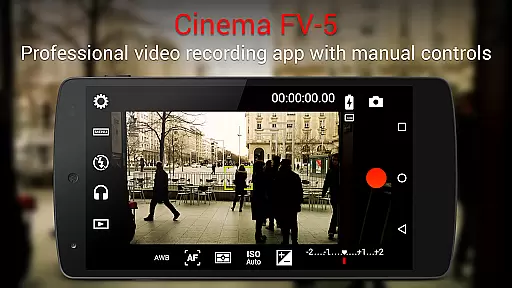
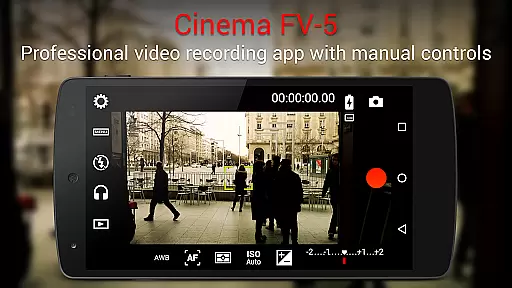
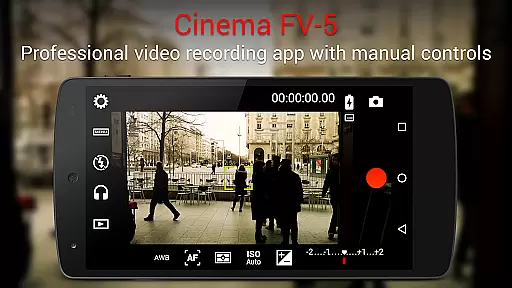
Cinema FV-5 is a professional-grade video camera application designed for mobile devices, offering advanced manual controls that empower videographers to capture high-quality footage. With its comprehensive set of features tailored for both amateur enthusiasts and professional filmmakers, this app allows users to adjust critical image sensor parameters such as ISO, exposure compensation, focus modes, and white balance. These functionalities ensure optimal post-production results, making it an ideal tool for creative projects.
One of the standout aspects of Cinema FV-5 is its ability to provide real-time adjustments during recording, including focus and exposure settings. The app also includes professional tools like a live RGB histogram, audio metering options, and support for various audio input sources. Additionally, users can record in 4K UHD on compatible devices, assign camera functions to volume keys, and organize video clips with customizable file names. This makes the app suitable for short- to medium-sized productions where precision and flexibility are crucial.
The app's compatibility with Android-based compact cameras further enhances its utility by allowing users to leverage optical zoom and stabilization. Whether shooting documentaries, short films, or promotional videos, Cinema FV-5 provides the control and quality needed to produce professional-grade content. Its intuitive interface and robust feature set make it an invaluable asset for anyone looking to elevate their mobile videography.
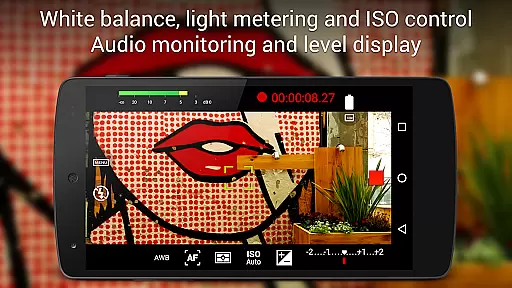
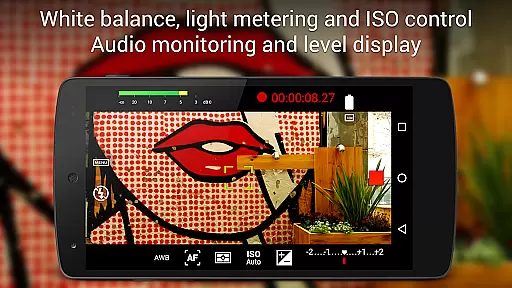
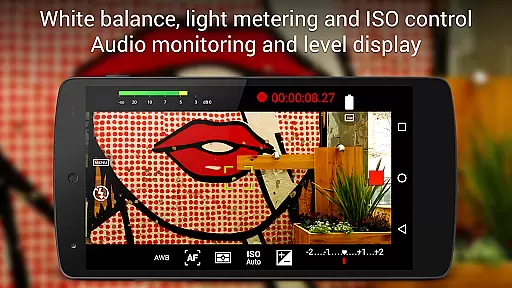
Cinema FV-5 stands out due to its extensive range of professional video features. One of its core strengths is the ability to manually control all essential image sensor parameters. Users can adjust settings like ISO, exposure compensation, light metering modes (matrix, center, spot), focus modes, and white balance both before and during recording. This level of control ensures that videographers can fine-tune every aspect of their footage according to specific shooting conditions.
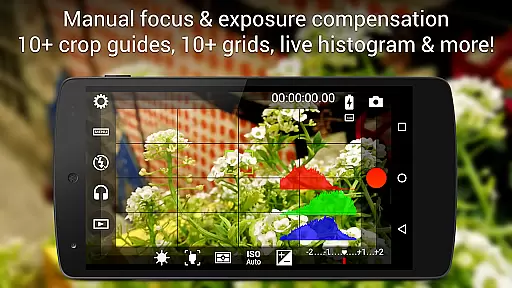
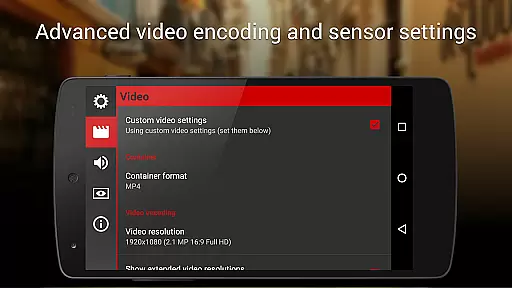
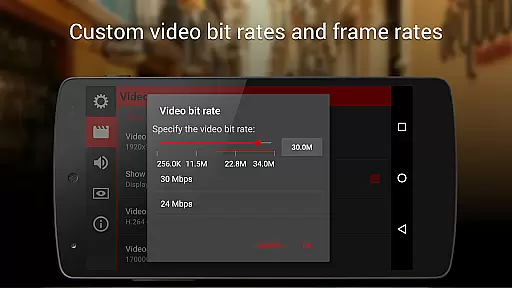
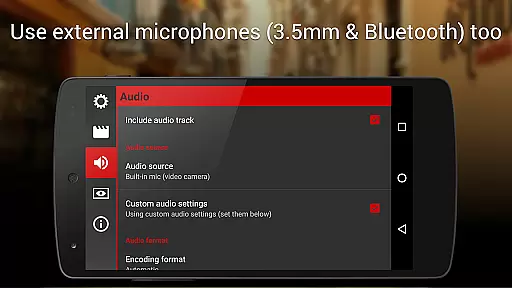
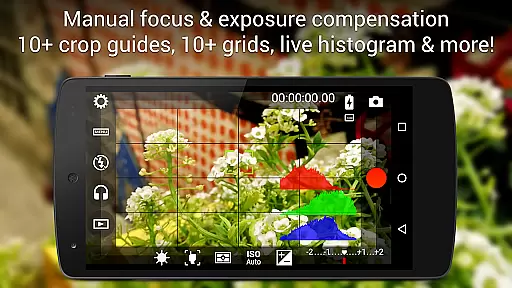
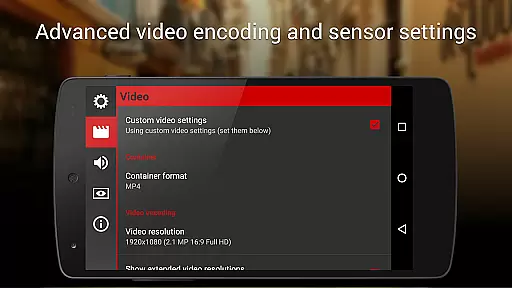
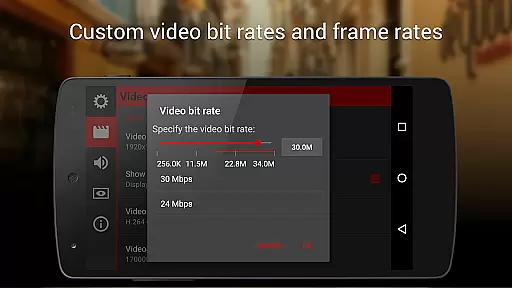
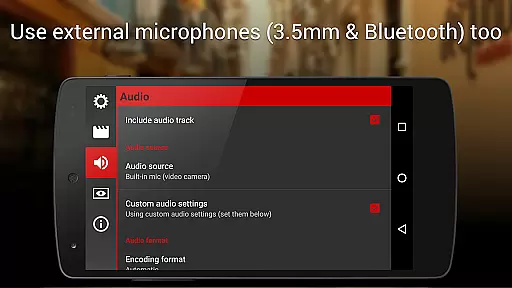
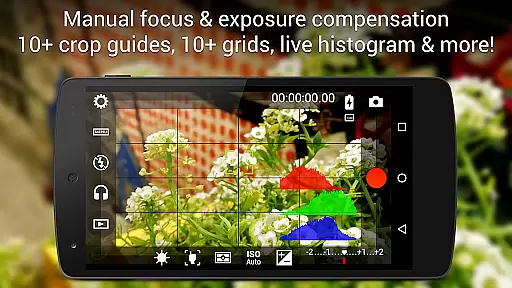
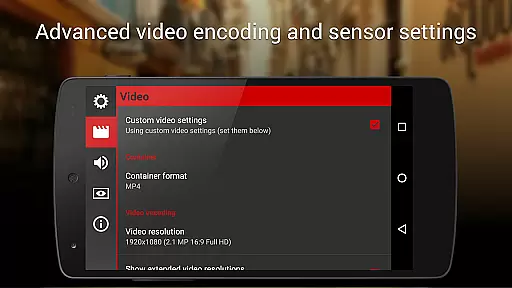
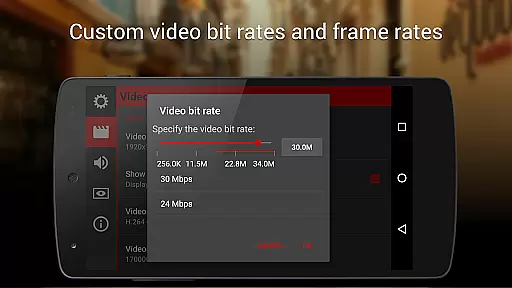
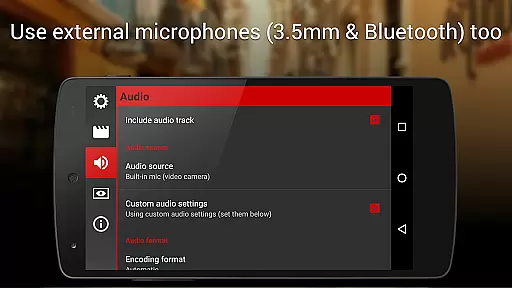
In addition to manual controls, the app offers advanced monitoring tools such as a live RGB histogram and professional sound metering options. These features allow users to monitor luminance levels and audio peaks in real time, ensuring optimal exposure and sound quality. The app also supports multiple audio input sources, including built-in microphones, external wired microphones, and wireless Bluetooth headsets. Furthermore, users can customize video and audio codec settings, bitrates, sampling rates, and channels to suit their production needs.
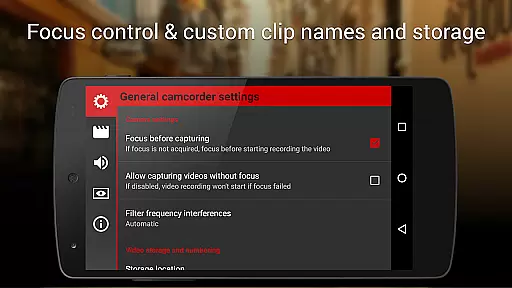
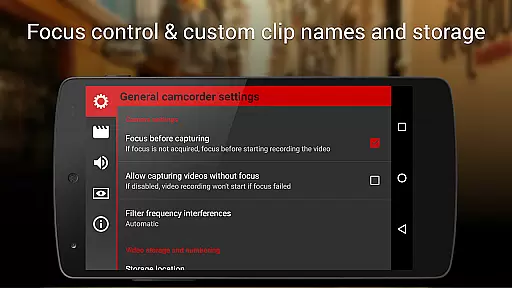
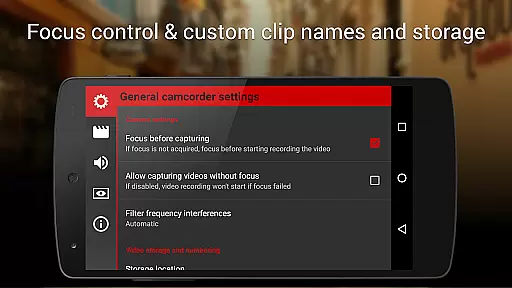
Cinema FV-5 also excels in usability and convenience. It allows users to assign various camera functions to volume keys, enabling quick adjustments during shoots. The app supports video geotagging, different storage locations, and fully customizable file names. These organizational features streamline workflows and enhance productivity. Overall, Cinema FV-5 combines powerful functionality with user-friendly design, making it an indispensable tool for mobile videography.
Cinema FV-5 excels in real-time capture and preview capabilities, offering videographers precise control over their footage. The application provides professional manual controls that allow users to adjust image sensor parameters such as ISO, exposure compensation, and white balance on the fly.
During recording, users can make dynamic adjustments to focus and sensor settings, ensuring every scene is captured with the desired clarity and exposure. This flexibility empowers filmmakers to adapt quickly to changing lighting conditions or creative demands.
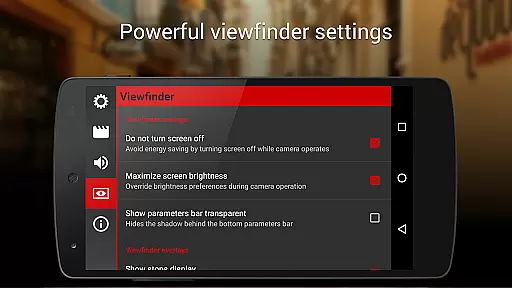
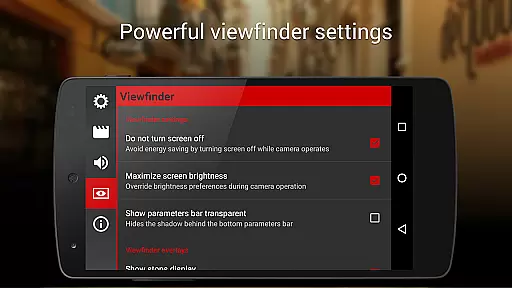
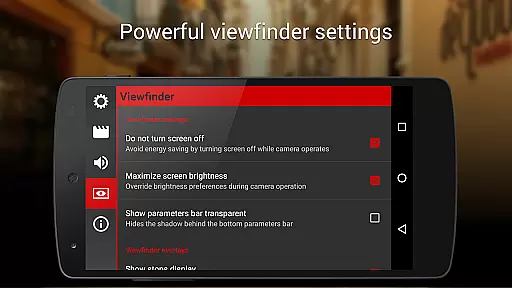
The electronic viewfinder enhances the experience by displaying live RGB and luminance histograms. These tools enable videographers to monitor exposure levels and make informed decisions while shooting, resulting in footage that requires minimal correction in post-production.
While Cinema FV-5 does not focus on AI beauty enhancements, it offers powerful manual controls that deliver natural-looking results. The app's professional sound metering options ensure audio quality matches the visual fidelity, with features like audio peak display and clipping warnings.
Videographers can choose from various audio input sources, including built-in microphones or external setups, ensuring optimal sound capture for every scenario. This versatility contributes to the overall naturalness of the final product.
With support for 4K UHD recording and advanced video codec options, Cinema FV-5 enables creators to produce content that maintains its natural qualities even when edited in professional NLE applications. The combination of precise manual controls and high-quality recording capabilities makes this app an excellent choice for capturing authentic, unaltered footage.
Advanced manual controls
Real-time parameter adjustments
Professional monitoring tools
Supports 4K UHD recording
Customizable file naming
Steep learning curve
Requires high-end device
No automatic mode
Interface may feel cluttered
Limited beginner guidance

Search, tag and rate your way to an organized image gallery
 4.40
4.40
HD Photo gallery and photo manager to edit, hide private photos, videos & albums
4.4
Virtual makeup, hair filters & body tuner—edit from face to full body!
4.20
HD Camera Pro with HD Video shooting, Panorama, Photo editor , Beauty Camera.
4.50
Smart, light, and fast photo and video gallery
4.30
Use AI Video Generator to turn your words to ai generated videos.
4.50
AI-powered video creator by MiniMax - Where ideas meet cinema
4.20
RAW video capture with advanced controls
4.40
Enhance, upscale, and transform your images — on your device, without limits
4.70
Create funny photos and videos with the popular Time Warp Scan filter.
4.90
Cartoon and artistic effects for your photos and videos
4.70
Shooting photos and records video easily and efficient with professional Camera
4.30
Luminar: Photo Editor - easy picture editing with AI
4.20
Gallery Slideshow is slideshow maker app for slideshow from your gallery photos.
3.90
Remote control of the phone camera from your Wear OS smartwatch
3.70
Pet Camera
3.70
Photo Album Watch Face shows your favorite pictures as a Watchface.
1.90
Remote control the phone camera shutter from your smartwatch and take a picture
1.60
Snap photos remotely using your Garmin watch as the camera trigger
4.1


User Reviews