
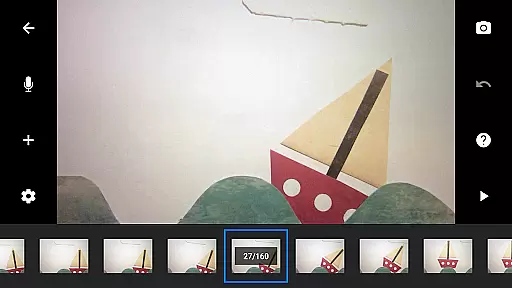
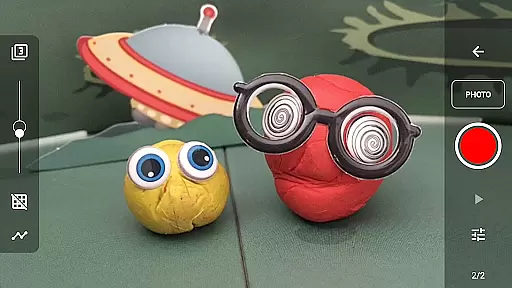
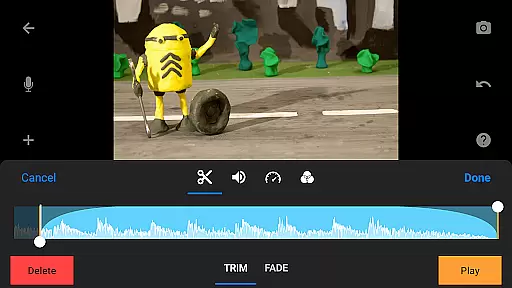
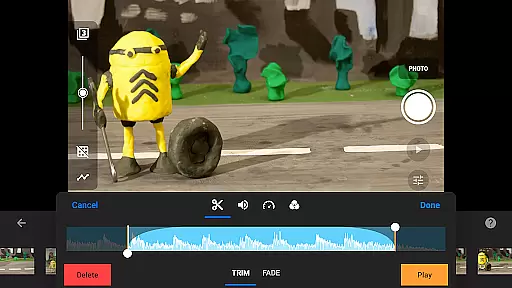
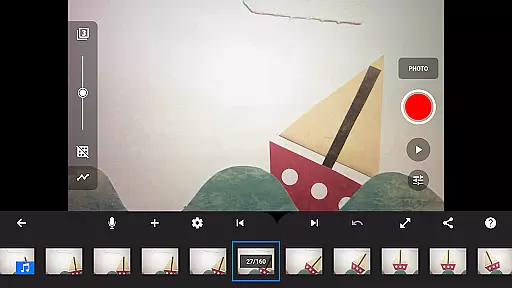
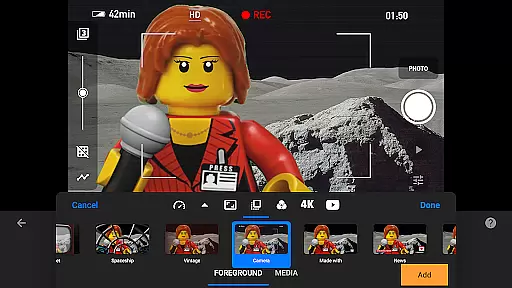
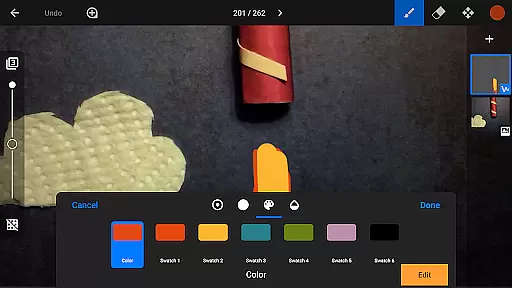
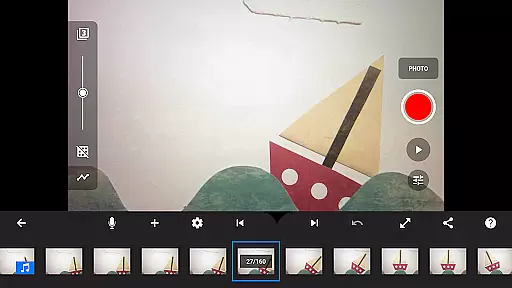
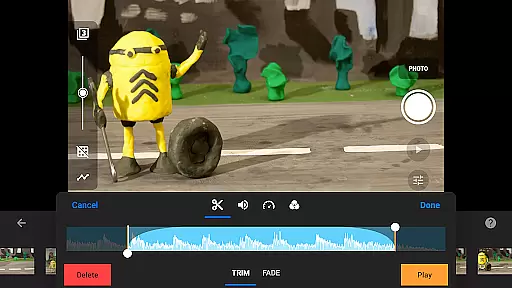
Stop Motion Studio Pro is the ultimate app for creating professional-quality stop motion animations. Designed with both beginners and experts in mind, this app offers an intuitive interface combined with powerful features that make movie-making accessible to everyone. With Stop Motion Studio Pro, users can create stunning animations using advanced tools like rotoscoping, green screen effects, and animation guides.
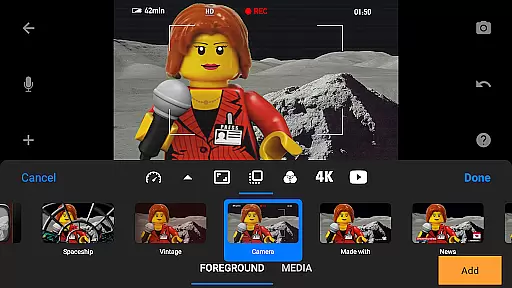
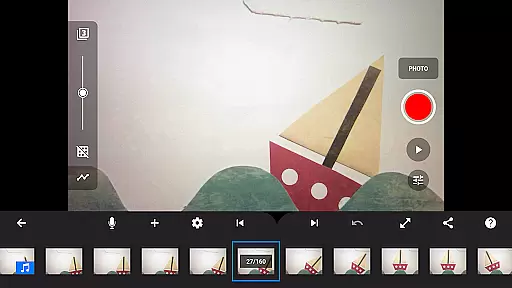
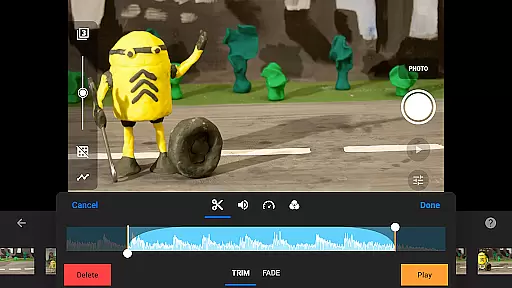
The app stands out with its comprehensive editing capabilities, including a layer-based image editor, customizable text cards, and precise camera controls. Whether you're crafting a short film or working on a complex project, the app's interactive timeline and frame manipulation options ensure smooth workflow management. Its ability to export projects in 4K resolution makes it perfect for sharing your creations on platforms like YouTube.
Ideal for animators, educators, and hobbyists, Stop Motion Studio Pro transforms any iOS or Android device into a portable animation studio. The app's versatility allows creators to produce everything from simple stop-motion clips to sophisticated productions complete with soundtracks and visual effects. This makes it an invaluable tool for anyone interested in animation.
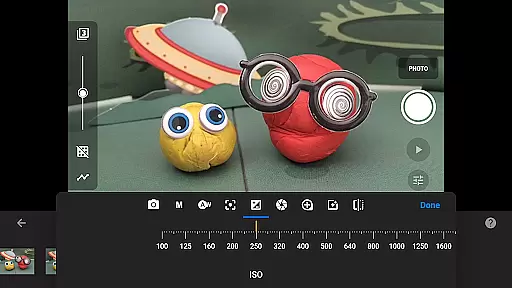
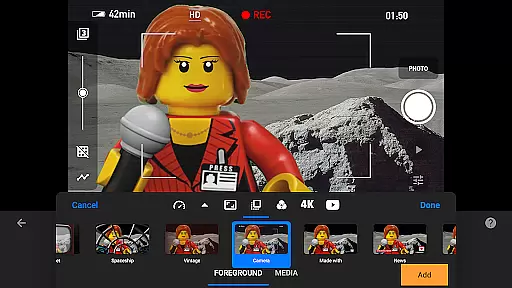
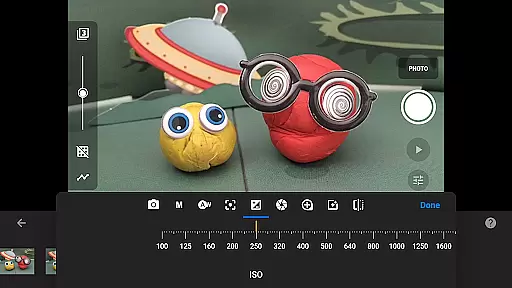
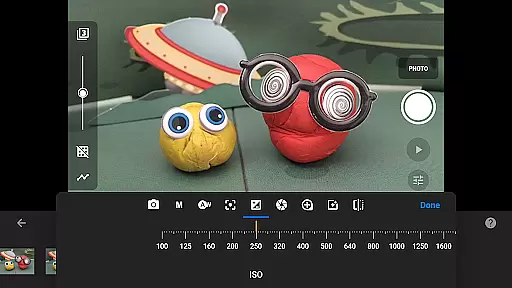
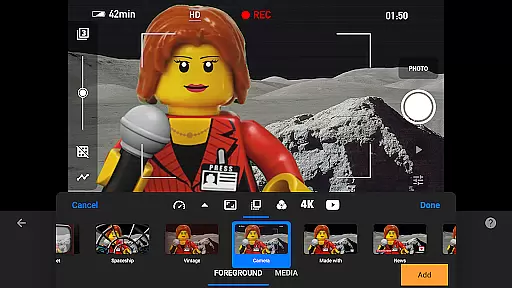
Stop Motion Studio Pro boasts an impressive array of features designed to enhance the animation process. One of its standout capabilities is the overlay mode, which helps animators visualize frame differences, ensuring smooth transitions between movements. The app also includes professional-grade camera controls with adjustable white balance, focus, and exposure settings, giving users complete creative control over their shots.
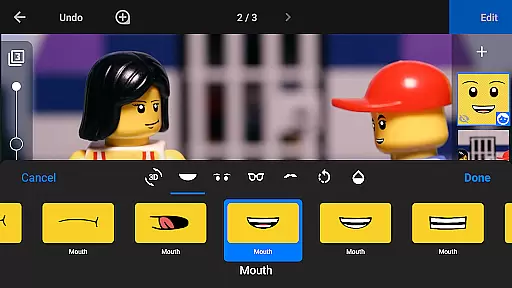
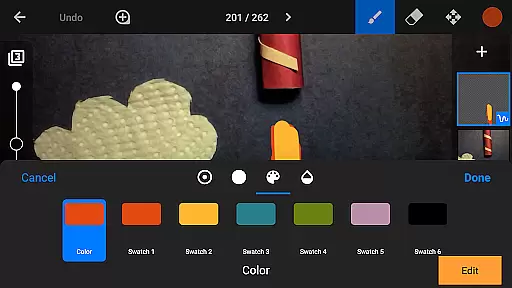
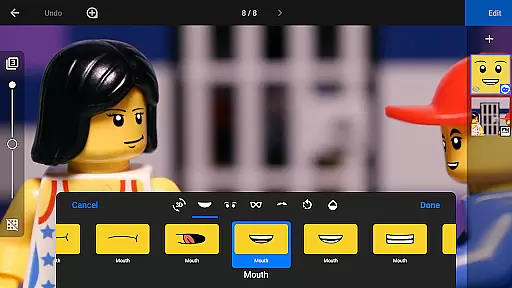
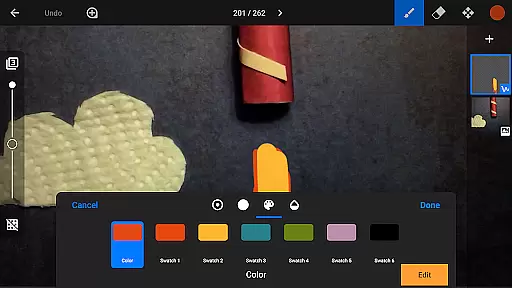
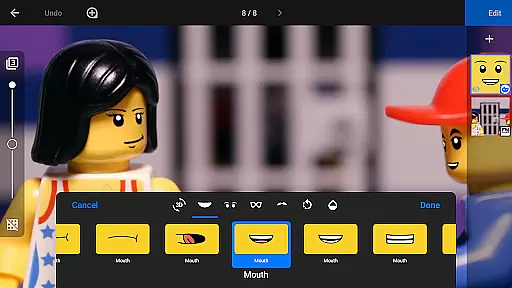
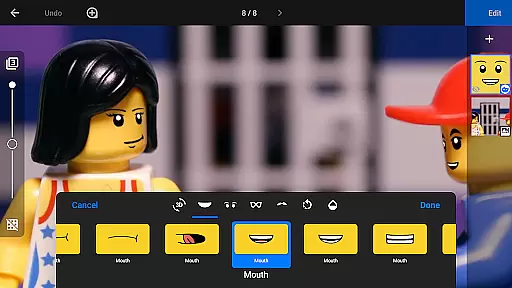
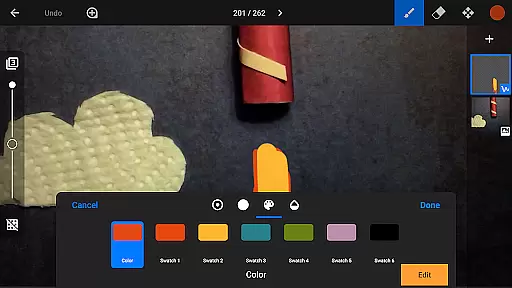
For those seeking more advanced options, the app offers rotoscoping and green screen functionality. These features allow creators to draw over video clips or replace backgrounds entirely, opening up endless possibilities for creative expression. Additionally, the built-in layer-based image editor enables users to add text, speech bubbles, and even facial expressions to their characters, while the eraser tool helps remove unwanted elements from frames.
Sharing and collaboration are made easy with Stop Motion Studio Pro's robust export options. Users can save their projects as high-quality GIFs or video files up to 4K resolution. The app also supports cloud integration through Dropbox and Google Drive, making it simple to transfer projects between devices. With tutorial videos and comprehensive documentation included, Stop Motion Studio Pro provides everything needed to master the art of stop motion animation.
Real-time capture and preview functionality is essential for ensuring that every frame of your stop motion animation is exactly as you envision it. Stop Motion Studio Pro offers an advanced capturing system that allows users to see their progress unfold in real time, providing immediate feedback on each shot.
The app includes adjustable time interval features, enabling creators to automate the capture process based on their project's specific needs. This ensures consistent timing between frames, which is crucial for smooth animations. Additionally, full camera controls are at your disposal, including manual settings for white balance, focus, exposure, ISO, and shutter speed, allowing precise adjustments tailored to any lighting condition or creative intent.
For those seeking even more control, the ability to use a second device as a remote camera adds another layer of flexibility. This feature not only enhances convenience but also opens up new possibilities for complex shots that require different angles or simultaneous multi-camera views. With these tools, animators can achieve professional-grade results without needing expensive equipment.
Ultimately, this powerful combination of real-time preview and customizable capture options empowers both beginners and experienced filmmakers alike to produce high-quality stop motion films with confidence and ease.
While primarily focused on stop motion animation, Stop Motion Studio Pro incorporates AI-driven beauty and enhancement features that elevate visual storytelling. These enhancements ensure that every frame looks its best while maintaining the natural aesthetics of the original content.
The built-in layer-based image editor provides a suite of tools designed to refine each frame subtly. Users can add text, speech bubbles, or create titles that blend seamlessly into their scenes. Furthermore, facial expression adjustments allow characters to convey emotions more vividly, enhancing narrative depth without appearing artificial.
Touch-up capabilities extend beyond simple corrections; they enable detailed enhancements such as sketching, painting, and erasing unwanted objects. The rotoscoping feature lets animators draw over imported video clips, creating stunning visuals that retain authenticity. Similarly, green screen technology allows background changes that feel organic, making figures appear naturally integrated into diverse environments.
These AI-powered enhancements work harmoniously to maintain the artistic integrity of stop motion projects. By offering sophisticated yet intuitive tools, Stop Motion Studio Pro ensures that every elementu2014from character expressions to environmental detailsu2014contributes authentically to the story being told.
User-friendly interface
Advanced camera controls
Comprehensive editing tools
Excellent export quality
Extensive learning resources
Steep learning curve
High storage requirements
Limited free version
Occasional performance issues
Subscription fees apply

Viewfinder, Light meter, Reciprocity failure time, DOF & Bellows Extension
 4.60
4.60
Virtual makeup, hair filters & body tuner—edit from face to full body!
4.20
AI photo editor with hair editor, retouch tools, hair color changer & filters!
4.50
The #1 app for B&W film developing featuring an advanced darkroom timer.
4.10
Gallery Slideshow is slideshow maker app for slideshow from your gallery photos.
3.90
Luminar: Photo Editor - easy picture editing with AI
4.20
Easily create custom gifts, cards, photo books & more on the Shutterfly app!
4.60
Remote control the phone camera shutter from your smartwatch and take a picture
1.60
Try an anime version, cartoon yourself, and generate AI hug or aging videos!
3.70
Photo prints, cards, & gifts at Walgreens. Easy ordering & fast local pickup !
4.80
Android Native system HD camera app. Never been so simple and faster.
4.70
Easily view, share, delete photos with Gallery.
4.70
Create Business Headshots, Polaroid Filter, Retake Photos,Profile Pics,AI Photos
4.50
Trendy TikTok time warp scan funny filter app brings you unique photos & videos.
4.40
Create AI Photos, Improve and restore quality of blurry, old or damaged pics.
4.20
Transform Photos: Edit, Beautify and Craft Memories & Make Collages!
4.10
Catch sunlight, sunrise sunset times and sun phases with the AR sun tracker.
4.10
Professional quality photo edits with the new Snapseed.
4.00
Application for remote controlling DSLR
3.00


User Reviews