
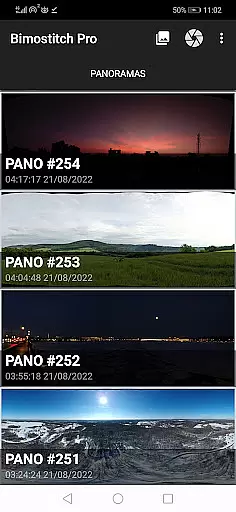
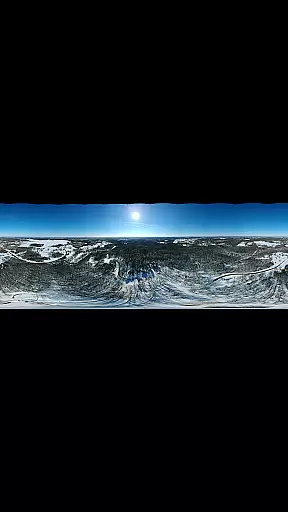
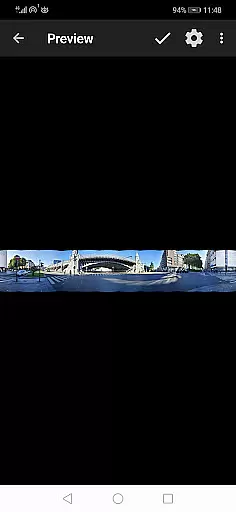
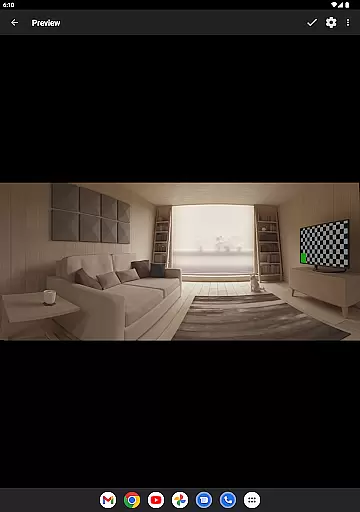
Bimostitch Panorama Pro is a powerful photography application designed for creating high-resolution panoramic images directly on your mobile device. The app allows users to stitch together 2 to 200+ overlapping photos into stunning wide-view panoramas, including single-row, multi-row, vertical, horizontal, 360° panoramas, or photospheres. With advanced on-device stitching algorithms, Bimostitch ensures professional-quality output while maintaining the resolution of source images.
One of the standout features of this app is its ability to function completely offline, making it ideal for photographers who need to create panoramas on the go without relying on an internet connection. Whether you're using images from DSLR cameras, drones, or even videos of panning motion, Bimostitch can handle various sources and convert them into breathtaking panoramic shots. This makes it suitable for both amateur users capturing memories and professionals needing reliable, high-quality results in the field.
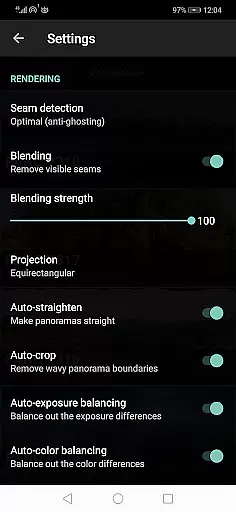
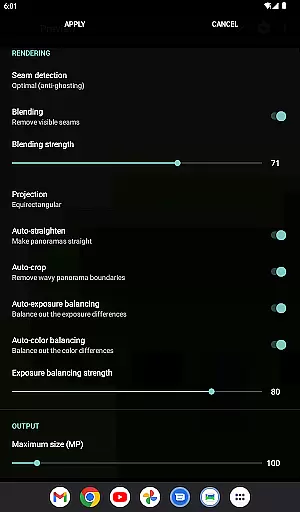
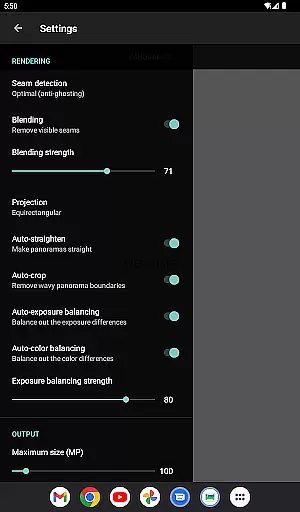
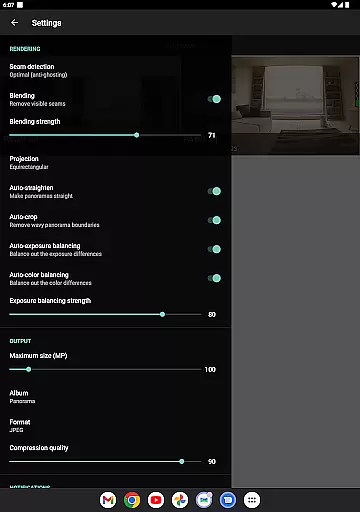
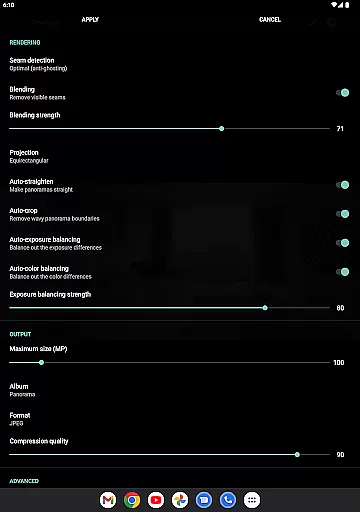
Bimostitch Panorama Pro offers a comprehensive suite of features that cater to both casual and professional photographers. The app supports multiple stitching modes, including automatic exposure balancing, straightening, and color balancing, ensuring that the final panorama is not only wide but also visually consistent. Additionally, the app provides pro-level functionalities such as ultra-high resolution output of up to 1 Gigapixel, JPEG or PNG formats, and advanced seam detection modes for optimal blending quality.
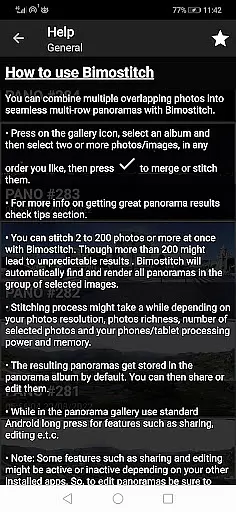
For users seeking more control over their panoramas, Bimostitch includes adjustable settings like blending intensity, auto-exposure balancing, and lens distortion compensation. These features allow photographers to fine-tune every aspect of their stitched images. Moreover, the app's intuitive interface simplifies the process of selecting and stitching photos, whether imported from a gallery, captured via the built-in camera, or shared from other devices like drones. This versatility ensures that users can achieve excellent results regardless of their equipment or skill level.
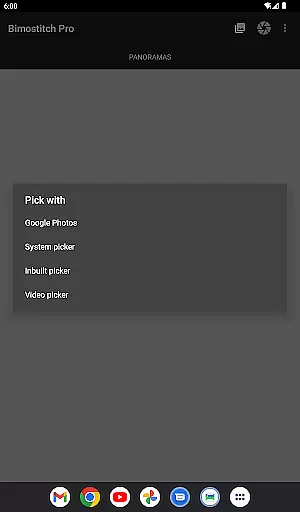
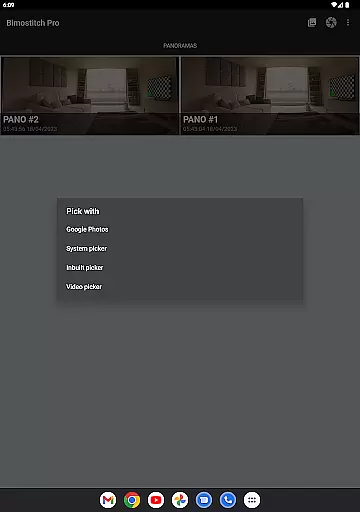
Real-time capture and preview functionality is essential for ensuring that every moment is captured with precision. Bimostitch Panorama Pro offers an intuitive built-in photo-picker, allowing users to select images directly from their gallery or snap new overlapping photos using the app's camera feature. This immediate access to image selection ensures that users can quickly compile the necessary photos for creating high-quality panoramas.
The app supports stitching of hi-res single-row, multi-row, vertical, horizontal, 360u00b0 panoramas, or photospheres, all in real-time. With the ability to stitch between 2 to 200+ overlapping photos, users can create impressive wide-view panoramas effortlessly. The automatic exposure balancing and straightening features further enhance the real-time capture experience by ensuring that each panorama is perfectly balanced and aligned.
For those who require even more control, Bimostitch Panorama Pro provides advanced options such as adjusting seam detection quality and blending intensity. These features allow users to fine-tune their panoramas, ensuring that the final output meets their exact specifications. Whether you're a professional photographer or a hobbyist, the real-time capture and preview capabilities of this app offer unparalleled flexibility and precision.
AI beauty and enhancement features are crucial for delivering natural-looking results in photo editing. Bimostitch Panorama Pro leverages advanced AI algorithms to automatically balance exposure and color, ensuring that each panorama looks vibrant and true to life. This auto-color balancing feature helps maintain the authenticity of the original images while enhancing their overall appeal.
In addition to color balancing, the app offers auto-lens calibration to compensate for lens distortion, particularly useful when stitching images captured with wide-angle, ultra-wide angle, and fisheye lenses. This ensures that the final panorama is free from distortions, providing a seamless and natural viewing experience. The app also includes options for adjusting the intensity of auto-exposure and color balancing, giving users the ability to customize the level of enhancement according to their preferences.
Bimostitch Panorama Pro stands out with its ability to produce ultra-high-resolution outputs of up to 1 Gigapixel, maintaining the quality of source photos. The app's AI-powered enhancements ensure that even the smallest details are preserved, resulting in breathtaking panoramas that are both natural and stunning. Whether you're capturing landscapes or architectural marvels, the AI beauty and enhancement features of this app will elevate your photography to new heights.
High-quality stitching
Offline functionality
Wide compatibility
User-friendly interface
Advanced customization options
Requires high RAM
Premium cost
Complex for beginners
Limited free features
Heavy on storage

Effortlessly organize, view and share your photos & videos with Gallery app!
 4.40
4.40
AI portrait generator and polaroid AI selfie, fun AI generated AI photo creator!
4.30
Safe & smart flight with Go Fly drone controller for 40+ drone camera, zone map
4.50
An interval timer to automate photo taking process for timelapse
2.90
AI Photo Editor with 100+ Filters, Effects! Remove BG, Retouch & Photo Enhancer.
4.80
AI photo enhancer with Sora 2! Enhance, descratch, and colorize your old photos.
4.50
Transform Photos: Edit, Beautify and Craft Memories & Make Collages!
4.10
The original Rarevision VHS look seen everywhere!
4.70
Photo & Video Gallery app to manage albums and save WA Status easily.
4.70
Find time and duration of different sunlight phases at any location
4.90
See your baby AI baby face generator AI baby maker Face generator babymaker fun!
4.70
A must-have app for landscape photographers
4.60
Easily create custom gifts, cards, photo books & more on the Shutterfly app!
4.60
Photo Exif Editor allows to view, add and modify EXIF data of multiple photos
4.50
Movie camera, supports pro recording settings for filming. Try it and be amazed!
4.50
All-in-One Editor & AI Photo Enhancer, Beautify & Retouch, Collage, Cartoonify
4.20
What celebrity do you look like? Celebs will find your celebrity match!
4.10
Turn photos into cartoons & avatars! - Photo Editor, Cartoon Face!
3.90
Professional video recording application with manual controls for filmmakers!
2.80


User Reviews