
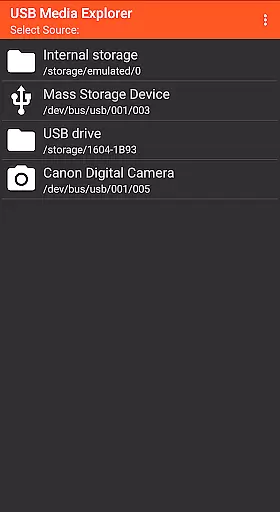
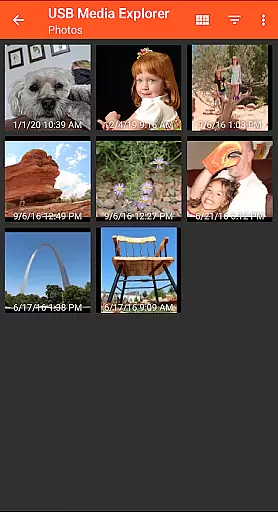
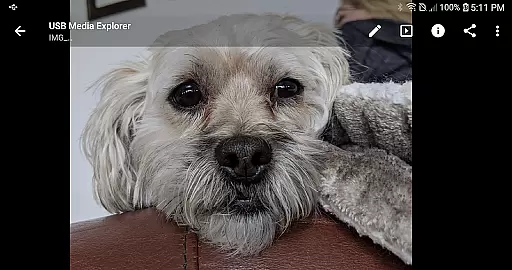
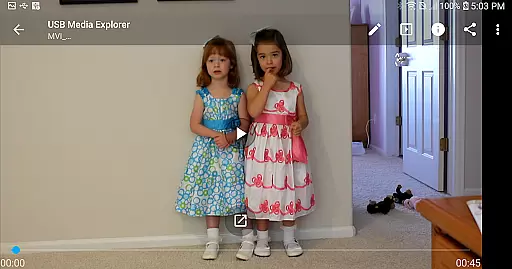
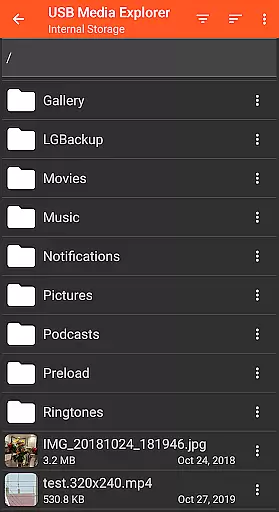
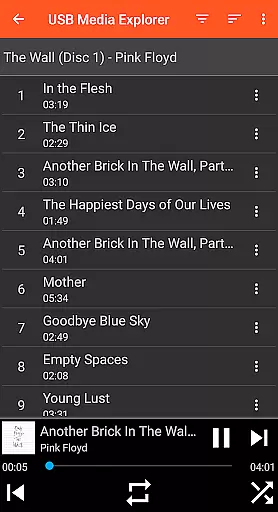
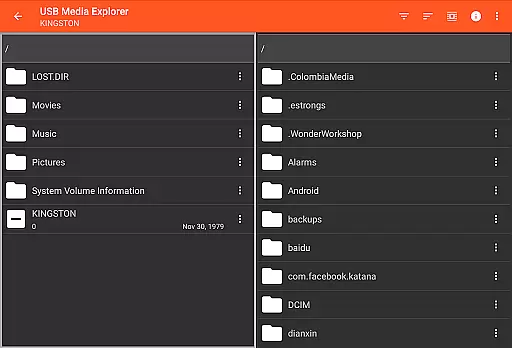
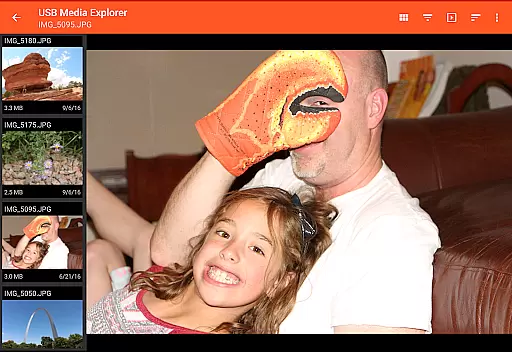
USB Media Explorer (UME) is a versatile photography app that allows users to view photos, stream videos, listen to music, and manage documents from various USB storage devices. With specialized viewing modes for different media types, it provides an intuitive way to access full-size photos and videos without the need for importing. The app supports flash drives, card readers, hard drives, cameras, and other Android devices, making it ideal for photographers and content creators who need instant access to their files on the go.
The true value of USB Media Explorer lies in its ability to seamlessly integrate with multiple device types, including those requiring microUSB OTG cables or USB C adapters. Whether you're reviewing RAW images from a camera or streaming videos from an external drive, UME ensures your media is accessible wherever you are. This makes it particularly useful for professionals needing quick file transfers and efficient media management.
USB Media Explorer stands out with its comprehensive feature set tailored for photographers and videographers. The app offers specialized screens for photos, videos, music, documents, and file management, ensuring each media type is handled with precision. Users can copy files to and from USB devices effortlessly, while enjoying full-size previews of photos and videos directly from external storage.
One of the key innovations of UME is its broad device compatibility. It works with flash drives, card readers, hard drives, cameras, and even other Android devices in MTP mode. Although some video formats may require third-party players like VLC, and certain devices like hard drives might need extra power sources, these features highlight the app's adaptability. For photographers, the ability to instantly review high-resolution images without transferring files to a computer is a game-changer.
USB Media Explorer offers a unique real-time capture and preview feature that allows users to view photos and stream videos directly from USB storage devices without the need for importing. This functionality is crucial for photographers and videographers who require immediate access to their files on the go.
The application supports both Jpeg and Raw photo formats, ensuring that professionals can work with high-quality images directly from their cameras or storage devices. The specialized screens for photos and videos provide an optimal viewing experience, maintaining the integrity of the original content while offering smooth playback and detailed imagery.
For users, this means they can efficiently manage their workflow by accessing full-size photos and videos instantly. Whether it's for quick edits, client previews, or backup purposes, the ability to interact with media in real-time significantly enhances productivity and convenience.
While USB Media Explorer does not focus heavily on AI beauty enhancements, it provides essential tools for managing and viewing multimedia content with natural enhancement options. Users can enjoy music, view documents, and manage files with specialized screens tailored to each media type, ensuring a seamless and intuitive user experience.
The app supports various video formats, although some may require third-party players like VLC for compatibility. This flexibility ensures that users can engage with a wide range of media types naturally and effectively, preserving the authenticity of the original content while still benefiting from basic enhancement features.
Overall, the emphasis on natural presentation and ease of use makes USB Media Explorer a reliable choice for individuals seeking a straightforward yet powerful tool for handling diverse media files. By focusing on core functionalities, the app delivers a practical solution for everyday media management needs.
User-friendly interface
Wide device compatibility
Efficient file management
Full-size media preview
Specialized media screens
Limited native format support
External power may be needed
No live image device support
Proprietary protocol issues
Commercial DVD restrictions

Add Watermark - Sign your pictures with a text or logo. Effective, quick, easy!
 4.50
4.50
Perfect photos with body shaping, BG changer and object remover.
3.70
Find time and duration of different sunlight phases at any location
4.90
Create & Edit with AI: AI Remove, Enhance, Retouch, Filter
4.10
Natural Beauty, Selfie Retouch
4.30
AI photo editor with hair editor, retouch tools, hair color changer & filters!
4.50
Movie camera, supports pro recording settings for filming. Try it and be amazed!
4.50
Easily view, share, delete photos with Gallery.
4.70
Use AI Video Generator to turn your words to ai generated videos.
4.50
Collage your moments in one tap: 1000+ layouts, filters, stickers, and texts.
4.90
Enhance, upscale, and transform your images — on your device, without limits
4.70
A must-have app for landscape photographers
4.60
1M influencer's special filter
4.60
Photo editor & gallery. Crop pictures & edit photos offline, no wifi!
4.50
Trendy TikTok time warp scan funny filter app brings you unique photos & videos.
4.40
AI portrait generator and polaroid AI selfie, fun AI generated AI photo creator!
4.30
[3DSteroid Pro] is a stereoscopic application for Android.
4.30
Photobooth mini FULL app will allow you to add more fun to your parties
4.00
Long exposure camera with computational photography
2.60


User Reviews