
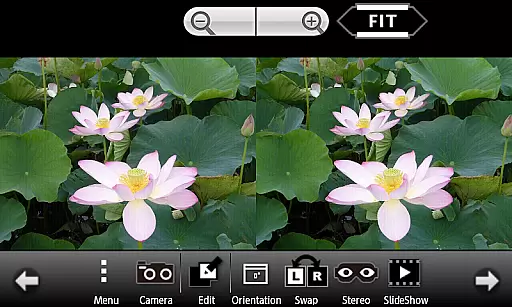
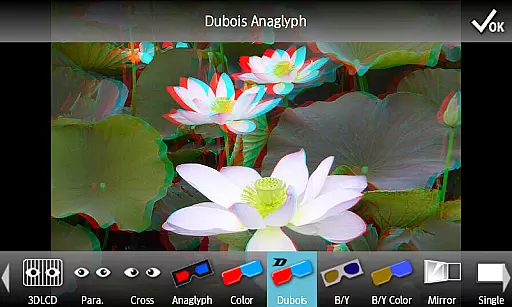
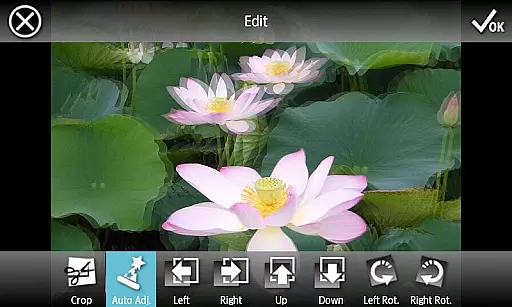
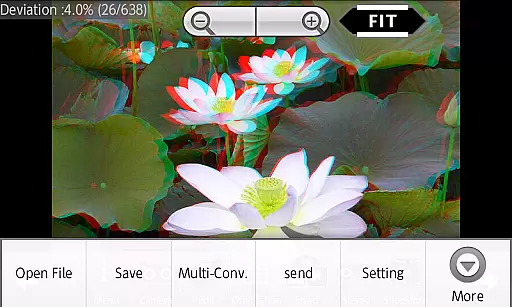
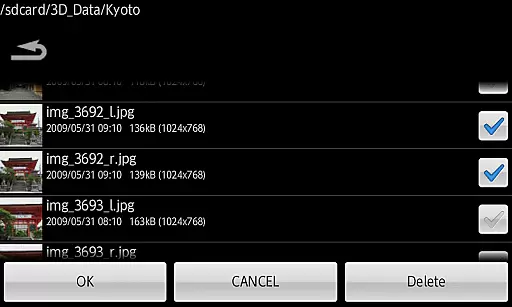
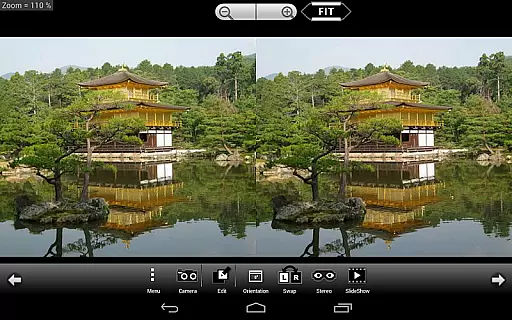
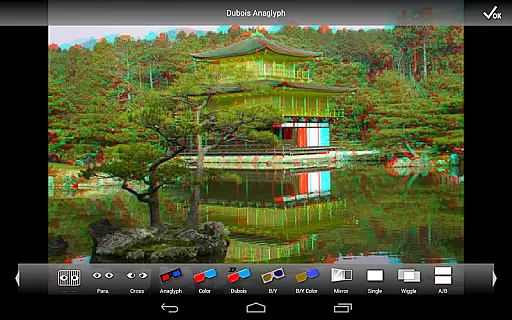
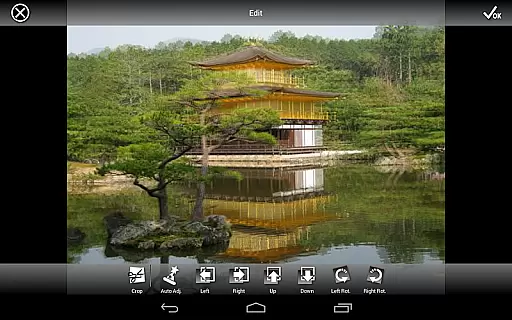
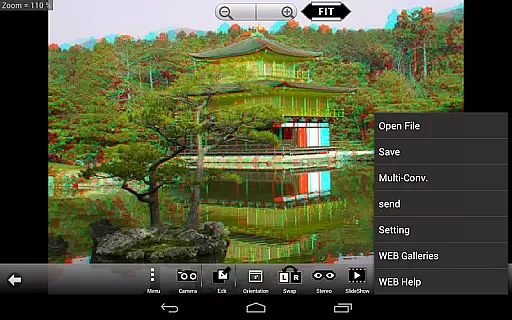
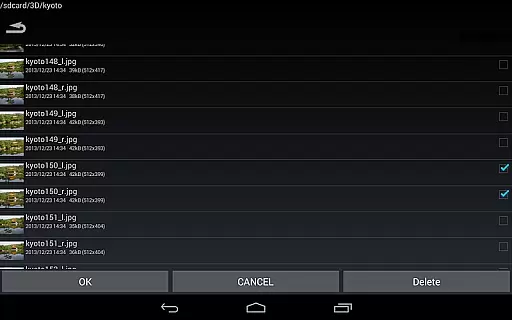
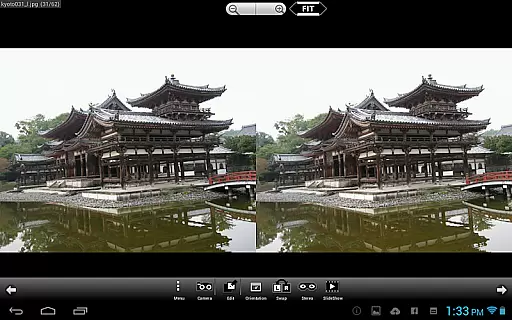
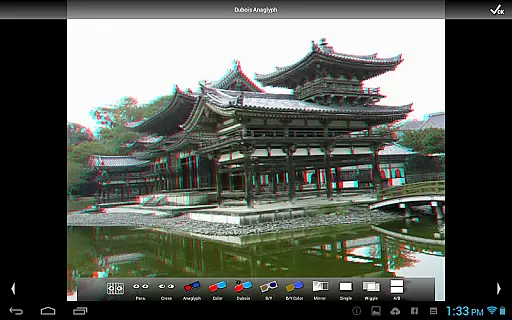
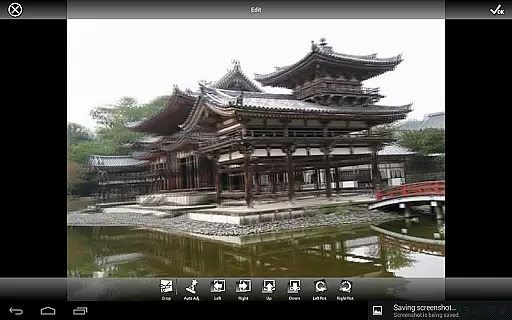
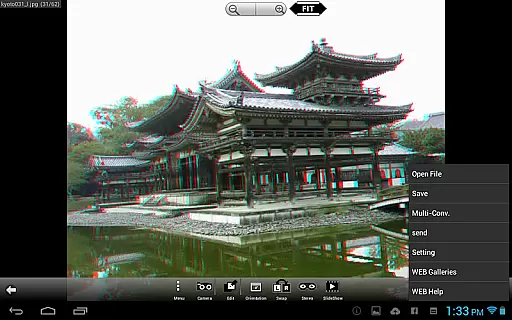
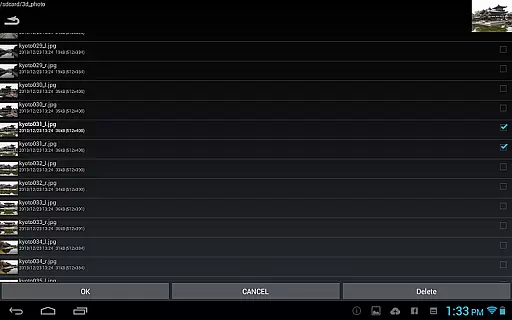
3DSteroid Pro is a premium stereoscopic application designed for Android devices, specializing in 3D image viewing and editing. The app supports various input formats including L/R independent, SBS (Side-by-Side), and MPO files, making it versatile for different types of 3D content. With the ability to auto-align L/R images, adjust positions, rotation, and size errors, users can achieve precise control over their 3D imagery. Additionally, the app offers advanced display methods such as 3D LCD compatibility, SBS, Mirror, Wiggle, 2D, and Anaglyph views, providing an immersive experience tailored to user preferences.
One of the standout features of 3DSteroid Pro is its capability to save edited images and perform batch conversions, which are exclusive to the Pro version. This makes it an essential tool for photographers and enthusiasts who need to manage large volumes of 3D images efficiently. Despite some limitations on newer Android versions and specific device models, the app remains a powerful solution for creating and viewing stereoscopic content, with access to an extensive web gallery of over 1000 images for inspiration and enjoyment.
3DSteroid Pro boasts a comprehensive set of features that cater to both amateur and professional users interested in 3D photography. The application provides advanced functionalities such as auto-alignment of left and right (L/R) images, allowing users to correct any misalignments easily. It also includes robust editing tools that enable adjustments to image positions, rotation, and size errors, ensuring high-quality output every time. The Pro version stands out with unique capabilities like saving edited images and performing batch conversions, streamlining workflows for users dealing with multiple files.
In addition to its editing prowess, 3DSteroid Pro supports various display methods, including compatibility with 3D LCDs from brands like Freevi and PPTV, as well as Side-by-Side (SBS), Mirror, Wiggle, 2D, and Anaglyph views. These options ensure that users can enjoy their 3D content in the format that best suits their devices and preferences. The app also allows taking L/R pictures directly with the internal camera and offers a slideshow feature for showcasing images. With access to a vast web gallery and the ability to send saved files, this app delivers a complete package for 3D image enthusiasts.
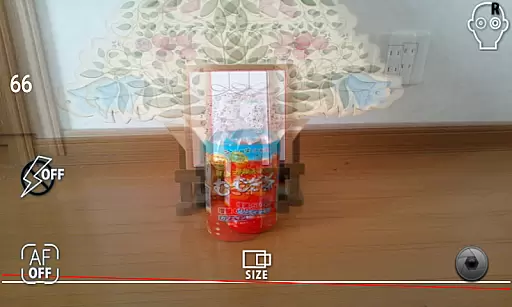
3DSteroid Pro offers a real-time capture feature that allows users to take stereoscopic L/R pictures using the internal camera of their Android device. This functionality is essential for creating 3D images, as it captures two slightly different perspectives mimicking human eyesight.
The application provides an intuitive interface where users can adjust L/R image positions, correct rotation and size errors, ensuring high-quality 3D content creation. These adjustments are crucial for aligning the images correctly and achieving the desired depth effect in the final output.
With real-time preview capabilities, photographers can see how their adjustments affect the final 3D image before capturing it. This immediate feedback loop enhances the creative process by allowing quick modifications and reducing post-processing time significantly.
By offering these advanced yet user-friendly tools, 3DSteroid Pro ensures that both amateur and professional photographers can produce stunning stereoscopic photographs with precision and ease.
Although 3DSteroid Pro does not focus on AI beauty enhancements like some photography apps, it excels in providing natural and authentic stereoscopic image processing. The app's core strength lies in its ability to auto-align L/R images and offer various display methods such as 3D LCD, SBS, Mirror, Wiggle, 2D, and Anaglyph.
Users have access to over 1000 images in a WEB Gallery, which serves as inspiration and reference for creating realistic 3D content. The variety of supported input filesu2014including L/R independent, SBS, and MPO formatsu2014ensures flexibility and compatibility with different types of 3D media.
The Pro version stands out by enabling users to save edited images and perform batch conversions, maintaining the natural essence of original photos while enhancing them for better visual impact. This approach preserves authenticity while adding value through professional-grade editing features.
Overall, 3DSteroid Pro delivers a balanced mix of powerful tools and straightforward usability, making it an excellent choice for those interested in producing high-quality stereoscopic imagery without artificial enhancements.
Advanced 3D editing tools
Batch conversion capability
Wide range of display options
Auto-alignment of L/R images
Extensive web gallery access
Limited support for older devices
Some features restricted to Pro version
Compatibility issues with Android 11+
No direct file deletion for non-app files
Complexity may overwhelm beginners

Safe & smart flight with Go Fly drone controller for 40+ drone camera, zone map
 4.50
4.50
Professional video recording application with manual controls for filmmakers!
2.80
Photo editor: AI filters, photo enhancer, pic collage maker, AI art generator.
4.80
Photo Exif Editor allows to view, add and modify EXIF data of multiple photos
4.50
HD Camera Pro with HD Video shooting, Panorama, Photo editor , Beauty Camera.
4.50
Gallery Slideshow is slideshow maker app for slideshow from your gallery photos.
3.90
AI-powered video creator by MiniMax - Where ideas meet cinema
4.20
Unblur, enhance & restore photos with powerful AI photo enhancer tools.
4.60
Solocator stamps photos you take with GPS location, Compass Direction, Date/Time
3.80
AI Photo Editor with 100+ Filters, Effects! Remove BG, Retouch & Photo Enhancer.
4.80
Photo prints, cards, & gifts at Walgreens. Easy ordering & fast local pickup !
4.80
A collection of tools and reference tables for DPs, ACs, DITs and Operators.
4.70
Amazing Photo Effects - The most fun you can have with your photos!
4.70
Effortlessly organize, view and share your photos & videos with Gallery app!
4.40
Shooting photos and records video easily and efficient with professional Camera
4.30
Catch sunlight, sunrise sunset times and sun phases with the AR sun tracker.
4.10
Be your best in every shot! Fix, edit and retouch your face in selfies & photos.
3.70
Photo Album Watch Face shows your favorite pictures as a Watchface.
1.90
Over 800 film simulation recipes for Fujifilm. Black Friday Offer!
4.1


User Reviews