
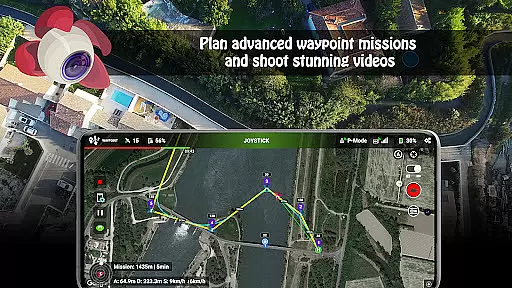
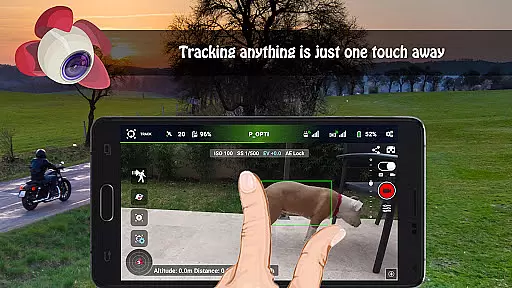
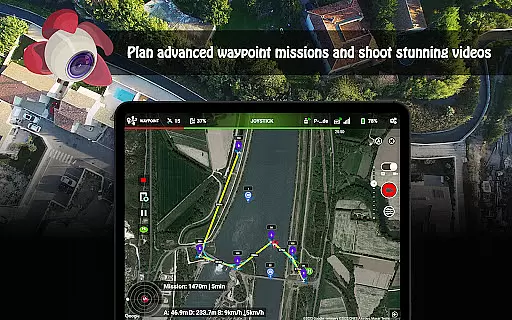
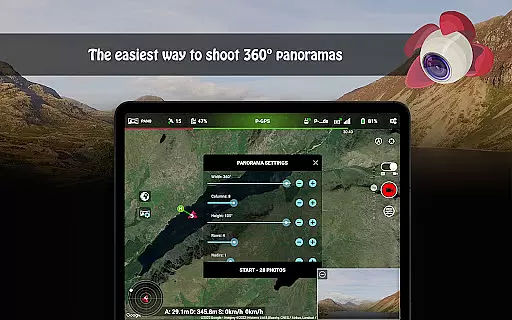
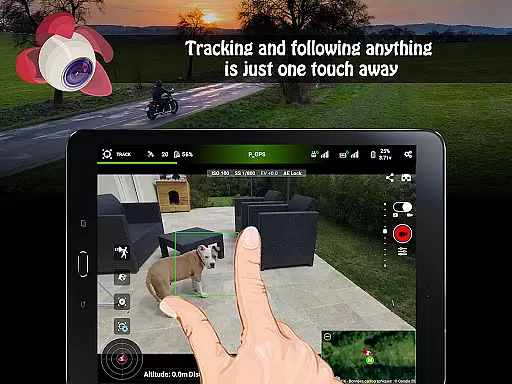
Litchi for DJI Drones is the premier application designed to enhance your drone flying experience. This app unlocks advanced features of compatible DJI drones, offering users an intuitive and powerful flight interface. With Litchi, you can access Waypoint mode for seamless flight planning, Panorama mode for stunning aerial shots, and Track mode that uses computer vision algorithms to frame subjects perfectly.
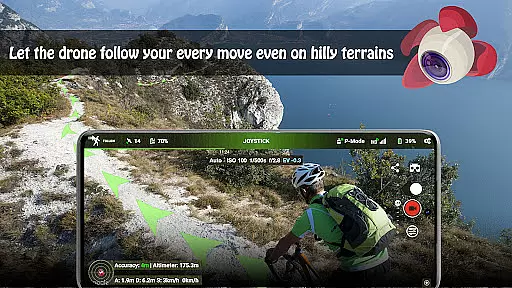
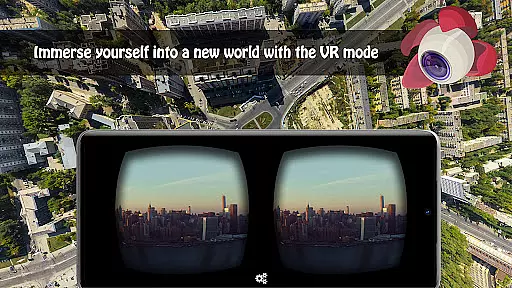
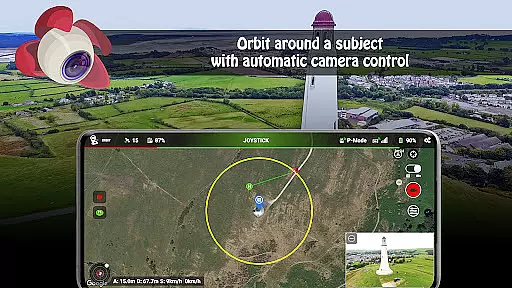
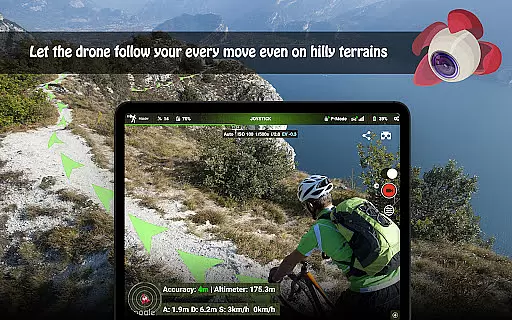
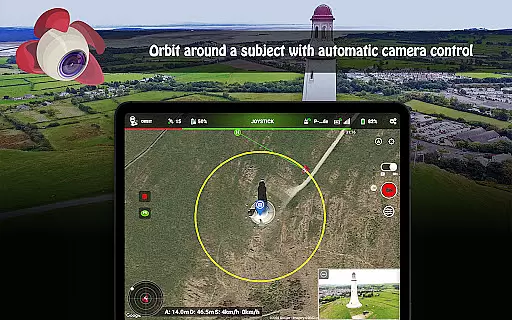
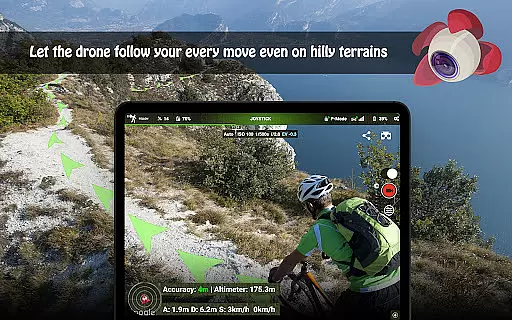
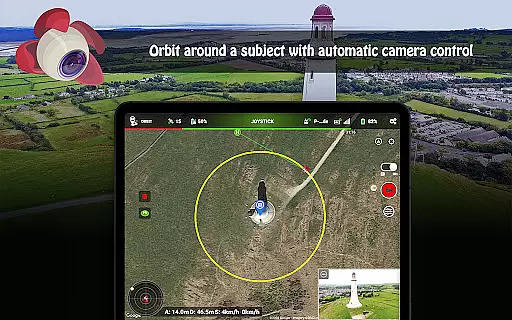
The app also supports immersive VR mode for a first-person view experience, Focus mode for simplified controls, and Follow mode that tracks your movements using GPS. Additional functionalities include Orbit mode, live streaming capabilities, and custom RC key functions. These features make Litchi ideal for both professional photographers and hobbyists looking to maximize their drone's potential while ensuring precise control and creative freedom.
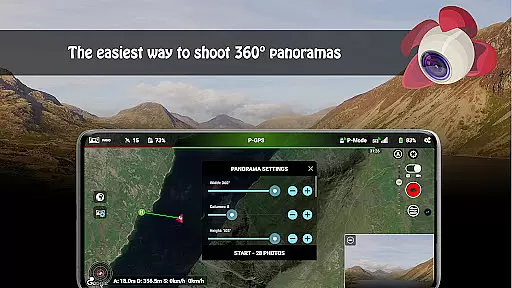
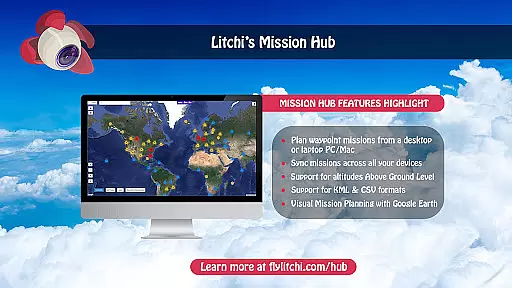
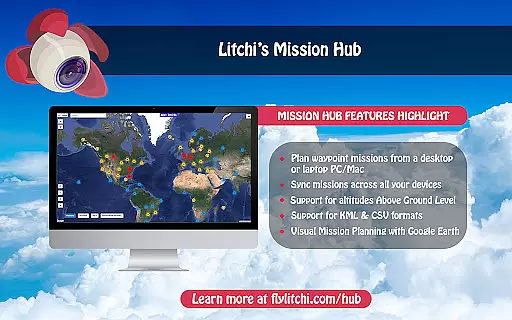
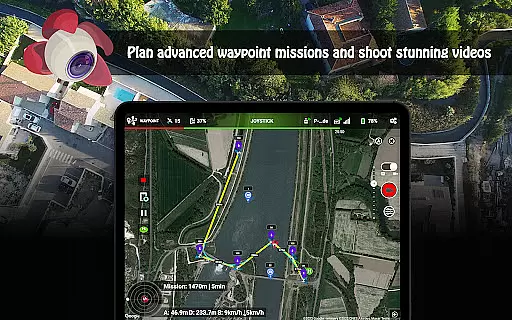
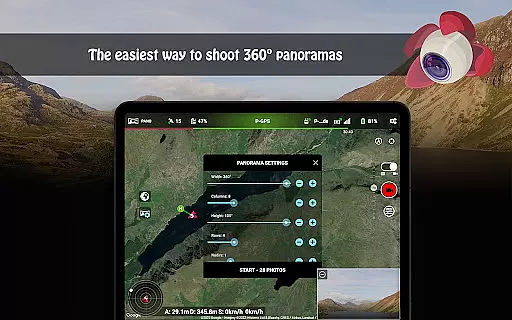
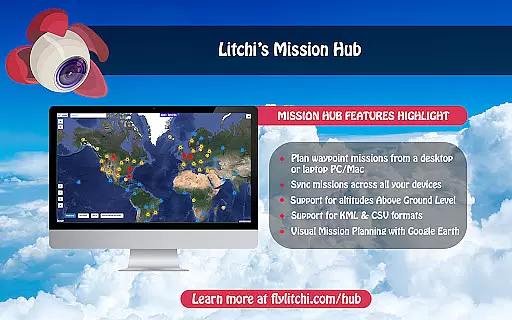
Litchi stands out with its comprehensive feature set tailored for DJI drone enthusiasts. The Waypoint mode allows users to create detailed flight paths on multiple platforms, including PC/Mac, with automatic syncing across devices. This ensures consistent and repeatable flights, crucial for professional projects. The Panorama mode simplifies capturing expansive views by automating the process of shooting horizontal, vertical, and 360 spherical panoramas.
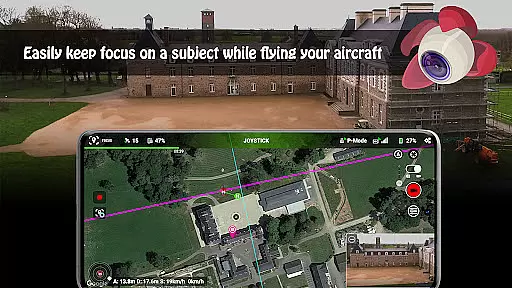
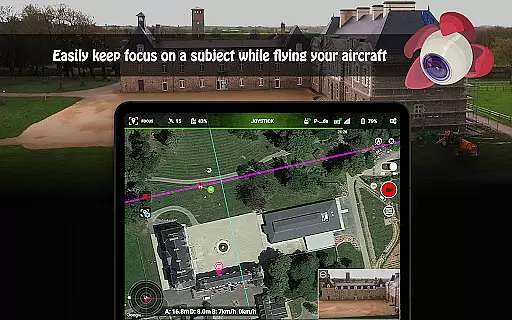
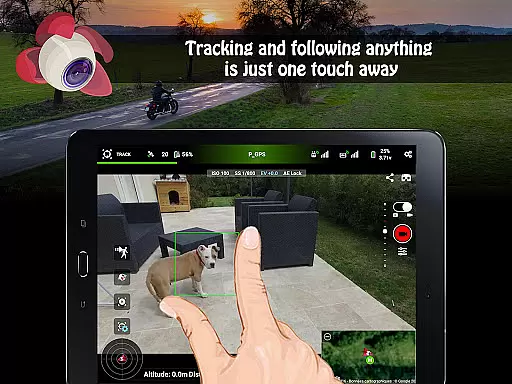
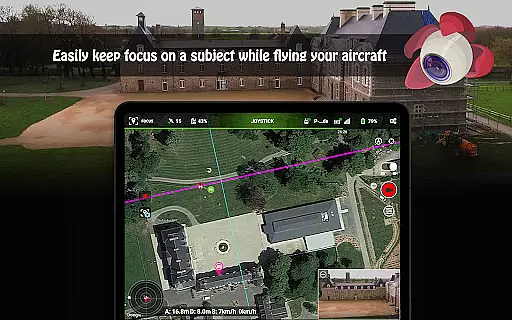
Track mode revolutionizes autonomous flying by employing advanced computer vision to keep selected subjects in frame. For those preferring manual control, Focus mode manages gimbal and yaw adjustments, allowing pilots to focus on navigation. Moreover, the app facilitates live streaming directly to social media platforms and offers human-readable flight logs in CSV format, which are invaluable for post-flight analysis and integration with Airdata UAV services.
Real-time capture and preview functionality is essential for drone photography, allowing users to see exactly what the drone's camera sees as it happens. Litchi for DJI Drones excels in this area by providing a seamless live feed directly to the user's device.
The app ensures minimal latency between the drone's camera and the controller screen, enabling precise framing and capturing of shots. This real-time feedback is crucial when positioning the drone for that perfect shot, especially in dynamic environments.
Users benefit from the ability to make instant adjustments to camera settings such as exposure, ISO, and shutter speed while viewing the changes live. This feature empowers photographers to experiment with different settings and achieve their desired photographic outcomes without delay.
Furthermore, the reliability of Litchi's real-time preview enhances the overall flying experience, making it not only about capturing images but also about enjoying the process of aerial photography with confidence.
While primarily focused on drone control and photography, Litchi incorporates features that enhance photo quality through advanced image processing. Although not traditional AI beauty enhancements seen in portrait apps, Litchi applies similar principles to optimize aerial photography results.
The application offers various automated shooting modes like Panorama and HDR, which intelligently combine multiple shots to create stunning, high-quality images. These modes help in achieving natural yet enhanced visuals without manual post-processing.
Additionally, Litchi's focus on delivering an intuitive user interface extends to its image enhancement tools. Users can apply filters and adjustments that maintain the authenticity of landscapes while subtly enhancing colors and contrasts.
This approach ensures that the final output remains true to the original scene captured by the drone, preserving the natural beauty of the environment while still benefiting from sophisticated digital enhancements.
User-friendly interface
Advanced waypoint planning
Seamless device syncing
Comprehensive support options
Innovative tracking modes
Not compatible with latest DJI models
Requires internet for activation
Additional cost for full features
VR goggles sold separately
Complex for beginners

AI portrait generator and polaroid AI selfie, fun AI generated AI photo creator!
 4.30
4.30
Safe & smart flight with Go Fly drone controller for 40+ drone camera, zone map
4.50
Create & Edit with AI: AI Remove, Enhance, Retouch, Filter
4.10
Create AI Photos, Improve and restore quality of blurry, old or damaged pics.
4.20
Raw Image Viewer. Gallery with support of raw images (.cr3, .cr2, .nef, .raf).
2.00
Create AI photos & videos with Enhancer; restore, fix, beautify, enhance photos
4.50
GCamera allows all GCam features on all phone models! Better photos with GCamera
3.30
Use AI Video Generator to turn your words to ai generated videos.
4.50
Discover How to Plan any Sun, Moon and Milky Way Photo You Imagine in Seconds
4.70
Pro version: AR sun/moon tracker for any date. Tool for photographers & planners
4.90
Viewfinder, Light meter, Reciprocity failure time, DOF & Bellows Extension
4.60
[3DSteroid Pro] is a stereoscopic application for Android.
4.30
Shooting photos and records video easily and efficient with professional Camera
4.30
Smart, light, and fast photo and video gallery
4.30
All-in-One Editor & AI Photo Enhancer, Beautify & Retouch, Collage, Cartoonify
4.20
How old age camera Gender Swap App Face Shape Hairstyle App Hair Styler App fun!
4.00
Astrophotography with your smartphone, photo live stacking and much more!
3.90
Application for remote controlling DSLR
3.00
Add a dreamy vibe to your selfies and videos with soft style filters
4.0


User Reviews