
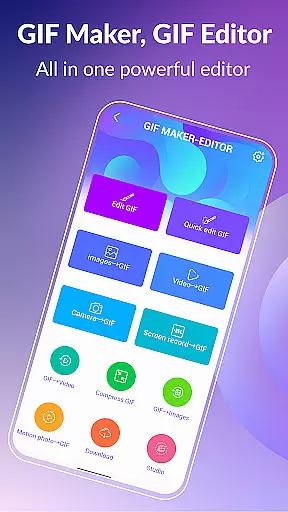
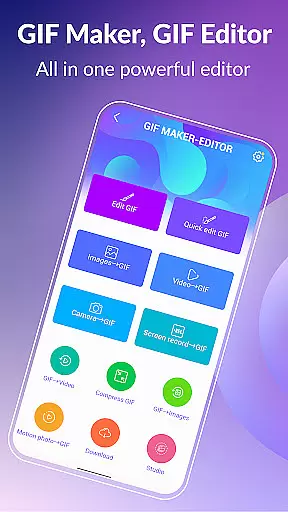
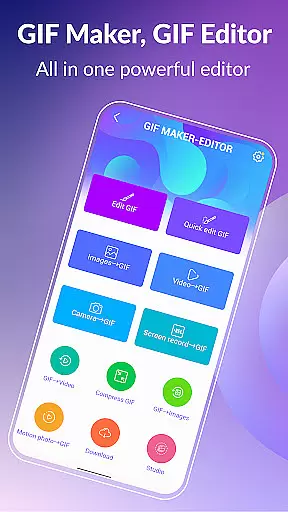

GIF Maker, GIF Editor Pro is a comprehensive photography app designed for creating and editing high-quality animated GIFs without watermarks. With support for up to 600 frames and HD resolution (720x1280 pixels), this tool offers an intuitive interface that allows users to transform images, videos, screen recordings, and existing GIFs into stunning animations.
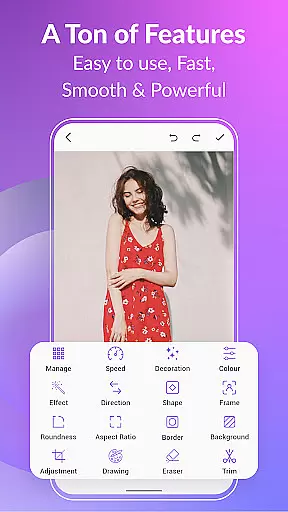
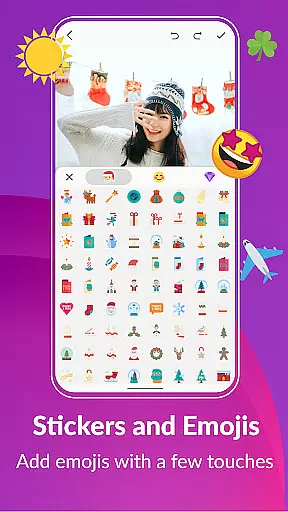
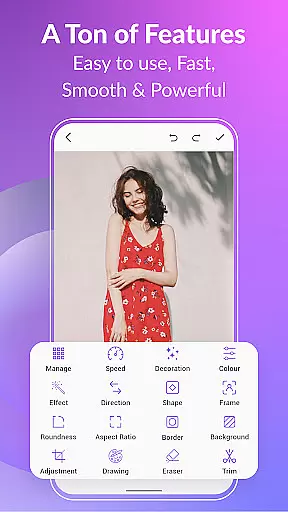
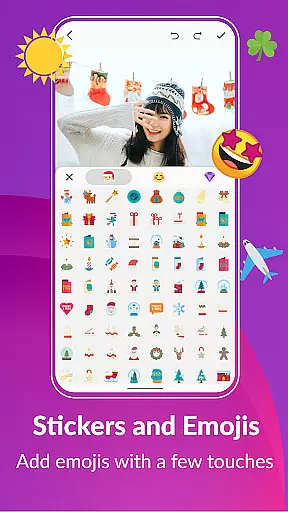
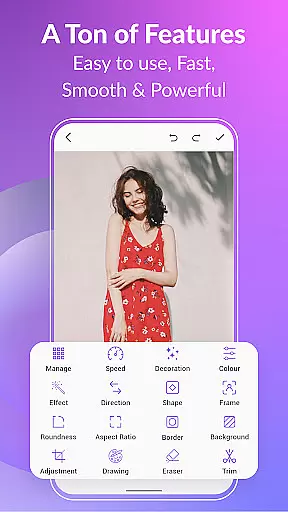
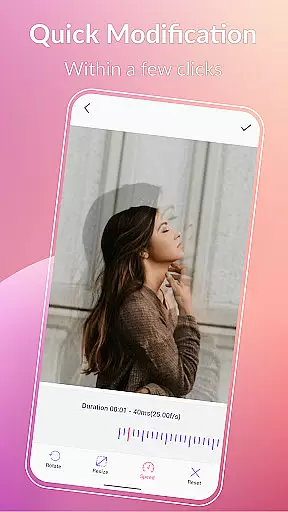
The app supports various popular formats including PNG, JPEG, MP4, MPEG, FLV, 3GP, and GIF. It provides extensive customization options such as cropping, resizing, speed adjustment, adding emojis, filters, trimming, stickers, aspect ratio modification, and more. Whether you're looking to create GIFs from videos or images, GIF Maker, GIF Editor Pro ensures your creations are saved in high quality without any watermarks.
Perfect for unleashing creativity, the app offers both dark and light themes and supports 22 languages, making it accessible to a global audience. Ideal for content creators, social media enthusiasts, and professionals, this app helps users produce standout GIFs that capture their unique style and vision.
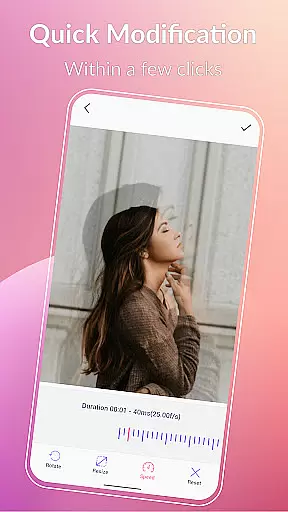
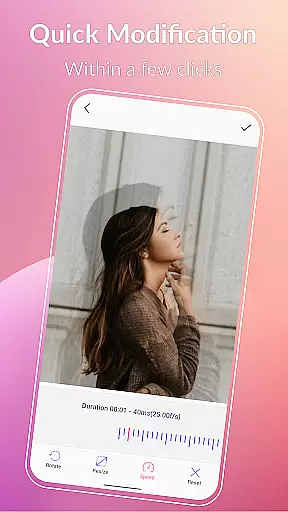
GIF Maker, GIF Editor Pro stands out with its versatile features tailored for both beginners and advanced users. The app allows you to convert videos and images into GIFs effortlessly, supporting up to 600 frames and 50 frames per second. You can customize your GIFs extensively with tools like crop, resize, speed adjustment, emoji integration, filters, trim, stickers, and more.
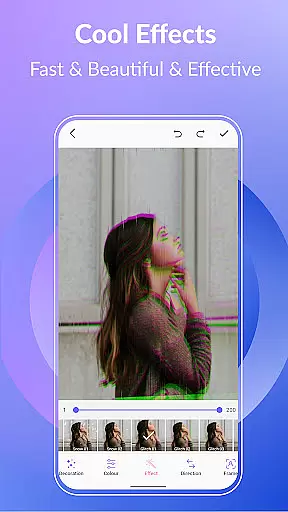
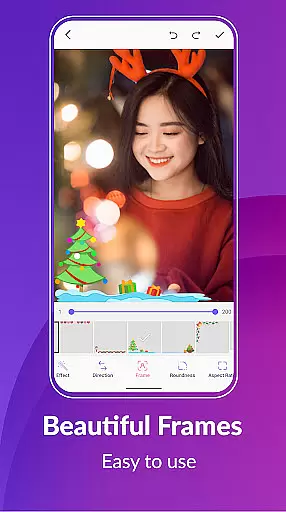
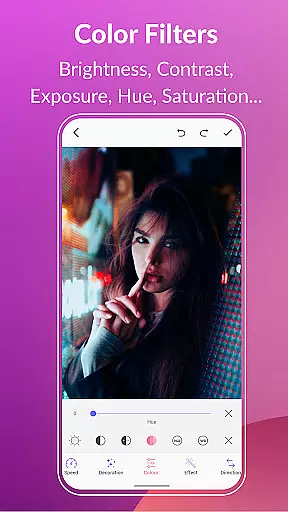
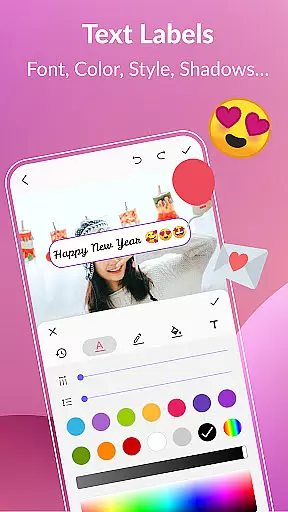
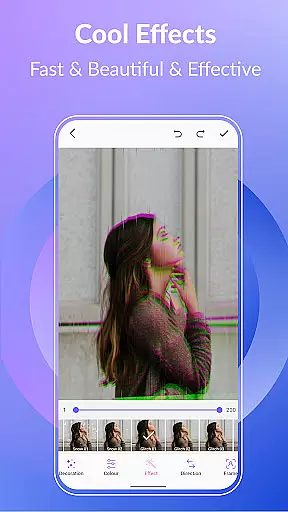
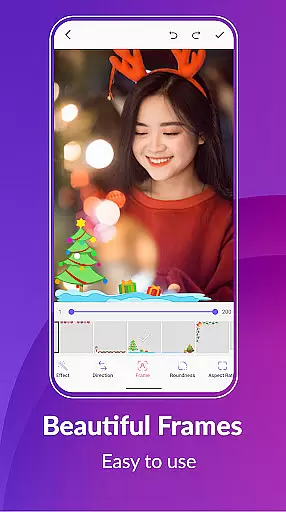
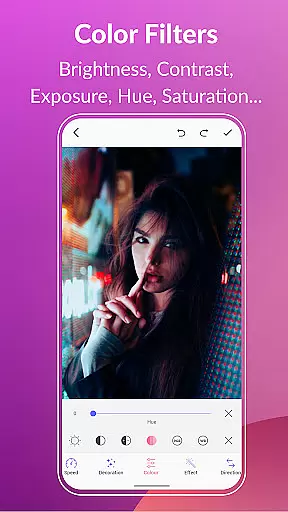
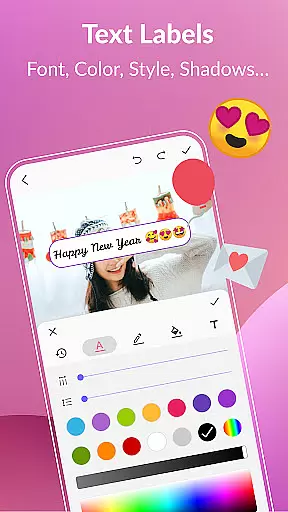
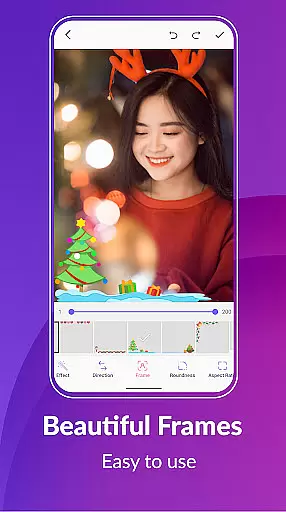
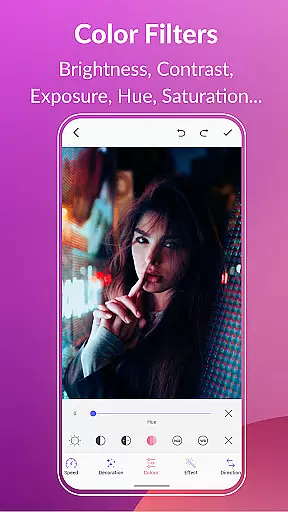
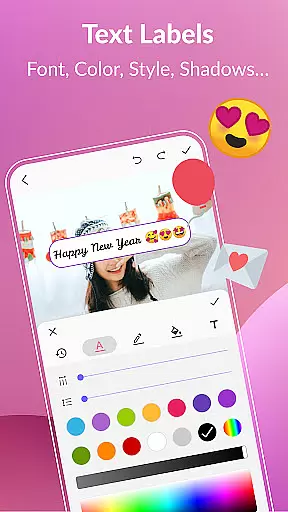
One of the key highlights is the ability to compress GIFs, convert them to videos, and manage your entire GIF collection within the app. Additionally, the app offers creative functionalities such as adding text labels, color filters, effects, picture frames, and background options like transparent, blur, gradient colors, etc. These features ensure your GIFs are not only high-quality but also visually appealing.
Sharing your creations is seamless with compatibility across multiple platforms like WhatsApp, Facebook, Twitter, and others. The app's robust export capabilities allow you to extract individual frames from a GIF or convert it into video format while maintaining resolution and quality. This makes GIF Maker, GIF Editor Pro an indispensable tool for anyone looking to enhance their digital content creatively.
Real-time capture and preview functionality is essential for any photography app, allowing users to see exactly what their final GIF will look like as they create it.
GIF Maker, GIF Editor Pro offers an intuitive interface where users can transform videos, images, and even screen recordings into high-quality animated GIFs with live previews at every step. This ensures that the output matches the creator's vision without unwanted surprises.
The app supports up to 600 frames and resolutions of 720x1280 pixels (HD), providing crisp and detailed previews. Users can apply various effects, crop, resize, and adjust speed while seeing changes instantly, which enhances creative control.
This real-time feedback loop empowers users to produce professional-grade GIFs efficiently, making the editing process both seamless and enjoyable.
AI beauty and enhancement features are revolutionizing how we edit visual content by offering natural-looking improvements that preserve authenticity.
In GIF Maker, GIF Editor Pro, advanced AI algorithms allow users to enhance their GIFs with color filters, brightness adjustments, contrast tweaks, and more. These tools ensure enhancements look genuine rather than over-processed, maintaining the original feel of the content.
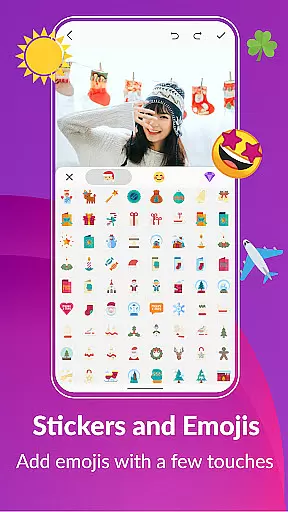
Additionally, options like background customizationu2014including transparent, solid colors, gradients, and blursu2014add depth and context to GIFs naturally. The inclusion of text labels, stickers, and emojis further personalizes creations without compromising on realism.
By focusing on natural enhancement, this app enables creators to elevate their work while keeping it relatable and true to life, thus enhancing viewer engagement.
User-friendly interface
High-quality output
Extensive format support
Versatile editing tools
Multi-language support
Paid version only
Advanced features may overwhelm beginners
Limited free trial options
Occasional performance lags
No cloud backup feature

Photo editor: face & body editor, beauty cam, filters and quality enhancer.
 4.00
4.00
Long exposure camera with computational photography
2.60
HD Photo gallery and photo manager to edit, hide private photos, videos & albums
4.2
Application for remote controlling DSLR
3.00
Create AI Photos, Improve and restore quality of blurry, old or damaged pics.
4.20
Create amazing frames with up to five photos. Rounded corners, effects and more!
3.60
Photo editor & gallery. Crop pictures & edit photos offline, no wifi!
4.50
Your personal guide to the sun and moon. Plan ahead, visualize and predict!
4.70
Welcome to ProShot, the most powerful camera app on Android.
4.20
Photo editor: AI filters, photo enhancer, pic collage maker, AI art generator.
4.80
A collection of tools and reference tables for DPs, ACs, DITs and Operators.
4.70
Amazing Photo Effects - The most fun you can have with your photos!
4.70
Photo Exif Editor allows to view, add and modify EXIF data of multiple photos
4.50
Effortlessly organize, view and share your photos & videos with Gallery app!
4.40
All-in-One Editor & AI Photo Enhancer, Beautify & Retouch, Collage, Cartoonify
4.20
Transform Photos: Edit, Beautify and Craft Memories & Make Collages!
4.10
How would you look like with a differently shaped nose, chin or lips?
3.90
Hair color changer, AI haircut app, fun hair editor and buzz cut filter for all!
3.80
Pet Camera
3.70


User Reviews