

Remote control of the phone camera from your Wear OS smartwatch
 3.70
3.70
Photobooth mini FULL app will allow you to add more fun to your parties
4.00
Viewfinder, Light meter, Reciprocity failure time, DOF & Bellows Extension
4.60
Edit like a pro with Hypic. Apply filters, AI effects, & magic touch.
4.40
HD Camera Pro with HD Video shooting, Panorama, Photo editor , Beauty Camera.
4.50
Amazing Photo Effects - The most fun you can have with your photos!
4.70
Photo editor & gallery. Crop pictures & edit photos offline, no wifi!
4.50
Professional quality photo edits with the new Snapseed.
4.00
Photo & Video Gallery app to manage albums and save WA Status easily.
4.70
Collage your moments in one tap: 1000+ layouts, filters, stickers, and texts.
4.90
Gallery show photo, video, slideshow, is perfect 3D effect private photo albums.
4.80
Photo prints, cards, & gifts at Walgreens. Easy ordering & fast local pickup !
4.80
1M influencer's special filter
4.60
Cut and paste photo editor & eraser to customize photos easy and swap faces fun
4.50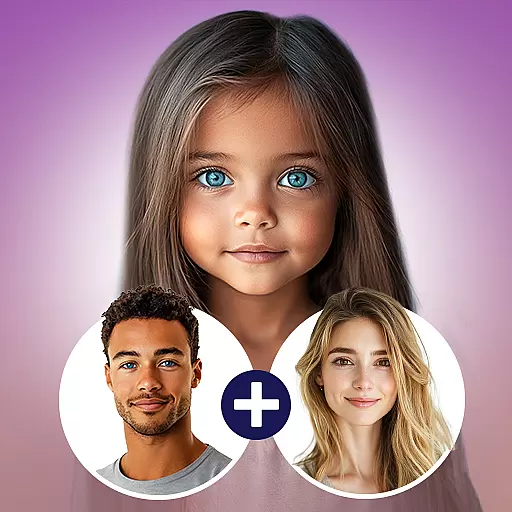
Future baby face generator: AI kids generator, kid face! What my baby look like?
4.40
Transform Photos: Edit, Beautify and Craft Memories & Make Collages!
4.10
Photo editor: face & body editor, beauty cam, filters and quality enhancer.
4.00
Create amazing frames with up to five photos. Rounded corners, effects and more!
3.60
Raw Image Viewer. Gallery with support of raw images (.cr3, .cr2, .nef, .raf).
2.00


