
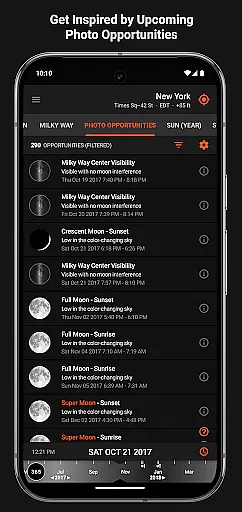
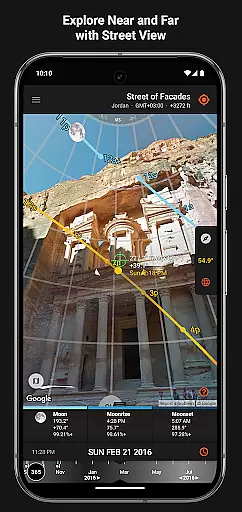

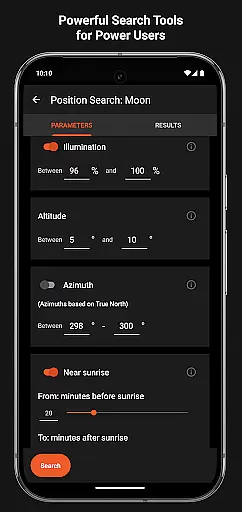
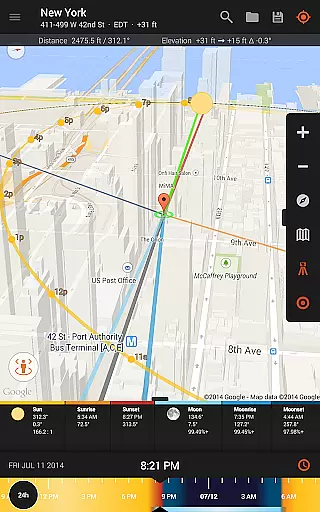
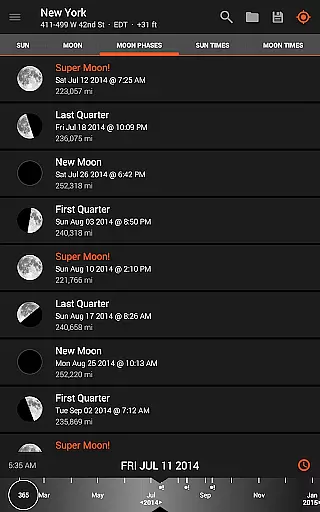
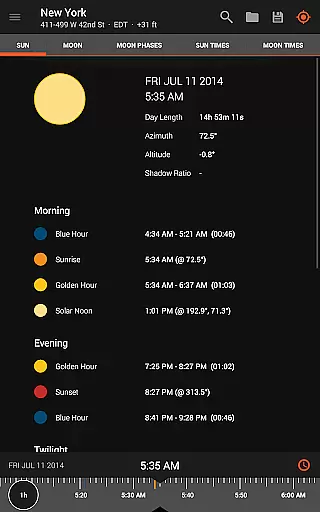
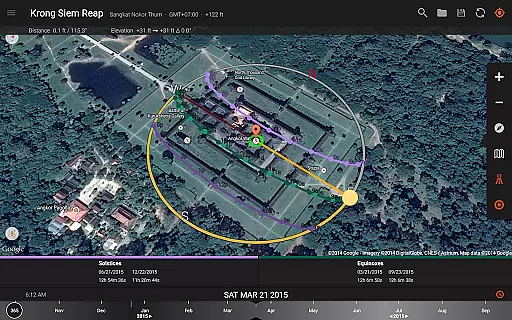
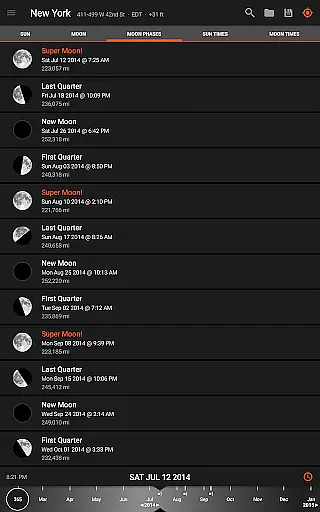
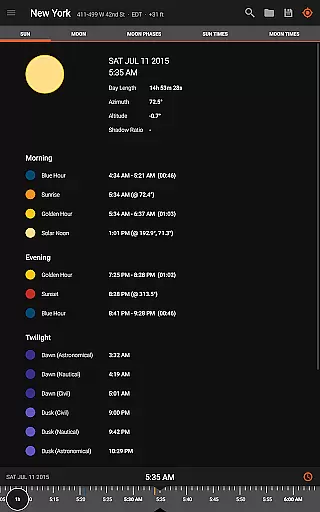
Sun Surveyor is an essential tool for photographers, filmmakers, and solar industry professionals who rely on precise natural lighting conditions. The app provides detailed information about the sun, moon, and Milky Way positions, allowing users to plan shoots with accuracy.
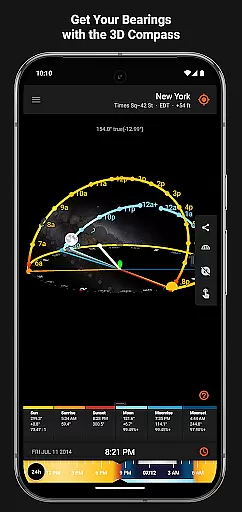
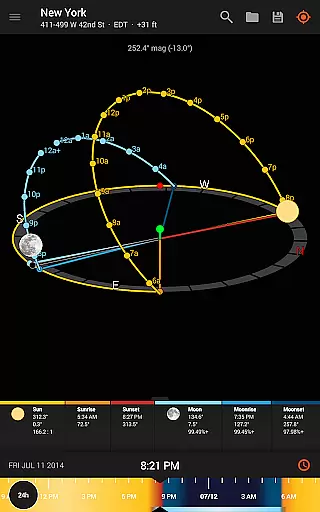
With features like augmented reality projections, 3D compass, and ephemeris data, Sun Surveyor helps users determine optimal shooting times and locations. Whether you're capturing golden hour shots or planning night photography, this app ensures you never miss the perfect moment.
The application also caters to architects and real estate agents by offering sunlight analysis tools. These features help visualize seasonal light patterns and potential shading issues at specific locations, making it invaluable for site assessments and client presentations.
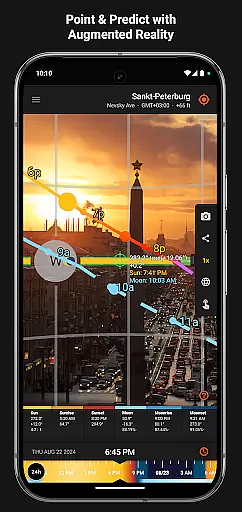
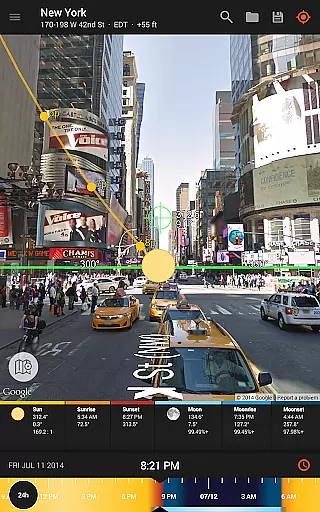
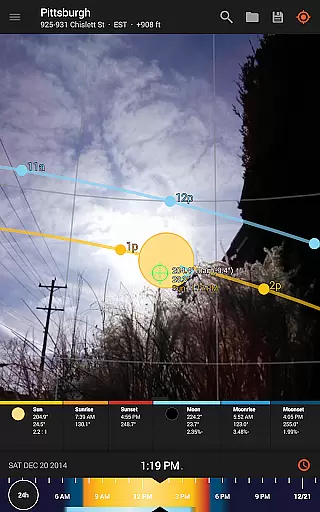
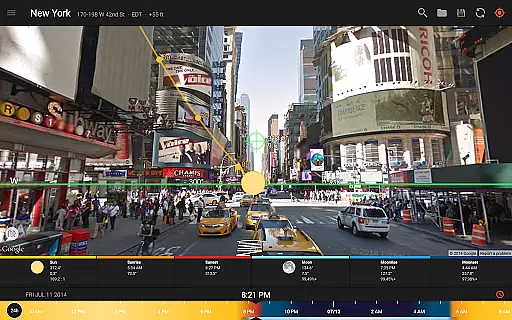
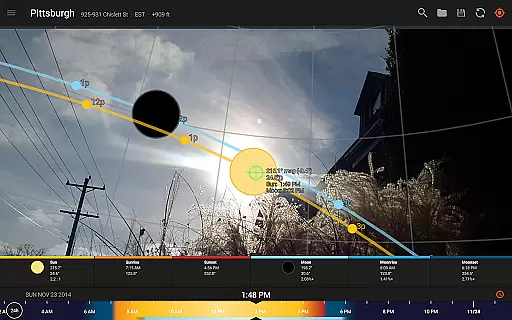
Sun Surveyor stands out with its comprehensive set of professional-grade features. The Live Camera View combines augmented reality with precise celestial tracking, letting users preview sun and moon paths in real-time.
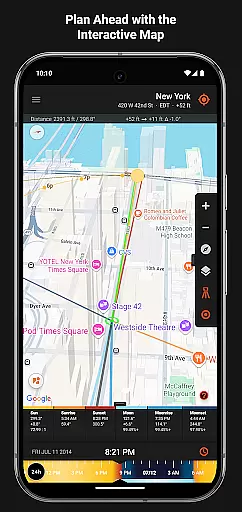
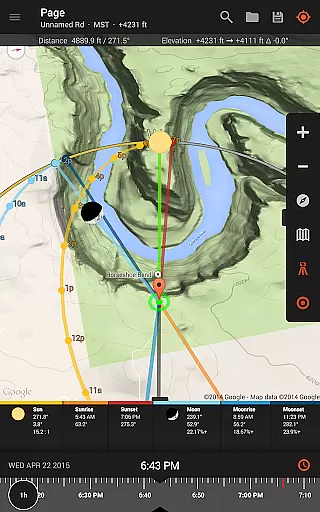
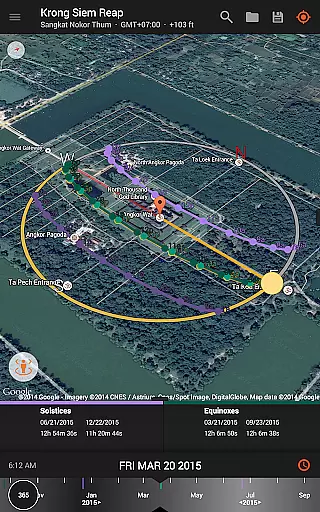
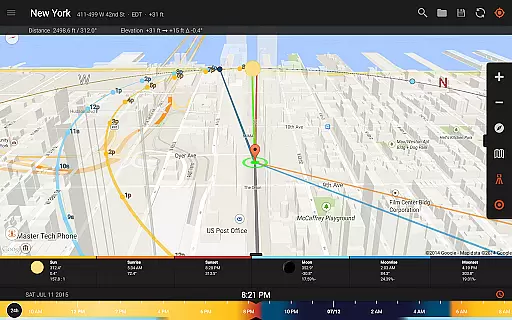
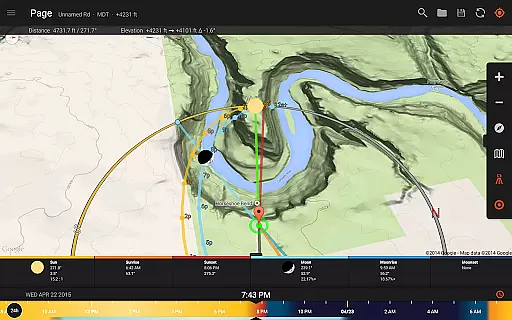
For meticulous planning, the app includes advanced tools like the Position Search feature and visual time machine. These allow users to explore historical and future light conditions, crucial for long-term project planning. The interactive map view with street view integration adds another layer of location scouting capability.
Additional functionality includes magnetic declination compensation, shadow length calculations, and various widgets for quick reference. The app's offline capabilities ensure professionals can work in remote locations without network connectivity.
Real-time capture and preview functionality is essential for photographers and filmmakers who need to plan their shots with precision. Sun Surveyor excels in this area by offering a Live Camera View that provides augmented reality projections of the sun and moon paths.
This feature allows users to pinpoint the exact time the sun or moon will be at a specific location in the sky, ensuring they never miss the perfect shot. The app's advanced algorithms take into account various celestial factors, delivering accurate predictions that are crucial for capturing unique moments such as golden hour, blue hour, and every sunrise and sunset.
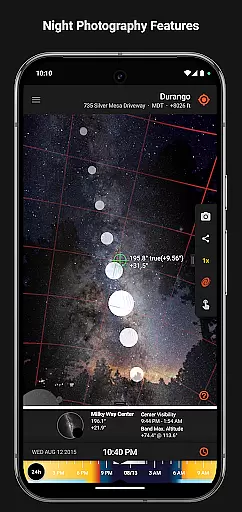
With Sun Surveyor, users can also prepare for night photography sessions using the Milky Way and star trail features. This empowers them to visualize and plan their compositions ahead of time, maximizing their chances of success when shooting under the stars.
While Sun Surveyor does not focus on AI beauty enhancements typical in portrait photography apps, it offers powerful tools that enhance natural beauty through precise planning. For instance, its ability to show clients the quality and quantity of seasonal sunlight at a given location helps professionals like architects and real estate agents highlight the best aspects of a site.
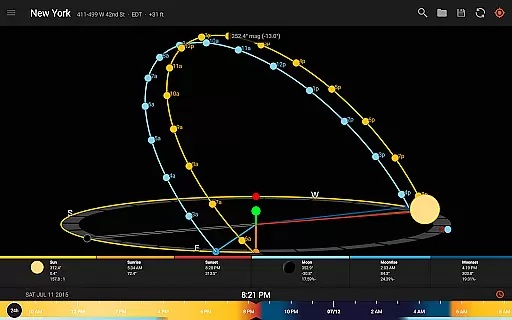
The app includes features such as understanding potential shade from surroundings and discovering any obstructions, which contribute to creating aesthetically pleasing images. By visualizing summer and winter solstice paths, users can anticipate how light interacts with their environment throughout the year.
Additional functionalities include magnetic declination compensation and widgets for your homescreen, providing nine varieties of sun and moon tracking options. These tools ensure that all captured scenes reflect the true essence of their settings without artificial enhancements, preserving the authenticity of each photograph or film sequence.
User-friendly interface
Comprehensive celestial data
Augmented reality views
Offline functionality
Professional-grade tools
Requires compass hardware
Premium price point
Steep learning curve
Limited free features
Device compatibility issues

Photo Album Watch Face shows your favorite pictures as a Watchface.
 1.90
1.90
Long exposure camera with computational photography
2.60
Trendy TikTok time warp scan funny filter app brings you unique photos & videos.
4.40
Cut and paste photo editor & eraser to customize photos easy and swap faces fun
4.50
What celebrity do you look like? Celebs will find your celebrity match!
4.10
Virtual makeup, hair filters & body tuner—edit from face to full body!
4.20
Photo editor: AI filters, photo enhancer, pic collage maker, AI art generator.
4.80
Movie camera, supports pro recording settings for filming. Try it and be amazed!
4.50
Astrophotography with your smartphone, photo live stacking and much more!
3.90
The original Rarevision VHS look seen everywhere!
4.70
Automatically backup your photos and videos to computer, NAS and Cloud services
4.60
Create Business Headshots, Polaroid Filter, Retake Photos,Profile Pics,AI Photos
4.50
RAW video capture with advanced controls
4.40
Natural Beauty, Selfie Retouch
4.30
Create AI Photos, Improve and restore quality of blurry, old or damaged pics.
4.20
All-in-One Editor & AI Photo Enhancer, Collage, Cartoonify, Funny Stickers & BGS
4.10
Photo editor: face & body editor, beauty cam, filters and quality enhancer.
4.00
Pet Camera
3.70
Add a dreamy vibe to your selfies and videos with soft style filters
4.1


User Reviews