
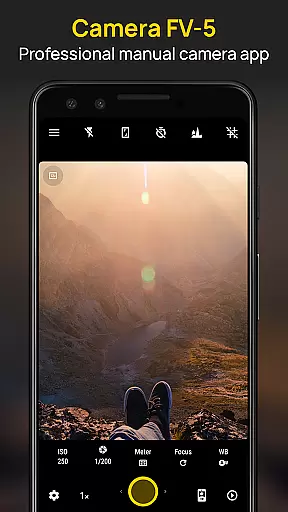
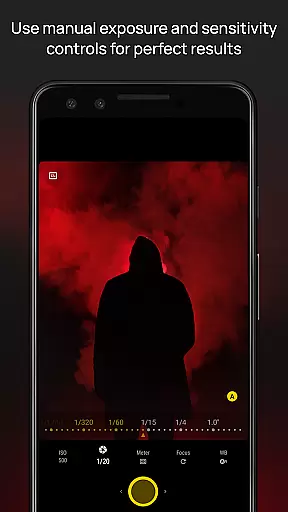
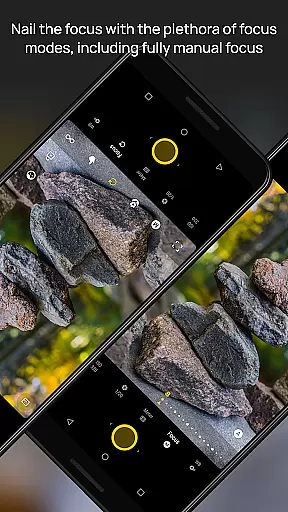
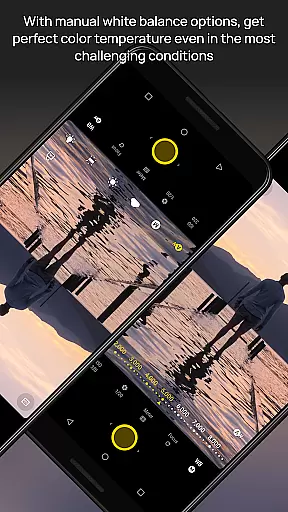
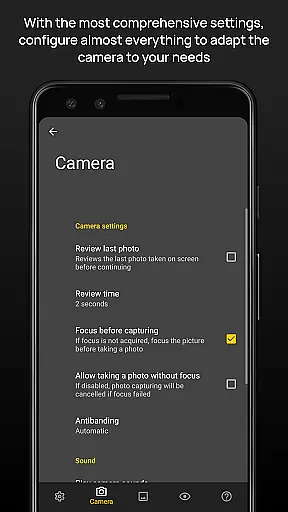
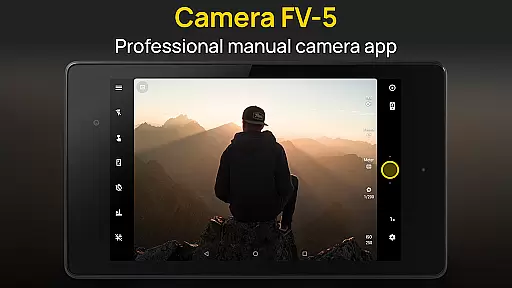
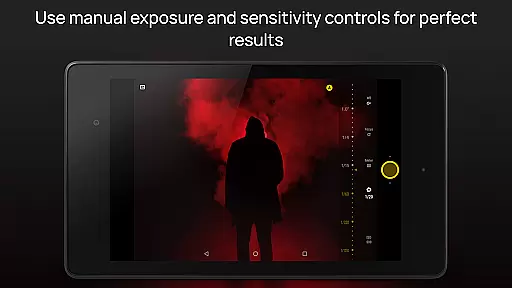
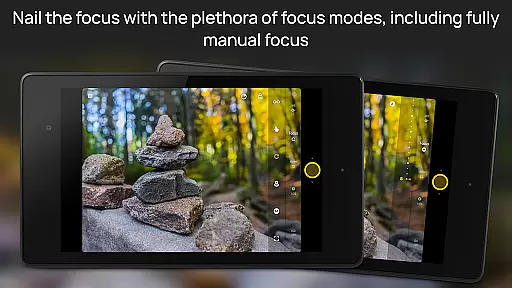
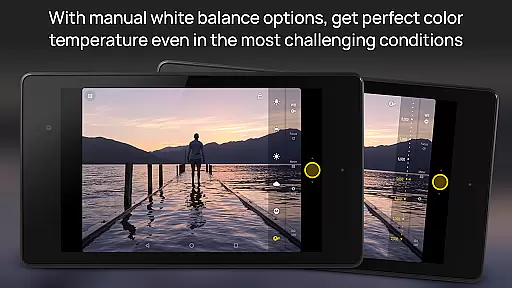
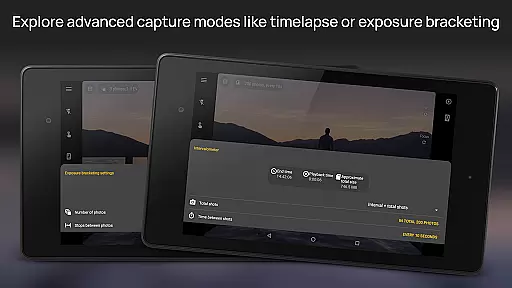
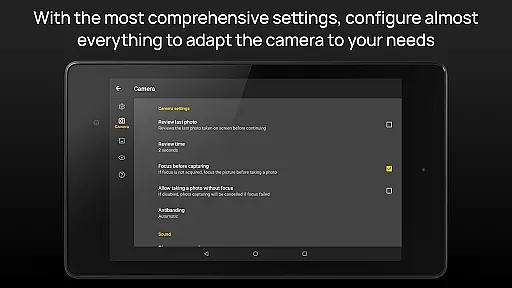
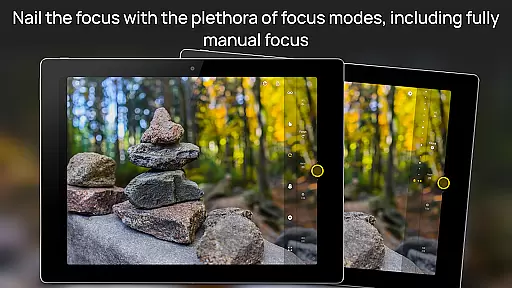
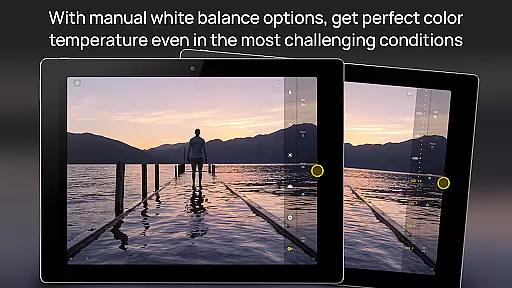
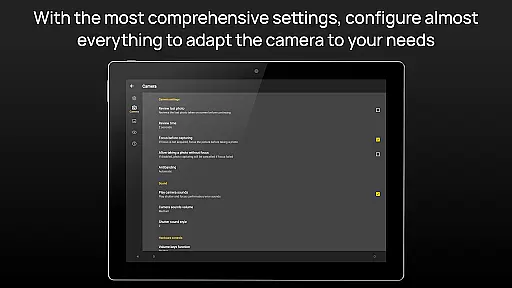
Camera FV-5 is a professional-grade camera application designed for mobile devices, offering DSLR-like manual controls. This app is specifically tailored for photography enthusiasts and professionals who seek to capture high-quality raw images for post-processing. With Camera FV-5, users can adjust all photographic parameters including exposure compensation, ISO, light metering, focus modes, white balance, and more, directly from their fingertips.
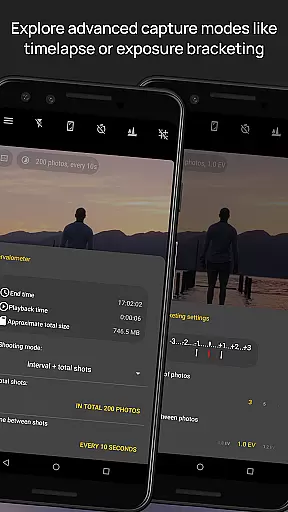
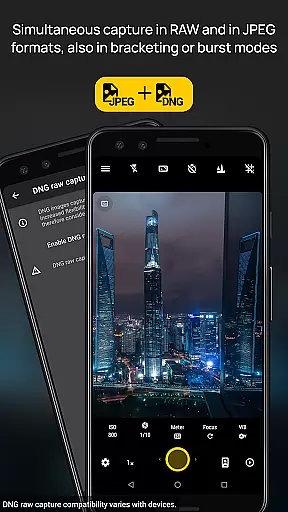
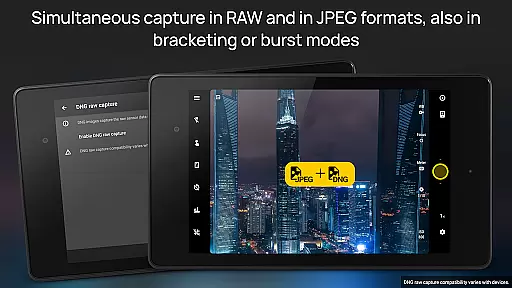
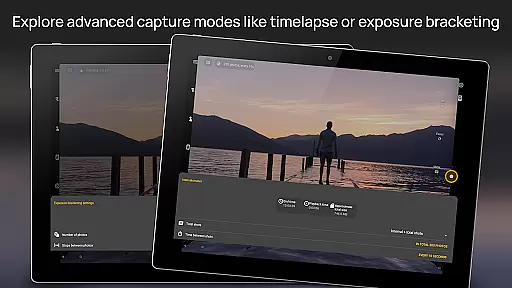
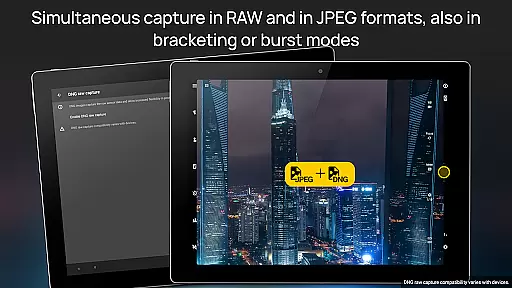
The app features an advanced viewfinder that displays exposure details in real-time, complete with EV and bracketing settings. It supports various shooting modes like long exposure, intervalometer for timelapses, and multiple photo formats including JPEG, true 16-bit RAW in DNG, and lossless PNG. The interface is available in over 30 languages, ensuring global accessibility. Whether capturing night scenes or creating HDR timelapses, this app provides the tools necessary for stunning results.
Camera FV-5 stands out with its extensive list of professional features. The app offers full manual control over all photographic parameters, avoiding automated scene modes. Users can access functionalities such as exposure bracketing with up to 7 frames, unlimited stop spacing, and custom EV shifting. The built-in intervalometer allows for stunning time-lapse photography, even in bracketed or HDR modes.
Additional features include program and speed-priority modes, manual shutter speeds ranging from 1/80000 to 2 seconds, and support for external microphones via USB OTG adapters. The app also includes a powerful organization system with customizable file names and storage locations. Advanced electronic viewfinder options provide live RGB histograms, composition grids, and crop guides, enhancing the precision of each shot. These capabilities ensure users have DSLR-level control right on their mobile devices.
Real-time capture and preview functionality is essential for photographers who need precise control over their shots. Camera FV-5 excels in this area by offering a DSLR-like viewfinder display. This feature provides real-time information on exposure time, aperture, and stops with EV and bracketing settings.
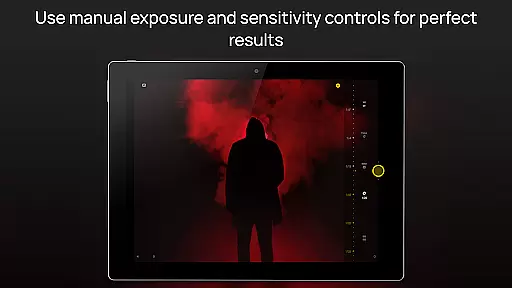
The application supports manual adjustments of various photographic parameters including ISO, light metering mode, focus mode, and white balance. These controls are easily accessible, empowering photographers to make informed decisions before capturing an image. The immediate visual feedback ensures that users can fine-tune settings for optimal results.
One significant advantage of using Camera FV-5 is its ability to support long exposure photography. With exposure times ranging up to 30 seconds, it allows stunning night photos and light trails. This capability, combined with real-time previews, enables photographers to experiment creatively while ensuring technical accuracy.
Ultimately, the real-time capture and preview features of Camera FV-5 provide professionals and enthusiasts alike with tools akin to those found in high-end DSLR cameras. By delivering detailed and accurate previews, the app enhances the overall photography experience, allowing users to achieve their desired outcomes efficiently.
While Camera FV-5 does not focus heavily on AI beauty enhancements, it offers advanced functionalities that ensure natural photo quality. The app's emphasis lies in providing true 16-bit RAW images in DNG format, which are perfect for post-processing without compromising authenticity.
Instead of relying on automated beautification processes, Camera FV-5 gives users full manual control over photographic parameters such as exposure compensation, ISO, and white balance. This hands-on approach ensures that any enhancements made are intentional and reflect the photographeru2019s vision rather than algorithmic guesswork.
Additionally, the built-in intervalometer and exposure bracketing capabilities allow for creating timelapses and HDR images naturally. By capturing multiple frames at different exposures, users can blend them seamlessly during post-production, achieving balanced and realistic enhancements.
In summary, Camera FV-5 prioritizes genuine photographic techniques over artificial enhancements. Its robust set of manual controls empowers photographers to produce naturally beautiful images, preserving the integrity and originality of each shot captured.
DSLR-like controls
Extensive customization
Professional photo formats
Advanced viewfinder
Global language support
Complex for beginners
High battery consumption
Limited device compatibility
No automatic scene modes
Premium price tag

Easily stitch panoramas from multiple photos or video.
 4.40
4.40
AI photo editor with hair editor, retouch tools, hair color changer & filters!
4.50
Photo Exif Editor allows to view, add and modify EXIF data of multiple photos
4.50
Add a dreamy vibe to your selfies and videos with soft style filters
4.1
USB Storage Access for Photos, Videos, Music and Documents
3.80
AI Photo Editor with 100+ Filters, Effects! Remove BG, Retouch & Photo Enhancer.
4.80
Professional quality photo edits with the new Snapseed.
4.00
Transform Photos: Edit, Beautify and Craft Memories & Make Collages!
4.10
The original Rarevision VHS look seen everywhere!
4.70
Find time and duration of different sunlight phases at any location
4.90
Enhance, upscale, and transform your images — on your device, without limits
4.70
Create Business Headshots, Polaroid Filter, Retake Photos,Profile Pics,AI Photos
4.50
Photo editor & gallery. Crop pictures & edit photos offline, no wifi!
4.50
Effortlessly organize, view and share your photos & videos with Gallery app!
4.40
A reflected light meter with spot metering and incident light metering.
4.40
[3DSteroid Pro] is a stereoscopic application for Android.
4.30
AI-powered video creator by MiniMax - Where ideas meet cinema
4.20
Photo editor: face & body editor, beauty cam, filters and quality enhancer.
4.00
Superimpose one photo on top of another using the original Superimpose app!
3.20


User Reviews